Apple Intelligence: Key Features & Supported Devices
Introduction: The Dawn of Apple AI
For years, the tech world anticipated Apple’s definitive entry into the generative AI landscape. While competitors like Google and Samsung rolled out advanced capabilities, Apple took its time, meticulously integrating its own unique approach. That wait ended at WWDC 2024 with the unveiling of Apple Intelligence (often simply referred to as Apple AI). This isn’t just a set of new features; it’s a foundational shift, weaving powerful generative models directly into the core experience of iOS 18, iPadOS 18, and macOS Sequoia.
Apple Intelligence is designed to be personal, deeply integrated, and, most importantly, private. It leverages the massive processing power of Apple Silicon to perform complex tasks right on your device (on-device AI processing), ensuring your most personal data stays with you. When more power is required, Apple introduces the revolutionary Private Cloud Compute (PCC)—a system designed for secure, auditable scaling of AI workloads.
The user intent behind learning about Apple Intelligence is clear: We want to know what is Apple Intelligence, what transformative features it brings to the table, and critically, whether our current hardware will support this new wave of innovation (Apple Intelligence supported devices).
In this comprehensive guide, we’ll dive deep into every facet of Apple Intelligence, exploring the iOS 18 AI features, the rebirth of Siri, the creative potential of Genmoji and Image Playground AI, and the crucial hardware requirements that define who gets to experience this personalized AI experience in its initial rollout.
The Core Pillars of Apple Intelligence
Apple’s vision for AI is centered around three primary principles: Power, Privacy, and Personalization. Unlike general-purpose AI models, Apple Intelligence focuses on understanding you—your context, relationships, and schedule—through what they call semantic indexing Apple. This allows the AI to provide truly relevant assistance.
1. The Revitalization of Siri: A Contextual AI Assistant
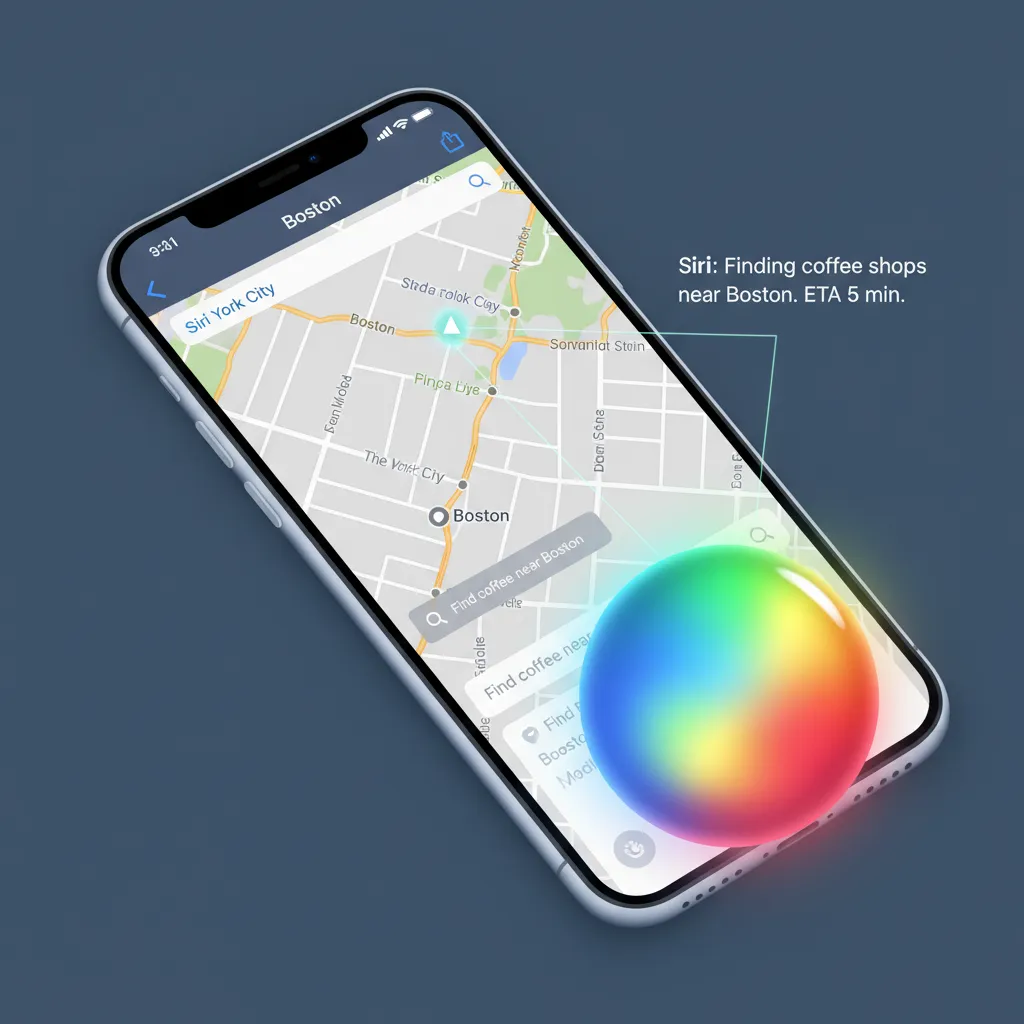
Perhaps the most dramatic upgrade delivered by WWDC 2024 AI announcements was the complete overhaul of Siri. The new Siri is no longer a rigid voice assistant relying on pre-set commands; it’s a sophisticated, contextual AI assistant capable of understanding nuance and intent.
Key features of the next-generation Siri:
- Screen Awareness: Siri can now see and understand what is on your screen. You can ask it, “Send my wife this photo of the sunset,” while viewing a photo, and Siri knows exactly which photo and who “my wife” is based on your contacts.
- Natural Conversation: The new Siri features a more human-like, conversational tone. It remembers context within a single session, allowing for complex follow-up questions.
- Type to Siri: Recognizing that sometimes voice isn’t appropriate, the Siri AI update now allows users to type commands directly to the assistant, a feature long requested by accessibility advocates and power users alike.
- Device Control: Siri can perform deep-level control within apps, such as, “Find that podcast episode Adam sent me last week, and summarize the first 10 minutes.” This level of integration is unprecedented in Apple’s ecosystem.
This deep integration into system functions makes the new Siri features a central component of the iOS 18 AI features, dramatically enhancing productivity and accessibility.
2. Intelligence in Creation: Writing, Imagery, and Emotion
Apple Intelligence extends beyond assistance into active creation, particularly focused on communication and visual expression.
AI Writing Tools: Perfecting Your Prose
The integration of Apple AI writing tools across the system—Mail, Notes, Pages, and third-party apps—is designed to make everyday communication clearer and more efficient.
- Rewrite: This feature takes your text and offers multiple versions in different styles and tones (e.g., professional, casual, concise). This is invaluable for drafting emails or structuring documents.
- Proofread: Beyond basic spell-check, the AI can suggest deeper grammatical corrections, improve sentence flow, and flag awkward phrasing.
- Summarize: A major productivity boost, the AI can instantly condense long documents, articles, or email threads into bulleted lists or brief paragraphs. This applies to intelligent notifications Apple receives, allowing the system to immediately prioritize and summarize critical alerts.
This suite of tools reduces cognitive load and ensures that your message is always delivered effectively, whether you are crafting a detailed report or quickly responding to a thread.
Image Playground and Genmoji: Visual Expression Redefined
Apple is tackling generative imagery with a focus on fun, speed, and integration, rather than photorealism.
Image Playground AI
Image Playground AI is a lightweight, on-device image generator available directly within apps like Messages, Notes, and Freeform. It specializes in generating images quickly and in three distinct styles: Sketch, Illustration, and Animation. Crucially, the focus is on utility and communication, enabling users to create visuals without ever leaving the context of their conversation or note-taking session. This makes the Image Playground AI a seamless, low-friction creative tool.
The Magic of Genmoji
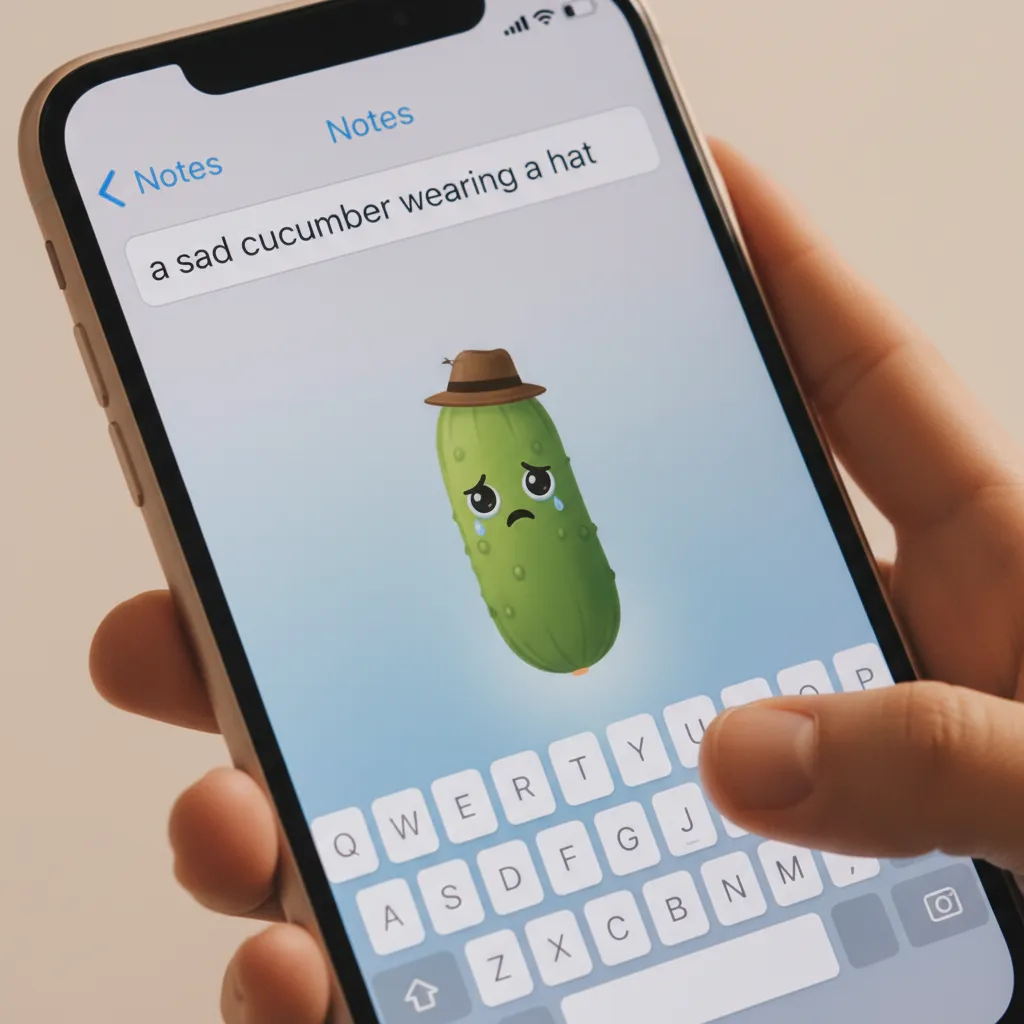
One of the most instantly viral features is Genmoji. This allows users to create entirely custom emojis and stickers by simply typing a description. Need an emoji of a “T-Rex riding a skateboard in a sombrero”? Type it, and the Genmoji is created instantly. This feature dramatically expands the emotional vocabulary of communication, moving beyond the fixed library of standard emojis and utilizing the full power of Apple’s generative models.
3. Privacy-First Architecture: On-Device and Private Cloud Compute
Apple’s commitment to user privacy sets the framework for its AI strategy. For Apple, powerful AI must not come at the expense of personal security. This is where the dual architecture of Apple Intelligence becomes essential.
On-Device Processing
For most common, everyday tasks—like rewriting a quick message, generating a small Genmoji, or utilizing basic AI photo editing iOS 18 features—the processing happens entirely on your device using the Neural Engine in Apple Silicon. This on-device AI processing ensures that your data never leaves your iPhone, Mac, or iPad, maintaining maximum privacy and speed.
Private Cloud Compute (PCC)
For more complex tasks that require significantly more computational power—such as running large language models or handling massive data requests—Apple uses Private Cloud Compute. This is a highly innovative solution designed to handle AI requests securely without ever accessing or storing user data.
How Private Cloud Compute ensures security:
- Auditable Transparency: The PCC servers run on custom, hardened Apple Silicon (M2 Ultra/M4) and are designed to be cryptographically auditable. Third-party security experts can confirm that the servers run only the public, trusted software Apple claims.
- Stateless Design: PCC servers are built to be stateless. They do not store user data or requests. Once a request is processed and returned to the user, the server deletes the operational memory associated with that session.
- Encrypted Relay: Your device establishes a secure, encrypted connection. The data sent to the PCC is temporary and strictly confined to processing the AI request.
This groundbreaking approach to securing large-scale cloud AI tasks is a cornerstone of Apple AI privacy and addresses one of the biggest ethical concerns about centralized large language models.

4. Seamless Integration: Photos, Notes, and Third-Party Apps
Apple Intelligence is deeply woven into the operating systems, enhancing existing apps with remarkable new capabilities.
Enhancements in Photos
The Photos app benefits significantly from the power of Apple Intelligence.
- Clean Up Tool: Similar to competitors, the AI photo editing iOS 18 tool allows users to remove distracting objects from the background of photos simply by circling them.
- Memory Movies: Users can now describe a memory they want to create (e.g., “A movie of our trip to the mountains, focusing on the kids and the dog”), and the AI instantly generates a themed video clip using the most relevant photos and videos, complete with music and transitions.
Notes and Voice Memos
The Notes app gains live audio transcription and summary capabilities. This is especially useful in meetings or lectures, where the AI can listen to the recording and simultaneously generate a concise summary and highlight key action items.
The Apple AI SDK
For developers, the new Apple AI SDK unlocks vast potential. Developers can integrate the power of Apple Intelligence and semantic indexing into their third-party apps, allowing their software to benefit from the same deep contextual understanding that powers Siri and Apple’s own applications. This means better search, better summaries, and more intelligent automation across the entire app ecosystem.
[Related: https://hyperdaily.one/blog/ios-18-apple-intelligence-guide-top-new-features/]
5. The Partnership: Apple and OpenAI (ChatGPT Integration)
A major surprise announcement was the official partnership between Apple and OpenAI, bringing the industry-leading power of ChatGPT directly into the Apple ecosystem.
System-Wide ChatGPT Access
When an Apple Intelligence model determines that a user’s request requires broad general knowledge or deep generative capabilities beyond what it can perform on-device or via PCC, it offers to route the query through ChatGPT.
- Seamless Hand-off: This integration is not a separate app; it’s a fundamental system capability. If you are drafting a paper in Pages and ask Siri to “Write a section on the history of quantum computing,” Siri will seamlessly send the request to ChatGPT and return the result.
- Privacy Guardrails: Apple maintains its privacy stance. Users are explicitly asked for permission before any data is sent to OpenAI’s servers. Furthermore, when using ChatGPT on iPhone through Apple Intelligence, the IP addresses are obscured, and OpenAI does not store the requests.
This strategic partnership ensures that users benefit from both Apple’s personal, private, contextual AI and the unparalleled generative power of OpenAI’s models, offering a comprehensive, two-tiered solution for how to use Apple Intelligence across all contexts.
Apple Intelligence Supported Devices: The Hardware Requirement
The excitement surrounding Apple Intelligence is tempered by a strict hardware requirement. Due to the need for substantial on-device AI processing power, particularly the speed and capacity of the Neural Engine, Apple Intelligence is not available on older devices.
Understanding which devices support these capabilities is crucial for anyone planning an upgrade or curious about their current hardware.
The A17 Pro / M-Series Requirement
Apple Intelligence requires either the A17 Pro chip or any Apple M-series chip. This is because these chips contain a significantly more powerful Neural Engine capable of handling the complex, personalized models.
| Device Type | Supported Models | Required Chip | Operating System |
|---|---|---|---|
| iPhone | iPhone 15 Pro, iPhone 15 Pro Max | A17 Pro | iOS 18 |
| iPad | iPad Pro (M1 and later), iPad Air (M1 and later) | M1, M2, M4 | iPadOS 18 |
| Mac | All Macs with Apple Silicon (M1, M2, M3, M4) | M1 and later | macOS Sequoia |
Why Older Devices Are Excluded
The exclusion of devices like the standard iPhone 15 and iPhone 14 Pro, which use the A16 Bionic chip, highlights the technical demands of the new AI framework. Semantic indexing Apple uses to build a deep profile of your life requires constant, fast processing of personal data streams (emails, texts, calendar events, photos) that only the latest Neural Engines can handle efficiently and privately without draining the battery.
For consumers, this means that the full suite of WWDC 2024 AI features, including the revamped Siri and Genmoji, becomes a major differentiator for the iPhone 15 Pro AI lineup and future devices.
The Competitive Landscape: Apple AI vs Google Gemini and Samsung Galaxy AI
Apple’s late entry into the consumer AI space invites direct comparison with established offerings like Google Gemini (integrated deeply into Android and Google services) and Samsung’s Galaxy AI features (prominently featured on the Galaxy S24 series).
| Feature Focus | Apple Intelligence | Google Gemini | Samsung Galaxy AI |
|---|---|---|---|
| Core Philosophy | Privacy-first, deep contextual personalization, on-device focus. | Universal knowledge, multi-modal, deep integration with Google services. | Mobile-specific productivity tools, high-speed on-device translation. |
| Privacy Model | Private Cloud Compute (stateless, auditable servers). | Cloud-based processing, data usage dependent on user settings. | Hybrid (some on-device, some cloud). |
| Key Differentiator | Semantic Indexing (understanding your personal life); integration of ChatGPT. | Access to the entire Google ecosystem (Search, Maps, Workspace). | Live Call Translation, Circle to Search (via Google). |
| Hardware Requirement | High (A17 Pro or M-series). | High-end Tensor/Snapdragon chips, often subscription-based for Pro models. | Galaxy S24 series (Exynos/Snapdragon 8 Gen 3). |
| Creative Tools | Genmoji, Image Playground (stylized focus). | Imagen 3, deep image editing, highly versatile. | Generative Edit, various AI photo editing features. |
Apple’s Unique Advantage: Personalization and Privacy
While Google Gemini excels in scope and immediate access to the world’s information, Apple Intelligence wins on the personalized AI experience. By indexing your personal data locally and leveraging its secure PCC, Apple can answer queries like, “When is my mom’s flight landing?” or “Pull up the presentation I made for John last Tuesday,” without ever uploading that data to a general cloud server. This focus on context and privacy is what sets Apple AI vs Google Gemini apart.
Similarly, in the comparison of Apple AI vs Samsung Galaxy AI, Apple provides a deeper, more pervasive system integration. While Samsung offers compelling utility features like instant translation, Apple weaves AI into fundamental system features like notifications, writing tools, and even the core assistant, making the experience feel less like a feature add-on and more like an integral part of the operating system itself.
[Related: https://hyperdaily.one/blog/copilot-plus-pcs-ai-laptops-guide-snapdragon-x-elite/]
Semantic Indexing: The Engine of Personalization
The secret sauce that enables Apple Intelligence to be so contextually aware is semantic indexing Apple. This system runs constantly on your device, creating a secure, private map of all your personal data—emails, messages, files, photos, and calendar events.
This index is not a simple keyword list; it understands relationships and meaning. This means when you ask the AI to find a specific photo, it doesn’t just search the file name; it understands the content and context of the image, who is in it, where it was taken, and what you might be referencing.
This capability underpins everything from intelligent notifications Apple provides (summarizing incoming texts and prioritizing the truly urgent ones) to the core functionality of the contextual AI assistant. Because this index is constantly updated and lives entirely on-device, it remains private and instantly accessible.
Practical Guide: How to Use Apple Intelligence
Once Apple Intelligence is released—expected alongside the stable releases of iOS 18, iPadOS 18, and macOS Sequoia in Fall 2024 (marking the Apple Intelligence release date) — using it will be almost entirely intuitive.
Engaging with the New Siri
- Voice Activation: Use the standard “Hey Siri” or the side button. The interface will change to a subtle, glowing edge around the screen, indicating the AI is active and screen-aware.
- Typing: Double-tap the Siri icon or side button, or simply start typing into the Siri interface.
- Contextual Commands: Simply point and refer to on-screen content. For example, open a PDF and say, “Summarize this document in three bullet points.”
Utilizing AI Writing Tools
The AI writing capabilities are baked into the system’s text input fields (the text picker).
- Highlight Text: In an app like Mail or Notes, highlight the text you’ve written.
- Access Menu: Tap the arrow button that appears in the standard iOS text menu.
- Select Function: Choose “Rewrite,” “Summarize,” or “Proofread” from the contextual options. You can instantly generate and preview multiple options before applying the change.

Creating Genmoji and Images
- Genmoji: In the Messages app, access the keyboard’s emoji section. A new option will allow you to type a prompt. The Genmoji is created instantly and can be used as a sticker or reaction.
- Image Playground: Look for the dedicated Image Playground option in supporting apps (like Notes or Freeform). Enter a prompt and select a style (Sketch, Illustration, Animation). You can generate dozens of concepts in seconds.
The Future: Apple AI SDK and Ecosystem Expansion
The rollout of Apple Intelligence in late 2024 is only the beginning. The availability of the Apple AI SDK is the crucial step that will expand its capabilities exponentially. By allowing third-party apps to access the semantic index (with user permission) and utilize the Private Cloud Compute infrastructure, Apple is poised to revolutionize application functionality.
Imagine a travel app that can use the semantic index to determine your preferred flight times and dining preferences based on past habits, or a professional tool that leverages the AI to draft reports customized to your specific company’s internal jargon. This deep, secure integration across the Apple ecosystem positions Apple Intelligence not just as a competitor, but as the benchmark for a truly personalized AI experience.
The convergence of personal data, powerful M-series chips, and secure cloud processing means Apple has finally brought a sophisticated, mature AI offering to the market. For users with compatible devices, the way they interact with their iPhone, iPad, and Mac is about to fundamentally change.
[Related: https://hyperdaily.one/blog/ai-career-mastering-future-job-market/] [Related: https://hyperdaily.one/blog/ethical-ai-content-creation-navigating-bias-trust/] [Related: https://hyperdaily.one/blog/ai-healthcare-revolutionizing-diagnostics-patient-care/] [Related: https://hyperdaily.one/blog/ai-drug-discovery-revolutionizing-medicine/] [Related: https://hyperdaily.one/blog/harvesting-innovation-ai-revolutionizing-precision-agriculture/] [Related: https://hyperdaily.one/blog/boost-your-mind-top-ai-mental-wellness-tools-apps-calmer-you/] [Related: https://hyperdaily.one/blog/declutter-life-minimalist-strategies-serene-home-mind/] [Related: https://hyperdaily.one/blog/eco-tourism-unpacked-sustainable-adventures/]
Conclusion: Apple Intelligence as a New Standard
The arrival of Apple Intelligence marks a critical inflection point for the company and the technology industry at large. By focusing on privacy and deep integration, Apple has delivered an AI system that is uniquely positioned to handle personal, sensitive data in a trustworthy manner.
The expansive features—from the powerful next-generation Siri acting as a true contextual AI assistant, to the fun and expressive Genmoji and the productivity gains of the Apple AI writing tools—ensure that the iOS 18 AI features, AI for macOS Sequoia, and iPadOS 18 AI features are more than just cosmetic updates. They represent a fundamental enhancement of the user experience.
While the strict hardware requirement (A17 Pro or M-series) for Apple Intelligence supported devices may frustrate owners of slightly older premium models, it underscores Apple’s commitment to delivering these experiences primarily through secure, fast on-device AI processing bolstered by the cryptographic security of Private Cloud Compute.
As the Apple Intelligence release date approaches, the question for consumers is clear: Are you ready for a device that truly understands you? For those with compatible hardware, the future of a smarter, more personalized digital life is right around the corner.
FAQs: People Also Ask About Apple Intelligence
Q1. What is Apple Intelligence?
Apple Intelligence is the proprietary generative AI system developed by Apple, announced at WWDC 2024. It integrates large language and diffusion models directly into iOS 18, iPadOS 18, and macOS Sequoia to provide personalized, contextual, and deeply private assistance, writing, and creative tools across the Apple ecosystem.
Q2. Which iPhones support Apple Intelligence?
Only the iPhone models equipped with the A17 Pro chip or later support Apple Intelligence. Currently, this includes the iPhone 15 Pro and iPhone 15 Pro Max. Older devices, including the standard iPhone 15 and previous “Pro” models, are excluded due to the requirement for the A17 Pro’s enhanced Neural Engine performance.
Q3. How does Private Cloud Compute ensure privacy?
Private Cloud Compute is Apple’s method for securely running large AI models. It uses custom, hardened Apple Silicon servers that are stateless, meaning they do not store user data. The software running on these servers is cryptographically auditable, ensuring that they only execute the requested AI task and immediately delete all transient user data upon completion, adhering to strict Apple AI privacy standards.
Q4. Does Apple Intelligence use ChatGPT?
Yes. Apple has partnered with Apple and OpenAI to integrate ChatGPT capabilities system-wide. When a request is deemed too complex for Apple’s own models (on-device or PCC), the user is asked if they want to route the query to ChatGPT. Apple obscures user IP addresses, and OpenAI is restricted from logging or storing these specific requests, providing an extra layer of privacy.
Q5. What is Genmoji and how is it used?
Genmoji is an innovative feature of Apple Intelligence that allows users to create entirely custom emojis and stickers by simply typing a descriptive text prompt. The generative AI model instantly creates a unique visual representation, which can be used in messages, expanding creative and emotional communication beyond the standard emoji set.
Q6. Will Apple Intelligence be available worldwide at launch?
While the initial announcement of Apple Intelligence release date is tied to the fall OS updates, certain features, particularly the deeply integrated contextual AI assistant and some large language model functions, are expected to launch in English (US) first, with a phased global rollout planned to follow.
Q7. What kind of AI photo editing features are included in iOS 18?
The AI photo editing iOS 18 includes a “Clean Up” tool powered by Apple Intelligence, allowing users to quickly identify and remove distracting objects or people from the background of a photograph. This feature is processed rapidly using on-device AI processing to maintain privacy.