What Is Apple Intelligence? Key AI Features Explained
Introduction: The Dawn of Contextual Personal Intelligence
For years, Apple maintained a quiet but firm stance on Artificial Intelligence, prioritizing privacy and local processing over the large, cloud-based models dominating the industry. That silence ended dramatically at WWDC 2024 announcements with the unveiling of Apple Intelligence.
This isn’t just a list of new software tricks; it’s a foundational shift in how the iPhone, iPad, and Mac interact with the user and their data. Apple Intelligence is the sophisticated personal intelligence system integrated deeply into iOS 18, iPadOS 18, and macOS Sequoia.
In simple terms, Apple AI explained is a system built around you. It understands your calendar, your communications, your photos, and your active screen content—all while prioritizing privacy through a unique hybrid approach of On-device AI processing and secured cloud computing.
The core promise of Apple Intelligence is delivering Contextual personal intelligence. Unlike general-purpose chatbots, Apple’s system can summarize a lengthy email chain about a client project, draft a polite reply based on a related text message you received yesterday, and then generate a custom image for that email—all because it understands the context of your life across your Apple ecosystem.
This article will break down the essential iOS 18 AI features, the revolutionary technology enabling this shift (like Private Cloud Compute), the incredible new capabilities of Siri, and what this all means for the future of your favorite devices.
The Foundation of Apple Intelligence: Semantic Indexing and Personal Context
To provide truly personal assistance, an AI must first understand the user’s world. Apple achieves this through two interconnected components: semantic indexing and predictive modeling.
Semantic Indexing on Apple Devices
The silent hero of Apple Intelligence is Semantic indexing on Apple devices. This is not simply searching keywords; it’s the systematic, private categorization and relational mapping of the data within your Apple device.
Every email, note, photo, reminder, and conversation is analyzed on-device to establish connections, themes, and priorities. If you frequently email a contact named “Sarah” about “Project Phoenix,” the semantic index understands that connection. This allows the AI to respond to ambiguous, natural language requests like, “Show me the pictures of the dog Sarah sent me last month for Project Phoenix.” The AI uses the contextual map, not just raw text, to fulfill the request instantly.
This index fuels the Personalized AI experience iPhone users have long awaited, ensuring that the recommendations and actions the AI takes are highly relevant, minimizing the need for the device to connect to the cloud for basic context retrieval.
How Generative Models Power the Ecosystem
Apple Intelligence leverages a suite of small, highly optimized Generative models on iPhone for immediate, low-latency tasks (like quickly summarizing a short message or generating a Genmoji). These models are designed to be compact and efficient, running entirely on the device’s Neural Engine.
For more complex, large-scale tasks—such as complex image generation or deep contextual research—the system intelligently and securely utilizes Private Cloud Compute, maintaining Apple’s stringent privacy standards at every stage.
Feature Deep Dive: The Key AI Integrations
The true power of Apple Intelligence lies in its deep integration across core applications, transforming how users create, communicate, and manage their lives.
1. The Total Overhaul of Siri: Smarter, Faster, and Contextual
The Siri update 2024 is perhaps the most visible and transformative feature of Apple Intelligence. Siri is now a truly capable personal assistant, evolving beyond simple commands and rote search queries.
Natural Language and Contextual Awareness
The new Siri embraces more complex, multi-layered commands and utilizes advanced Natural language processing Siri.
- Memory and Retention: Siri can recall past conversations and reference previous actions. If you ask, “What was the name of that restaurant we talked about last week?” and follow up with, “Now, add it to my reservations list,” Siri understands the relationship between the two queries.
- On-Screen Awareness: With On-screen awareness Apple, Siri can now process and act upon content actively displayed on your screen, regardless of the app. If you receive an address in a message, you can simply say, “Siri, add this address to the contact I just messaged,” without manually selecting the text.
- Typing to Siri: Users can now seamlessly switch between voice and text input. If you are in a noisy environment, you can type your complex request to Siri, and it will execute the action, using the same powerful models.
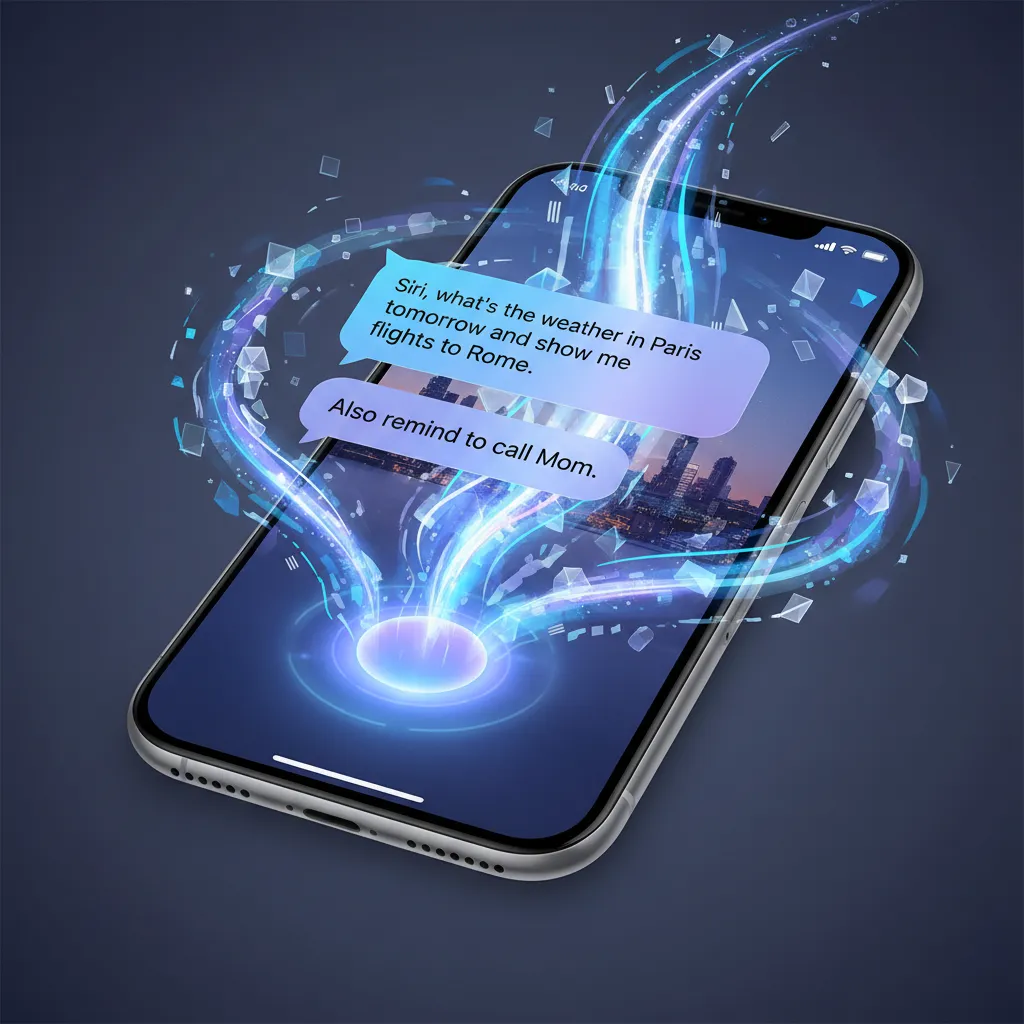This updated functionality, driven by Siri smarter AI, makes interacting with your device feel less like commanding a computer and more like collaborating with a highly competent human assistant.
[Related: Project Astra Google AI Assistant Explained]
2. Apple Writing Tools: Summarize, Refine, and Perfect
The Apple Writing Tools are a suite of generative AI functions available system-wide in applications like Mail, Pages, Notes, and third-party apps that utilize Apple’s text framework. These tools significantly enhance productivity and communication efficiency.
Summarize and Prioritize
The AI excels at distillation. In Apple Mail AI summary, the system can instantly generate a single-paragraph summary of a long email thread, allowing users to quickly triage their inboxes. This feature also works within Notes, extracting key action items or topics from lengthy meeting transcripts.
Rewrite and Proofread
The “Rewrite” function is a standout feature. It allows you to take existing text and adjust its tone, length, or formality instantly. For example, a casual draft note can be rewritten into a formal, professional email with a single tap. Similarly, the proofread feature goes beyond basic spelling and grammar, suggesting stylistic improvements and clarity edits.
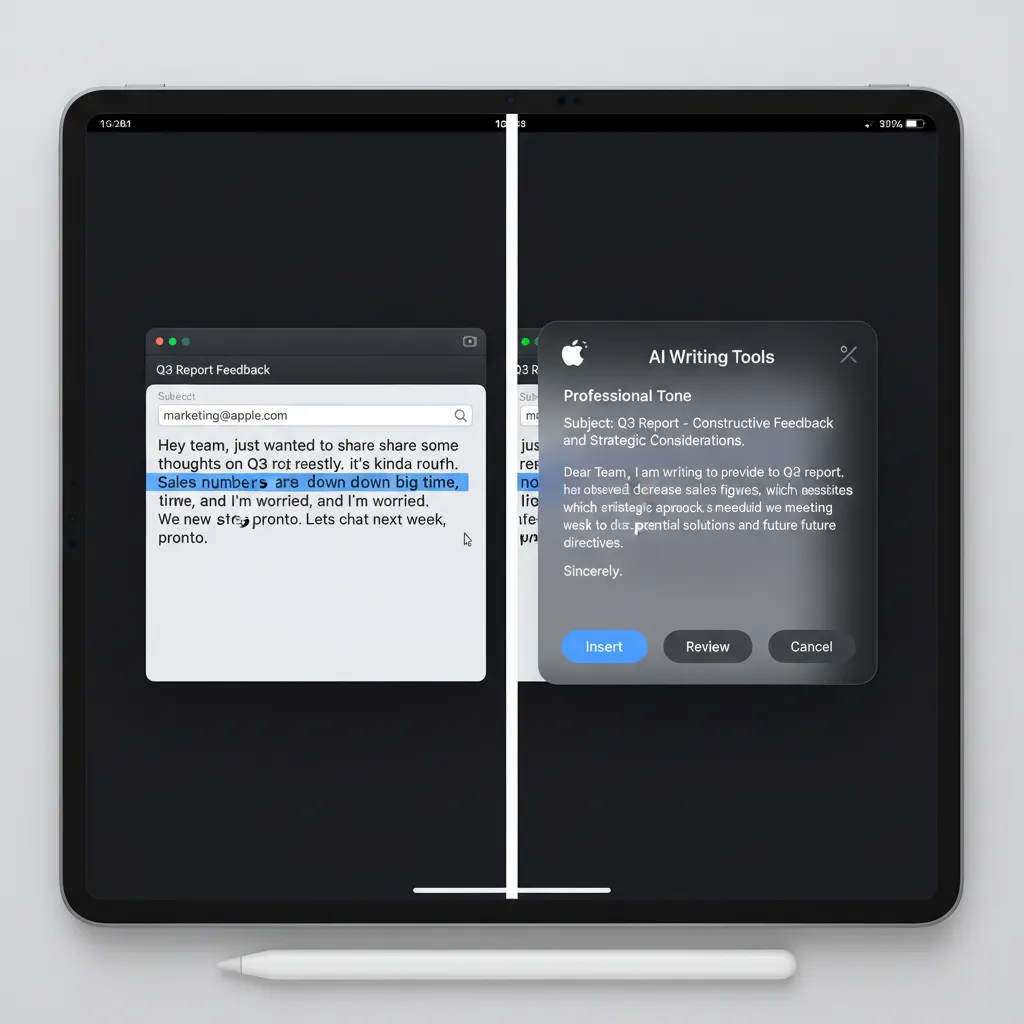These features demonstrate the powerful AI integration in Apple apps, turning core productivity tasks into streamlined operations.
3. Creativity and Expression: Image Playground and Genmoji
Apple Intelligence extends beyond text to powerful, intuitive image creation tools designed for fun and communication.
Image Playground AI
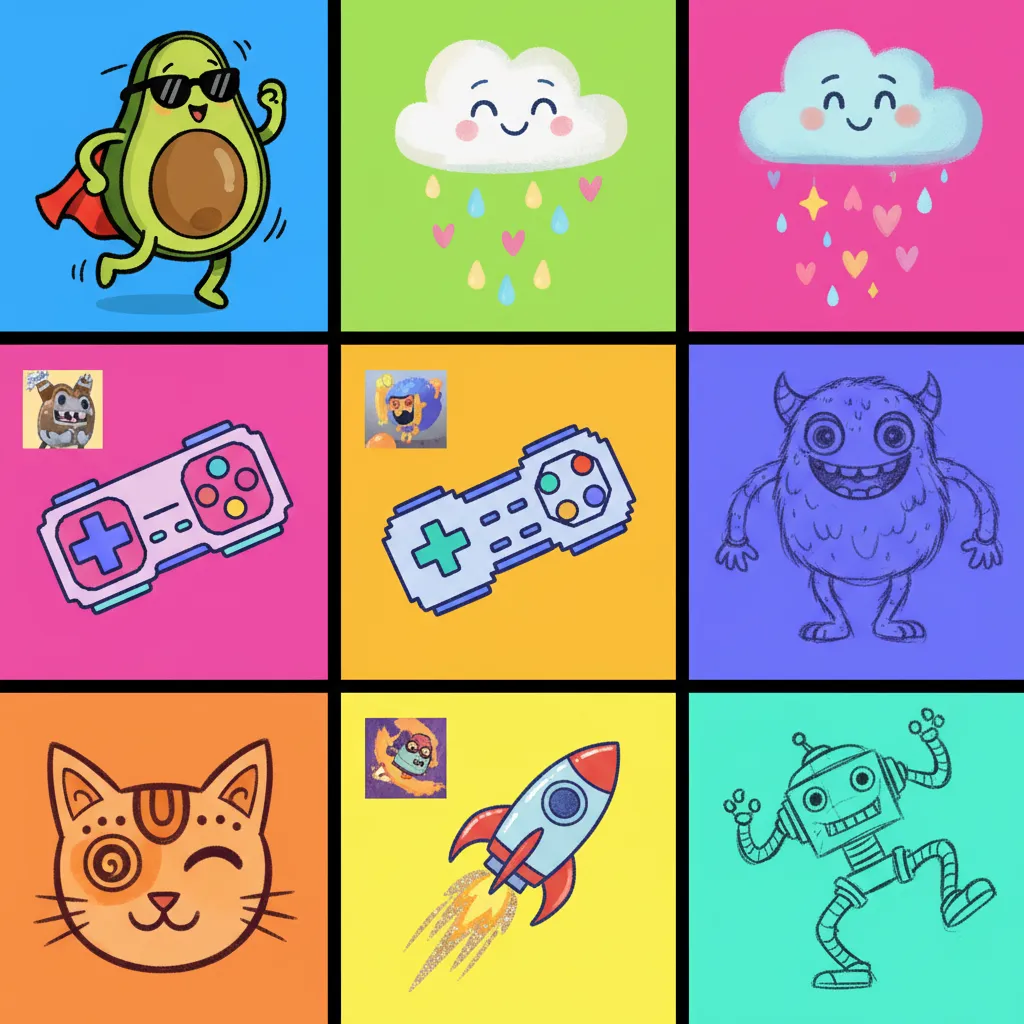
Image Playground AI is a dedicated tool and an integrated feature within apps like Messages and Notes that allows users to quickly generate images. Unlike professional tools that require complex prompts, Image Playground focuses on speed and simplicity, offering three styles: Animation, Illustration, and Sketch.
Crucially, these images are created instantly on-device (or via Private Cloud Compute for complex tasks) and are built for casual use, such as enhancing a story or adding a visual flair to a note.
Genmoji Creator
Imagine creating a custom emoji for every single emotion or concept. That’s the promise of the Genmoji creator. This feature allows users to describe an emoji they need—for instance, “a tired golden retriever wearing a crown”—and the AI instantly generates a graphic that can be used just like a standard emoji. This unique feature leverages Generative models on iPhone to inject a highly personal touch into communication.
[Related: Meta Llama 3 Ultimate Guide 2024]
4. Smarter Photo Management and AI Photo Editing
The Photos app receives a massive intelligence boost. Beyond simple organization, the AI allows for sophisticated searching and editing.
- Advanced Search: You can search for photos using highly specific, complex prompts, such as “Show me pictures of [Family Member] wearing a red hat near the beach last summer.” The semantic indexing makes this possible.
- Clean Up Tool: The new AI photo editing iOS 18 includes a “Clean Up” tool, similar to generative fill features found in other popular software. This tool uses generative models to identify and remove distracting objects in the background of a photo, intelligently filling the space to make the edit seamless.
- Memories and Story Generation: The Photos app new features AI can automatically analyze a selection of photos and videos, identify key themes, and weave them into a cinematic “Memory” complete with suggested music and transitions, telling a cohesive story without manual effort.
The Privacy Pillars: On-Device Processing and Private Cloud Compute
Apple understands that true contextual intelligence requires deep access to personal data, yet they must uphold their commitment to user privacy. Their solution is a revolutionary hybrid architecture centered on Privacy in Apple AI.
On-Device AI Processing
For the vast majority of tasks—summarizing short emails, generating quick Genmoji, or running Semantic Indexing—the processing happens entirely on your device using the powerful Neural Engine within the A17 Pro or M-series chips. This On-device AI processing ensures that your personal information never leaves your possession, maximizing speed and security for everyday tasks.
Private Cloud Compute Apple (PCC)
When a task requires more computational power than the local device can provide (e.g., generating a high-resolution image, or analyzing large volumes of data), the request is routed through Private Cloud Compute Apple (PCC).
PCC is designed with zero-trust architecture and cryptographic security guarantees:
- Secure Enclave Isolation: When a device sends a request to PCC, it first verifies the device using the Secure Enclave.
- No Logging: Apple ensures that the cloud servers used for PCC cannot log, store, or access the data being processed. The requests are processed in temporary, secure environments.
- Auditability: Experts can examine the software running on the PCC servers to verify that they are adhering to privacy promises and not collecting data.
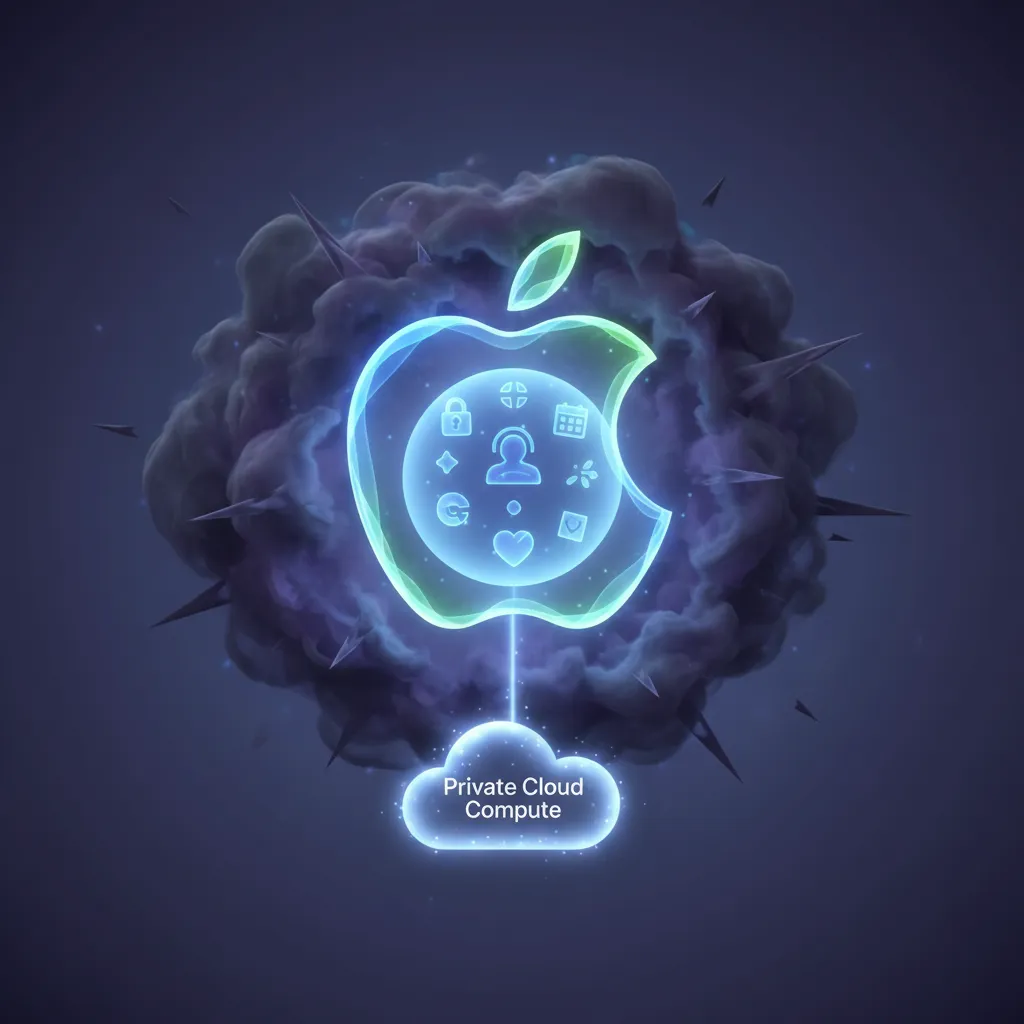This hybrid model allows Apple to harness the power of large generative models without compromising the user’s data sovereignty, a major differentiator in the competitive AI landscape.
The Ecosystem and Compatibility: What Devices Support Apple Intelligence?
A critical question following the announcement is: What devices support Apple Intelligence? Due to the intense computational demands of running these large models, the system requires specialized hardware—specifically, a Neural Engine with enough power to handle the extensive on-device processing.
Required Chipsets:
- iPhone: Only devices equipped with the A17 Pro chip or later. This means the feature will debut on the iPhone 15 Pro and iPhone 15 Pro Max. Standard iPhone 15 models (which use the A16 chip) are not compatible.
- iPad and Mac: All models featuring the M1 chip or later (M1, M2, M3, M4, etc.).
This high barrier to entry underscores the reliance of Apple Intelligence on local processing power to maintain the high standards of speed, context, and privacy that Apple is aiming for.
Apple Intelligence Release Date
The initial features of Apple Intelligence were announced at WWDC 2024. The full public rollout is expected to coincide with the general release of iOS 18 AI features, iPadOS 18, and macOS Sequoia.
The Apple Intelligence release date is anticipated to begin with a developer beta in mid-2024, followed by a wider public beta, and then a general release in the Fall of 2024. However, some advanced features may roll out incrementally through 2025.
The OpenAI Partnership: ChatGPT on iOS 18
One of the most surprising WWDC 2024 announcements was the collaboration between Apple and OpenAI. While Apple Intelligence uses its own proprietary generative models for personal tasks, it recognizes that sometimes a user just needs the breadth of a world-leading general knowledge model.
Integrating ChatGPT
The OpenAI partnership with Apple allows users to tap into the capabilities of ChatGPT directly within the Apple ecosystem.
- System-Wide Access: When Siri or a Writing Tool encounters a complex query that requires external, general-knowledge processing (e.g., “Tell me about the history of the Mayan civilization”), the user will be asked if they wish to send the request securely to ChatGPT.
- Privacy Guardrails: Apple ensures that IP addresses are obfuscated, and user requests are not stored by OpenAI unless the user chooses to link their existing ChatGPT account.
- ChatGPT on iOS 18 integration is deep, meaning users don’t need to open the dedicated app; they can invoke its power through Siri or writing prompts in apps like Notes.
This collaboration is strategic: Apple handles the personal, contextual, and sensitive data with its own private models, while offloading general knowledge tasks to the established expertise of OpenAI, providing the user with the best of both worlds.
Competitive Analysis: Apple Intelligence vs Google Gemini
The unveiling of Apple Intelligence places Apple in direct competition with mobile-focused AI giants like Google (with Gemini and Android features) and Samsung (with Galaxy AI). The core difference lies in their philosophy and architecture.
| Feature Area | Apple Intelligence | Google Gemini (Android/Pixel) |
|---|---|---|
| Core Philosophy | Contextual Personal Intelligence & Privacy-First | General Knowledge, Proactive Assistance & Cloud-First |
| Processing Priority | Heavily focused on On-device AI processing | Hybrid, but favors large cloud models for complex tasks |
| Data Access | Semantic indexing of private, local data (emails, photos) | Access to Google ecosystem (Gmail, Drive, Search history) |
| Privacy Model | Private Cloud Compute Apple (Zero-Trust, Auditable) | Standard cloud security; data usage outlined in privacy policy |
| Siri/Assistant | Deeply contextual, remembers user history, and uses on-screen awareness. | Highly capable general knowledge, real-time search integration, and proactive scheduling. |
| Image Generation | Image Playground (Fast, simplistic, stylized for fun) | Imagen 3 (High-fidelity, photorealistic, often cloud-based) |
The primary differentiator of Apple Intelligence vs Google Gemini is the definition of “personal.” Google Gemini relies on leveraging your aggregated online activity and Google services. Apple Intelligence relies exclusively on your secured, local activity and data stored within your devices. For users prioritizing data segregation and local control, Apple’s architecture presents a powerful, trustworthy alternative.
[Related: Sustainable AI: Eco-Friendly Innovation for a Greener Digital Future]
How to Use Apple Intelligence: Practical Examples
To fully grasp How to use Apple Intelligence, consider these real-world scenarios enabled by the new suite of features:
Scenario 1: Managing Your Inbox and Scheduling
You receive a lengthy email from your landlord detailing apartment repairs. Simultaneously, you get a text from your partner asking if you are free on Thursday evening.
- Apple Mail AI summary: You tap the summary button and get three bullet points: “1. Plumbing fixed Friday. 2. Electrician Monday. 3. Need to sign work order.”
- Siri: You activate Siri and say, “Siri, ask my landlord if they can move the electrician to Tuesday and draft a short, polite email accepting the rest of the terms. Then, check my calendar and text my partner that I’m free on Thursday.”
The AI processes the context of the email, drafts a revised response, and simultaneously checks your schedule (utilizing semantic knowledge of your calendar) before sending the text confirmation.
Scenario 2: Instant Creativity and Communication
You are texting a friend about a vacation you just booked to Hawaii.
- You use the Genmoji creator to describe “A surfing turtle wearing sunglasses.” You instantly use the generated image as a reaction in the chat.
- You decide to quickly show your friend the hotel you booked. You navigate to your browser, and before you find the address, you say, “Siri, show me the hotel booking confirmation I looked at five minutes ago and summarize the cancellation policy.” Siri uses its memory and on-screen awareness to pull up the exact tab and provide the summary, which you can then easily share.
These examples illustrate the seamless, layered functionality that makes the Personalized AI experience iPhone users will encounter so revolutionary.
Conclusion: A New Era of Personal Computing
Apple Intelligence represents a calculated, comprehensive entry into the generative AI landscape. By leveraging its unique position as the curator of both hardware (A17 Pro, M-series chips) and software (iOS, macOS), Apple has built an AI framework that is inherently contextual, deeply integrated, and relentlessly focused on user privacy.
The combination of sophisticated On-device AI processing and the innovative security of Private Cloud Compute Apple sets a new standard for how powerful AI can be deployed without sacrificing user trust. From the dramatically improved Siri smarter AI to the practical Apple Writing Tools and the fun, expressive Image Playground AI, Apple Intelligence promises to fundamentally enhance efficiency and creativity across the Apple ecosystem when the Apple Intelligence release date arrives this fall.
As AI continues to become the operating layer of our digital lives, Apple’s commitment to making the technology truly personal and inherently private positions it as a significant, perhaps dominant, player in the next generation of computing.
FAQs: Answering Your Most Pressing Questions about Apple Intelligence
Q1. What devices support Apple Intelligence at launch?
The core features of Apple Intelligence require the high-performance Neural Engine. Therefore, support is limited to iPhones with the A17 Pro chip (iPhone 15 Pro, iPhone 15 Pro Max) and iPads and Macs equipped with the M1 chip or later. Older devices, including the standard iPhone 15 and previous models, will not support the full AI suite.
Q2. How does Private Cloud Compute (PCC) ensure my data remains private?
Private Cloud Compute Apple ensures privacy by routing computational requests through proprietary servers running purpose-built, auditable software. The system is designed so that the servers cannot log or store data. Furthermore, data is encrypted end-to-end, and Apple uses cryptographically verifiable checks to ensure requests come only from your authorized device, providing a layer of security that separates your personal identity from the processing load.
Q3. Is ChatGPT replacing Siri in Apple Intelligence?
No. ChatGPT on iOS 18 is an integrated option for general knowledge tasks. Apple Intelligence uses its own proprietary Generative models on iPhone for contextual, personal requests (managing emails, finding photos, drafting personal notes). If Siri determines a request requires expansive world knowledge, it will ask the user if they want to utilize the external power of ChatGPT, respecting the user’s choice and maintaining privacy controls.
Q4. What is the difference between On-device AI and cloud AI in Apple Intelligence?
On-device AI processing handles immediate, personal, and less computationally intensive tasks using the local Neural Engine (e.g., summarizing short notes, semantic indexing). Cloud AI (via PCC) handles heavy lifting, such as complex large-scale image generation or deep contextual research that demands massive computational power, all while maintaining Apple’s strict privacy protocols.
Q5. When is the Apple Intelligence release date?
The features were announced at WWDC 2024 and are slated for release as part of the operating system updates: iOS 18, iPadOS 18, and macOS Sequoia. The full public release is expected in the Fall of 2024, though some advanced features may continue to roll out incrementally into 2025.
Q6. Can Apple Intelligence generate images that are inappropriate or violate copyright?
Apple stated that its Image Playground AI features are designed with guardrails to prevent the generation of harmful, discriminatory, or inappropriate content. The models are also tuned to avoid generating copyrighted content or identifiable likenesses of public figures, focusing instead on stylized, expressive creations like the Genmoji creator.
Q7. How does the new Siri use on-screen awareness?
The new Siri smarter AI uses On-screen awareness Apple to understand the content of the app you currently have open, even if it is a third-party application. For example, if you have a friend’s contact card open, you can ask Siri, “What is their birthday?” and Siri will scan the contact card for the answer, allowing for much more natural and integrated workflows without manual text selection.