On-Device AI: Boost Productivity & Safeguard Privacy
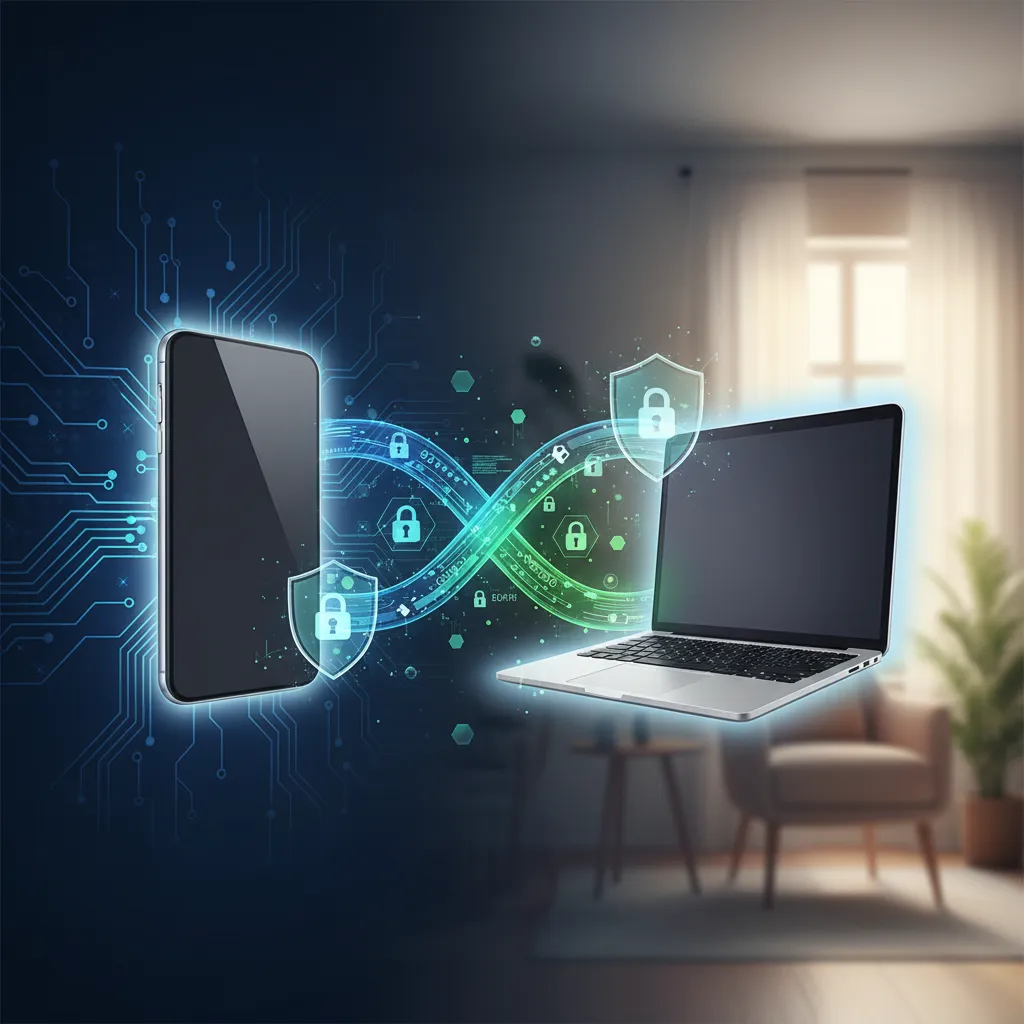
We’ve all been there. You ask a cloud-based AI assistant to summarize a sensitive work email or draft a personal message, and a flicker of doubt crosses your mind: “Where is this data going? Who else might see it?” For years, powerful AI has been synonymous with massive, remote data centers. To tap into its magic, we had to send our queries, documents, and even our photos into the cloud. This exchange offered incredible power but came with a hidden cost: privacy, speed, and a constant need for an internet connection.
But a quiet revolution is underway, one that’s shifting the center of gravity for artificial intelligence from distant servers right back into your pocket. It’s called On-Device AI, and it represents one of the most significant shifts in the future of personal computing.
This isn’t just a minor technical update; it’s a fundamental change in how we interact with technology. This article explores the world of on device ai—also known as edge ai or local ai. We’ll unpack how this powerful technology works, why it’s the ultimate upgrade for your productivity, and how it erects a digital fortress around your personal data. Get ready to learn how personal ai is finally becoming truly personal.
What Exactly is On-Device AI? The Shift from Cloud to Edge
At its core, On-Device AI is exactly what it sounds like: AI computations and tasks are performed directly on your local device—your smartphone, laptop, tablet, or even your car—instead of being sent to a remote server in the cloud for processing.
Think of it like the difference between ordering a pizza and having a personal chef in your kitchen.
- Cloud AI (The Pizza Delivery): You send your order (data/query) to a big, centralized kitchen (a server farm). They have massive ovens and a huge staff (immense computing power) to make any pizza you want. They then send the finished product back to you. It’s powerful and versatile, but there’s a delay, they have your order details, and it won’t work if the delivery service is down (no internet).
- On-Device AI (The Personal Chef): The chef (the AI model) is right in your kitchen (your device). They use your local ingredients (your data) to cook your meal instantly. Nothing leaves your house. It’s faster, completely private, and works even if the roads are closed (offline functionality).
This move from the cloud to the “edge” of the network (your device) is why you’ll often hear it called edge ai. It’s about bringing intelligence closer to the source of data generation, making your devices independently smart. This paradigm shift means ai without cloud dependency is no longer a futuristic dream but a rapidly expanding reality.
The Core Showdown: On-Device AI vs. Cloud AI
Neither approach is universally “better”—they are designed for different purposes. The true innovation lies in understanding their strengths and how they can work together. A hybrid model is emerging as the industry standard, where devices handle most tasks locally and only tap into the cloud for extremely complex queries.
Here’s a breakdown of their key differences:
| Feature | On-Device AI (Local AI) | Cloud AI (Server-Based) |
|---|---|---|
| Data Privacy | Excellent. Data never leaves your device, offering maximum ai privacy. | Variable. Relies on the provider’s security policies; data is sent over the internet. |
| Speed & Latency | Instant. Processing happens locally, resulting in faster ai processing with no lag. | Slower. Subject to network speed and server load, introducing latency. |
| Offline Access | Fully functional. Perfect for use on airplanes or in areas with poor connectivity. | Requires connection. Useless without a stable internet link. |
| Cost | Lower long-term. No recurring server costs or data transmission fees. | High operational cost. Requires massive, power-hungry data centers. |
| Personalization | Deeply personal. Can safely learn from your unique habits and data on-device. | Generalized. Personalization is based on your data stored on their servers. |
| Computational Power | Limited. Constrained by the device’s hardware (processor, memory, battery). | Virtually unlimited. Can leverage vast server farms for massive computations. |
This comparison makes it clear why tech giants are racing to implement on device machine learning. The benefits for everyday use are simply too compelling to ignore.
The “How”: Unpacking the Technology Behind Local AI
This shift hasn’t happened in a vacuum. It’s been made possible by a perfect storm of hardware and software innovations converging to create powerful, efficient local ai applications.
The Rise of the NPU (Neural Processing Unit)
For years, CPUs (Central Processing Units) and GPUs (Graphics Processing Units) have been the workhorses of computing. But they aren’t optimized for the unique mathematical demands of AI. Enter the NPU, or Neural Processing Unit.
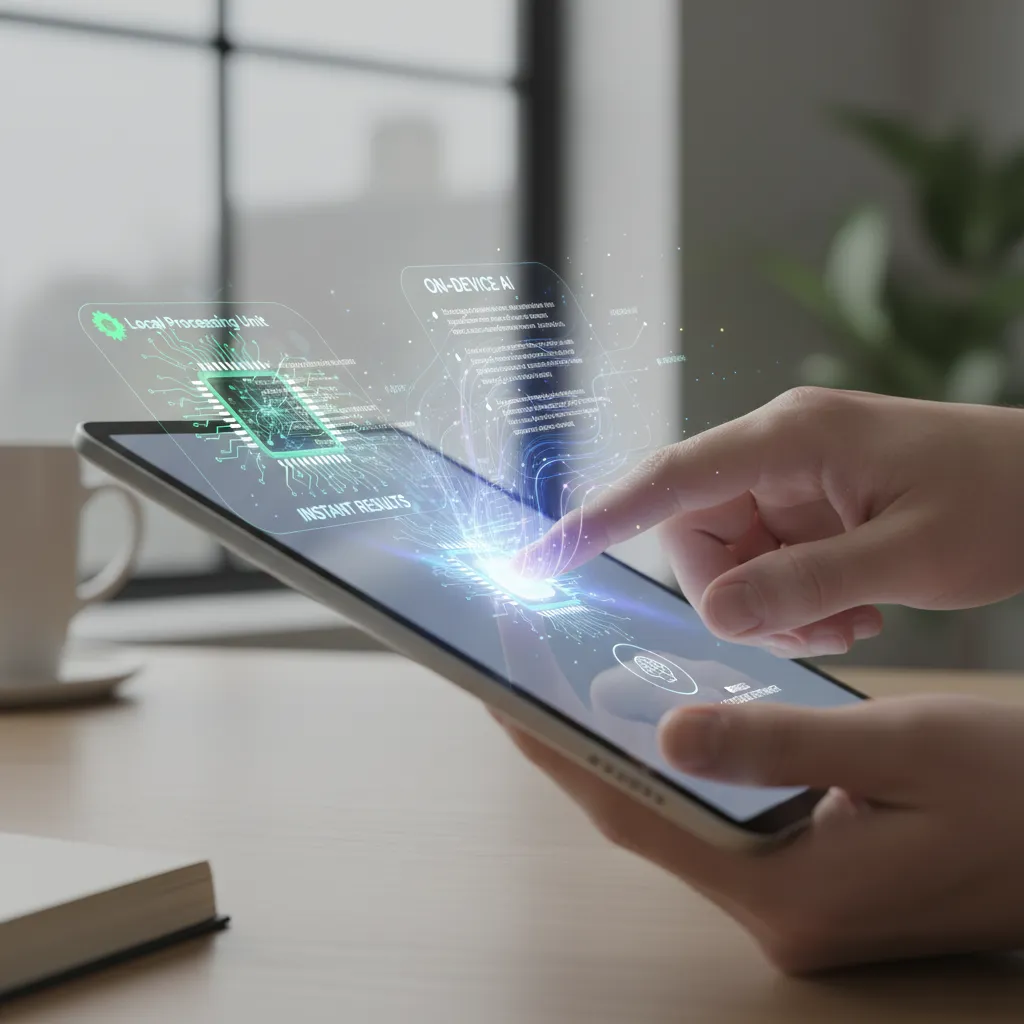
An NPU is a specialized microprocessor designed from the ground up to accelerate AI and machine learning tasks. Think of it as a dedicated “AI brain” for your device. Companies like Apple (with its Neural Engine), Google (with Tensor), and Qualcomm (with its AI Engine) are building incredibly powerful NPUs into their latest chips. This dedicated hardware allows for lightning-fast, energy-efficient AI processing that would overwhelm a traditional CPU. This is the engine that powers ai on smartphones and ai on laptops.
Small Language Models (SLMs) on the Edge
You’ve heard of Large Language Models (LLMs) like GPT-4 that power tools like ChatGPT. They are astonishingly powerful but require warehouse-sized computer clusters to run. Their smaller, more nimble cousins are Small Language Models (SLMs).
These are highly optimized, compact generative ai on device models designed specifically to run efficiently on the limited resources of a consumer device. Because they are smaller, they can live permanently on your phone or laptop. While they might not be able to write a novel from a single prompt like a massive LLM, they are more than powerful enough for the vast majority of daily ai enhanced tasks—summarizing text, drafting emails, translating conversations, and more. The focus on slms privacy is a key benefit, as a model that runs locally inherently protects user data.
The Ultimate Upgrade: Unlocking Productivity with On-Device AI
This is where the theory translates into tangible benefits. On-device AI isn’t just a technical curiosity; it’s a suite of ai productivity tools that can fundamentally change your daily workflow.
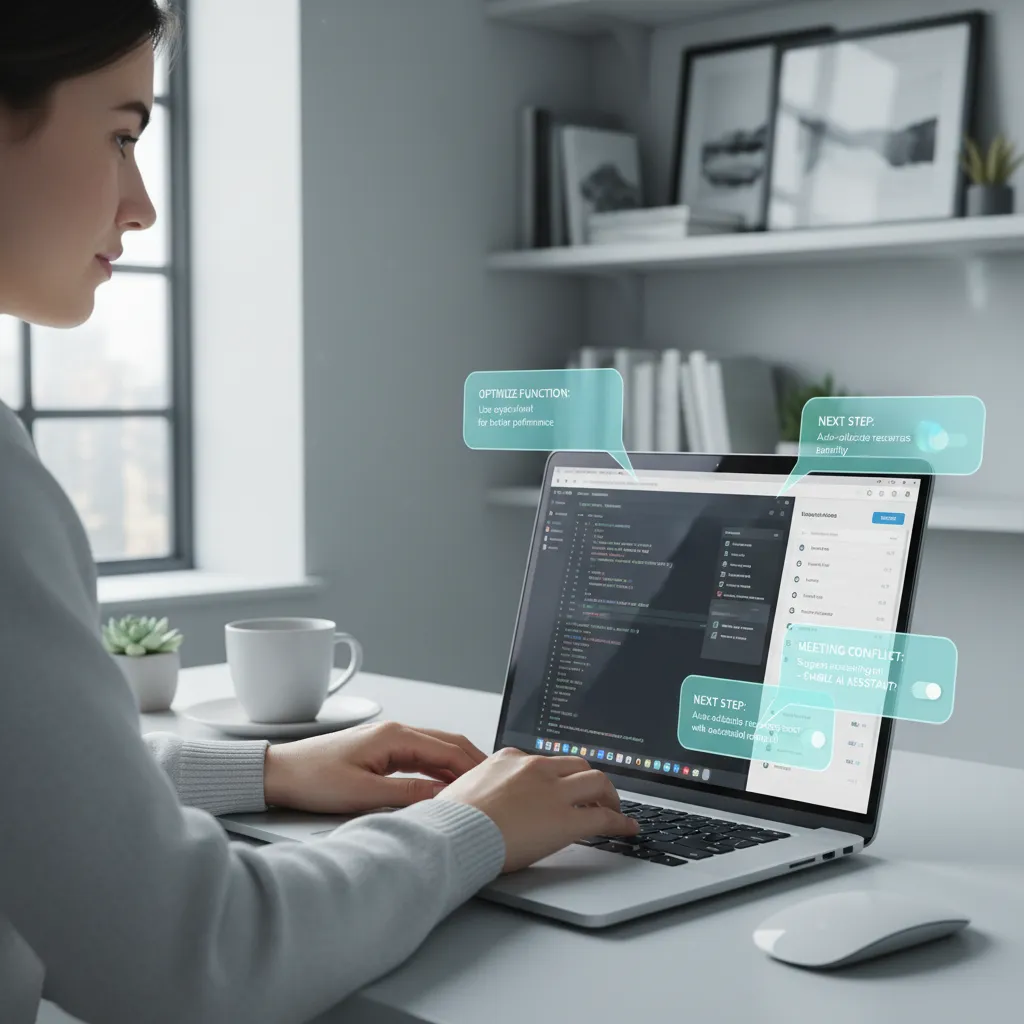
Imagine an ai personal assistant that operates instantly, with a deep, private understanding of your context.
- Instantaneous Summaries: You can summarize a long PDF report or a chain of emails in a second, without uploading the document to a third-party service.
- Smarter Writing Tools: Get real-time suggestions, tone adjustments, and grammar corrections within any app you’re using. The AI can learn your personal writing style securely.
- Effortless Organization: Your device can automatically categorize photos, sort files, and transcribe meeting notes in the background, all
offline aitasks that previously required cloud services. - Seamless Multitasking: Ask your device to “find the document Maria sent last week about the Q3 budget” and it can search your local files, emails, and messages instantly and privately.
This creates a cohesive personal ai workflow where the friction between idea and execution is dramatically reduced. The AI becomes a proactive partner rather than a reactive tool you have to open and feed information to. Related: Unlock Growth: Top AI Tools for Small Business Success
Your Digital Fortress: How On-Device AI Champions Data Privacy
In an era of constant data breaches and privacy concerns, the security benefits of on-device AI cannot be overstated. It is one of the most effective ai privacy solutions to emerge in years.
The core principle is simple: your data never leaves your device.
When you use on-device AI to edit a photo of your family, analyze your financial documents, or summarize a confidential work memo, the entire process happens in a secure sandbox on your phone or laptop.
- No Cloud Transmission: This eliminates the risk of your data being intercepted during transmission.
- No Server-Side Breaches: Your information isn’t sitting on a company’s server, making it a target for hackers.
- User Control: You retain full ownership and control over your data. There’s no fear of your personal information being used to train a company’s next-generation AI model without your consent.
This provides a level of ai data security that cloud-based services simply cannot match. For individuals and businesses alike, this ability to leverage powerful AI without compromising sensitive information is a game-changer. It makes secure generative ai a tangible reality, not just a marketing promise. Related: Ethical AI in Content Creation: Navigating Bias and Trust
On-Device AI in Action: Real-World Examples
This technology is already integrated into many of the devices we use every day. You might be using local ai applications without even realizing it.
-
On Smartphones:
- Apple Intelligence: In iOS 18, many features like on-device summarization, notification prioritization, and Genmoji creation are powered by local models.
- Google Pixel Phones: Features like Magic Eraser in Google Photos, Live Translate, and call screening happen on-device using Google’s Tensor chip.
- Samsung Galaxy AI: Many of its AI features, including text translation and photo editing suggestions, are performed on the device itself.
-
On Laptops:
- Microsoft Copilot+ PCs: A new category of Windows laptops with powerful NPUs designed to run AI features directly within the operating system for enhanced performance and privacy.
- Creative Software: Apps like Adobe Photoshop and DaVinci Resolve use on-device AI for tasks like subject selection (“Select Subject”) and intelligent video clip analysis, which run much faster using local hardware.
-
Other Devices:
- Smart Speakers: Processing voice commands locally for simple tasks like “turn off the lights” results in a much faster, near-instant response.
- Wearable Tech: Devices like the Apple Watch use on-device machine learning for health monitoring features like fall detection and ECG analysis.
These examples show that ai for everyday use is becoming more powerful, responsive, and private, thanks to the shift to local processing. Related: Apple Intelligence: A Deep Dive into All-New AI Features for iOS 18
The Road Ahead: Challenges and the Future of Personal Computing
While the future is bright, the path to a fully on-device AI world has its challenges.
- Hardware Limitations: The power of on-device AI is directly tied to the capability of the NPU and the amount of RAM in the device. This creates a gap between high-end flagship devices and more affordable models.
- Model Size: Even the best SLMs can’t match the sheer knowledge base and complex reasoning of a massive, cloud-based model like GPT-4o. Some tasks will always require the power of the cloud.
- Battery Consumption: Running complex AI models can be power-intensive, and manufacturers are constantly working to improve efficiency to avoid draining batteries.
The most likely future is a hybrid model. Your device will form a personal ai ecosystem, intelligently deciding which tasks to handle locally for speed and privacy, and which complex queries to send to the cloud (often with privacy-preserving techniques like Apple’s Private Cloud Compute).

This seamless integration represents the true future of personal computing: devices that are not just tools, but intelligent, proactive partners that understand our needs, respect our privacy, and enhance our capabilities in every aspect of our digital lives.
Conclusion: Your Data, Your Device, Your AI
On-device AI marks a pivotal moment in our relationship with technology. It’s a deliberate move away from a centralized, data-hungry model to one that is distributed, personal, and fundamentally more secure. By processing information right where it’s created—on your phone, on your laptop, in your home—it delivers an experience that is faster, more reliable, and built on a foundation of privacy.
The benefits are clear: a massive boost in personal productivity, a creative toolkit that works offline, and a much-needed sense of security in an increasingly connected world. You are no longer just a user of AI; you are the owner of a powerful, personal intelligence that lives with you.
As you consider your next tech upgrade, look beyond screen size and camera megapixels. Pay attention to the AI capabilities. The presence of a powerful NPU and a suite of private ai features is the new benchmark for a truly modern device. The age of personal ai is here, and it’s running right in the palm of your hand.
Frequently Asked Questions (FAQs)
Q1. What is the main benefit of on-device AI?
The two primary benefits of on-device AI are privacy and speed. Because your data is processed locally instead of being sent to the cloud, it remains completely private. This local processing also eliminates network lag (latency), resulting in instant, real-time responses for AI tasks.
Q2. What is an example of on-device AI?
A great example is the Live Translate feature on smartphones like the Google Pixel or Samsung Galaxy. It can translate a spoken conversation in real-time, without needing an internet connection, because the AI model is running directly on the phone’s specialized hardware. Other examples include real-time photo editing suggestions and smart replies in messaging apps.
Q3. Is on-device AI the same as Edge AI?
Yes, the terms are often used interchangeably. “Edge AI” is a broader term that refers to running AI computations at the “edge” of a network, close to the data source. For an individual, your smartphone or laptop is the edge device, so on-device AI is a form of edge AI.
Q4. Does on-device AI work without internet?
Absolutely. This is one of its key advantages. Since the AI models and processing hardware are contained within your device, many powerful offline ai features can function perfectly on an airplane, in the subway, or in remote areas with no connectivity.
Q5. What are the limitations of on-device AI?
The main limitations are computational power and model size. An on-device AI model cannot match the sheer scale and raw power of a massive cloud-based model like GPT-4. Therefore, for extremely complex, multi-step reasoning or tasks requiring vast, up-to-the-minute information from the web, a connection to a cloud AI may still be necessary. It also requires modern hardware (like an NPU) and can consume more battery life.
Q6. How do Small Language Models (SLMs) relate to on-device AI?
Small Language Models (SLMs) are the software key to on-device AI. They are compact, highly efficient AI models specifically designed to provide powerful generative capabilities (like text summarization and creation) while being small enough to run on the limited memory and processing power of a smartphone or laptop.
Q7. Is my data truly safe with on-device AI?
Yes, it is significantly safer than with cloud-based AI. With on-device AI, your personal data (photos, messages, documents) is not transmitted to an external server for processing. This eliminates the risk of data breaches during transmission or from the company’s servers, providing a robust ai data security solution.