iPad Pro M4 Review: The Ultimate Creative Tool?
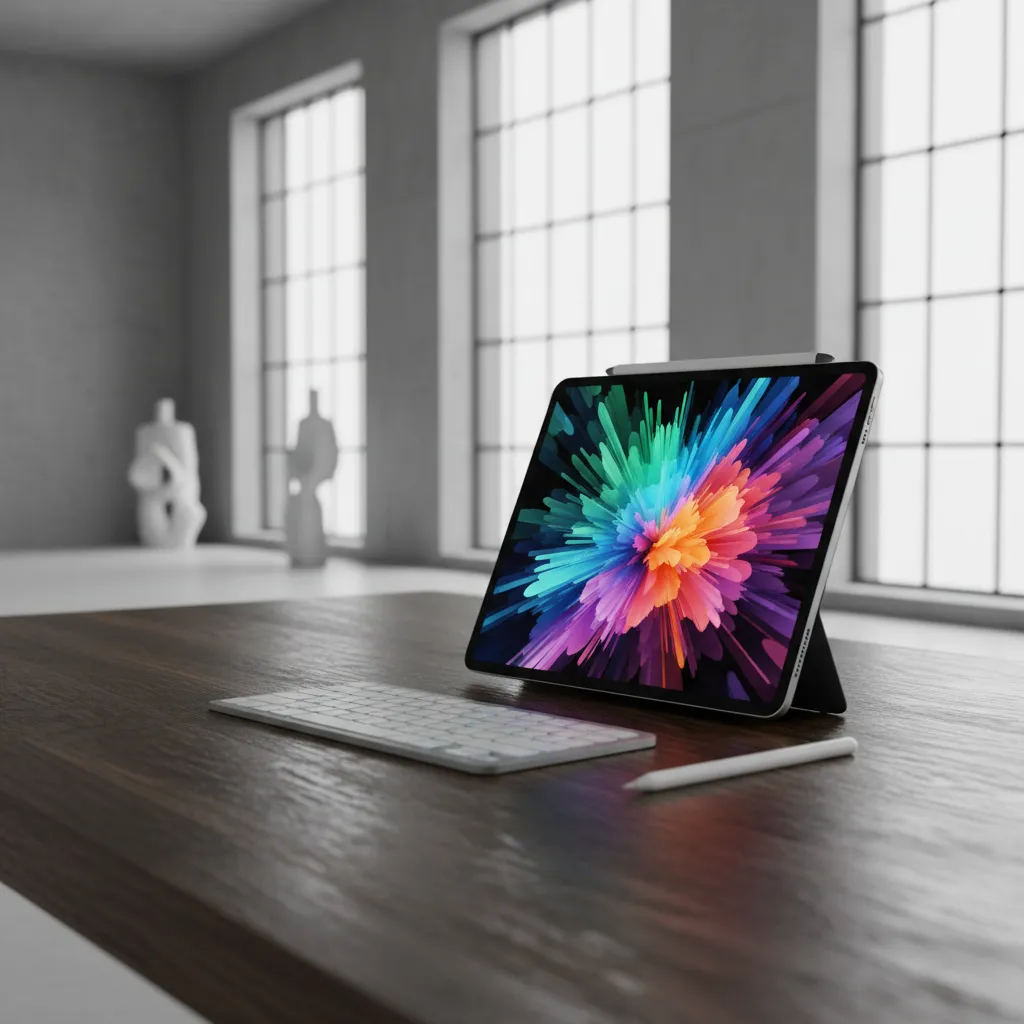
Introduction: The Next Generation iPad Pro Has Arrived
For years, the iPad Pro has straddled the line between an oversized phone and a simplified laptop. It was powerful, but often software-limited. In 2024, Apple didn’t just iterate; they seemingly redefined what a tablet can be, positioning the new iPad Pro 2024 as the undisputed king of digital creation.
The immediate shock factor surrounding this release centers on two revolutionary components: the staggeringly powerful M4 chip performance and the jaw-dropping tandem OLED display. Apple skipped the M3 entirely and went straight to the M4—a chipset designed not just for incredible speed, but explicitly for the coming age of Apple Intelligence and on-device AI.
This isn’t just a tablet; it’s the thinnest Apple product ever made, yet it packs the computational muscle of high-end desktop machines. But is this groundbreaking machine truly the ultimate creative tool? Does it finally bridge the gap between pro aspirations and iPadOS realities?
In this in-depth iPad Pro M4 review, we will dissect every major feature, from the Ultra Retina XDR display to the Apple Pencil Pro features, determine the true apple m4 chip benchmarks, and answer the critical question for professionals: is the m4 ipad pro worth it?
Redefining Form: Design and the Ultra Retina XDR Display
The very first thing you notice about the new iPad Pro 2024 is its physicality. Holding the 13-inch model is an experience in weightlessness and impossible thinness.
The Thinnest Apple Product Ever
Apple’s engineering team achieved a feat of miniaturization. The 13-inch model measures just 5.1mm thick, officially making it the thinnest Apple product ever, surpassing the old iPod Nano. This design choice, combined with a lighter chassis than its M2 predecessor, drastically improves portability and handling, especially for those who use the iPad for extended periods of drawing or note-taking.
However, the ultra-thin design sparks a natural question about durability. While Apple assures users of enhanced structural integrity, the slim profile feels almost delicate, underscoring its premium nature.
Ultra Retina XDR: The Power of Tandem OLED
The display technology in the oled ipad pro is, arguably, the single most compelling reason to upgrade. Apple dubbed it the Ultra Retina XDR display, powered by what they call tandem oled display technology.
What is Tandem OLED?
Unlike standard OLED screens (which can suffer from burnout or lower sustained brightness), Tandem OLED uses two OLED panels stacked on top of each other. This dual-layer architecture results in several crucial advantages for professional use:
- Extreme Brightness: It achieves a remarkable 1,000 nits of full-screen sustained brightness and 1,600 nits peak for HDR content—levels previously unattainable on a tablet.
- Unparalleled Contrast: The perfect blacks inherent to OLED combined with the tandem architecture deliver true XDR performance.
- Longevity: By distributing the load across two layers, the display’s lifespan and color stability are dramatically improved, assuaging fears of burn-in for users running professional static interfaces like Final Cut Pro for iPad 2.
For creative professionals ipad users, this means color grading, photo editing, and digital painting are performed with a level of accuracy and vibrancy that simply eclipses previous iPad generations, making it a serious contender against dedicated reference monitors.
Nano-Texture Glass: The Artist’s New Canvas
For the first time on an iPad, Apple offers a nano-texture glass ipad option (on 1TB and 2TB models). This matte finish drastically reduces glare and reflections, making outdoor or brightly lit studio use much more pleasant.
For best ipad for artists and those focused on digital illustration on ipad, this feature is transformative. It creates a tactile, paper-like friction that enhances control and precision, minimizing the plastic-on-glass slipperiness often associated with digital drawing.
“The nano-texture option is game-changing for serious creatives. It turns the glossy screen into a truly usable digital canvas, mimicking the feel of high-quality drawing paper.” — HiFi Studio And Mobile Review Team
The Engine of Creation: M4 Chip Performance
Skipping the M3 was a clear declaration: the M4 chip is the cornerstone of Apple’s future. It’s not just a faster processor; it’s an entirely redesigned architecture built for professional workloads and, critically, artificial intelligence.
Apple M4 Chip Benchmarks and Architecture
The m4 chip performance delivers staggering benchmarks, particularly in multi-core tasks and GPU rendering.
The M4 chip utilizes a new 3nm process. Depending on the configuration, it features up to 10 CPU cores (4 performance, 6 efficiency) and a powerful 10-core GPU with hardware-accelerated mesh shading and ray tracing. Compared to the previous M2 iPad Pro, the M4 offers:
- Up to 1.5x faster CPU performance.
- A huge leap in GPU rendering speed, thanks to the new architecture borrowed from the M3 generation.
This power manifests immediately when handling intensive tasks. Exporting large 4K video projects in Final Cut Pro for iPad 2 or running complex orchestral arrangements in Logic Pro for iPad 2 is significantly quicker and smoother. The M4 keeps thermal management excellent despite the thinner chassis, a testament to Apple’s efficiency focus.
The AI Advantage: Neural Engine and Future Workloads
The M4’s most forward-looking component is its dedicated Neural Engine, boasting up to 38 trillion operations per second (TOPS). This is a massive leap designed specifically to power the advanced on-device processing required by upcoming features, particularly those revealed at WWDC under the banner of Apple Intelligence.
The large number of TOPS makes the AI features ipad pro m4 not just possible, but instantaneous and private, since tasks like image generation, summarizing text, and editing video metadata can occur entirely on the device.
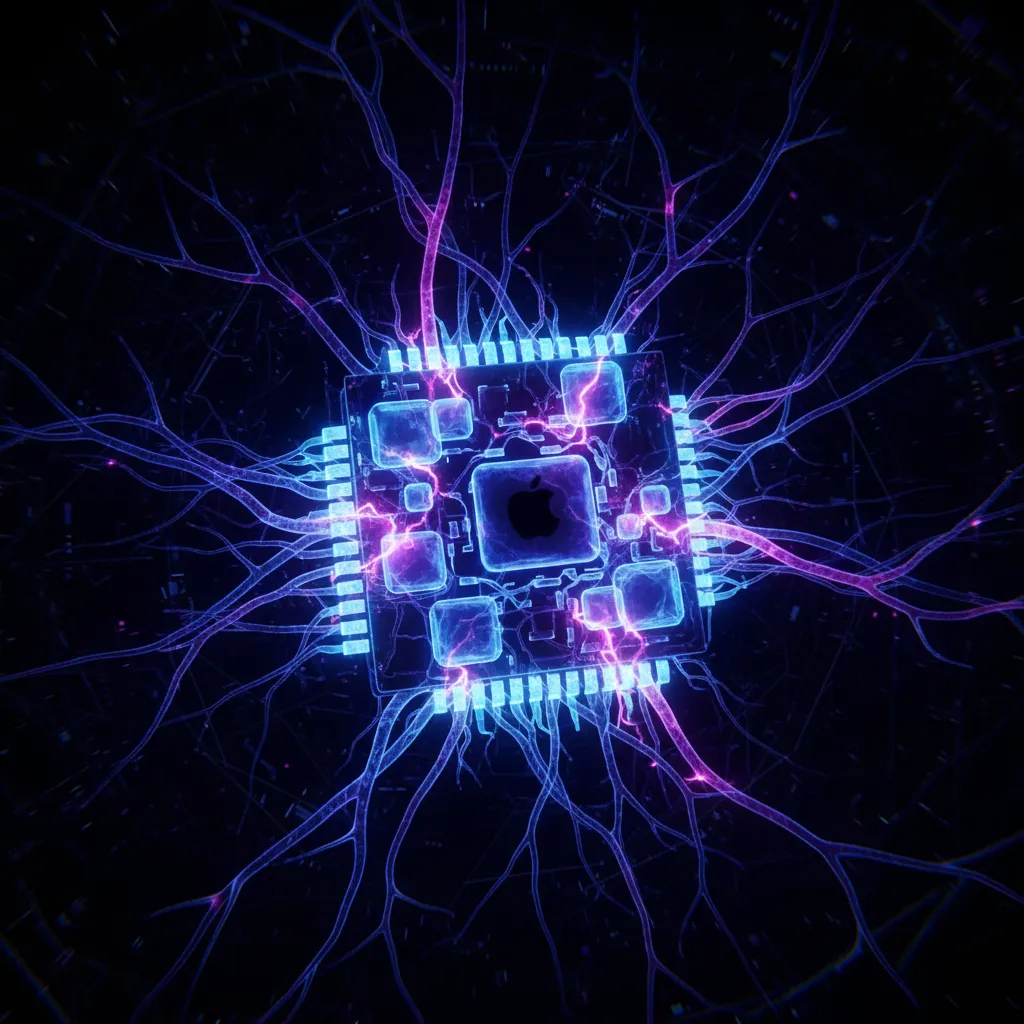
While many of these capabilities depend on what’s new in ipados 18 (which unlocks the full potential of Apple Intelligence), the M4 chip ensures that the next generation ipad pro is fully future-proofed for the AI revolution.
[Related: Apple Intelligence iOS 18 New AI Features Explained]
Pro Apps Unlocked: Video Editing and Music Production
The combination of the M4 chip and the tandem OLED display transforms the iPad Pro into a genuinely viable alternative to a desktop workstation for specific tasks.
Video Editing iPad Pro
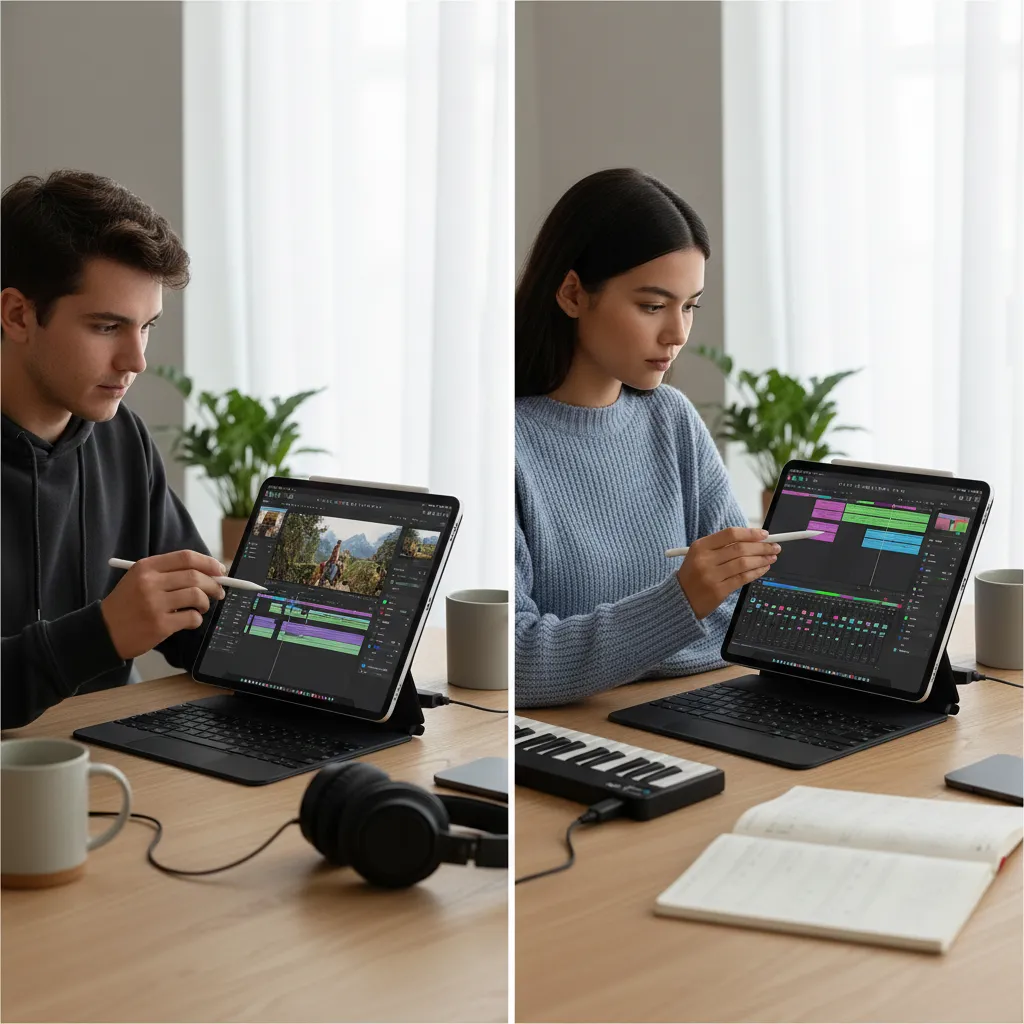
The advancements in the dedicated video editing ipad pro software, particularly the revamped Final Cut Pro for iPad 2, maximize the M4’s potential. Professionals can now edit multi-cam 4K ProRes streams simultaneously, a demanding task that previously strained even high-end M2 Macs. The fast unified memory architecture allows for quick scrubbing and instant application of complex effects and transitions.
Logic Pro for iPad 2
For sound engineers and musicians, the ability to handle enormous project files with hundreds of tracks and instrument plugins is paramount. Logic Pro for iPad 2 leverages the M4 to offer lower latency, more simultaneous track counts, and faster mixing and mastering, positioning the iPad Pro as a highly portable professional studio interface.
The Ecosystem Evolution: Apple Pencil Pro and Accessories
A great tablet is only as good as the tools that enable interaction. The M4 iPad Pro necessitated new accessories that complement its thin design and powerful capabilities. The flagship accessory is the revolutionary Apple Pencil Pro.
Apple Pencil Pro Features: Precision Meets Intuition
The new Apple Pencil Pro features are centered around enhancing workflow speed and maintaining creative flow, eliminating the need to constantly reach for menus or interface buttons.
1. The Squeeze Gesture
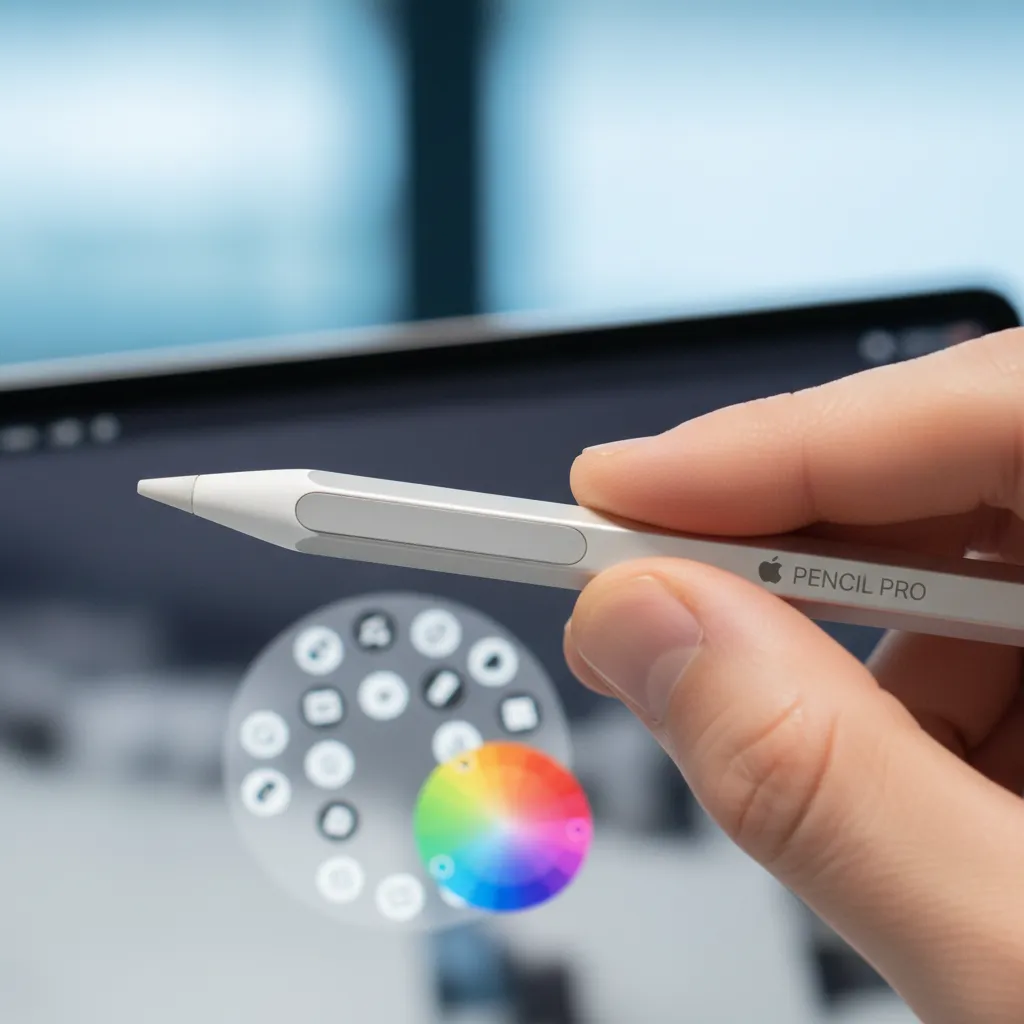
The most innovative feature is the apple pencil pro squeeze gesture. By firmly squeezing the barrel of the pencil, users can instantly pull up a tool palette, switch brushes, change colors, or undo actions—all customizable within apps like Procreate on ipad pro m4. This haptic feedback loop allows for faster, more intuitive tool switching without interrupting the creative process.
2. Barrel Roll
The Barrel Roll feature uses a new gyroscope inside the Pencil Pro. When a user rolls the pencil between their fingers, it automatically changes the orientation of shape tools or calligraphy pens, simulating analog drawing tools. This is invaluable for artists needing precise, angle-dependent strokes.
3. Find My Support
Finally, the Apple Pencil Pro integrates with the Find My network, solving the age-old problem of misplacing your pricey stylus.
The Magic Keyboard for iPad Pro
The M4 iPad Pro launch also brought a redesigned magic keyboard for ipad pro, making the ultimate ipad pro setup feel even more laptop-like. It’s thinner and lighter, matching the svelte design of the tablet itself.
Key improvements include:
- A dedicated function row (finally!) with keys for volume, media control, and brightness.
- A larger, more responsive trackpad that incorporates haptic feedback.
- A gorgeous aluminum palm rest that truly makes the device feel like a premium MacBook when docked.
While the new keyboard adds to the already high ipad pro price, it is essential for anyone aiming to use the iPad Pro as a primary productivity device or for intensive text editing and coding. These ipad pro accessories 2024 solidify the device’s position as a two-in-one laptop replacement.
Who is the iPad Pro M4 For? Determining the Value Proposition
The iPad Pro M4 review wouldn’t be complete without addressing the user segments that stand to gain the most from this significant investment.
The Creative Professionals iPad and Best iPad for Artists
This device was engineered for the professional creator. If your work involves intensive demands in color accuracy, rendering speed, and complex layered workflows, the M4 iPad Pro is peerless.
- Digital Illustrators & Animators: The Tandem OLED and nano-texture glass ipad provide the finest canvas available. Apps like Procreate and Fresco run flawlessly, handling huge canvases and infinite layers. The apple pencil pro squeeze gesture drastically improves workflow efficiency.
- Video Editors & Photographers: The ability to handle multiple 4K streams and high-resolution raw files on the go, backed by the M4’s immense power, makes this a desktop-class editing suite.
- Musicians & Producers: The stability and power needed for Logic Pro for iPad 2 makes complex recording and mixing sessions portable.
For this group, the M4 iPad Pro is a tool that genuinely boosts productivity and opens new creative doors. It is the definitive best ipad for artists.
Students, Note-Takers, and Everyday Users
Can this powerful machine serve non-professional needs? Absolutely, but the value proposition changes drastically.
Best Note-Taking iPad
For students, the M4 offers unparalleled responsiveness for handwriting, sketching, and organization. However, the sheer power of the M4 is overkill for simple tasks like using Notability or Goodnotes. A standard iPad Air or even a base model iPad would suffice for the best note-taking ipad experience.
iPad Pro for Students
The enhanced display and potential for complex multitasking make the iPad Pro a powerful study tool. However, the base ipad pro price is substantial. If your curriculum requires running high-end computational software (e.g., CAD, heavy data science apps) that are starting to migrate to iPadOS, the M4 is justified. Otherwise, the excellent new iPad Air M2 offers a much better balance of price and performance for most student needs.
[Related: Master Your Money: Top Personal Finance Apps 2024]
The Crucial Comparison: iPad Pro vs iPad Air M2
The simultaneous launch of the M2 iPad Air makes the purchasing decision complex. Here is a breakdown of why a professional would choose the Pro over the new Air.
| Feature | iPad Pro M4 (11”/13”) | iPad Air M2 (11”/13”) | Verdict |
|---|---|---|---|
| Chipset | M4 | M2 | Pro wins for future-proofing and rendering. |
| Display | Tandem OLED (Ultra Retina XDR) | Liquid Retina (IPS LCD) | Pro display is vastly superior for color work. |
| Thickness/Weight | Thinnest Apple product ever (5.1mm) | Still thin, but thicker than Pro | Pro is unmatched in portability. |
| Pro Accessories | Apple Pencil Pro, Magic Keyboard (new) | Apple Pencil Pro, Magic Keyboard (old) | Both support Pencil Pro, but Pro has the better keyboard. |
| Storage Options | Up to 2TB | Up to 1TB | Pro handles massive files better. |
| Pro Features | ProMotion (120Hz), Face ID, Thunderbolt 4 | Standard Refresh (60Hz), Touch ID, USB-C | ProMotion is critical for digital illustration on ipad. |
The decision rests on the display. If your professional income depends on the perfect contrast, color accuracy, and responsiveness (120Hz ProMotion), the ipad pro vs ipad air m2 comparison is a no-contest. The Pro’s Tandem OLED is worth the premium. If you primarily consume media and use the device for productivity or light drawing, the powerful yet budget-friendlier iPad Air M2 is the logical choice.
Practical Considerations: Pricing and Battery Life
As spectacular as the technology is, the practicalities of ownership—namely cost and endurance—must be addressed in any balanced ipad pro m4 review.
The Cost Barrier: iPad Pro Price
The ipad pro price has officially entered premium laptop territory, especially for the larger 13-inch model and higher storage configurations.
| Configuration | 11-inch M4 iPad Pro | 13-inch M4 iPad Pro |
|---|---|---|
| Base Price (256GB) | $$$ | $$$$ |
| 1TB Model (w/ 16GB RAM, Nano-Texture) | $$$$$ | $$$$$$ |
| Ultimate Setup (2TB, Nano-Texture, Pencil Pro, Magic Keyboard) | $$$$$$$ | $$$$$$$$ |
The base 11-inch model with 256GB storage is powerful enough for most, but the true professional tier often requires the 1TB or 2TB models to unlock 16GB of unified memory and the nano-texture glass ipad. When factoring in the new Magic Keyboard for iPad Pro and the Apple Pencil Pro, the cost easily surpasses that of a high-end MacBook Air or even a base MacBook Pro.
This price point reinforces that the M4 iPad Pro is not an aspirational purchase; it is a dedicated, specialized tool for those who can immediately leverage its speed and display quality for income-generating work.
iPad Pro M4 Battery Life
Apple’s official estimate remains the familiar “up to 10 hours of web browsing or watching video.” In real-world testing for this ipad pro m4 review, the ipad pro m4 battery life holds up remarkably well, largely thanks to the phenomenal power efficiency of the M4 chip.
While demanding tasks like continuously running Final Cut Pro for iPad 2 or 3D rendering will drain the battery faster (closer to 5–6 hours), the Tandem OLED is generally more efficient than the Mini-LED predecessor, helping maintain endurance during standard use. For a device this thin and powerful, the battery performance is commendable, providing a full day of mixed, professional use.
[Related: Sustainable Investing: Grow Wealth Impact Future]
Conclusion: Is the M4 iPad Pro Worth the Investment?
The iPad Pro M4 review culminates in one final, necessary question: is the m4 ipad pro worth it?
The answer is a conditional but resounding yes—but only for the target professional user.
The 2024 iPad Pro is a technological marvel that sets a new industry standard. Its M4 chip is a leap forward, ensuring it’s future-proofed for the coming wave of AI features. The tandem oled display is a genuine breakthrough for visual professionals, offering accuracy and brightness previously confined to expensive studio monitors. The apple pencil pro features truly make the device a more intuitive creative extension.
For the creative professionals ipad—the designers, editors, illustrators, and musicians—this is the first iPad that truly earns the “Pro” designation without major compromise. It offers desktop-class power and display technology in a form factor so thin and light it feels impossible.
For the general user, the student, or anyone who primarily uses their tablet for consumption and simple productivity, the immense ipad pro price makes it difficult to recommend over the M2 iPad Air.
Ultimately, the ultimate ipad pro setup powered by the M4 chip is less a consumption tablet and more a dedicated, high-performance portal to creative output. If you demand the best screen, the fastest processing, and the most refined accessories for your professional workflow, the M4 iPad Pro is not just worth it—it’s essential.
FAQs: Grounded Insights on the iPad Pro M4
Q1. What are the major improvements in the new iPad Pro 2024 compared to the M2 model?
The new ipad pro 2024 features three major improvements: the M4 chip (skipping the M3 generation) offering significantly faster CPU and GPU performance; the Ultra Retina XDR tandem oled display for superior brightness and contrast; and a drastically thinner and lighter design, making it the thinnest apple product ever.
Q2. Does the M4 iPad Pro support any new AI features?
Yes. The AI features ipad pro m4 are driven by the new, ultra-fast 38-TOPS Neural Engine. While the full suite of Apple Intelligence features largely depends on what’s new in ipados 18 (released post-launch), the M4 hardware is designed to handle on-device AI tasks like real-time image generation, advanced voice isolation, and complex machine learning operations faster and more efficiently than any previous chip.
Q3. How does the Apple Pencil Pro squeeze gesture work, and why is it important for artists?
The apple pencil pro squeeze gesture utilizes built-in haptic feedback and force sensors. When an artist squeezes the barrel, it instantaneously brings up a contextual tool palette without moving the pencil away from the screen. This drastically speeds up the workflow for digital illustration on ipad in apps like Procreate on ipad pro m4 by allowing quick brush and color changes, maintaining creative focus.
Q4. Is the nano-texture glass worth the extra cost on the iPad Pro?
The nano-texture glass ipad is a premium option available on 1TB and 2TB models. It is absolutely worth it for creative professionals ipad users and best ipad for artists who work in variable lighting conditions or desire a more tactile, paper-like feel for drawing. It effectively eliminates glare and provides superior control for precision tasks.
Q5. What is the expected battery life for intensive professional use on the M4 iPad Pro?
While the official rating is up to 10 hours for light tasks, the ipad pro m4 battery life when running intensive software like Final Cut Pro for iPad 2 or rendering large 3D models can be expected to be around 5 to 6 hours of continuous usage. This efficiency is achieved thanks to the M4 chip’s superior thermal management and power efficiency.
Q6. Should I buy the iPad Pro M4 or the new iPad Air M2? (iPad Pro vs iPad Air M2)
The choice hinges on your workflow. If you require the M4’s maximum speed, the unmatched Tandem OLED display, 120Hz ProMotion, and Thunderbolt 4 support for professional video or illustration, the iPad Pro M4 justifies the high ipad pro price. If you are a student or standard user needing excellent performance for productivity and light creation, the ipad pro vs ipad air m2 comparison favors the Air M2 for its superior value.