iOS 18’s Best AI Features: What You Need to Know
Introduction: The Dawn of Apple Intelligence
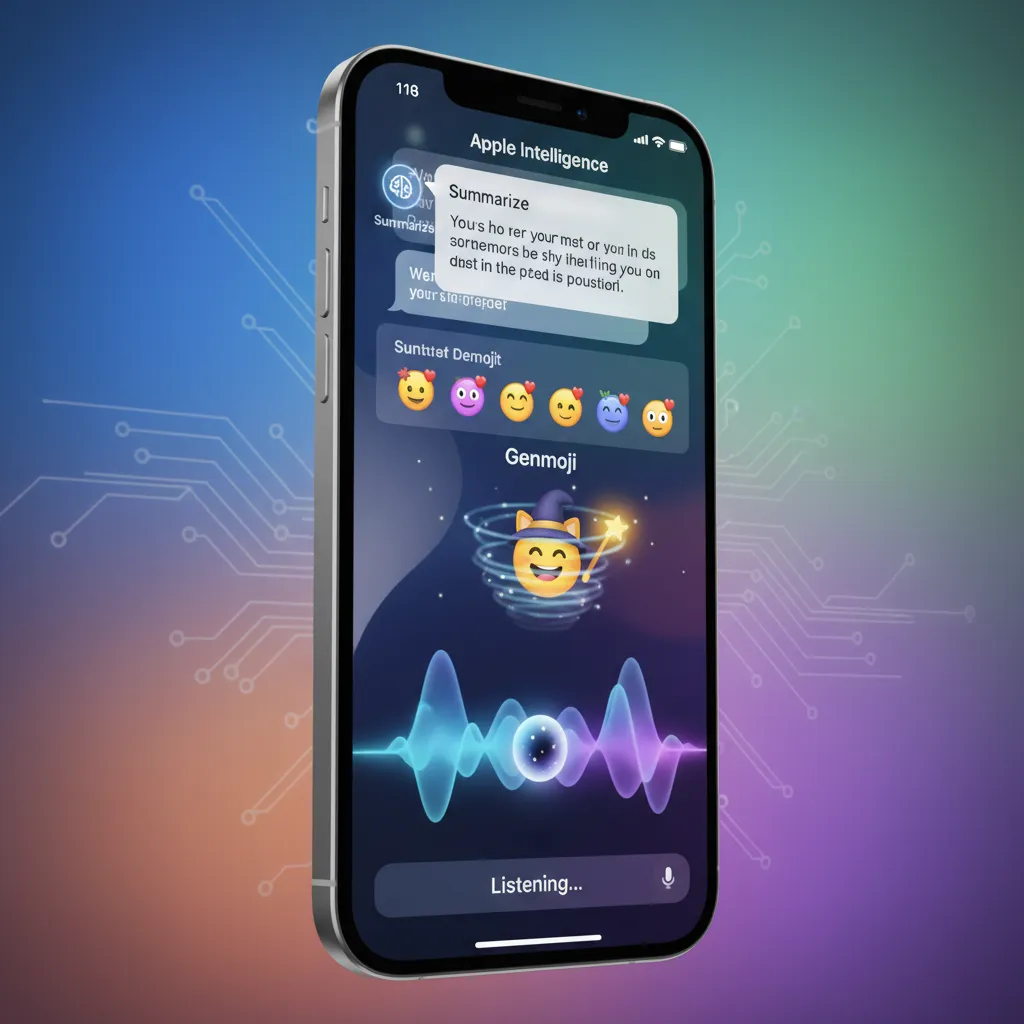
For years, the conversation surrounding Artificial Intelligence in consumer technology was dominated by large language models and dedicated AI hardware. Then came the Apple WWDC 2024 announcements, revealing the most significant paradigm shift in iPhone history: iOS 18 and its integrated AI layer, Apple Intelligence.
This isn’t just a collection of new features; it’s a fundamental reimagining of how your iPhone operates. The core philosophy of Apple Intelligence is deeply personal, leveraging on-device processing to understand your unique context—your schedule, your emails, your photos, and your relationships—to provide proactive assistance that feels less like a tool and more like a true personal assistant.
If you’re wondering what is Apple Intelligence and how it will transform your daily interactions, you’re in the right place. We’re cutting through the hype of the iPhone update 2024 to give you an authoritative guide on the practical, game-changing features coming to your device. We’ll cover everything from the massive Siri update 2024 to the new privacy framework and the essential question: should I update to iOS 18?
What is the Goal of Apple Intelligence?
The central tenet of Apple’s approach, often called Apple AI, is utility married to privacy. Unlike competitors, Apple Intelligence is designed to manage context seamlessly across apps while keeping the vast majority of processing local, utilizing specialized chips for on-device AI iPhone capabilities. When it needs more power, it leverages a unique, secure service called Private Cloud Compute. This dual-architecture approach is what sets the iOS 18 features apart.
In this deep dive, we’ll analyze the top features, explore the subtle but powerful quality-of-life updates, and ensure you have all the facts about the iOS 18 release date and iOS 18 compatibility.
1. The Total Transformation of Siri: Contextual Awareness
The most obvious beneficiary of Apple Intelligence is Siri. For years, Siri lagged behind competitors, often failing on complex, multi-step, or deeply contextual requests. The Siri update 2024 changes everything by granting it unprecedented contextual awareness Siri capabilities.
The new Siri features a refreshed visual interface—a pulsing light around the edge of the screen—that is less intrusive and more fluid. But the true magic is under the hood.
Understanding Your Screen and Your Intent
The primary innovation is Siri’s ability to see and understand what is happening on your screen.
- Screen Awareness: If a friend texts you an address, you can activate Siri and say, “Save this address as ‘John’s House’,” without having to copy and paste. Siri understands the entity (the address) present in the foreground app (Messages).
- Sequential Conversation: Siri can now maintain conversation threads. If you ask, “What was the score of the Yankees game last night?” and then follow up with, “What is their schedule this week?”, Siri understands that “their” refers to the Yankees.
- Actionable Tasks: Siri can execute commands within applications. For example, “Take the photo in my recent email and turn it into a black-and-white image,” which combines email summarization with the new AI photo editing tools.
This level of integration makes the new in iOS 18 experience feel organic, turning complex digital tasks into simple verbal requests.
The Power of App Shortcuts
Apple Intelligence allows Siri to learn the actions you commonly take within apps and automate them, integrating deeply with the Shortcuts app without requiring complex user setup. If you frequently check your commute time and start a specific music playlist, Siri might suggest, “It’s 8:00 AM, would you like to start your commute playlist?“
2. Revolutionary Writing Tools iOS 18
One of the most practical and immediate uses of Apple AI comes in the form of system-wide Writing Tools iOS 18. Integrated into Notes, Mail, Pages, and even third-party apps, these tools are designed to refine your text, not replace your voice.
Rewrite, Proofread, and Summarize
The Writing Tools function operates in three key areas:
- Rewrite: This feature lets you select a block of text and instantly generate different versions in various tones—professional, concise, friendly, or detailed. Writing a formal email? Rewrite can make your casual draft business-ready instantly.
- Proofread: Beyond simple spelling and grammar checks, this tool suggests improvements for clarity, conciseness, and flow, helping you communicate more effectively.
- Summarization: This is a lifesaver for information overload. Whether you’re dealing with a long email chain, a lengthy article in Safari, or extensive meeting notes in the Notes app, email summarization iPhone functions condense the content into key bullet points, giving you the gist in seconds.
The Genius of Genmoji: Personalized Emojis
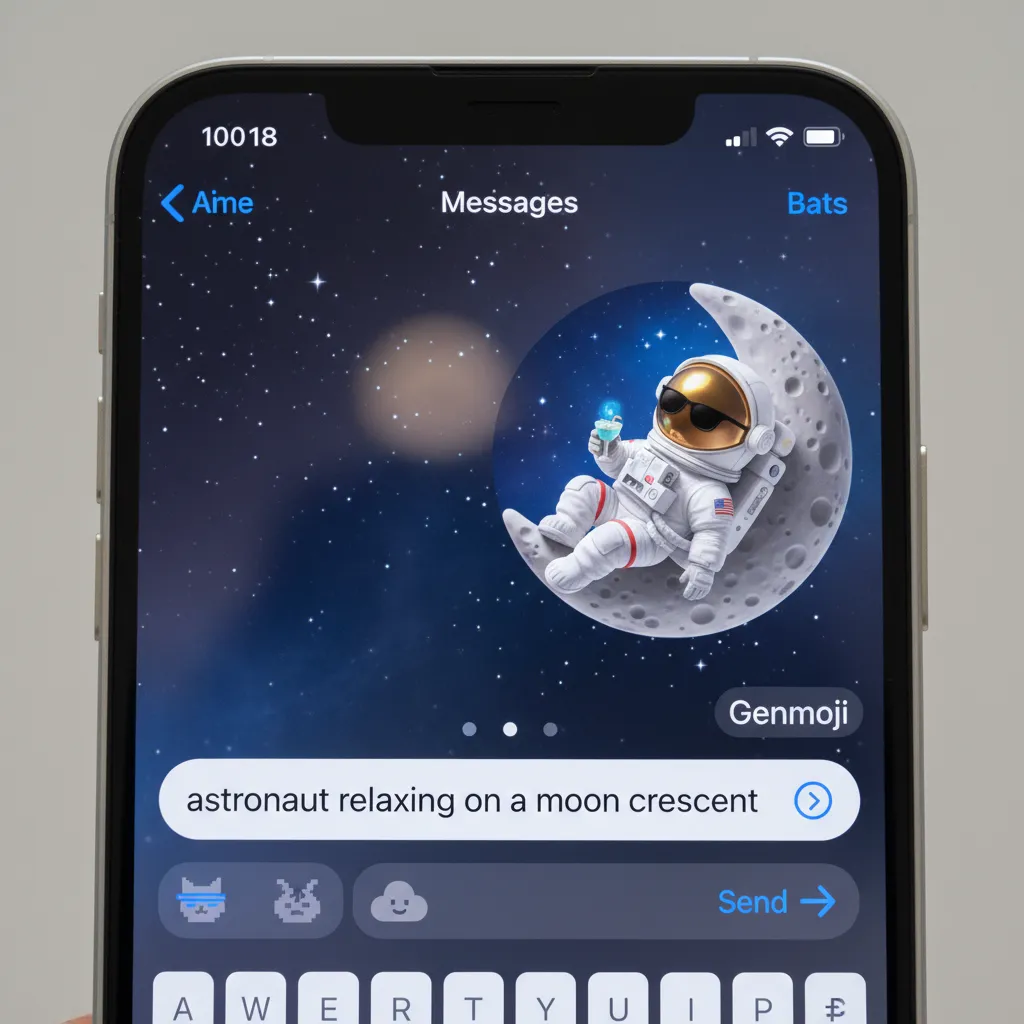
Moving from utility to creativity, Genmoji iOS 18 is perhaps the most fun new feature. Using generative AI, users can create unique, personalized emojis based on a text prompt.
Instead of hunting for the perfect standard emoji, you can type in “A happy dinosaur riding a skateboard” or “A smiling cat drinking coffee,” and Apple Intelligence generates a custom image. These Genmoji can be used as stickers, reactions, or embedded directly into texts, adding a layer of personal expression that traditional emojis simply can’t match.
[Related: gpt-4o-vs-project-astra-future-of-ai/]
3. Generative Imaging: Image Playground and AI Photo Editing
The creativity tools extend beyond personalized emojis. Apple introduced two major generative image features: Image Playground Apple and advanced AI photo editing iOS 18.
Image Playground: Quick Creation Across Apps
Image Playground is a lightweight, easy-to-use image generator built directly into apps like Messages and Notes. It allows you to create images using text prompts across three styles: Animation, Illustration, and Sketch.
Crucially, Image Playground is designed for rapid creation. The focus is on generating fun, relevant images quickly to enhance communication, not compete with professional art tools. All image generation happens on-device for immediate privacy and speed, leveraging the powerful Neural Engine.
The Photos App Redesign and AI Tools
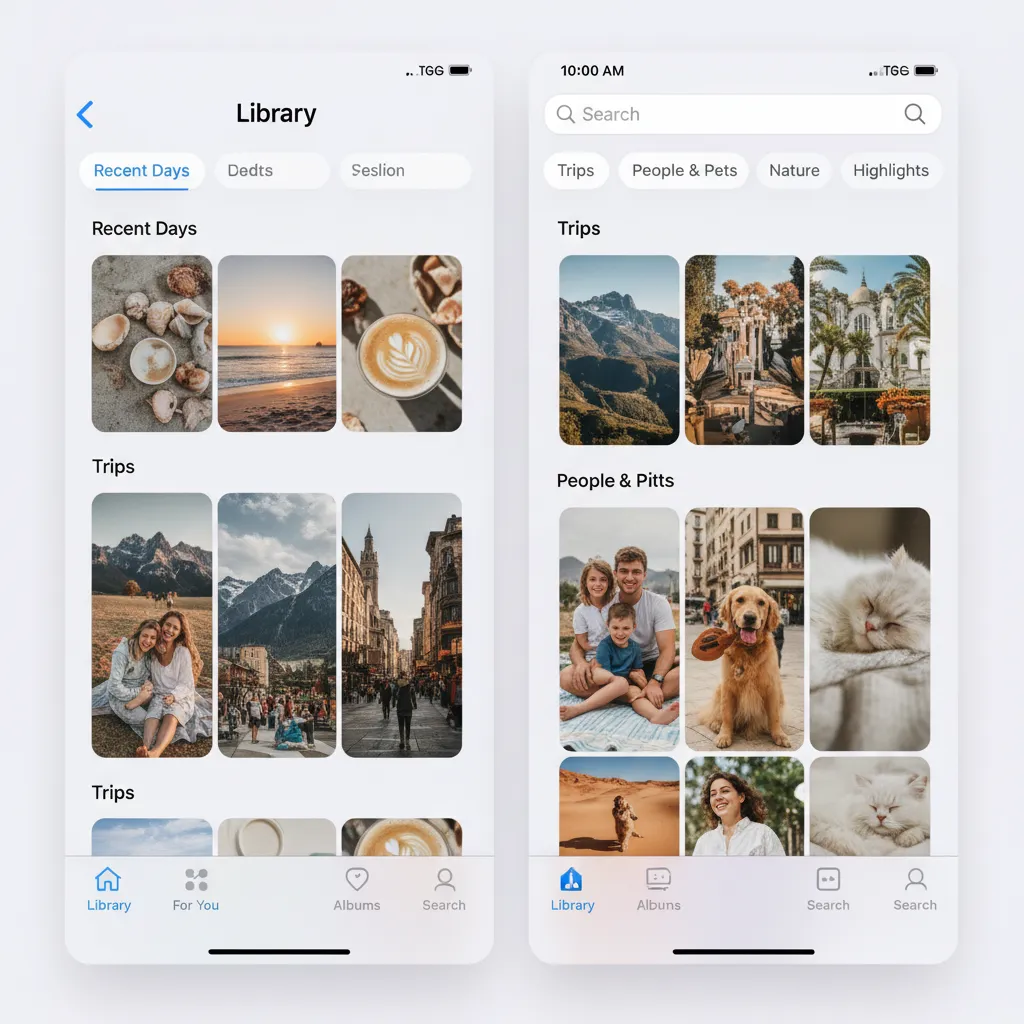
The Photos app redesign in iOS 18 is a massive overhaul, moving away from simple chronological organization toward automatically curated collections. The app uses Apple Intelligence to recognize people, pets, locations, and events, organizing them automatically into thematic ‘Collections.’
The new organizational structure is coupled with a powerful new AI tool called Clean Up.
- Clean Up Tool: This is Apple’s answer to object removal in photos. You can easily circle or tap distracting objects or people in the background of a photo, and the AI seamlessly removes them while intelligently filling the space. This is a significant enhancement to basic crop and filter tools, providing sophisticated AI photo editing iOS 18 capabilities right in the native app.
4. The Privacy Shield: On-Device AI and Private Cloud Compute
Apple understands that granting an AI this level of access to personal data—emails, messages, photos, and calendar events—raises serious privacy concerns. Their answer is a groundbreaking architecture that underpins all of Apple Intelligence.
The On-Device Priority
The vast majority of requests (like generating Genmoji, proofreading a text, or understanding screen context) are handled by the Neural Engine on your device. This is the foundation of on-device AI iPhone. Your data never leaves your phone, ensuring maximum privacy for the most personal tasks.
Introducing Private Cloud Compute
Some complex requests—like generating a detailed image or asking Siri a highly technical, multi-step question that requires more processing power than the iPhone’s chip can handle alone—require cloud infrastructure. This is where Private Cloud Compute (PCC) steps in.
PCC is Apple’s proprietary cloud architecture built on Apple Silicon servers. When your request is routed to PCC, a temporary, cryptographically secure session is established.
- Security: Apple guarantees that requests sent to PCC are never stored, and they are never accessible to Apple itself. The processing is entirely transient, and the data is only used to fulfill the immediate request.
- Verification: Apple will make the software running on PCC servers publicly verifiable, allowing security experts and researchers to confirm that these systems only run the necessary AI models and adhere to the strict privacy commitment.
This commitment to privacy is a key differentiator when comparing Apple Intelligence vs ChatGPT or other large language models that often rely on storing or analyzing user inputs to train their models. Apple’s architecture demonstrates a serious commitment to user trust, making it a compelling reason to consider the next iPhone OS features.
[Related: ai-personal-growth-master-habits-unlock-potential/]
5. Non-AI Essentials: Home Screen Customization and Quality of Life
While Apple Intelligence steals the spotlight, iOS 18 brings significant, non-AI-driven quality-of-life updates that users have demanded for years.
Customizable Home Screen iPhone
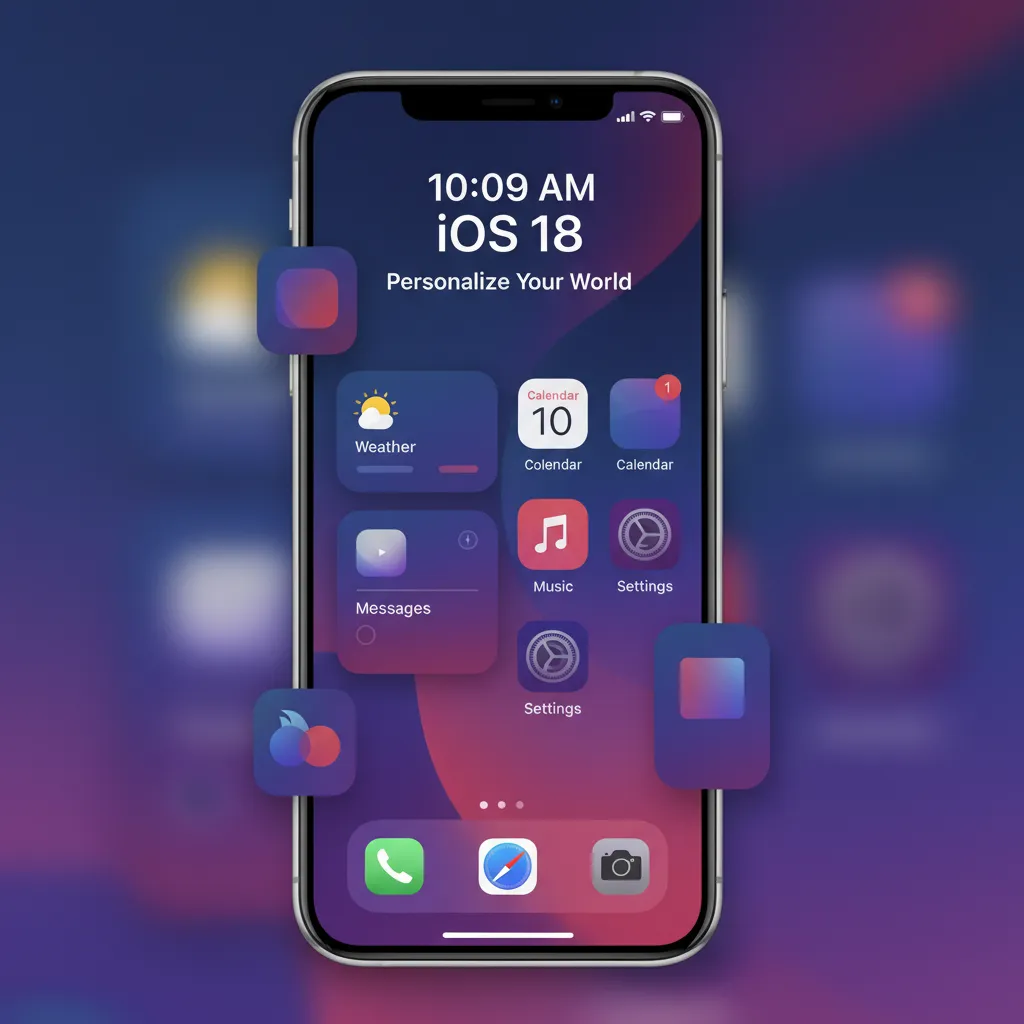
For the first time, users gain unprecedented control over their iPhone’s look and feel with the customizable home screen iPhone options.
- Icon Placement: Icons are no longer forced into a rigid grid. You can now leave gaps, place them freely, and position them closer to the bottom of the screen for easier one-handed access.
- Tinting and Dark Mode: Users can apply color tints to app icons, allowing them to match their wallpaper or specific color schemes. Furthermore, app icons now automatically adopt a darker, more unified appearance when Dark Mode is activated, making the entire device aesthetic far more coherent.
Control Center Enhancements
The Control Center received a modular iOS 18 review. It is now divided into thematic groups (Connectivity, Media, Tools) that can be resized and rearranged. Most importantly, developers can now provide controls for their apps to be placed in the Control Center, making it a truly useful hub for quick actions.
Passwords App and Messaging Updates
- Dedicated Passwords App: Apple has finally spun out its keychain functionality into a dedicated, cross-platform app called Passwords. This allows users to manage passwords, passkeys, and verification codes in a centralized, easily accessible location across iOS, iPadOS, visionOS, and Windows.
- Messages via Satellite: Building on the emergency satellite features introduced in iOS 16, iOS 18 now allows users to send and receive standard text messages via satellite when Wi-Fi and cellular service are unavailable.
6. Practical Guide: iOS 18 Compatibility, Beta, and Release Date
Understanding the technology is one thing; knowing when and how you can get it is another. Here are the crucial logistical details.
iOS 18 Compatibility: The Apple Intelligence Divide
The launch of iOS 18 has a critical dividing line: the ability to run Apple Intelligence.
| Device Feature | iOS 18 Basic Features | Apple Intelligence Features |
|---|---|---|
| Compatible Devices | iPhone SE (2nd gen and later), iPhone XR/XS and later, iPhone 11 and later | iPhone 15 Pro, iPhone 15 Pro Max (and all future models) |
| Required Chip | A12 Bionic and later | A17 Pro (or M-series chips for iPad/Mac) |
This means that while older models (like the iPhone 11 or 12) will receive the core iOS 18 features like the customizable home screen and control center updates, they will not be able to access the core Apple Intelligence functions, including the new Siri, Writing Tools, Genmoji, and AI photo editing. This is because Apple Intelligence relies heavily on the powerful Neural Engine within the A17 Pro chip and later.
Release Timeline: iOS 18 Beta and Final Release
- Developer Beta: Released immediately following WWDC 2024 announcements in June. This is aimed at developers to begin testing and adapting their apps.
- Public Beta: Typically released a few weeks after the developer version, allowing general users to test the iOS 18 beta. Caution: Beta software can be buggy and is not recommended for primary devices.
- Final iOS 18 Release Date: The official, stable public launch of iOS 18 traditionally occurs alongside the launch of the new iPhone model, usually in mid-September (e.g., September 2024).
How to Use Apple Intelligence
Once you have a compatible device and the final iPhone update 2024 is installed, how to use Apple Intelligence is largely intuitive, as it’s designed to be deeply integrated.
- Siri: Simply say “Siri” or press and hold the side button, then speak a contextual or complex command.
- Writing Tools: Highlight text in any supported app (like Mail or Notes), and a new menu option for “Writing Tools” will appear, offering Rewrite, Proofread, and Summarize functions.
- Genmoji/Image Playground: Access these within the Messages or Notes app by tapping the text field options, allowing you to generate images based on a text description.
7. The Competitive Landscape: Apple Intelligence vs ChatGPT and Google
In the race for the next generation of computing, Apple is late to the AI party but is entering with a distinct advantage: integration and privacy.
Personal Context vs. Generalized Knowledge
| Metric | Apple Intelligence | General LLMs (e.g., ChatGPT) |
|---|---|---|
| Core Focus | Deep personal context, action execution, and on-device privacy. | Vast generalized knowledge, creative text generation, complex problem-solving. |
| Data Source | Your private data (emails, photos, calendar, screen context). | Massive public datasets from the internet. |
| Execution | Built directly into the OS, acts on your device’s data (e.g., summarizing an email). | Operates in the cloud, typically requires inputting the data (e.g., pasting an email). |
| Privacy Model | Private Cloud Compute, verifiable, zero logging. | Variable; many models log and use inputs for training (unless enterprise versions). |
While models like ChatGPT excel at generalized tasks—writing a dissertation or coding a script—Apple Intelligence excels at highly personal and proactive tasks, like finding the podcast your spouse mentioned in a text message two weeks ago or prioritizing notifications based on your current focus mode. The goal of AI for iPhone is utility over raw generative power.
Partnership with OpenAI
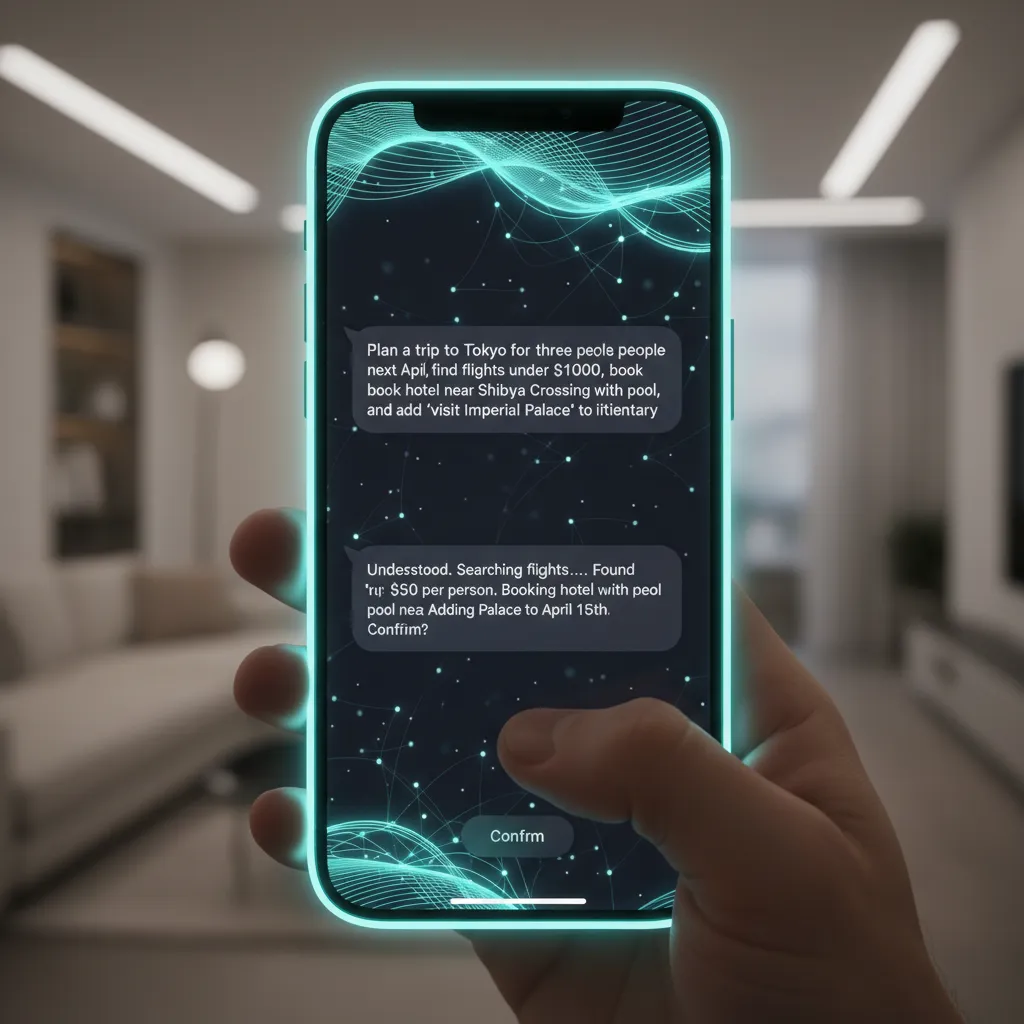
For requests that require truly generalized world knowledge—the kind of request where Siri used to say, “Here’s what I found on the web”—Apple is partnering with OpenAI to integrate GPT-4o capabilities.
However, this integration is opt-in and handled with care. If Siri determines a request requires the web-scale power of GPT-4o, it will first ask for the user’s permission before sending the data to OpenAI’s servers. This maintains Apple’s control over privacy while ensuring the new Siri can handle a vastly broader range of queries.
[Related: google-io-2024-biggest-ai-announcements/]
8. Deep Dive into the Photos App: AI Curation
The Photos app redesign is more than just a fresh coat of paint; it is the physical manifestation of Apple Intelligence organizing your life.
Before iOS 18, the Photos app often felt like a massive, unsorted digital shoebox. Now, the new layout emphasizes automated organization through AI-powered collections.
The Power of Collections
The main view is now separated into three sections: Library, Collections, and Utilities. Collections automatically groups photos and videos based on key criteria:
- Recents: Your standard chronological feed.
- Time: Grouped by days, weeks, and months.
- People: Traditional face recognition, now more accurate.
- Topics: This is where the AI truly shines, automatically identifying recurring themes (e.g., “Sunsets,” “Hiking,” “Concerts”) and creating intelligent albums.
Memories and Contextual Stories
The ‘Memories’ feature, which creates highlight reels of past events, is dramatically improved. Using Apple Intelligence, the system can:
- Identify peak moments: The AI analyzes hundreds of photos from an event to select the most visually interesting and emotionally resonant ones.
- Add context: It uses map data, calendar events, and even music patterns from your Apple Music library to suggest a relevant soundtrack and story arc for the memory video.
- Refinement via Text: You can ask Siri or use a text prompt like, “Make a video of my vacation to Italy, focusing only on the food and cityscapes,” and the AI will assemble the video instantly.
This level of intelligent organization makes finding that perfect picture or reliving a past event effortless, solidifying the value of the AI for iPhone ecosystem.
Conclusion: Should You Update to iOS 18?
iOS 18 marks a genuine inflection point for the iPhone. This is not a subtle update with minor bug fixes; it is a fundamental reboot centered around intelligence, personalization, and privacy.
The seamless, on-device AI iPhone capabilities, spearheaded by the new, highly effective Siri update 2024 and the indispensable Writing Tools iOS 18, genuinely enhance productivity and creativity. The added benefits of a customizable home screen iPhone and the intuitive Photos app redesign make the upgrade compelling for all compatible devices.
Final Verdict
If you own an iPhone 15 Pro or a subsequent model (which will be compatible with the A17 Pro chip or better), the decision is a resounding yes. Apple Intelligence is the future of the operating system, and the practical gains in daily efficiency are immense. Understanding how to use Apple Intelligence will become essential to maximizing your iPhone’s potential.
If you have an older iPhone that is compatible with iOS 18 but not with Apple Intelligence, the update is still worthwhile for the new customization options, improved Control Center, and the dedicated Passwords app. However, you will miss out on the headline-grabbing iPhone AI features.
The iOS 18 beta is a good starting point for enthusiasts, but most users should wait for the stable iOS 18 release date in the fall. This is more than just the next iPhone OS features—it’s the start of a smarter, more personalized digital life.
FAQs: Unpacking iOS 18 and Apple Intelligence
Q1. What is Apple Intelligence?
Apple Intelligence is the brand name for the integrated personal intelligence system built into iOS 18, iPadOS 18, and macOS Sequoia. It uses large generative models (both on-device and in the cloud via Private Cloud Compute) to understand and act upon a user’s personal context, providing proactive assistance in tasks like writing, summarizing, image creation (Genmoji), and executing complex commands through the revamped Siri.
Q2. Which devices support the full Apple Intelligence features?
The most powerful iPhone AI features require the processing power of the A17 Pro chip. Therefore, the full suite of Apple Intelligence features is exclusively available on the iPhone 15 Pro, iPhone 15 Pro Max, and subsequent iPhone models. Older devices running iOS 18 will receive the non-AI updates (like the customizable home screen), but not the core AI functions.
Q3. When is the official iOS 18 release date?
The official public release date for iOS 18 is expected to be in mid-September 2024, aligning with the traditional launch timeline for the new iPhone hardware. Developers and public testers can access the iOS 18 beta versions starting in summer 2024.
Q4. What is Private Cloud Compute (PCC)?
Private Cloud Compute is Apple’s secure, proprietary cloud infrastructure designed to handle complex Apple Intelligence requests that require more power than the iPhone’s on-device chip can provide. PCC guarantees that user data sent to the cloud is never stored, and the temporary processing session is cryptographically secure, ensuring privacy even when utilizing remote processing power.
Q5. How does Genmoji work in iOS 18?
Genmoji iOS 18 utilizes generative AI to create unique, custom emojis based on a user’s text prompt. For example, typing “A sad panda juggling pineapples” will generate a matching Genmoji that can be used in messages as an expressive sticker. This process primarily happens using the on-device AI iPhone capabilities.
Q6. Are the new Writing Tools available in third-party apps?
Yes. The Writing Tools iOS 18—including Rewrite, Proofread, and Summarize—are integrated into the system’s text input and selection menus. This means they are accessible and functional across almost all applications that use standard iOS text fields, not just Apple’s native apps like Mail and Notes.
Q7. What is the major change to Siri in the iOS 18 update?
The major change in the Siri update 2024 is the introduction of deep contextual awareness Siri. The assistant can now understand what is displayed on your screen, reference details from previous conversations, and perform multi-step actions across different apps (e.g., “Find the photo I just sent in Messages and add it to my ‘Travel’ album”).
Q8. Is Apple Intelligence a direct competitor to ChatGPT?
While both are built on generative models, Apple Intelligence vs ChatGPT is a comparison of purpose. ChatGPT is a general-purpose language model designed for creative text, research, and coding. Apple Intelligence is a personal intelligence system designed for system-level automation, deep contextual understanding of your life, and privacy-first action execution on the device, making it a complementary, rather than strictly competitive, service.