Copilot+ PCs: The Future of AI-Powered Laptops
Introduction: The Dawn of On-Device AI Processing
For decades, the personal computer has been the hub of our digital lives, but its fundamental structure remained largely consistent: a CPU and a GPU handling the heavy lifting. The arrival of the Copilot+ PC changes this paradigm entirely, signaling the most profound shift in the Windows ecosystem since the introduction of the modern integrated graphical user interface.
These are not just faster laptops; they are true AI-powered laptops, designed from the ground up to handle complex artificial intelligence tasks locally, right on the device, rather than relying solely on the cloud. This revolutionary architecture is Microsoft’s answer to the rising demand for seamless, instant, and secure AI experiences.
The term Copilot+ PC represents a new standard of computing, defined by a specific set of hardware requirements that fundamentally unlock capabilities previously thought impossible for a mobile device. Driven primarily by powerful new chipsets like the Snapdragon X Elite, these machines promise unparalleled efficiency, drastically improved battery life, and a suite of transformative Windows 11 AI features.
In this deep dive, we will unpack exactly what is a Copilot+ PC, explore the core features like Recall feature Windows 11 and Cocreator AI, compare the performance of the underlying architecture, and examine the impressive launch lineup that is setting the standard for the future of computing.
What Exactly is a Copilot+ PC? Defining the New Standard
The Copilot+ PC is not just a marketing term; it denotes a specific class of Microsoft AI PC designed to meet rigorous performance thresholds required for modern, intensive AI workloads. For a laptop to earn the Copilot+ badge, it must satisfy three critical requirements, all centered around dedicated artificial intelligence hardware.
The New Hardware Standard: The NPU Laptop
The most crucial component that defines the Copilot+ PC is the presence of a dedicated neural processing unit (NPU). This specialized silicon is engineered specifically for AI tasks, such as machine learning inference, image processing, and natural language processing.
The key specification for a Copilot+ PC is that its NPU must be capable of delivering a minimum of 40 Trillions of Operations Per Second (TOPS).
Why 40 TOPS?
- Efficiency: NPUs handle recurring AI tasks (like background noise suppression or real-time captions) far more efficiently than the general-purpose CPU or even the GPU. This translates directly into better performance and, critically, outstanding battery life Copilot+ PC.
- Speed and Latency: Running AI models on the device (on-device AI processing) eliminates the latency associated with sending data to and from the cloud. Features like Recall or Cocreator become virtually instantaneous.
- Security and Privacy: Processing sensitive data locally, such as the activity logged by Recall, significantly enhances user privacy and security compared to cloud-based solutions.
The initial wave of these devices relies almost exclusively on Qualcomm’s Snapdragon X Series chips (Elite and Plus), which pioneered meeting and exceeding this 40+ TOPS threshold. Future iterations will include similar chips from Intel and AMD, solidifying the NPU as an essential third pillar of modern PC architecture.
Windows on ARM: A Necessary Evolution
While Intel and AMD have their own plans, the launch of Copilot+ PCs is inextricably linked to the success of Windows on ARM. The move to ARM64 laptops has been slow but necessary, driven by the exceptional power efficiency inherent in the ARM architecture.
Copilot+ PCs run a heavily optimized version of Windows 11 designed to utilize the power profile of ARM chips. This architecture allows for the ‘always-on, always-connected’ experience often associated with smartphones, bringing that level of efficiency to full-power laptops.
For users, the transition means two major things:
- Emulation Improvement: The new Prism emulation layer in Windows 11 allows traditional x86/x64 applications to run much faster and more reliably on Windows on ARM devices than in previous generations.
- Native Optimization: Developers are rapidly updating their applications to run natively on the ARM architecture, maximizing performance and reducing power consumption. This shift is critical for ensuring the longevity and utility of the ARM64 laptops.
[Related: mastering-ai-workflow-productivity-automation]
The Engine Room: Snapdragon X Elite and the NPU Revolution
At the heart of the first wave of Copilot+ PCs is the Qualcomm Snapdragon X Elite processor. This chip is more than just a fast CPU; it’s a complete System on a Chip (SoC) integrating the CPU, GPU, and a powerful NPU (the Hexagon NPU).
The Snapdragon X Elite boasts up to 45 TOPS of performance, immediately making it one of the most powerful NPUs available in the PC market at launch. This raw power is what enables the suite of new AI features to run fluidly on the device.
Performance Comparison: Snapdragon X Elite vs M3
When evaluating the performance of these AI PC comparison devices, many users immediately look toward Apple’s silicon, particularly the M3 and M4 chips.
While general CPU performance metrics often favor the Apple chips in certain single-threaded benchmarks, the comparison shifts dramatically when focusing on the dedicated AI hardware—the NPU.
| Feature | Snapdragon X Elite | Apple M3 | Advantage for AI Tasks |
|---|---|---|---|
| NPU Performance (TOPS) | Up to 45 TOPS | 15.8 TOPS | Snapdragon X Elite |
| Architecture | ARM | ARM | N/A |
| Core Focus | Heterogenous Compute (NPU, CPU, GPU) | Unified Memory and CPU efficiency | NPU for Copilot+ Features |
| Windows Compatibility | Native (Windows on ARM) | N/A (macOS) | Snapdragon X Elite |
The sheer gap in NPU capability is the primary differentiator. While Apple’s integrated approach is highly efficient for general tasks, the 45 TOPS in the Snapdragon X Elite is specifically designed to handle the simultaneous, intensive demands of the new Windows AI features, giving the Snapdragon X Elite vs M3 comparison a definitive edge in specialized on-device AI processing.
Battery Life: The Unsung Hero of Copilot+ PCs
One of the most compelling arguments for the transition to ARM architecture in general, and the Copilot+ PC specifically, is the transformative impact on power consumption. The efficiency of the architecture, combined with the offloading of tasks to the NPU, results in truly remarkable longevity.
Microsoft and its partners claim up to 20+ hours of local video playback and substantially improved “real-world” usage compared to traditional Intel or AMD-based laptops. This exceptional battery life Copilot+ PC experience is a crucial part of the user promise: AI-powered productivity that lasts all day, eliminating “battery anxiety” entirely.
For mobile professionals, students, and digital nomads, this means a significant reduction in reliance on power outlets, marking a major milestone in mobile computing.
[Related: quantum-ai-unleashed-reshaping-intelligence-innovation]
Signature AI Features: What Makes Copilot+ Stand Out
The hardware is only the foundation; the real appeal of the Copilot Plus PC features lies in the unique software experiences they enable. These features are tightly integrated into Windows 11 and rely entirely on the NPU for seamless operation.
Recall: A Photographic Memory for Your PC
Perhaps the most revolutionary, and initially controversial, feature is Recall feature Windows 11. Recall acts as a digital, searchable memory of everything you do on your PC.
How Recall Works: The NPU continuously takes snapshots of your active screen every few seconds. These snapshots are processed locally, indexed, and stored in a secure timeline on your device. When you need to find something—that obscure website you visited last Tuesday, the slide deck you were editing, or the exact moment you saw a specific image—you simply use the Recall interface.
Users can search naturally, asking questions like, “Show me the spreadsheet I was working on while listening to the ‘lofi beats’ playlist.” Recall uses semantic search to locate the exact visual moment in your past activity.
Privacy and Security: Microsoft addressed initial concerns by clarifying that Recall data is:
- Stored Locally: The data never leaves your device and is not shared with Microsoft or anyone else.
- Encrypted: The index is encrypted, and users have complete control over what is captured (e.g., excluding certain apps or websites).
- User-Controlled: The feature can be paused, deleted, or turned off entirely.
Recall transforms the way users interact with their history, turning the entire PC experience into a searchable, interactive timeline.
Cocreator AI: Text-to-Image Generation Made Instant
Another standout feature leveraging the NPU’s power is Cocreator AI. While cloud-based image generators (like Midjourney or DALL-E) are now common, Cocreator brings high-quality image generation and real-time editing directly to the device.
Integrated into applications like Paint, Cocreator allows users to input a text prompt and then, as they draw or make simple modifications, the AI refines and renders the image in real time. Because this processing happens on the NPU, the latency is minimal, making the creative process feel intuitive and collaborative.
For the AI PC for creatives, this offers a significant advantage, allowing rapid prototyping and iteration without the need for constant cloud connectivity or subscription fees.
Live Captions and Windows Studio Effects: Enhanced Communication
The Copilot+ PC dramatically enhances digital communication through two core capabilities:
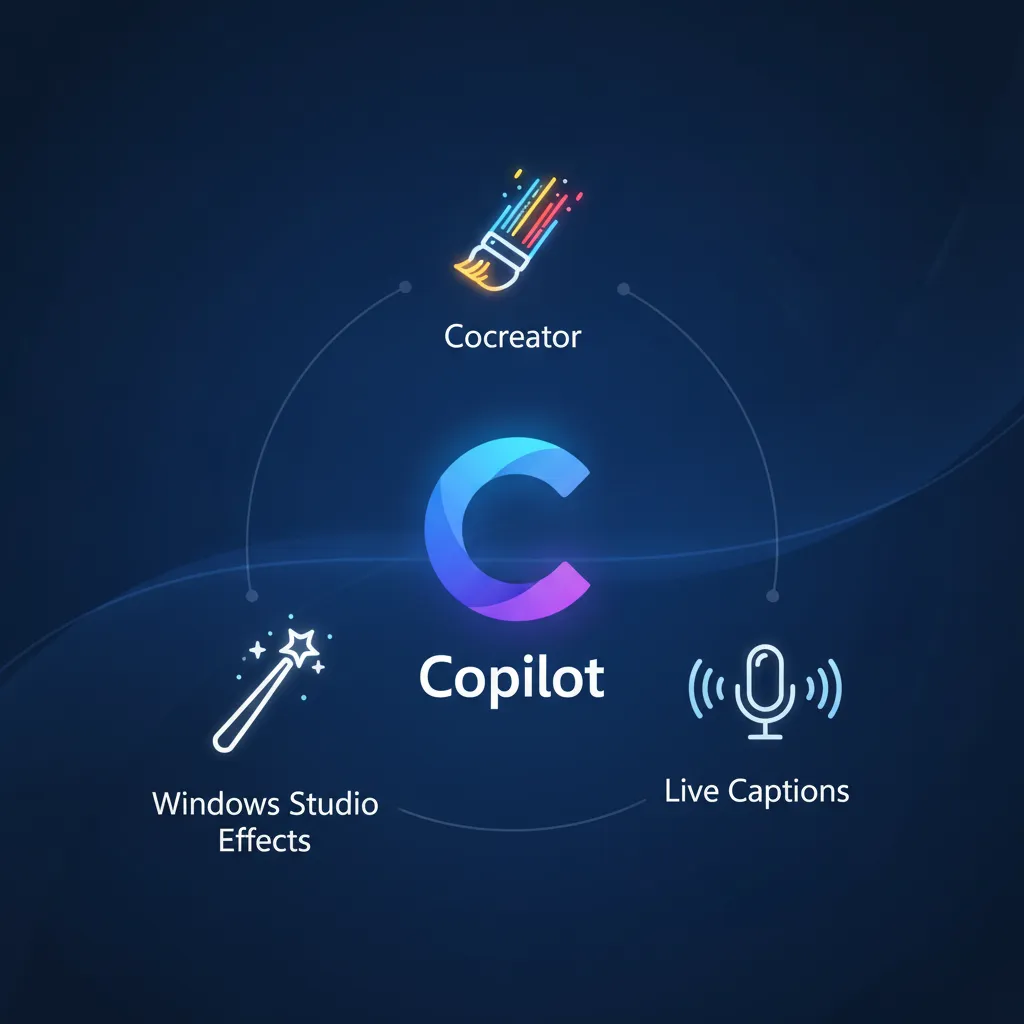
- Live Captions Windows: This feature provides real-time, instantaneous captions for any audio played on the PC, regardless of the source (a video, a podcast, or a live meeting). Crucially, the captions can translate audio from 44 different languages into English, all processed on-device, offering a huge accessibility boost.
- Windows Studio Effects: These effects use the NPU to enhance video calls seamlessly. Features include:
- Automatic Framing: Keeping the speaker perfectly centered in the frame.
- Portrait Blur: Applying high-quality bokeh effects to the background.
- Voice Focus: Filtering out background noise more effectively than traditional software solutions.
- Creative Filters: Applying stylized lighting or artistic effects in real time.
These features make every meeting look and sound professional, regardless of the user’s environment.
The Launch Lineup: Best Copilot+ PC 2024 Models
The initial wave of Copilot+ PC price points spans the premium and mid-range markets, highlighting Microsoft’s strategy to position these devices as high-performance alternatives. Major manufacturers are all onboard, signaling strong industry commitment following the Microsoft Build announcements.
Microsoft’s Flagships: Surface Laptop 7 and Surface Pro
Microsoft leads the charge with its own updated hardware:
- Surface Laptop 7: Positioned as the quintessential clamshell Copilot+ PC, the Surface Laptop 7 is thin, light, and optimized for the Snapdragon X Elite. It is designed to showcase the best blend of performance, efficiency, and Windows integration.
- Surface Pro (11th Edition): Microsoft’s iconic 2-in-1 device also receives the Copilot+ treatment, offering maximum flexibility with detachable keyboards and stylus support, all while harnessing the power of the NPU for creative tasks.
These devices set the benchmark for quality and integration, often being the first to receive new software updates and optimization features.
Leading OEM Entries: A Diverse Selection
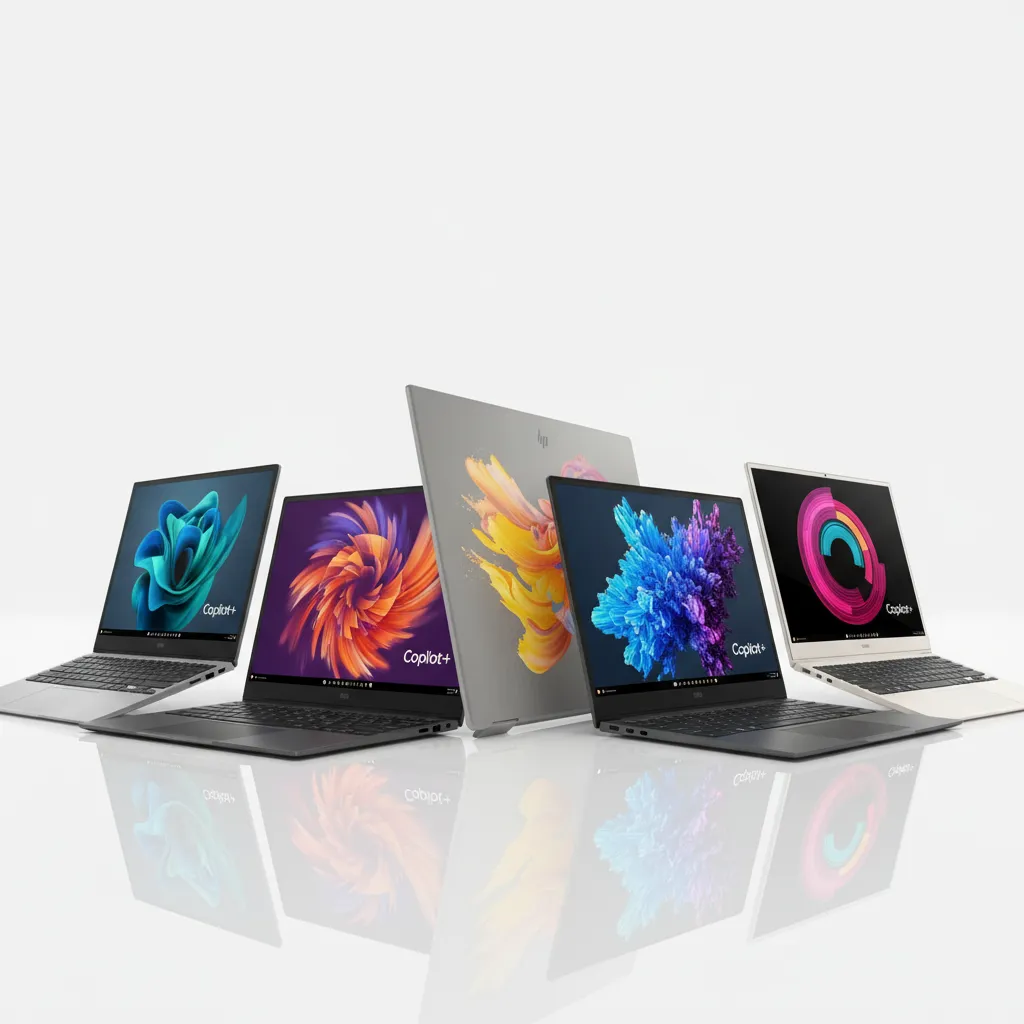
Nearly every major PC vendor launched a new model specifically designed to meet the Copilot+ requirements, offering users variety in design and form factor:
- Dell XPS 13 Copilot+: Maintaining its sleek, premium aesthetic, the Dell XPS 13 Copilot+ integrates the Snapdragon X Elite into a beautifully crafted aluminum chassis. It targets users who prioritize design and portability.
- HP OmniBook X: HP’s entry, the HP OmniBook X, emphasizes collaboration and hybrid work, often featuring enhanced cameras and microphones to complement the Windows Studio Effects.
- Samsung Galaxy Book4 Edge: Samsung’s powerful offering, the Samsung Galaxy Book4 Edge, focuses on seamless integration with the Samsung ecosystem, including features that bridge the gap between their phones and the Windows environment.
- Lenovo Yoga Slim 7x: The Lenovo Yoga Slim 7x is tailored for mobility and media consumption, featuring excellent displays and a lightweight design, making it appealing for students and casual professionals alike.
The competition among these devices is driving down the initial Copilot+ PC price points, making this new technology accessible to a broader audience faster than anticipated.
| Model | Target Audience | Key Feature Highlight | Processor (Example) |
|---|---|---|---|
| Surface Laptop 7 | Microsoft Loyalists, General Users | Cleanest Windows Integration, Premium Build | Snapdragon X Elite |
| Dell XPS 13 Copilot+ | Design Enthusiasts, Mobile Professionals | InfinityEdge Display, Thin & Light Design | Snapdragon X Elite |
| HP OmniBook X | Hybrid Workers, Videoconferencing | Enhanced Webcam and Audio Suite | Snapdragon X Plus/Elite |
| Samsung Galaxy Book4 Edge | Ecosystem Users, Media Consumption | AMOLED Display, Galaxy Integration | Snapdragon X Elite |
| Lenovo Yoga Slim 7x | Students, Value-Conscious Users | Portability and Excellent Value | Snapdragon X Elite |
[Related: meta-llama-3-ultimate-guide-2024]
Beyond the Hype: The Future of Computing with On-Device AI
The introduction of the Copilot+ PC standard is more than a product refresh; it represents a philosophical shift in how we interact with technology. By decentralizing AI capabilities and moving them from the cloud to the NPU laptop, Microsoft is paving the way for a truly personalized and proactive computing experience.
AI PC for Creatives and Professionals
For demanding users, the benefits extend beyond simple efficiency. The AI PC for creatives means the ability to run large language models (LLMs) and diffusion models locally.
Imagine a video editor who can use AI to automatically stabilize footage, categorize assets, or generate rough-cut sequences without uploading massive files to the cloud. Or a coder who can have a sophisticated version of Copilot running entirely offline, suggesting code blocks and debugging on the fly. This level of local processing power means professional workflows become faster, more secure, and less dependent on internet bandwidth.
Microsoft Build Announcements and the AI Ecosystem
The commitment to the future of computing was underscored during the Microsoft Build announcements. Microsoft is actively working to ensure that Windows 11 applications can natively recognize and utilize the NPU. This involves updating APIs and providing development tools that incentivize developers to offload appropriate tasks to the dedicated AI hardware.
This ecosystem effort is crucial. A powerful NPU is only as good as the software that uses it. As more major applications—from Adobe Creative Suite to enterprise tools—become optimized for these ARM64 laptops, the performance disparity between traditional PCs and Copilot+ PCs will only widen, accelerating the adoption of this new standard.
Addressing the Competition and the Evolution of the NPU
While Qualcomm currently dominates the NPU landscape for Windows, the other major players are quickly catching up. Intel is developing its Lunar Lake chips, and AMD is advancing its Strix Point processors, both aiming for the 40+ TOPS threshold required for the Copilot+ certification.
This intense competition will drive rapid innovation, potentially leading to NPUs that can handle even more complex tasks, such as personalized large language model fine-tuning or advanced biometric security features, all operating entirely on the device.
The move to standardized, high-performance neural processing unit architecture is an irreversible step toward a world where every computer anticipates user needs and executes complex AI tasks instantly.
[Related: mastering-prompt-engineering-unlock-ai-potential]
Conclusion: Copilot+ PCs are the New Baseline
The Copilot+ PC is not merely a souped-up device; it is the establishment of a new baseline for personal computing. By demanding dedicated 40+ TOPS NPUs, Microsoft has fundamentally changed the hardware requirements necessary to deliver a modern, proactive, and efficient user experience.
Features like Recall, Cocreator, and advanced Live Captions demonstrate a commitment to deep integration of AI into the core OS, making these capabilities accessible without relying on external servers. The efficiency provided by the Snapdragon X Elite chipset, resulting in industry-leading battery life Copilot+ PC, makes these AI-powered laptops highly desirable for anyone prioritizing mobility and longevity.
Whether you choose a premium Dell XPS 13 Copilot+ or Microsoft’s flagship Surface Laptop 7, you are investing in a machine that is ready for the future of computing. The Copilot+ PC ensures that AI, the defining technology of this era, works for you—securely, instantly, and on your terms. This is more than a launch; it is the true beginning of the AI PC revolution.
FAQs
Q1. What is the fundamental difference between a Copilot+ PC and a regular Windows laptop?
The core difference is the dedicated hardware required. A Copilot+ PC must feature a neural processing unit (NPU) capable of delivering a minimum of 40 TOPS (Trillions of Operations Per Second). Traditional laptops primarily rely on the CPU and GPU, making them less efficient and slower at running intensive, on-device AI features like Recall and Cocreator.
Q2. Does the Recall feature send my data to Microsoft?
No. The Recall feature Windows 11 performs all its processing and indexing of screen snapshots entirely on the local device, leveraging the NPU. The indexed data is encrypted and remains secured on your local hard drive, never being uploaded to Microsoft’s cloud services, ensuring robust privacy for users of the Microsoft AI PC.
Q3. What is the Snapdragon X Elite chip and why is it essential for Copilot+ PCs?
The Snapdragon X Elite is a powerful ARM-based System on a Chip (SoC) developed by Qualcomm. It is essential because its integrated NPU meets and exceeds the required 40 TOPS minimum performance standard. This power is necessary to run the suite of new Copilot Plus PC features with high speed and exceptional power efficiency, driving the first generation of these devices.
Q4. Are there non-Snapdragon Copilot+ PCs available?
While the initial wave of best Copilot+ PC 2024 models primarily uses the Snapdragon X Elite and Plus series, both Intel (with Lunar Lake) and AMD (with Strix Point) are developing new chips that meet the 40+ TOPS NPU requirement. Future Copilot+ PCs will incorporate these new processors, broadening the availability across different architectures.
Q5. How does the battery life compare on ARM64 laptops like the Copilot+ PC?
The ARM64 laptops architecture, combined with the power efficiency of the NPU for offloading AI tasks, provides drastically superior battery life compared to most traditional x86 laptops. Manufacturers claim users can expect up to 20 or more hours of typical usage or local video playback, making the battery life Copilot+ PC one of its most impressive selling points.
Q6. Can Copilot+ PCs run standard x86/x64 Windows applications?
Yes. Copilot+ PCs utilize an optimized version of Windows 11 with the Prism emulation layer. This layer allows nearly all legacy x86 and x64 applications to run successfully on the Windows on ARM architecture. Furthermore, many major developers are already releasing native ARM-optimized versions of their software, maximizing performance and efficiency.
Q7. What is the significance of the neural processing unit (NPU)?
The neural processing unit (NPU) is a specialized accelerator designed for machine learning and AI algorithms. Its significance lies in its ability to execute these tasks far faster and more power-efficiently than the CPU or GPU, making real-time, instantaneous features like Cocreator AI and complex video effects possible without draining the device battery.
[Related: invest-green-guide-sustainable-investing-brighter-future/]