Copilot+ PCs: Unleash Business Productivity with AI Laptops

Introduction
For decades, the measure of a great business laptop was simple: a faster processor, more RAM, and a sharper screen. But the landscape of work is changing, and the tools we use must evolve beyond raw specifications. We’re entering a new era of computing, one where your laptop isn’t just a passive tool but an intelligent partner. This is the world of Copilot+ PCs.
These aren’t just another incremental upgrade; they represent a fundamental shift in how we interact with our most essential work device. Imagine a laptop that can find any document, email, or web page you’ve ever seen with a simple natural language search, break down language barriers in real-time during a global video call, or help you generate stunning visuals for a presentation in seconds—all without constantly relying on the cloud.
This guide is for business leaders, IT decision-makers, and ambitious professionals who want to understand the monumental shift towards AI laptops. We’ll demystify what makes a PC “Copilot+”, explore the game-changing features designed to supercharge your workflows, and provide a clear-eyed analysis of how these next-gen laptops can deliver a tangible return on investment through enhanced productivity, security, and efficiency. The future of work computing is here, and it’s powered by on-device AI.
What Are Copilot+ PCs? A New Breed of Intelligent Laptops
Before we dive into the business benefits, let’s establish a clear definition. A “Copilot+ PC” isn’t just a laptop with Microsoft’s Copilot software pre-installed. It’s a new, rigorous hardware standard set by Microsoft that marks a machine as one of the fastest, most intelligent Windows PCs ever built.
To earn the Copilot+ badge, a laptop must meet a crucial performance benchmark: its integrated Neural Processing Unit (NPU) must be capable of over 40 Trillion Operations Per Second (TOPS).
So, what’s an NPU?
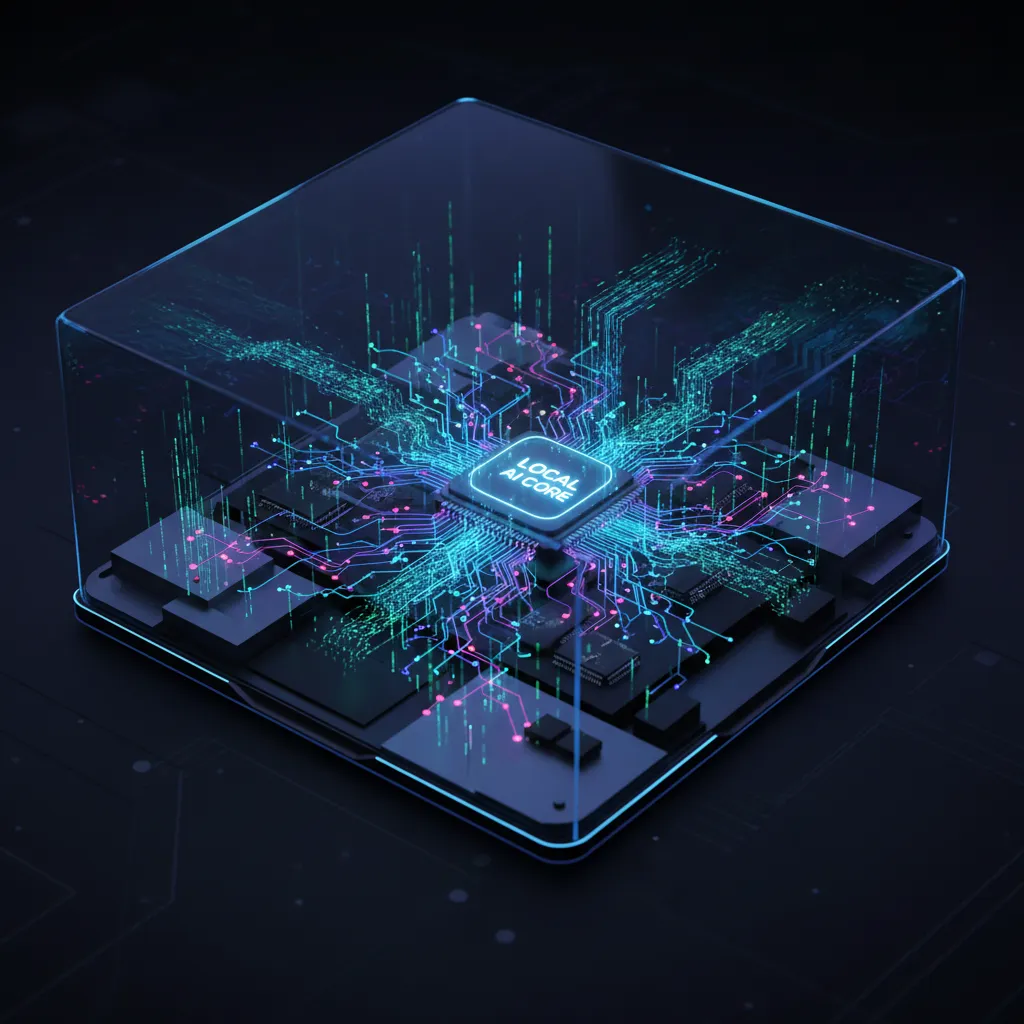
Think of it as a dedicated brain for artificial intelligence. While the Central Processing Unit (CPU) handles general system tasks and the Graphics Processing Unit (GPU) manages graphics, the NPU is an AI accelerator specifically designed for the complex, parallel calculations required by AI and machine learning models.
By building such a powerful NPU into the system’s core architecture, Copilot+ PCs can perform incredible AI tasks directly on the device. This is the magic of local AI processing. Instead of sending your data to a cloud server for analysis and waiting for a response, the laptop handles it instantly and privately. This shift from cloud-dependent AI to powerful on-device AI is the single biggest differentiator between a traditional laptop and a Copilot+ PC.
The Core Engine: Why Snapdragon X Elite is a Game-Changer
The first wave of these revolutionary devices, from Microsoft Surface to Dell, HP, and Lenovo, is powered by Qualcomm’s new Snapdragon X Elite and X Plus processors. This is a significant moment for computing, marking the most ambitious push for Windows on ARM to date.
For years, the PC world has been dominated by x86 architecture (from Intel and AMD). The move to ARM, the same power-efficient architecture found in high-end smartphones and Apple’s M-series MacBooks, brings two transformative benefits to the business world:
- Unprecedented Energy Efficiency: The performance-per-watt of the Snapdragon X Elite chip is simply astounding. This translates to laptops that can genuinely last all day—and often into the next—on a single charge. For a mobile workforce, this means less time tethered to a power outlet and more time being productive from anywhere.
- Cool, Quiet Performance: Because the chip is so efficient, it generates less heat. This means thinner, lighter designs without the distraction of constantly whirring fans, creating a more pleasant and focused work environment.
Of course, the big question with any new architecture is app compatibility. Microsoft has invested heavily to ensure a seamless experience. The new Prism emulation layer is incredibly fast, allowing you to run your existing x86 applications without a hitch. Simultaneously, major software developers like Adobe, Google, and DaVinci are rapidly releasing native ARM64 versions of their flagship apps (like Photoshop and Chrome) for even better performance.
Killer AI Features: How Copilot+ Redefines Your Workflow
The power of the NPU isn’t just a number on a spec sheet; it unlocks exclusive AI experiences that can fundamentally change how you work. These are not gimmicks; they are powerful AI tools for productivity.
Photographic Memory with Recall
Perhaps the most talked-about feature is Recall. Imagine being able to find anything you have ever seen or done on your PC. Recall works by taking periodic snapshots of your screen, creating a searchable, visual timeline of your activity stored entirely on your device.
Need to find that specific sales chart you saw in a Teams call two weeks ago? Or that project link a colleague sent in a now-buried email? Instead of digging through folders and inboxes, you simply search Recall using natural language like, “find the blue bar chart about Q3 sales Bob showed me.” Recall will pull up the exact moment, providing the context and the source file.
After initial feedback, Microsoft updated Recall to be strictly opt-in, encrypted on-device, and requiring authentication via Windows Hello (face, fingerprint, or PIN) to view your timeline. This makes it a powerful, private productivity tool for professionals who juggle vast amounts of information.
Cocreator: Your Creative Partner on Deck
Struggling to find the right image for a presentation or social media post? Cocreator, integrated into the Paint application, acts as your on-demand creative assistant. You can sketch a rough idea and provide a text prompt, and Cocreator will use on-device AI to generate a high-quality, polished image in seconds. It allows for iterative creation, letting you adjust the “creativity” slider to produce a range of options from more literal interpretations to highly artistic ones.
Business Use Case: A marketing manager can instantly create custom blog headers or social media graphics without needing to be a design expert or wait for the design team. This accelerates content creation and allows for more dynamic, visual communication.
Live Captions with Real-Time Translation
In our increasingly globalized business environment, communication is key. Live Captions on Copilot+ PCs can take any audio passing through your device—whether from a video call, a webinar, or a streamed video—and instantly translate it from over 40 languages into English subtitles in real-time.
Business Use Case: A project manager in New York can have a seamless live conversation with a supplier in Germany, understanding every word as it’s spoken. This breaks down language barriers, fosters better international collaboration, and eliminates the cost and delay of using third-party translation services. Related: The Rise of AI Robots: How Intelligent Automation is Reshaping Industries
Enhanced Windows Studio Effects
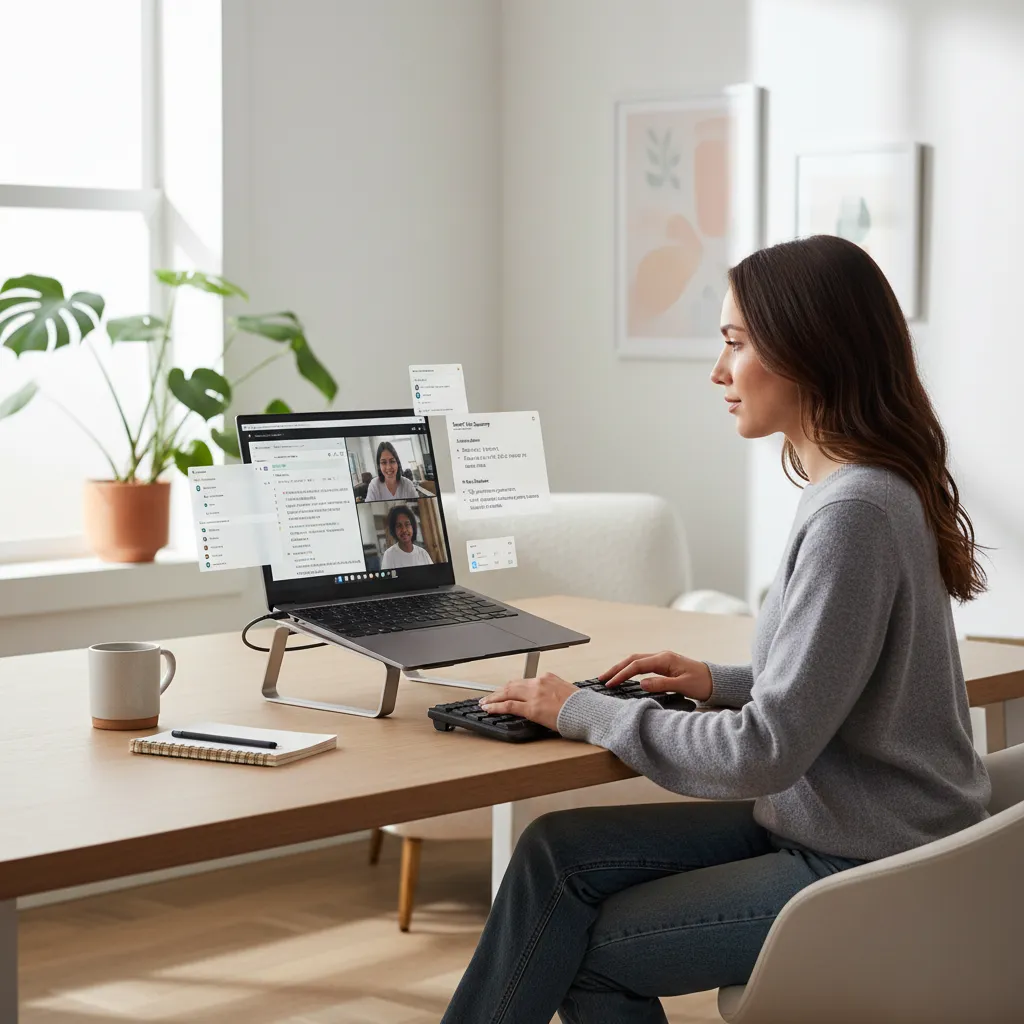
Video conferencing is now a permanent fixture of professional life. Copilot+ PCs leverage the NPU to deliver next-level Windows Studio Effects, making every call more professional.
- Improved Portrait Blur: Creates a natural, DSLR-like depth-of-field effect.
- Creative Filters: Apply artistic styles to your video feed.
- Automatic Framing: Keeps you perfectly centered even if you move around.
- Voice Focus: Cancels out background noise, so your voice comes through crystal clear.
These features ensure you and your team always look and sound your best, whether you’re working from a busy office or a home setup.
Tangible Business Benefits: Beyond the Hype
The features are impressive, but what is the real-world impact on the bottom line? Shifting to enterprise AI laptops delivers advantages across the board.
Unprecedented Productivity and Efficiency
The core promise of AI-powered productivity tools is giving your team their most valuable resource back: time. By automating mundane tasks, simplifying information retrieval with Recall, and speeding up content creation, Copilot+ PCs enable AI-enhanced workflows. Employees can spend less time on administrative drag and more time on high-value, strategic work that drives the business forward. This isn’t just about working faster; it’s about working smarter.
Fortified Security with On-Device AI
For any business, data security is non-negotiable. This is where Copilot+ PCs have a decisive advantage. By processing sensitive information locally, you minimize your exposure to cloud-based vulnerabilities. Data processed by Recall never leaves the device.
Furthermore, these laptops come with the Microsoft Pluton security processor integrated directly into the chip. This chip-to-cloud security architecture provides a much stronger defense against modern cyber threats. For enterprises handling confidential client information or proprietary data, the security on AI PCs is a compelling reason to upgrade. Related: AI Agents and Your Personal Finance: A Match Made in Mastery

Superior Energy Efficiency and Lower Total Cost of Ownership (TCO)
The remarkable battery life of energy-efficient AI laptops powered by Snapdragon X Elite isn’t just a convenience; it’s a strategic business advantage. A mobile workforce can operate for longer periods without needing to recharge, boosting productivity on the go.
From an IT perspective, a fleet of devices that consumes significantly less power can lead to noticeable reductions in energy costs over the lifecycle of the hardware. When you combine this with the productivity gains, the total cost of ownership for a Copilot+ PC becomes highly attractive.
Fostering Innovation and Collaboration
When you remove friction from workflows and communication, you create an environment where innovation can flourish. Tools like Live Captions empower more diverse, global teams to collaborate effectively. AI assistants like Cocreator give every employee the ability to be more creative. By freeing up cognitive bandwidth, these business AI laptops empower your team to focus on the next big idea.
Copilot+ PC vs. Traditional Laptop: An Evolutionary Leap
To put the change into perspective, here’s a direct comparison between the old standard and the new one.
| Feature | Traditional Laptop | Copilot+ PC |
|---|---|---|
| AI Processing | Relies on CPU/GPU; primarily cloud-based AI. | Dedicated NPU (>40 TOPS) for fast, on-device AI. |
| Battery Life | Variable, typically a single workday (8-10 hours). | ”All-day plus,” often exceeding 15-20 hours. |
| Exclusive Features | Standard operating system features. | Recall, Cocreator, Live Translation, enhanced Studio Effects. |
| Core Architecture | Primarily x86 (Intel/AMD). | ARM-based (initially), with x86 to follow. |
| Security | Standard OS and hardware security. | Integrated Pluton Security Processor, on-device data processing. |
| User Experience | A tool you operate. | An intelligent partner that assists and anticipates. |
This isn’t just an upgrade; it’s a redefinition of what a PC can be. The Copilot+ PC vs traditional laptop debate is less about specs and more about capabilities.

Is Your Business Ready for Copilot+ PCs? A Buying Guide
The transition to AI PCs for work is happening now. Here’s how to decide if it’s the right time for your business to invest.
Who Should Upgrade Now?
Certain roles and business types will see an immediate and significant benefit from upgrading:
- Mobile Professionals: Sales teams, consultants, and executives who are frequently on the road will find the combination of extreme battery life and powerful AI features transformative.
- Creative & Marketing Teams: The ability to instantly generate and edit visuals with Cocreator can dramatically speed up campaign development and content creation.
- Small Business Owners: For a laptop for small business AI, Copilot+ PCs offer enterprise-grade AI tools that can provide a significant competitive edge without requiring a large IT department. Related: AI-Powered Personalized Financial Planning for Everyone
- Global Teams: Any business that works with international clients or colleagues will find the real-time translation capabilities invaluable.
What to Look For in the Best AI Laptops 2024
As you browse the new models, here are the key factors to consider in this buying guide for AI laptops:
- The Copilot+ Badge: This is your guarantee that the machine meets the 40+ TOPS NPU requirement for the best AI experiences.
- Processor: In the initial launch, you’ll choose between the Snapdragon X Elite (top-tier performance) and the Snapdragon X Plus (slightly less powerful but still very capable).
- RAM and Storage: For a smooth AI experience, a minimum of 16GB of RAM and a 256GB SSD is recommended. 32GB of RAM is ideal for power users.
- Build and Form Factor: From the ultra-light Surface Pro to traditional clamshells from Dell and HP, choose the form factor that best fits your team’s workflow.
The Future Outlook
The launch of Snapdragon-powered devices is just the beginning. Later this year and into next, Intel (with “Lunar Lake” processors) and AMD (with “Strix Point” processors) will release their own chips designed to meet and exceed the Copilot+ PC standard. This competition will drive innovation and provide businesses with even more choice in the Windows AI PCs market.
Conclusion
We are at an inflection point in the history of personal computing. The arrival of Copilot+ PCs marks the end of the purely functional laptop and the dawn of the truly intelligent one. These devices are more than just faster; they are smarter, more secure, and vastly more efficient.
For businesses, this represents a powerful opportunity. By equipping your team with AI laptops, you are investing in a future of enhanced creativity, seamless collaboration, and unprecedented productivity. The ability to process data securely on-device, combined with revolutionary AI features and multi-day battery life, provides a clear competitive advantage.
The era of the AI PC is not a distant vision; it is here today. The question for every forward-thinking business is no longer if you should adopt this technology, but how quickly you can integrate it to unleash your team’s full potential.
Frequently Asked Questions (FAQs)
Q1. What exactly is a Copilot+ PC?
A Copilot+ PC is a new category of Windows computer defined by Microsoft that includes a powerful Neural Processing Unit (NPU) capable of over 40 trillion operations per second (TOPS). This dedicated AI accelerator allows the PC to run advanced AI tasks quickly and efficiently right on the device, rather than relying on the cloud.
Q2. Is Copilot+ the same as Microsoft Copilot?
No, they are related but different. Microsoft Copilot is the AI assistant (formerly Bing Chat) integrated into Windows and other Microsoft products. A Copilot+ PC is the high-performance hardware specifically designed to run the next generation of AI features, like Recall and Cocreator, locally on the device for enhanced speed and security.
Q3. Do I need an internet connection for Copilot+ PC features?
Many of the key Copilot+ PC applications are designed to work offline. Because these machines have a powerful NPU, core features like Recall, Cocreator, and Windows Studio Effects can run entirely on the device without an internet connection, which is a major benefit for both privacy and mobile productivity.
Q4. Are Copilot+ PCs secure for business use?
Yes, security is a core design principle. They feature the Microsoft Pluton security processor for chip-to-cloud protection. Furthermore, because key AI features run via local AI processing, sensitive business data doesn’t need to be sent to the cloud, significantly reducing security risks. Features like Recall are now opt-in and all data is encrypted on-device.
Q5. Can I run my existing Windows applications on a Copilot+ PC?
Absolutely. The first wave of Copilot+ PCs using Snapdragon chips runs Windows on ARM. Microsoft has built a powerful new emulator called Prism that allows you to run most of your existing x86/x64 apps seamlessly. Additionally, major software developers are quickly releasing native ARM64 versions of their apps for even better performance and efficiency.
Q6. Which brands are making Copilot+ PCs?
All major Windows PC manufacturers are on board. The initial launch includes new devices from Microsoft (Surface), Dell, HP, Lenovo, Samsung, Acer, and ASUS, offering a wide variety of form factors from ultra-thin laptops to 2-in-1 convertibles.
Q7. How much do Copilot+ PCs cost?
Copilot+ PCs are premium devices but are priced competitively with high-end laptops. Prices for the first models start at around $999 USD and go up depending on the brand, configuration (RAM, storage), and features.