Apple Vision Pro: The Ultimate Guide to Spatial Computing
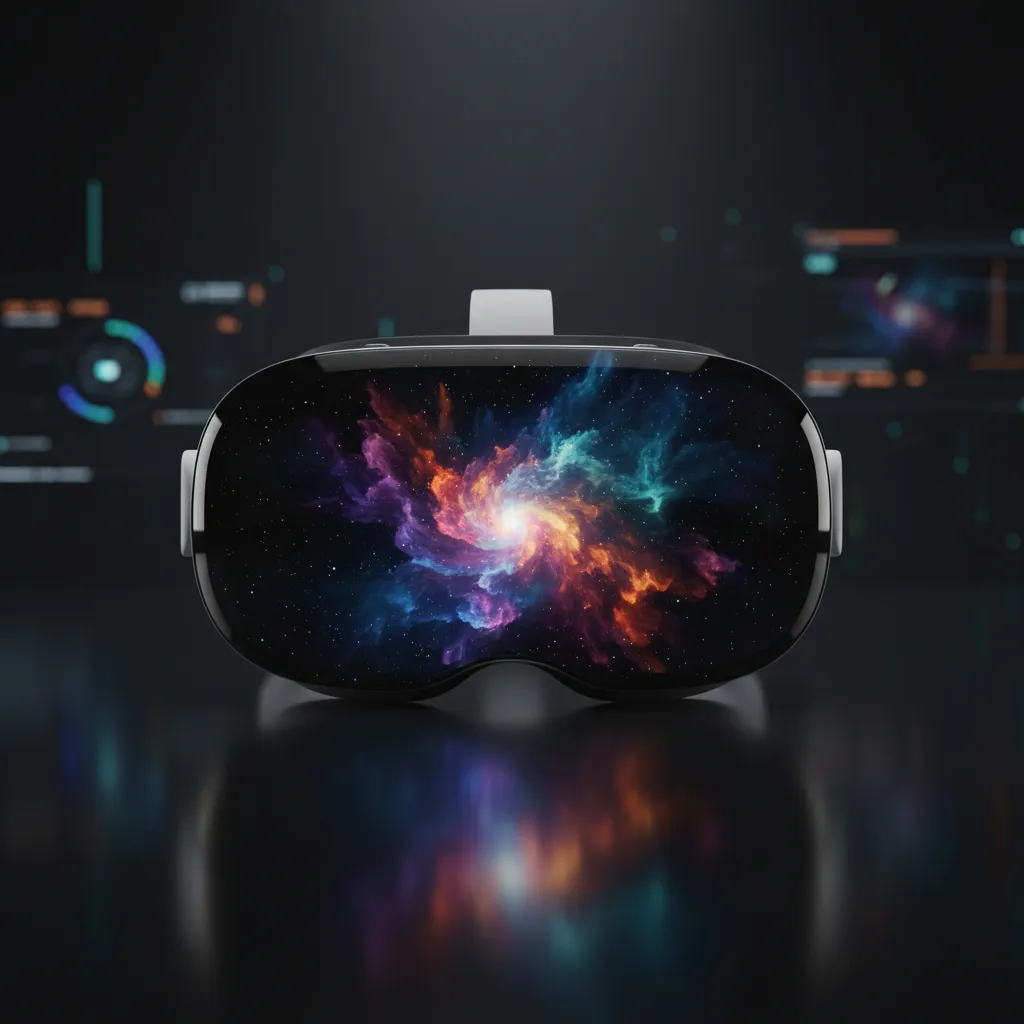
Introduction: The Dawn of Spatial Computing
For decades, the interface between humanity and technology has been defined by the flat screen—from desktop monitors to the glass slabs in our pockets. But 2024 marked a pivotal moment, a generational shift in how we interact with the digital world, heralded by the introduction of the Apple Vision Pro.
This device is not merely another Apple VR headset or an incremental upgrade in the AR VR technology space; it is Apple’s audacious, meticulously engineered launch into the world of spatial computing.
This ultimate guide will take you deep inside the Vision Pro experience. We will dissect the hardware and the revolutionary visionOS, explore practical spatial computing use cases for work and play, and provide a comprehensive Vision Pro review. Whether you are a technophile eager to buy Apple Vision Pro or simply curious about the future of computing, this article is your definitive resource for understanding how Apple is attempting to redefine reality itself.
We will answer the critical questions: What is spatial computing? How do the Vision Pro features stack up against competitors? And why is this specific mixed reality headset poised to be a watershed moment for the digital lifestyle?
What is Spatial Computing, Really?
Before diving into the specifics of the Vision Pro, it’s crucial to understand the foundational concept that underpins it: spatial computing.
The term itself, popularized by computer scientist Simon Greenwold in 2003, refers to a system where a digital computer operates on objects in the real world. In Apple’s interpretation, spatial computing is the seamless integration of digital content with the physical space around you.
Unlike traditional virtual reality (VR), which isolates you completely, or standard augmented reality (AR), which layers simple graphics onto the camera feed, the Vision Pro utilizes powerful passthrough technology to create true mixed reality. This means digital objects—windows, apps, 3D models—have presence, depth, and permanence in your actual environment.
Defining Vision Pro’s Role in Blurring the Digital-Physical Divide
The Vision Pro allows the digital desktop to expand far beyond the confines of a monitor. Instead of looking at a screen, you are inside a customizable, infinite workspace. This is the paradigm shift that Apple augmented reality aims to achieve.
Key components of this blend include:
- Persistence: Digital objects remain where you leave them in your physical space, remembered by the device when you return.
- Scale: Applications and media can be scaled to massive sizes, allowing you to watch a movie on a 100-foot screen or review a life-sized blueprint.
- Interaction: The device relies primarily on natural input: your eyes, hands, and voice. There is no external controller, making the interaction feel deeply intuitive and non-obstructive. This hands-free approach is central to the hands-on Vision Pro experience.
Inside the Apple Vision Pro: Hardware and Core Technology
To enable this sophisticated level of interaction, the Vision Pro leverages some of the most advanced, custom-designed hardware Apple has ever produced. The sheer engineering complexity accounts for its premium positioning and high Apple Vision Pro price.
Vision Pro Specs: A Glimpse into the Future
The technical specifications of the Vision Pro are what truly set it apart from other headsets on the market, positioning it as a high-authority computing device, not just a gadget for entertainment.
| Component | Specification Detail | Purpose in Spatial Computing |
|---|---|---|
| Chip Architecture | Apple M2 chip Vision Pro (main processing) and Apple R1 chip (real-time sensory processing) | The M2 handles visionOS, 3D rendering, and demanding apps, while the R1 processes data from all sensors (cameras, microphones) in just 12 milliseconds, ensuring a seamless, low-latency view of the world. |
| Display System | Dual Micro-OLED displays (one for each eye), totaling 23 million pixels. | Provides resolution far exceeding a 4K TV per eye, crucial for text readability and eliminating the “screen door effect” common in older VR. |
| Optics | Three-element lens design and customized optical inserts (for glasses wearers). | Delivers exceptional clarity and wide field of view. |
| Sensors | 12 Cameras, 5 Sensors, 6 Microphones. | Crucial for tracking head, hand, and eye movements, and creating the high-fidelity spatial map of the user’s environment. |
Apple M2 and R1 Chips Explained
The dual-chip architecture is the secret sauce behind the Vision Pro’s performance. The familiar Apple M2 chip provides the raw power needed for desktop-class applications and complex 3D rendering.
The R1 chip, however, is the innovative element essential for spatial computing. It is solely dedicated to processing the flood of input data from all the external sensors. By focusing on near-instantaneous passthrough rendering, the R1 ensures that when you move your head, the digital image adjusts instantly. This lack of lag is paramount to preventing motion sickness and making the experience feel real.
Security and Authentication: Optic ID Security
In line with Apple’s commitment to privacy and security, the Vision Pro introduces Optic ID security. This is an iris-based authentication system, analogous to Face ID or Touch ID, that uses near-infrared light to analyze the unique features of your iris.
Optic ID secures sensitive data, authenticates Apple Pay transactions, and locks the device. Because the system tracks eye movement for input, integrating authentication directly into the input mechanism makes the process seamless and highly secure.
visionOS: The Operating System for Spatial Interaction
The most important component of the Vision Pro is not the hardware, but the software: visionOS. Built on the foundations of iOS, iPadOS, and macOS, visionOS is the world’s first spatial operating system. It treats the environment as the canvas for applications.
Intuitive Interface and Hand/Eye Tracking
One of the highlights of every Vision Pro review is the input method. Navigation is achieved almost entirely through three actions:
- Look: You select an app or button simply by looking at it.
- Tap: You perform a virtual click by gently pinching your fingers together (without needing to raise your hands far from your lap).
- Speak: You dictate text or issue commands using Siri.
This system is designed to be frictionless, removing the steep learning curve often associated with VR controllers. It feels less like an interface you control and more like an extension of your natural thoughts.
The Revolutionary EyeSight Feature Apple
One of the Vision Pro’s most talked-about Vision Pro features is EyeSight. This elegant solution addresses the common criticism of VR headsets: isolation.
When someone approaches you while you are wearing the Vision Pro, the system uses the external display to project an image of your eyes. This allows the people around you to know whether you are immersed in a VR environment or simply viewing augmented reality apps. It also allows you to see the person approaching, subtly bridging the gap between the digital world and social interaction.
Use Cases: How Vision Pro Transforms Daily Life
The true measure of any new computing platform is its practical application. The spatial computing use cases for the Vision Pro stretch across professional productivity, rich entertainment, and collaborative design.
Vision Pro for Work and Productivity
The promise of Vision Pro productivity is boundless. Instead of being limited to a single 27-inch monitor, you can now surround yourself with an infinite, multi-window workspace.
Users can connect a Mac wirelessly and project its desktop into a massive virtual 4K display, while simultaneously having floating windows for email, notes, and video conferencing flanking the main screen. This capability is especially transformative for power users, developers, and data analysts who require vast screen real estate.
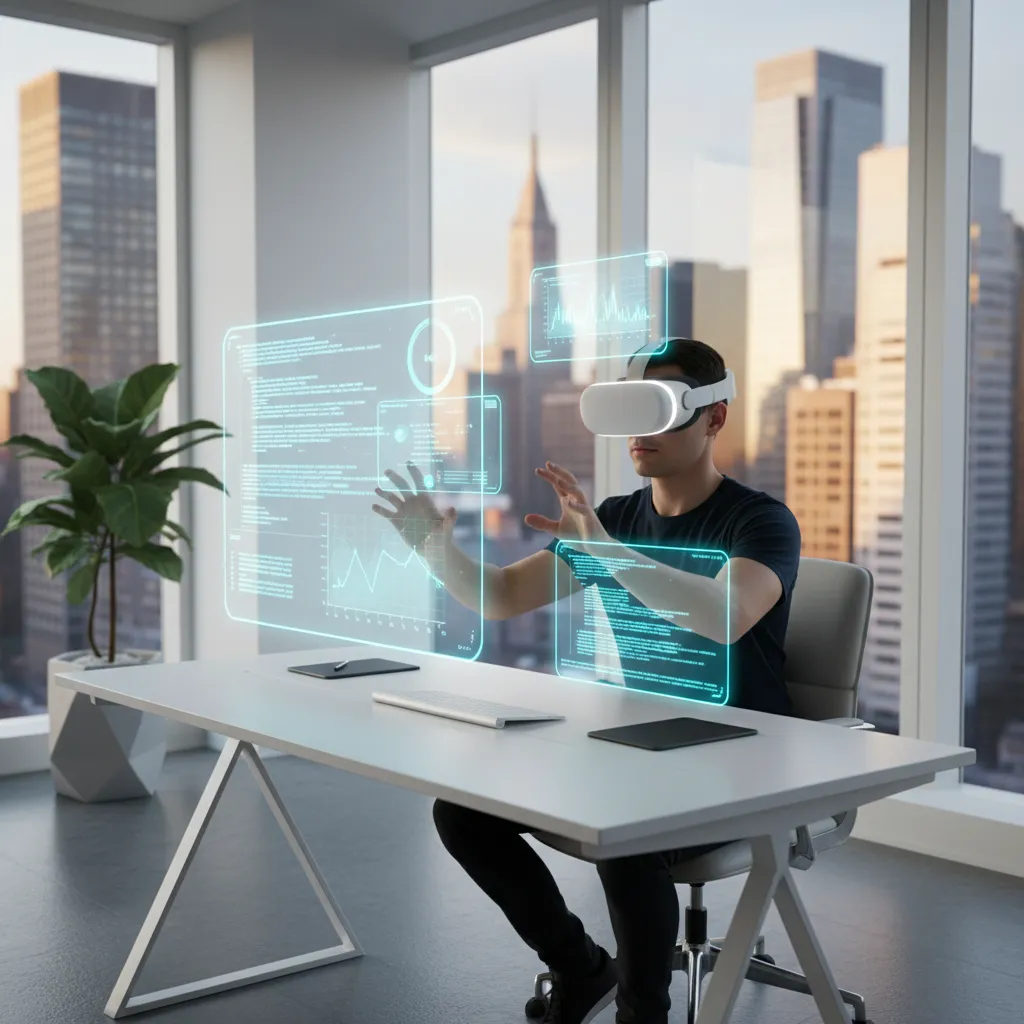
Vision Pro allows for deep immersion, minimizing distractions and letting users create environments tailored to focus. Imagine working on complex code with three 80-inch displays floating above your desk, or reviewing financial models across ten spreadsheets simultaneously.
[Related: AI Unleashed: Revolutionizing Money with Smart Personal Finance]
Immersive Entertainment and Apple Immersive Video
For media consumption, the Vision Pro offers an experience unparalleled by current home setups. It transforms your living room into a private movie theater.
The display quality and custom optics provide an experience that rivals premium cinema. But the most significant innovation is Apple immersive video. These are 180-degree, high-resolution 3D recordings captured with spatial audio. This form of content takes the viewer inside the environment, whether it’s a concert, a sporting event, or a wildlife documentary.
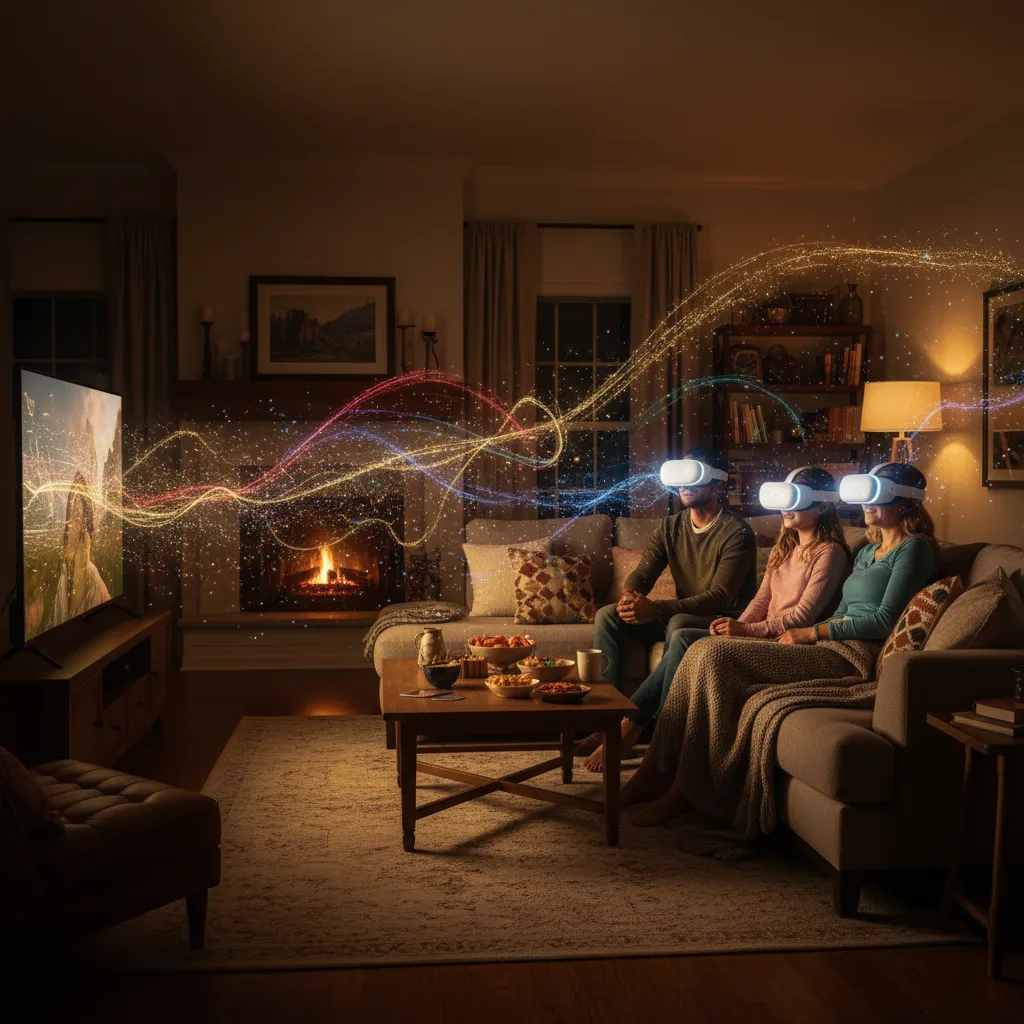
For travelers, the Vision Pro also offers “Environments,” which can replace your mundane surroundings (like an airplane seat) with stunning, dynamic landscapes, such as Mount Hood or a quiet lake.
The Future of Gaming and Mixed Reality
While not solely focused on gaming like some pure VR competitors, Apple Vision Pro gaming is a powerful potential use case enabled by the M2 chip. The Vision Pro excels at mixed reality games where digital elements interact realistically with the physical space.
Imagine battling digital robots that hide behind your real-world sofa, or turning your dining table into a 3D tactical map. The precision tracking and low latency make these mixed reality experiences feel remarkably believable. Furthermore, the device supports connectivity with existing gaming controllers.

Spatial Collaboration and Design
The ability to share a 3D workspace instantly transforms collaborative fields like architecture, engineering, and product design. Users in different physical locations can inhabit the same virtual space to manipulate digital objects together.
For instance, an architectural team can walk around a life-sized holographic model of a new building project, pointing out structural elements and making adjustments in real-time. This reduces the need for costly physical mock-ups and speeds up the design iteration process dramatically.

[Related: AI Reshapes Creativity: Art, Music, and Design Revolution]
The Vision Pro Ecosystem: Apps and Development
The long-term success of any new platform hinges on its ecosystem. Apple’s immediate advantage is the vast library of existing iOS and iPadOS apps that are automatically compatible with visionOS. Users can immediately access millions of standard 2D apps, viewing them as floating windows in their space.
Essential Vision Pro Apps and Experiences
While 2D app compatibility is essential for the initial launch, the true power lies in native Vision Pro apps built specifically for spatial computing. These are apps that leverage the 3D environment, depth data, and eye/hand input.
Examples of highly anticipated native experiences include:
- JigSpace: Allows users to view and interact with detailed 3D models of complex machinery or educational content, exploding and rotating parts with simple hand gestures.
- Microsoft 365: A suite of productivity apps (Word, Excel, Teams) redesigned to take advantage of the infinite canvas, allowing massive spreadsheet viewing and collaborative spatial whiteboarding.
- Major Streaming Services (Disney+, Max): These apps offer dedicated “environments” and enhanced viewing modes, maximizing the potential of Apple immersive video.
Finding the best Vision Pro apps will be an evolving process, but the current trajectory suggests a focus on premium, professional, and deeply engaging consumer experiences.
The Vision Pro Developer Kit and Community
Apple strategically released the Vision Pro developer kit and documentation early to enable the creation of these native spatial experiences. This move ensures that when general availability hits, there will be a robust selection of software catering to diverse needs.
Developers are encouraged to use familiar tools (SwiftUI, RealityKit) to build “spatial experiences” rather than just “apps,” focusing on how digital content interacts with the user’s environment, light, and perspective. The health of this developer community is critical to solidifying Vision Pro’s place in the future of computing.
Purchase Considerations: Price, Availability, and Comparison
For many consumers, the question isn’t whether the Vision Pro is technologically impressive, but whether it justifies the significant investment. Understanding the Apple Vision Pro price and availability is key to determining its value proposition.
Apple Vision Pro Price and Release Date Status
The Apple Vision Pro release date and pricing structure firmly establish it as a premium, pro-grade device.
- Price: The starting price point places the Vision Pro in the same category as high-end MacBooks or specialized professional equipment. This positioning is intentional—Apple views this as a revolutionary computing platform, not a gaming console or simple consumer gadget.
- Availability: Initial availability is often limited geographically or to specific professional channels before a broader global rollout. Those seeking to buy Apple Vision Pro should monitor official Apple announcements for regional launches and online store availability.
Vision Pro vs. Meta Quest 3: The Mixed Reality Showdown
The most immediate competitor in the mixed reality space is the Meta Quest 3. While the fundamental concept is similar—a device for AR/VR experiences—the two headsets target vastly different markets and prioritize different feature sets.
| Feature/Metric | Apple Vision Pro | Meta Quest 3 |
|---|---|---|
| Target User | Professional, creative, high-end consumer | Gaming, fitness, general consumer |
| Core Experience | Spatial Computing, Mixed Reality, Productivity | Virtual Reality, Gaming |
| Input Method | Eye Tracking, Hand Gestures (No external controller required) | External Controllers (Hand tracking optional) |
| Resolution/Clarity | Extremely high (23 million pixels total) | High (Lower than Vision Pro) |
| Passthrough Quality | Full-color, high-fidelity, low-latency (essential for AR) | Full-color, noticeable latency/graininess |
| Processor | Dual Chip (M2 + R1) | Snapdragon XR2 Gen 2 |
| Price Point | Premium (High-cost) | Affordable (Mid-range cost) |
The comparison boils down to quality versus accessibility. The Vision Pro vs Meta Quest 3 debate highlights that the Vision Pro is built for unparalleled visual quality and precision interaction, essential for pro-grade Vision Pro productivity and detailed design work. The Meta Quest 3, conversely, is built for mainstream entertainment and accessibility.
Who Should Buy Apple Vision Pro?
Given its price and complexity, the Vision Pro is not a mass-market device yet. Its primary appeal is to:
- Professional Creators and Designers: Architects, engineers, video editors, and 3D artists who benefit immediately from infinite screen space and precise spatial tools.
- Early Adopters and Developers: Those keen on building the next generation of Vision Pro apps and defining the visionOS ecosystem.
- High-End Power Users: Individuals who spend significant time in front of multiple screens and value peak performance for multitasking.
For the casual consumer interested only in augmented reality glasses or simple entertainment, waiting for future, potentially more accessible generations may be prudent.
The Long-Term Impact on the Future of Computing
The Vision Pro review consensus confirms that the device is a technological marvel, representing a huge leap forward in AR VR technology. But its most significant impact won’t be in the device itself, but in legitimizing and defining spatial computing as the next necessary evolutionary step beyond mobile.
Apple rarely enters a market without an ambition to dominate it, and by branding the Vision Pro as a “spatial computer,” they are establishing a new category of device meant to exist alongside—and eventually supersede—the personal computer and tablet.
The Shift from Apps to Experiences
As the visionOS ecosystem grows, we will see a fundamental shift in how we think about digital interaction. Instead of opening an app, users will step into an “experience.” Education will move from flat screens to holographic historical reconstructions. Collaboration will be defined by shared spatial environments, making remote work truly feel proximate.
This change is not just about technology; it’s about human behavior. The ability to integrate the digital world into our physical lives, rather than retreating from them, has profound implications for every industry. It connects deeply with related fields that rely on seamless digital integration, such as creating [Related: Sustainable Smart Homes: Eco-Friendly Tech] and even revolutionizing the [Related: AI Classroom Revolution: Personalized Learning and Future Skills].
The Apple Vision Pro, in effect, serves as the first fully realized bridge to this future—a powerful, if expensive, tool that demonstrates the full potential of augmented reality glasses and paves the way for a post-screen digital world. It is the beginning of the end of the traditional desktop, marking a new era of personal, pervasive, and powerful computing.
Conclusion: Stepping Into the Spatial Era
The Apple Vision Pro is more than a highly advanced mixed reality headset; it is the physical manifestation of Apple’s vision for spatial computing. Through the integration of the powerful Apple M2 chip Vision Pro, the low-latency R1 chip, and the intuitive visionOS, the device delivers an unprecedented level of immersion, clarity, and productivity.
From enhancing Vision Pro for work with infinite screens to providing breathtaking Apple immersive video experiences, the device demonstrates that the digital future is not on a flat surface, but all around us. While the high Apple Vision Pro price positions it as a product for early adopters and professionals today, its technology sets the standard for tomorrow.
If you are looking for the definitive hands-on Vision Pro experience and want to actively participate in the development of the future of computing, the Vision Pro is the device that delivers on the promise of true augmented and mixed reality. Prepare to step out of the screen and into the space.
FAQs
Q1. What is the fundamental difference between VR, AR, and Apple’s spatial computing?
Virtual Reality (VR) fully replaces your physical environment with a digital one. Augmented Reality (AR) overlays simple digital information onto your real-world view, typically via a phone screen. Apple’s spatial computing (or mixed reality) seamlessly blends persistent, interactive digital objects with your physical surroundings using high-fidelity camera passthrough and depth mapping, allowing true interaction between the real and virtual worlds.
Q2. How much does the Apple Vision Pro cost, and when was the Apple Vision Pro release date?
The initial launch Apple Vision Pro price started at $3,499 (USD). The official Apple Vision Pro release date in the U.S. began in early 2024. Availability often expands to other regions throughout the year, so potential buyers should check their local Apple store or authorized reseller for purchase details.
Q3. Does the Apple Vision Pro require controllers, or how does the input work?
The Vision Pro is designed primarily for hands-free interaction. It utilizes sophisticated internal and external sensors for eye-tracking, allowing you to select items simply by looking at them, and hand-tracking, letting you click or scroll by gently pinching your fingers. Voice commands via Siri also enhance the Vision Pro tutorial experience.
Q4. What is the EyeSight feature Apple, and why is it important?
The EyeSight feature Apple is a safety and social solution that displays a digital rendering of the user’s eyes on the exterior screen when they are interacting with the mixed reality environment. This allows people around the wearer to see their eyes, reducing the sense of isolation and ensuring others know when the user is aware of their surroundings.
Q5. Can I use the Vision Pro for work and productivity tasks?
Yes, Vision Pro for work and Vision Pro productivity are major focuses. The device allows users to create an infinite workspace by casting their Mac desktop into a massive virtual 4K display and placing numerous floating 2D and 3D application windows around their physical space. This greatly enhances multitasking, especially for fields requiring large data visualization or design work.
Q6. How does the Vision Pro perform against the Meta Quest 3?
The Vision Pro vs Meta Quest 3 comparison highlights different markets. While both are mixed reality headsets, the Vision Pro is significantly more expensive and focuses on extreme display clarity (23 million pixels), sophisticated dual-chip processing (Apple M2 chip Vision Pro), and high-fidelity passthrough for professional use. The Meta Quest 3 is a lower-cost, consumer-focused device prioritizing gaming and mainstream accessibility.
Q7. What is Optic ID security?
Optic ID security is Apple’s iris-based biometric authentication system for the Vision Pro. It scans the unique patterns of the user’s iris to securely unlock the device, authenticate purchases, and keep private data encrypted. It functions similarly to Face ID but uses the eye for identification.
Q8. Are there many applications available for the visionOS platform?
Yes. The visionOS platform automatically runs millions of compatible 2D iOS and iPadOS apps in floating windows. Additionally, a growing number of developers are creating native Vision Pro apps—spatial experiences that fully leverage the device’s 3D capabilities, hand tracking, and spatial audio, supported by the early release of the Vision Pro developer kit.