Apple Vision Pro: Is This the Future of Computing?
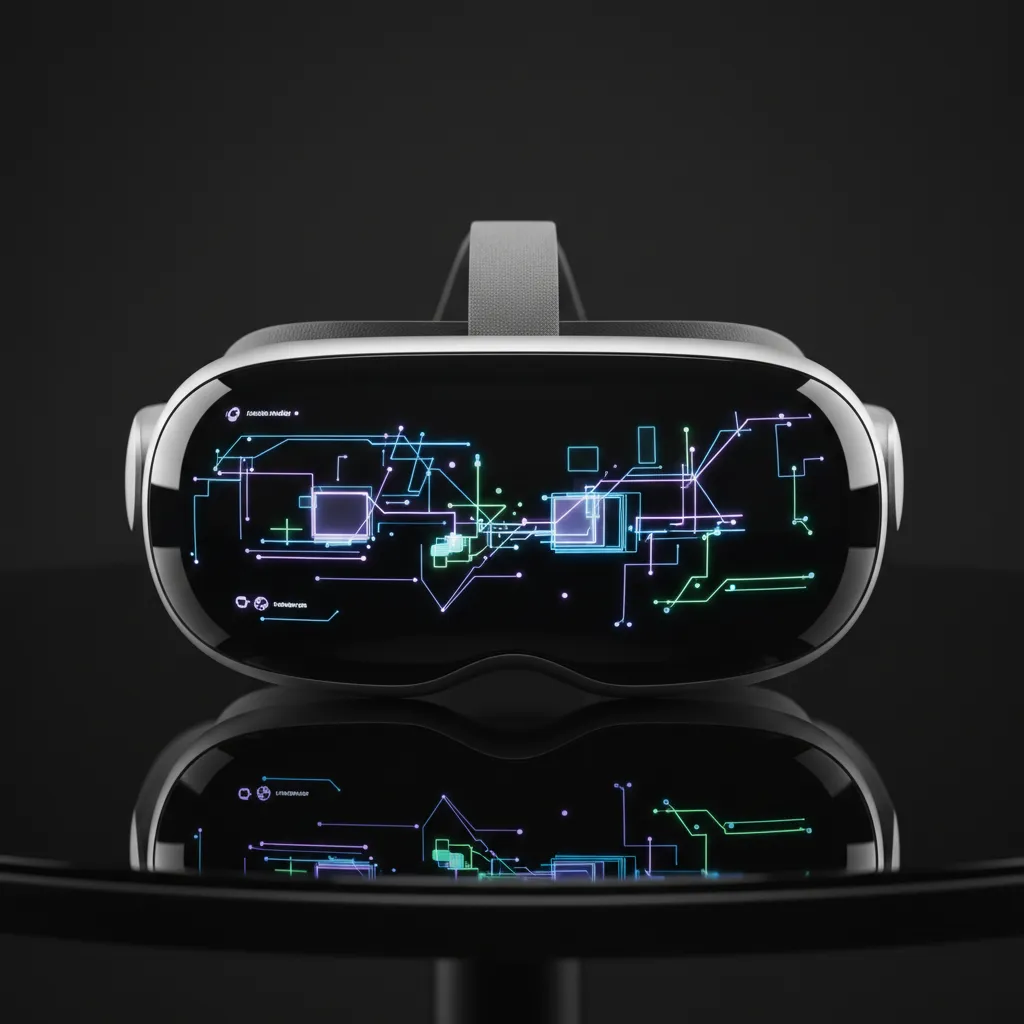
Introduction: Redefining the Digital Canvas
For decades, our interaction with technology has been confined by the glass rectangle of a screen—the iPhone, the MacBook, the television. But what if the screen itself vanished, and your digital world could seamlessly merge with your physical reality? This is the core promise of the Apple Vision Pro, a device Apple has boldly dubbed its first foray into spatial computing.
More than just a virtual reality (VR) headset or augmented reality (AR) glasses, the Vision Pro represents Apple’s ambitious vision for the future of computing. It’s a paradigm shift, attempting to move the user experience from passive viewing to active, immersive interaction. Since its announcement and subsequent Apple Vision Pro release date, the device has ignited intense debate: Is this expensive, high-tech gadget a niche toy, or a legitimate successor to the desktop and mobile interface?
In this comprehensive analysis, we will conduct a detailed Vision Pro review, dissecting its revolutionary Vision Pro features, examining the innovative visionOS operating system, comparing it to competitors like the Meta Quest 3, and ultimately answering the most pressing question: Given the steep Vision Pro price (or cost of Apple Vision Pro), is it truly the foundational technology upon which the next generation of digital life will be built? We will explore the practical Vision Pro use cases from productivity to entertainment and determine if the experience is worth it.
The Dawn of Spatial Computing: What is Apple Vision Pro?
To understand the Vision Pro, one must first grasp the concept of spatial computing. Apple defines it as the fusion of digital content with the physical world, allowing users to interact with applications and data in three-dimensional space, controlled by their eyes, hands, and voice.
Unlike traditional VR headsets, which prioritize complete immersion by blocking out the real world, the Vision Pro is a mixed reality headset. It uses a sophisticated array of external cameras and sensors to capture your physical environment and pass it through to two ultra-high-resolution displays inside the headset. This technique, called “passthrough,” allows the digital elements (your apps, movies, and documents) to appear anchored in the real world around you, maintaining your sense of presence and connection to others.
Key Technological Pillars
The device’s sophistication lies in its proprietary hardware and software ecosystem.
1. Dual-Chip Architecture: M2 and R1
The power driving the Vision Pro experience comes from a highly optimized dual-chip system:
- The Apple M2 chip: This powerful processor, similar to those found in modern MacBooks, handles the primary computing tasks—running applications, rendering high-resolution graphics, and managing the core operating system.
- The Apple R1 chip: This custom-built chip is dedicated solely to processing real-time sensor data from the Vision Pro’s 12 cameras, five sensors, and six microphones. The R1’s purpose is critical: to ensure lag-free passthrough, providing an experience so smooth it feels like looking directly through the glass, mitigating motion sickness.
2. visionOS: The New Operating System
The backbone of the spatial experience is visionOS. Based on the foundational technologies of macOS, iOS, and iPadOS, visionOS offers a familiar yet profoundly different interface. It features:
- Familiar App Icons: Apps appear as floating 3D objects that can be placed anywhere in your room.
- Intuitive Input: Interaction relies on Vision Pro eye tracking (looking at an icon selects it) and subtle hand gestures (a pinch to click). There are no physical controllers required.
- Dynamic Environments: Users can dial up or down their immersion level, from blending digital apps with their current room to replacing the entire environment with a dynamic, captivating visual scene (e.g., a serene mountain landscape or a bustling city view).
A Detailed Look at Vision Pro Features and Design
The Vision Pro design is characteristic of high-end Apple products: meticulous, premium, and focused on seamless integration.
Comfort and Aesthetics
The headset features a curved, laminated glass front that houses the display system, sensors, and cameras. The main body is framed by a light aluminum alloy. Comfort is addressed through the modular design, including the Light Seal (a magnetic component that blocks stray light) and the Head Band (available in different sizes and materials). The external battery pack, connected via a braided cable, helps keep the weight off the user’s head for extended sessions.
Immersive Media and Entertainment
One of the most immediate and impressive aspects of the Vision Pro is its capacity for media consumption.
Cinematic Viewing
The display system offers pixel density so high that watching a movie feels like being in a personal theater with a massive 100-foot screen. It supports 4K HDR and utilizes Apple spatial audio to create a surrounding, directional sound field that enhances the immersion. This is where Apple immersive video truly shines, offering 180-degree high-resolution recordings that transport the viewer directly into a scenario, whether it’s a concert, a sports event, or a nature documentary.
Apple Vision Pro Gaming
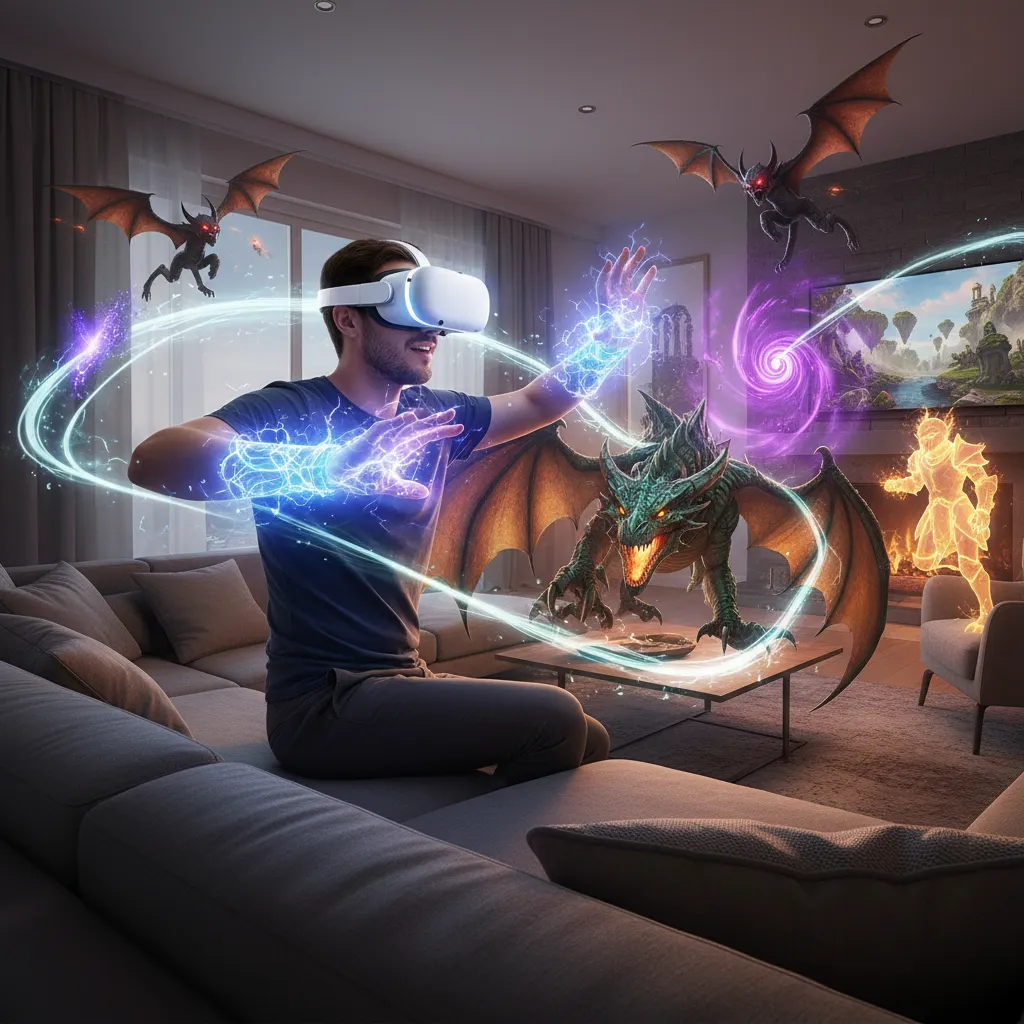
While not solely pitched as a gaming machine like traditional VR consoles, the Vision Pro supports a growing library of games optimized for the spatial environment. Developers can utilize the full 3D space, blending game elements with the real world or creating fully enclosed VR experiences. Compatibility with existing Apple Arcade games and Bluetooth controllers ensures a degree of familiarity for gamers.
Vision Pro for Work: The Productivity Revolution
Perhaps the most significant proposition of the Vision Pro is its potential to revolutionize the workspace. This is the heart of its claim to be the future of computing.
The Ultimate Multi-Monitor Setup
For professionals, the limitation of screen real estate is constant. The Vision Pro eliminates this constraint entirely. Users can pull up dozens of virtual displays of any size, placed anywhere in their physical space.
Imagine a programmer with three terminal windows floating above their desk, a design mock-up anchored to a wall, and a video conference running in the corner, all managed without ever needing to physically connect a monitor. The ability to anchor these windows means you can step away and return, and your workspace remains exactly as you left it.
Collaborative and Remote Work
The Vision Pro introduces “Personas”—realistic digital avatars created using advanced machine learning, which represent the user in video calls. This feature aims to bring a higher degree of non-verbal communication and presence to remote meetings than traditional flat video calls.
For specialized tasks, such as architecture, engineering, or medical training, the device provides unprecedented visualization capabilities. Doctors can review 3D anatomical models floating in their operating room, or engineers can inspect a virtual prototype before a single physical part is manufactured. These Vision Pro use cases transform abstract data into tangible, spatial experiences.
/image-vision-pro-productivity-apps-38192.webp
Alt Text: A user demonstrating the productivity features of Apple Vision Pro with multiple floating virtual screens in a modern office.
[Related: AI Tutors: Revolutionizing Personalized Education]
The Competitive Landscape: Vision Pro vs Meta Quest 3
When discussing the Apple VR headset market, the primary benchmark for comparison is often the Meta Quest series, particularly the popular Vision Pro vs Meta Quest 3 comparison. While both are mixed reality headsets, their design philosophy and target markets differ dramatically.
| Feature | Apple Vision Pro | Meta Quest 3 |
|---|---|---|
| Price Point | Starting at $3,499+ | Starting at $499 |
| Primary Use Focus | Spatial Computing, Productivity, High-Fidelity Media | Gaming, Social VR, Consumer Entertainment |
| Resolution (Per Eye) | Near 4K (Micro-OLED, extremely high PPI) | 2K (LCD, 2064x2208) |
| Input Method | Eyes, Hands, Voice (Controller-free) | Hand Tracking, Physical Touch Controllers |
| Passthrough Quality | Exceptional, high-resolution color (near real-life) | Good, but noticeable latency and graininess |
| Operating System | visionOS | Meta Horizon OS |
| Chipset | Apple M2 + Apple R1 | Qualcomm Snapdragon XR2 Gen 2 |
The difference is clear: The Vision Pro is a premium, prosumer device built on powerful computer chips intended to replace or augment a workstation. The Quest 3 is an affordable, controller-focused gaming and social platform. The Vision Pro’s higher resolution, advanced passthrough, and reliance on Vision Pro eye tracking are key differentiators that justify the substantial price difference.
[Related: The Future of Human-Robot Collaboration: AI’s Next Frontier]
/image-vision-pro-vs-meta-quest-3-comparison-88310.webp
Alt Text: A side-by-side comparison of the Apple Vision Pro and the Meta Quest 3 headsets, highlighting their design differences.
Understanding the Vision Pro Price and Value
The $3,499 starting Vision Pro price immediately places it out of reach for the casual consumer. It prompts the crucial question: Is Vision Pro worth it?
For early adopters, professional developers seeking the Vision Pro developer kit, and businesses investing in next-generation productivity tools, the cost is manageable if the productivity gains materialize. For the average person, this first-generation device serves as a technological roadmap, setting a high standard for future, more affordable iterations.
The true value proposition isn’t the hardware itself, but access to the seamlessly integrated spatial computing environment, optimized for the existing Apple ecosystem. If you are deeply integrated into the Apple world (Mac, iPhone, iCloud), the Vision Pro offers capabilities that no other existing headset can match in terms of cross-device functionality.
The Ecosystem Challenge: Vision Pro Apps and Content
No platform can succeed without a robust content ecosystem. For the Vision Pro to truly define the future of computing, it needs compelling Vision Pro apps.
Native visionOS Applications
Apple ensured a strong launch foundation by making millions of compatible iPad and iPhone apps available on day one. These apps can run as virtual 2D windows within the spatial environment. However, the true innovation lies in native visionOS apps, which are built from the ground up to utilize the 3D space.
- Productivity Suites: Customized versions of Microsoft Office, Slack, and other enterprise tools leverage the massive virtual screen real estate.
- Design and Visualization: Tools like AutoCAD, specialized medical imaging, and collaborative design platforms thrive in the 3D, hands-on environment.
- Storytelling: Media companies are experimenting with deeply immersive experiences that go far beyond standard video, utilizing the Apple spatial audio and 3D capabilities.
The success of the Vision Pro hinges on convincing developers to move beyond simple 2D ports and invest in building true spatial experiences. This is why the early push for the Vision Pro developer kit was so critical.
How to Buy Apple Vision Pro and Pre-Order Information
While initial availability was limited, global rollout plans are typically staggered. Potential buyers interested in how to buy Apple Vision Pro or secure an Apple Vision Pro pre-order need to monitor official Apple channels. Given the customization required (precise measurement of the user’s face and vision prescription) the purchasing process is far more involved than buying an iPhone. Consumers generally need to attend a personalized fitting or utilize advanced measurement tools via the Apple Store app.
The Hands-On Vision Pro Experience: A Glimpse into the Future
Journalists and developers who have experienced the hands-on Vision Pro demos consistently highlight several key takeaways that separate it from other AR/VR devices:
1. Presence and Clarity
The visual fidelity is stunning. The high-resolution displays make digital text sharp and readable, addressing a major failing of previous generations of headsets. The immediate feeling is one of presence—the digital objects look and feel physically real in the room.
2. Effortless Interaction
The control mechanism—eyes, hands, and voice—is revolutionary. The simplicity of looking at an object to select it and pinching your fingers to click is an incredibly natural way to interact with a computer. This eliminates the need for bulky controllers, making the device feel like an extension of the user, not a separate peripheral.
3. EyeSight and Social Connection
Apple recognized that wearing a headset can feel isolating. The “EyeSight” feature is designed to combat this. When someone approaches a Vision Pro user, the front glass panel becomes opaque, showing the user’s eyes digitally rendered. If the user is fully immersed in a VR environment, the screen shows a subtle, ethereal light pattern to signal their unavailability. This feature is crucial for making the device socially acceptable in shared spaces.
/image-spatial-computing-daily-life-applications-59281.webp
Alt Text: A futuristic concept image showing how spatial computing could integrate into daily life, from cooking with virtual recipes to collaborative design.
Challenges and Future Implications
Despite its technological brilliance, the Vision Pro faces significant hurdles before it can be declared the definitive future of computing.
Cost and Accessibility
The high entry price remains the biggest barrier to mainstream adoption. Until the technology scales and manufacturing costs drop, it will remain a professional tool, not a consumer staple.
Weight and Comfort
First-generation reviews often mention the device’s weight, which, despite best efforts, can lead to discomfort after extended use. Battery life and the tethered nature of the external battery also present practical constraints on truly mobile use.
The Learning Curve
While the input method is intuitive, interacting in a completely spatial environment requires a shift in user habits. Moving from 2D desktop conventions to a fluid 3D workspace will take time and requires strong third-party application support.
The Long-Term Vision
The Vision Pro is clearly not the end-state, but rather the starting point—the equivalent of the first iPhone compared to today’s smartphones. Future iterations will undoubtedly be lighter, cheaper, boast longer battery life, and potentially integrate AR technology into sleeker form factors, closer to standard augmented reality glasses.
[Related: AI’s Green Revolution: Powering Climate Change Solutions]
Conclusion: A Vision, Not Yet a Reality
The Apple Vision Pro is undeniably a milestone device. It is not just another gadget; it is a meticulously engineered, premium product that successfully demonstrates the power and potential of truly integrated spatial computing. Apple has presented a compelling answer to the question, “what is Apple Vision Pro?” — it is a powerful workstation, an immersive theater, and a next-generation communication device, all rolled into one.
While the current Vision Pro price and technical limitations prevent it from immediately replacing the laptop or smartphone for most people, it has fundamentally set the direction for the future of computing. It establishes the benchmark for display clarity, interaction design, and system integration.
For those curious about the true bleeding edge of technology and willing to invest in an early glimpse of the next digital frontier, the Vision Pro offers an unparalleled, mind-bending experience. It proves that the digital canvas is no longer confined to a screen, but extends throughout the world around us. This revolutionary device is less about virtual reality and more about the radical reality of what comes next.
FAQs: Apple Vision Pro and Spatial Computing
Q1. What is spatial computing and how does Vision Pro use it?
Spatial computing is a concept that merges the digital and physical worlds, allowing digital content to interact with and be anchored to the user’s real-world environment. The Apple Vision Pro achieves this using its visionOS and sophisticated cameras to render applications, videos, and interfaces as three-dimensional objects that appear to exist in the room with the user, controlled intuitively by Vision Pro eye tracking and hand gestures.
Q2. What is the expected Vision Pro price and when was the Apple Vision Pro release date?
The starting Vision Pro price is set at $3,499. The initial Apple Vision Pro release date in the United States was in early 2024, with subsequent phased releases planned for other global markets throughout the year and beyond.
Q3. Is the Apple Vision Pro a VR headset or an AR headset?
The Apple Vision Pro is technically a mixed reality headset. It can operate as a fully immersive VR (Virtual Reality) device by completely masking the outside world, or as an AR (Augmented Reality) device by overlaying digital content onto a live video feed of the real world (the passthrough feature).
Q4. How does the Vision Pro compare to the Meta Quest 3?
The Vision Pro vs Meta Quest 3 comparison highlights a difference in focus. The Vision Pro is a high-fidelity, high-priced device focused on productivity, cinema-quality media viewing, and the professional use of spatial computing. The Meta Quest 3 is a more affordable, consumer-focused device primarily optimized for VR gaming and social experiences.
Q5. What is the function of the Apple R1 chip in Vision Pro?
The R1 chip Apple is a custom silicon processor dedicated to managing and processing the data from the Vision Pro’s multitude of external cameras and sensors. Its primary function is to eliminate lag in the passthrough video feed, ensuring a smooth, real-time view of the physical world. This is crucial for user comfort and safety.
Q6. Can the Vision Pro be used for extended periods of work?
Yes, one of the primary Vision Pro use cases is for work. Professionals can create infinite virtual monitor setups using Vision Pro for work, placing multiple apps (like Microsoft Excel, Slack, and web browsers) around their physical desk. While the external battery and weight may limit sessions, it is designed to enhance multi-tasking and productivity by replacing traditional external monitors.
Q7. What kind of Apple immersive video content is available?
Apple immersive video is a unique content format captured in 180-degree, high-resolution 3D. This content is designed to place the viewer directly within a scene, such as standing courtside at a game or on stage during a performance. This proprietary format leverages the device’s advanced displays and Apple spatial audio for an unmatched viewing experience.
Q8. Do you need an iPhone or Mac to use the Vision Pro?
While the Apple Vision Pro is a standalone computer running visionOS, it is deeply integrated into the Apple ecosystem. For instance, the device can act as a massive 4K external monitor for a connected MacBook, and users can easily access their existing iCloud content, photos, and messages, making the experience significantly smoother if they already own other Apple devices.