Apple Intelligence: Top AI Features in iOS 18 Explained
Introduction: The Dawn of Personal Intelligence
For years, the promise of true artificial intelligence integrated seamlessly into our daily lives felt like a distant vision. With the introduction of Apple Intelligence at WWDC 2024, that vision has become a reality, fundamentally reshaping what we can expect from our iPhone, iPad, and Mac. More than just a collection of smart features, Apple Intelligence is a deep, personalized intelligence system integrated into iOS 18 features that understands you—your routines, your data, your context, and your intent—without compromising your privacy.
The buzz around new features in iOS 18 often centers on customization, but the real revolution is under the hood: a cohesive, generative AI framework designed to enhance communication, productivity, and creative expression. This is not just another chatbot; this is a system that works across every app, learning from your unique digital life through on-device AI processing to become the ultimate Apple AI assistant.
In this deep dive, we’ll explore the core concepts of what is Apple Intelligence, scrutinize the groundbreaking privacy architecture, and detail the most impactful features coming to your device, from the revolutionary next-generation Siri to the playful Genmoji feature. Prepare to understand how to leverage this transformative technology when the Apple Intelligence beta rolls out and beyond, changing the way you interact with technology forever.
The Foundation: On-Device Intelligence Meets Privacy
The defining characteristic of Apple Intelligence is its unwavering commitment to user privacy AI. In a world where most powerful generative AI models rely entirely on massive cloud data centers, Apple is introducing a blended approach, prioritizing local processing wherever possible.
The Triad of Trust: On-Device AI Processing
The bulk of simple, daily, and highly personal AI tasks—like generating a quick text summary or prioritizing notifications—is handled directly on your device. This on-device AI processing relies on the powerful Neural Engine found in Apple Silicon (specifically, the A17 Pro chip or any M-series chip or newer).
This local architecture provides three significant advantages:
- Speed: Latency is near zero because the request doesn’t leave your phone.
- Personalization: The AI can access and understand your personal data (emails, messages, calendar, notes) without transmitting it to the cloud.
- Privacy: Your most intimate data never leaves your device, fully protecting it from external scrutiny.
To achieve this personalized understanding, Apple has engineered semantic indexing Apple, a powerful capability that allows the system to map and connect information across all your native apps. This means Siri can answer complex queries like, “Show me the podcast link my brother sent me last Tuesday,” because it has indexed the relationships between contacts, dates, and content across Messages and Podcasts.
Private Cloud Compute: AI Power with Cryptographic Guarantees
While on-device processing is ideal for most tasks, some require truly massive computational power (like generating detailed images or running complex models). For these requests, Apple developed Private Cloud Compute (PCC).
PCC is Apple’s proprietary server infrastructure built on Apple Silicon, ensuring that the cloud environment itself is fundamentally secured. When a user request requires more power than the device can provide, the system temporarily sends the data to PCC under strict cryptographic guarantees.
How Private Cloud Compute Works:
- Transparency: Your device decides whether a request must go to the cloud, and only minimal, necessary data is sent.
- No Retention: The servers are designed not to store or cache your data. Once the computation is complete, the data is immediately discarded.
- Auditable Security: Independent experts can audit the code running on the PCC servers to confirm that Apple’s privacy claims are upheld, ensuring that user privacy AI remains the top priority.
This innovative architecture draws a clear line in the sand, differentiating Apple Intelligence vs Google AI and other competitors who rely heavily on centralized cloud processing for all generative tasks. Apple ensures that even when scaling to the cloud, the core principle of keeping your data private is maintained.
/image-topic.webp
Next-Generation Siri: The AI Assistant That Understands You
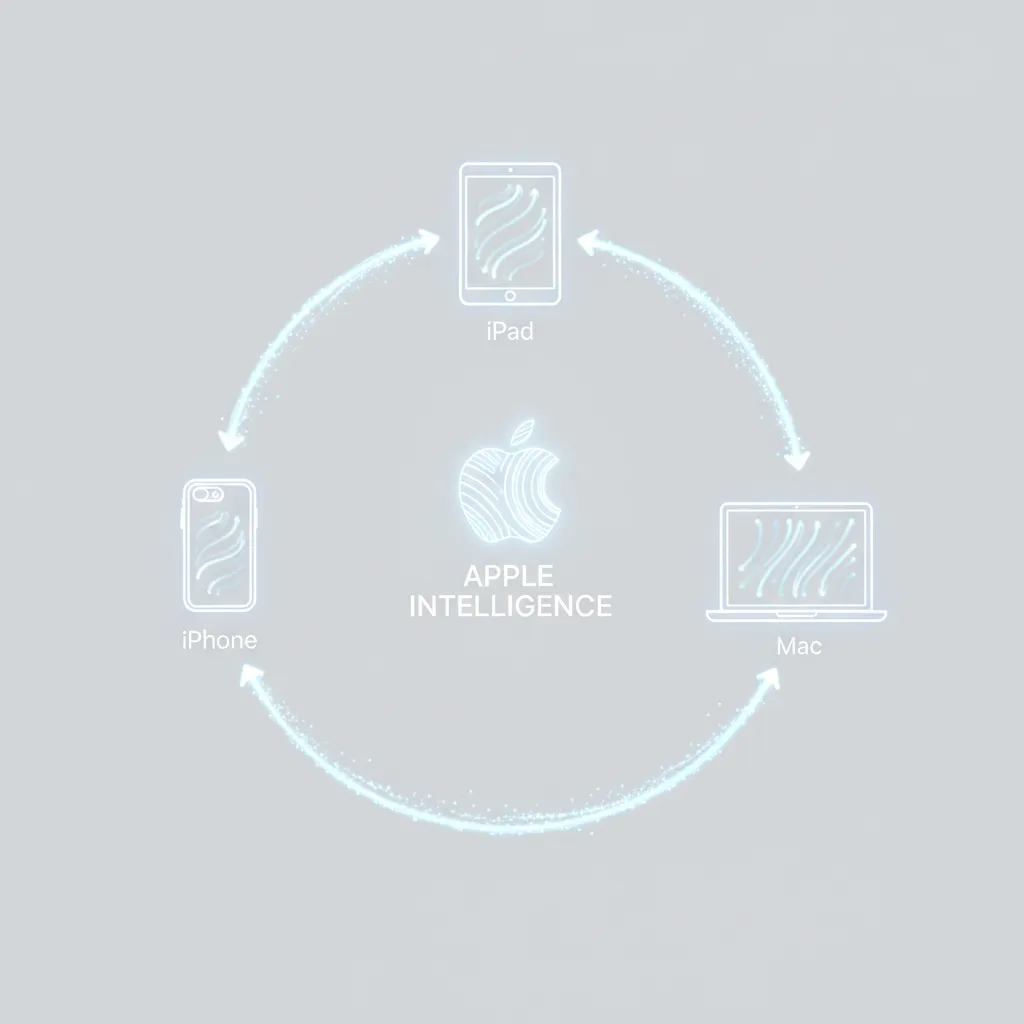
The biggest, most immediately noticeable change driven by Apple Intelligence is the complete overhaul of Siri. The days of rigid, command-based interaction are over. The Siri update 2024 transforms the venerable voice assistant into a truly capable and natural Apple AI assistant.
Contextual Awareness AI and Natural Language
The next-generation Siri boasts significantly improved conversational flow and, crucially, contextual awareness AI.
Siri can now:
- Understand Screen Content: If you receive an address in a text message, you can simply ask Siri, “Add this to my calendar,” without having to explicitly highlight or read the address. Siri understands “this” refers to the content currently on your screen.
- Handle Corrections and Continuity: If you ask Siri to play a song and then immediately say, “No, the blue album artwork,” Siri understands that the second request is a correction related to the first, maintaining the conversational thread.
- Perform Multi-Step Actions: Siri can execute complex sequences that involve multiple apps. For example, “Take the photo I just edited in Photos and send it to Sarah in Messages, but make sure the subject line is ‘New Profile Pic!’” This deep integration is made possible by the underlying semantic indexing Apple uses to connect data.
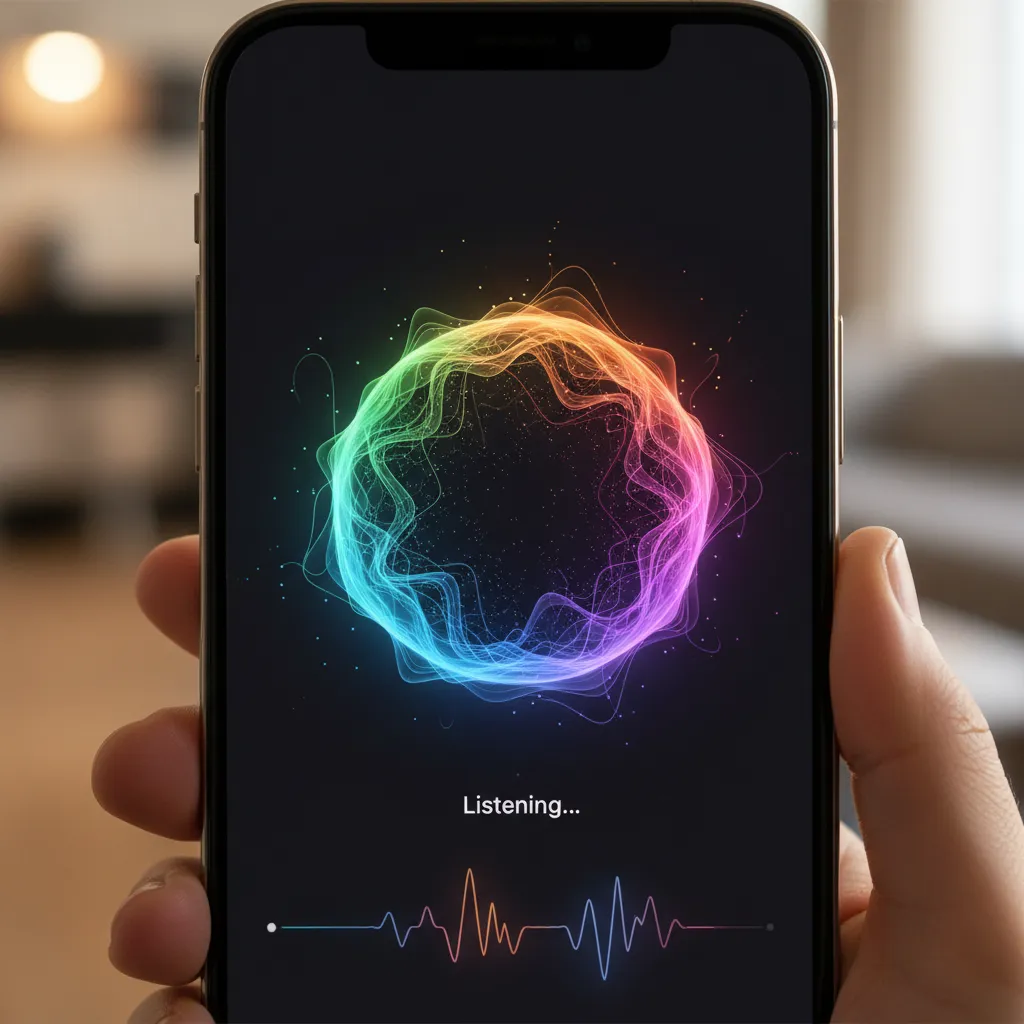
When you summon the new Siri, the familiar glowing orb now flows around the edges of the screen, signaling its activation but remaining non-intrusive. This visual shift is reflective of its new, fluid capabilities.
/image-topic.webp
Intentional Intelligence and Shortcuts Integration
The deep Siri improvements also allow it to tap into the capabilities of Shortcuts, even if you haven’t explicitly created them. If you tell Siri you’re going hiking and need to know the air quality at the trail head and then quickly share that with a contact, Siri can chain these actions together automatically, acting as a personal automation orchestrator. This level of intelligent search iPhone enables users to manage complex tasks with simple spoken commands.
Productivity Unleashed: AI Writing and Smart Organization
The integration of Apple Intelligence extends deeply into Apple’s productivity suite, offering powerful features designed to save time and polish communication. These AI writing tools Apple has introduced are system-wide, appearing in Mail, Notes, Pages, and third-party apps via the Apple AI Kit.
The Power of Writing Tools
The new Writing Tools offer three core functions:
1. Rewrite
Users can select a block of text in any app (like an email draft or a key note) and ask the AI to rewrite it. Options include making the tone more professional, more friendly, or more concise. This feature is invaluable for crafting the perfect communication without spending excessive time on drafts.
2. Proofread
Beyond basic spell-check, the Proofread feature analyzes grammar, sentence structure, and word choice, offering suggestions to make the text clearer, more authoritative, and easier to read. This moves Apple far beyond conventional editing tools into true stylistic correction.
3. Summarize
When facing a long email thread or a sprawling document in Notes, the Summarize feature can distill the key points into bullet lists or a concise paragraph, dramatically improving information processing speed.
Smart Reply Feature in Mail
The Mail app receives a significant boost with the smart reply feature. Based on the content of the incoming email, Apple Intelligence suggests three relevant, pre-written responses. For simple requests, this allows users to respond with a single tap. Crucially, the AI understands the sentiment and demands of the original email, ensuring the suggested replies are always contextually relevant and professional.
AI-Powered Notifications
The concept of notification management is completely re-envisioned through AI-powered notifications. Instead of receiving a deluge of individual alerts, the system uses AI to prioritize and bundle non-urgent notifications.
- Priority Alerts: The system identifies time-sensitive and highly relevant alerts (like a delivery notification or a flight gate change) and surfaces them prominently.
- Summarized Stacks: Less critical notifications (e.g., social media likes, promotional emails) are grouped into single, digestible stacks, often with a generated summary. This radically declutters the lock screen and reduces cognitive load, allowing users to focus only on what truly matters.
[Related: https://hyperdaily.one/blog/unplug-recharge-ultimate-guide-digital-detox-enhanced-wellbeing/]
Creative Expression: Genmoji and Image Playground AI
Apple Intelligence isn’t just about spreadsheets and summaries; it also enables playful, personalized creativity, bringing high-quality generative features to the masses in a simple, intuitive way.
The Fun of the Genmoji Feature
One of the most talked-about iOS 18 features is the Genmoji feature. Emojis are central to modern digital communication, but sometimes a standard yellow face just doesn’t capture the nuance of a feeling. Genmoji allows users to create custom emoji and sticker images simply by describing them using natural language.
Imagine texting a friend: “Create a dinosaur riding a skateboard wearing a graduation cap.” The AI instantly generates a unique image in the style of an emoji or sticker that can be dropped directly into an iMessage conversation. This feature leverages the sophisticated generative models within Apple Intelligence to produce results that are fun, high-fidelity, and uniquely personalized.
/image-topic.webp
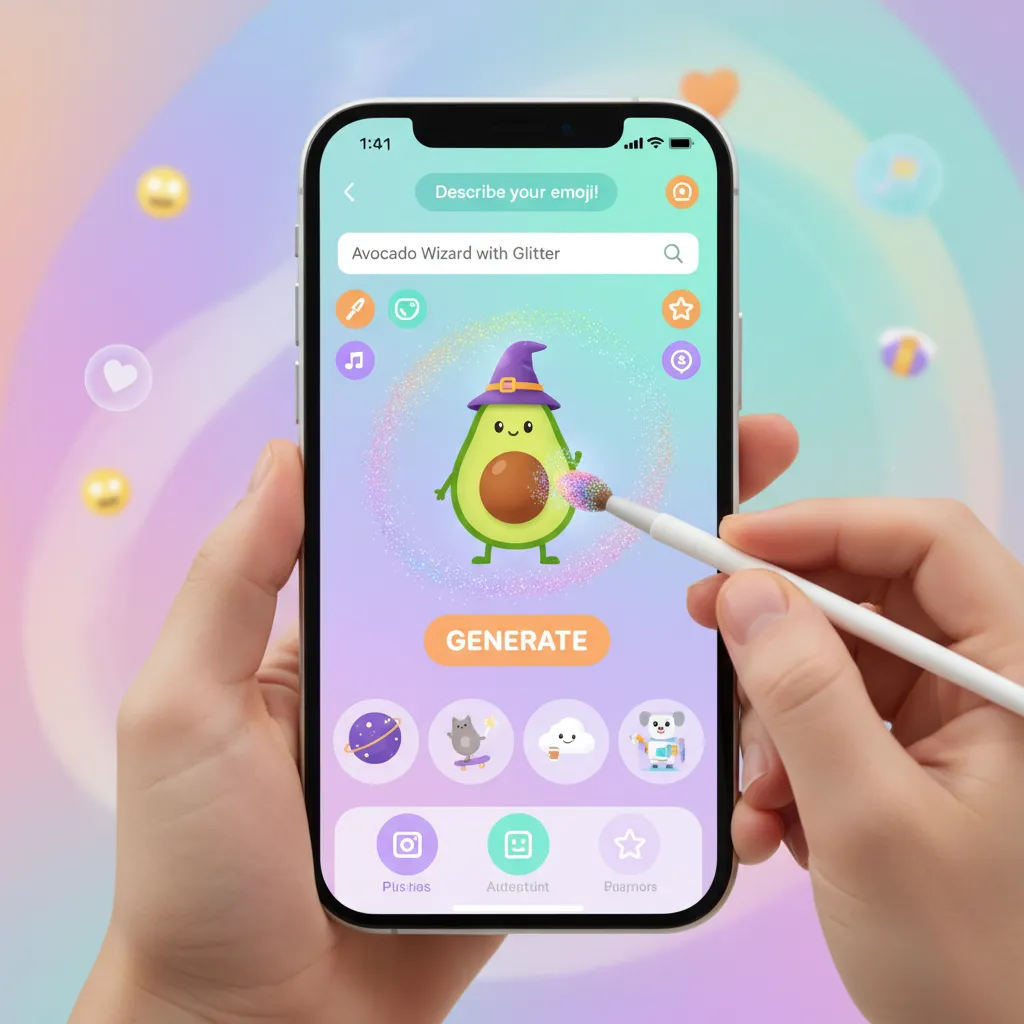
Image Playground AI: Instant Visual Creation
For more complex creative tasks, Apple introduces Image Playground AI. This tool is designed to be fast, fun, and accessible, integrated directly into apps like Messages, Notes, and Freeform. Unlike high-end, complex image generation tools, Image Playground emphasizes ease of use.
Users can choose from three styles:
- Animation: Cartoon-like, dynamic images.
- Sketch: Black and white or line drawings.
- Illustration: Richer, more detailed color images.
Crucially, because Image Playground is entirely powered by Apple Intelligence, it adheres to strict safety guidelines and avoids generating inappropriate or harmful content, maintaining an AdSense-compliant environment.
AI Photo Editing iOS: The Clean Up Tool
The Photos app is getting a significant upgrade, particularly with the introduction of the ‘Clean Up’ tool, a powerful new capability for AI photo editing iOS. This tool allows users to simply circle or highlight an unwanted object or person in a photo, and the AI seamlessly removes it, intelligently filling in the background to make the deletion look natural.
Unlike previous clumsy spot-removal tools, Clean Up uses advanced generative filling, understanding the textures and composition of the surrounding image data. This is a game-changer for casual photographers looking to perfect their snaps quickly and easily.
[Related: https://hyperdaily.one/blog/harvesting-innovation-ai-revolutionizing-precision-agriculture/]
Beyond Features: Compatibility, Ecosystem, and the Future
Apple Intelligence is not just a software update; it is a strategic shift that defines the future of Apple AI. Its success hinges on its ecosystem integration and its ability to handle powerful AI models while maintaining the core Apple user experience.
Semantic Indexing and Intelligent Search iPhone
The foundation of the entire system is the Semantic Index, which catalogs and connects user data across all applications—both Apple and third-party, thanks to the Apple AI Kit. This index is stored locally and securely, enabling the powerful intelligent search iPhone capabilities.
No longer do you need to remember where you saved a piece of information. You can ask Siri or use Spotlight to find details from conversations, notes, or web history with unprecedented accuracy. For instance, “Find the email with the subject line about the budget meeting, and show me the attachment the CEO mentioned.” The AI understands the relationships between the email, the contact (CEO), and the attachment, retrieving the data immediately.
The Partnership: ChatGPT on iOS 18
A major talking point surrounding Apple Intelligence is the integration of OpenAI’s ChatGPT. Apple recognized that while its proprietary models excel at personal context and on-device tasks, ChatGPT remains a leader in general knowledge, complex reasoning, and world-scale model power.
The integration is seamless and optional:
- When It’s Used: When a user asks a question that requires world knowledge or highly complex generation—and the Apple Intelligence models determine they can’t answer it optimally—the system will ask the user permission to send the request to ChatGPT.
- Privacy Control: This hand-off is always permission-based, and ChatGPT’s data policies are clearly communicated. Apple Intelligence uses its Private Cloud Compute infrastructure to route the request securely, further protecting the user.
This approach demonstrates Apple’s pragmatic strategy: providing the best available tools while maintaining full control over personal data and ensuring user privacy AI remains paramount.
Apple Intelligence Compatibility and Supported Devices
The technical demands of running sophisticated generative models, even with on-device AI processing, are significant. Consequently, Apple Intelligence compatibility is limited to devices equipped with the necessary processing power.
The list of Apple Intelligence supported devices is currently restricted to:
- iPhone 15 Pro and iPhone 15 Pro Max (A17 Pro chip).
- All iPads and Macs equipped with an M1 chip or later (M1, M2, M3, M4).
This hardware limitation is critical for delivering the required speed and responsiveness that defines the Apple user experience. For users with older devices, these features will remain unavailable until they upgrade, a key factor in Apple’s hardware ecosystem strategy.
/image-topic.webp

Apple Intelligence vs Google AI: A Difference in Philosophy
The launch of Apple Intelligence inevitably draws comparisons to competitors like Google’s Gemini and Microsoft’s Copilot. While all these systems share the goal of making digital life easier, their underlying philosophies diverge significantly.
| Feature | Apple Intelligence | Google AI (Gemini) |
|---|---|---|
| Data Processing Priority | On-device, Private Cloud Compute (PCC) | Primarily cloud-based |
| Privacy Model | Cryptographically assured privacy; data discarded post-task | Strong security, but data often aggregated for model improvement |
| Core Function | Personal Context, Task Execution, System Integration | General Knowledge, Search, Multi-modality |
| Integration | Deeply woven into the OS (Mail, Notes, Photos, Settings) | Primarily integrated via search, app overlay, and productivity suite (Workspace) |
Apple’s focus on personalization and privacy is its competitive edge. It aims to know you better than any other AI while ensuring that knowledge stays locked down and private, solidifying the authority of Apple AI explained as a privacy-centric model.
The Future of Apple AI: Roadmap and Potential
The initial rollout of Apple Intelligence via the Apple Intelligence beta is just the beginning. The future of Apple AI promises deeper integration and expansion:
- Expanded Language Support: Initially focusing on English, Apple will rapidly expand the feature set to cover more global languages.
- Proactive Task Management: The AI will evolve to perform more tasks proactively, anticipating needs based on context. For example, reminding you to leave early for a flight if it notices a traffic delay based on real-time map data.
- Deeper Third-Party Integration: As developers utilize the Apple AI Kit more extensively, we will see AI capabilities integrated seamlessly into specialized third-party apps, potentially transforming fields from education to creative design.
[Related: https://hyperdaily.one/blog/ai-personalized-health-future-wellness/]
Conclusion: A New Era of Personalized Computing
The arrival of Apple Intelligence marks a pivotal moment in the evolution of personal technology. It is not simply an add-on; it is a fundamental shift in the operating system’s core philosophy, transforming iOS 18, iPadOS 18, and macOS Sequoia into truly personalized, contextually aware operating systems.
By prioritizing on-device AI processing and leveraging the groundbreaking security of Private Cloud Compute, Apple has managed to deliver powerful generative AI capabilities—from the creative Genmoji feature to the hyper-efficient smart reply feature—without asking users to sacrifice their privacy.
Understanding how to use Apple Intelligence will become second nature as these features seamlessly weave themselves into your daily interactions. For users with supported devices, the upgrade to iOS 18 will introduce a dramatically smarter, faster, and more helpful experience. The Apple AI explained philosophy is clear: intelligence must be personal, and personal intelligence must be private. This blend of power and integrity sets a new high standard for the technology industry.
The path forward for the future of Apple AI is one of deeper integration and smarter personalization. Get ready to experience a truly intelligent iPhone.
FAQs: Grounded Insights on Apple Intelligence
Q1. What is Apple Intelligence?
Apple Intelligence is the personal intelligence system integrated into iOS 18, iPadOS 18, and macOS Sequoia. It combines generative AI models with the user’s personal context (emails, calendar, photos) to provide enhanced writing tools, a hyper-capable Siri, image generation (Genmoji), and organization features, all while prioritizing on-device AI processing and user privacy AI.
Q2. Which devices support Apple Intelligence compatibility?
Apple Intelligence is supported only by devices equipped with the Apple M1 chip or later, or the A17 Pro chip. This currently includes the iPhone 15 Pro and iPhone 15 Pro Max, and all Macs and iPads featuring an M-series chip. This restriction is due to the demanding nature of running advanced models for the required on-device AI processing.
Q3. How does Private Cloud Compute ensure user privacy?
Private Cloud Compute (PCC) is Apple’s proprietary server infrastructure built on Apple Silicon. When an AI task is too complex for the device, it is sent to PCC, which uses cryptographic assurances. The servers are designed to be temporary compute nodes that strictly forbid data retention or logging, meaning the data is instantly discarded after the result is returned, ensuring robust protection of user privacy AI.
Q4. What is the Genmoji feature?
The Genmoji feature allows users to create custom emojis and stickers by typing a text description (e.g., “A happy dog wearing sunglasses surfing”). Powered by Apple Intelligence, these unique, personalized visuals can be used instantly in Messages and other apps, adding a fun, creative dimension to iOS 18 features.
Q5. Is the ChatGPT integration mandatory in iOS 18?
No. The integration of ChatGPT on iOS 18 is optional and permission-based. Apple Intelligence models handle most tasks, but if a query requires the broad, complex reasoning of a world-scale model, Siri will ask the user for permission to pass the query to ChatGPT. This ensures that users retain control over when and how their data interacts with third-party services.
Q6. How does Siri’s contextual awareness AI work?
The improved Siri, or next-generation Siri, uses semantic indexing Apple to understand the user’s personal data and the current state of the screen. Contextual awareness AI allows Siri to answer questions or perform actions related to content visible on the screen or based on past conversations and emails, making interactions natural and personalized.
Q7. What are the main differences in the Apple Intelligence vs Google AI philosophy?
The primary difference lies in data handling. Apple Intelligence vs Google AI is a comparison between privacy-first, on-device processing (Apple) and cloud-centric data utilization (Google). Apple Intelligence’s architecture is built around minimizing cloud reliance and ensuring user privacy AI through Private Cloud Compute, while Google’s AI models prioritize massive, centralized datasets for broad power.