Apple Intelligence: A Guide to the New AI Features
Introduction: The Dawn of Personal Context AI
For years, the tech world has anticipated Apple’s major move into the generative AI space. The WWDC 2024 announcements finally provided that answer, introducing Apple Intelligence—a comprehensive system that weaves powerful generative models directly into the core experiences of iOS 18, iPadOS 18, and macOS Sequoia.
This is not just another feature update; it’s a paradigm shift. Apple Intelligence is designed to be deeply personal, context-aware, and—crucially—built with privacy in AI as its foundational principle. It moves beyond simple task execution to becoming an intelligent personal assistant that understands you, your daily routines, and the information spread across your Apple ecosystem AI.
This guide provides an authoritative deep dive into what is Apple Intelligence, how the core features work, the revolutionary technology underpinning its privacy model, and how you can prepare to use the most significant software update in Apple history. We’ll explore everything from the new Siri features and AI Writing Tools iPhone integration to the innovative Private Cloud Compute infrastructure.
What is Apple Intelligence? The Foundation of the AI Ecosystem
Apple Intelligence is the name given to the suite of generative models and features that integrate seamlessly into Apple’s operating systems. Unlike generalized AI models, Apple’s approach is defined by its deep understanding of personal context AI. It uses the data stored locally on your device—your emails, messages, appointments, photos, and location history—to execute tasks that are uniquely relevant to you, without sending that personal data to the cloud unnecessarily.
The core philosophy revolves around three pillars of technical execution:
- On-Device Processing: Simple tasks run directly on the device using efficient neural engines (specifically the A17 Pro and M-series chips). This is the fastest and most secure method, guaranteeing zero data transmission.
- Semantic Indexing Apple: A robust, local index of all your data (emails, notes, files) that allows the AI to rapidly locate and process relevant information. This is what enables the high-level cross-app AI integration.
- Private Cloud Compute (PCC): For more complex or computationally intensive tasks, the system utilizes Apple’s proprietary, high-security cloud servers, guaranteeing privacy through auditable, ephemeral server instances.
This fusion of capabilities means Apple can deliver powerful iOS 18 AI features that genuinely feel like a seamless extension of the user, marking a major competitive edge in the ongoing Apple Intelligence vs Google AI debate.
Redefining Communication: AI Writing Tools iPhone
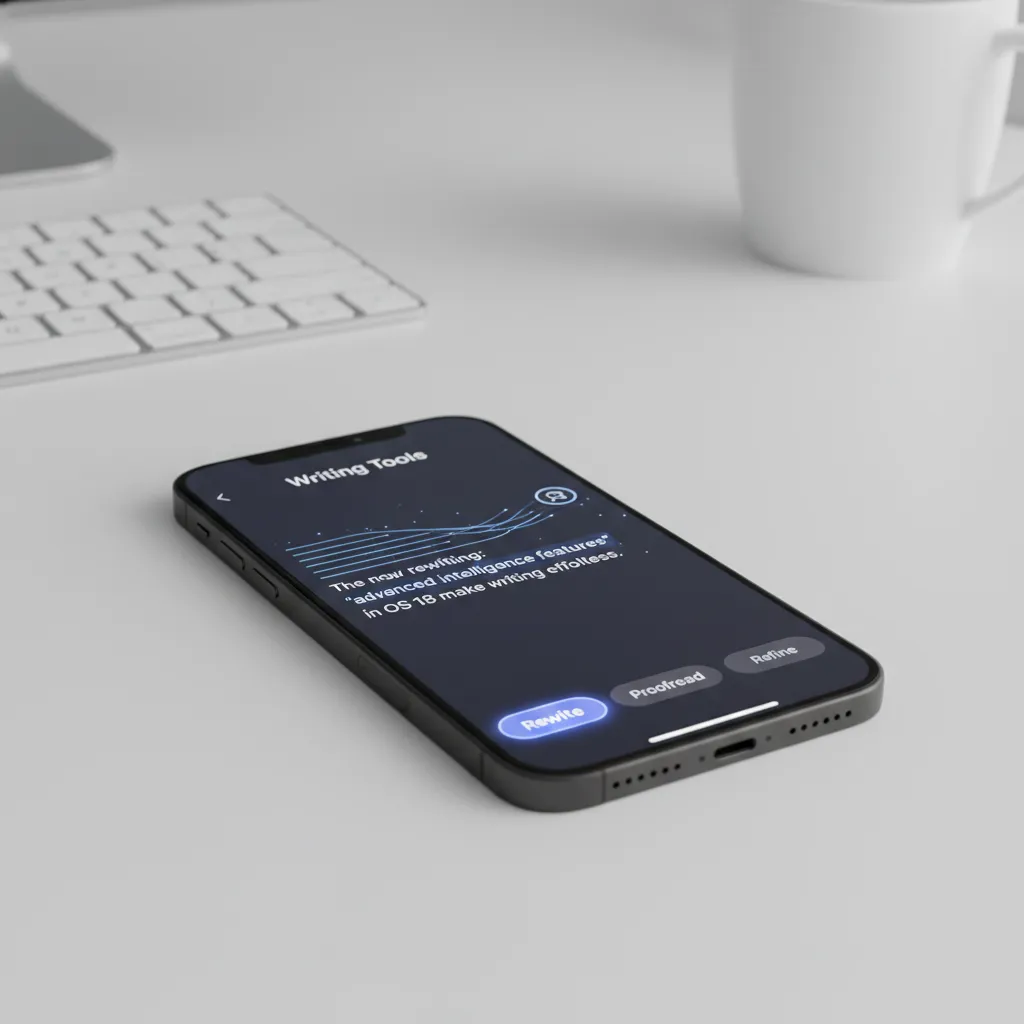
One of the most practical and immediate changes users will experience comes through the enhanced text functionality. The new AI Writing Tools iPhone integration is system-wide, appearing in Mail, Notes, Pages, and third-party apps that utilize standard Apple text fields.
Write, Rewrite, and Proofread
The system grants you instant control over the tone, flow, and quality of your text. Imagine drafting an email and needing to change its formality instantly.
The core features include:
- Rewrite: The ability to instantly generate alternative versions of what you just wrote. You can select a paragraph and choose between styles like “professional,” “casual,” or “concise.”
- Proofread: A more advanced system than simple spelling and grammar checks. It checks for sentence structure, awkward phrasing, and clarity, providing suggestions that enhance the readability of the text.
- Summarize: A critical tool for students and professionals. This feature can instantly distill key takeaways from a long document or a thread of emails, saving significant time. (See: AI email summaries below).
This capability demonstrates the real-world value of on-device AI processing—no need to copy and paste text into a separate LLM interface; the power is built into the keyboard.
Summarization and Key Takeaways
The AI email summaries feature is particularly transformative. In the Mail app, Apple Intelligence can analyze a long thread of dozens of replies and immediately generate a bulleted list of the most important points, indicating who said what. Similarly, in Safari, you can summarize a long article or research paper before committing to a full read.
This function is a perfect example of how natural language understanding combines with semantic indexing Apple to quickly process vast amounts of personal and external data to create focused, actionable information.
[Related: AI Content Creation: Master Generative AI for Digital Marketing]
The Next Generation Siri: Natural Language and Context-Aware AI
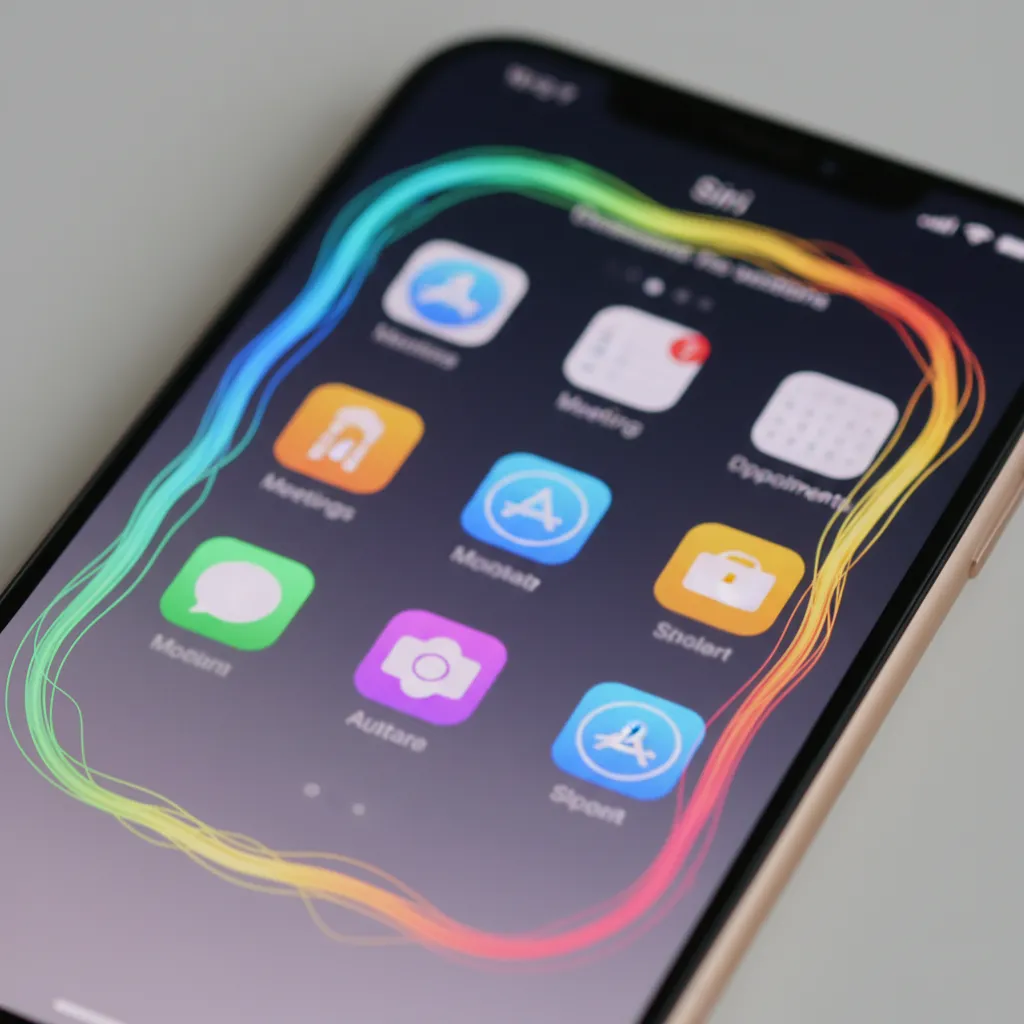
Siri has been the subject of the most dramatic upgrade, moving from a rigid voice command system to a true next generation Siri that serves as a highly capable, context-aware AI. Visually, the new Siri appears as a subtle, glowing edge around the iPhone screen, indicating its heightened state of awareness.
On-Screen Awareness Siri
The biggest leap is Siri’s on-screen awareness Siri. It can now see, understand, and interact with the content on your screen—be it text, images, or controls within an app.
Practical Examples:
- Calendar & Messaging: If a friend texts you their new address, you can say, “Add this address to their contact card,” and Siri knows exactly which address and contact to reference, even without you highlighting the text.
- Photos: While viewing a photo of your mother, you can ask, “Siri, email this photo to her,” and the system understands ‘this photo’ and ‘her’ (based on your contact relationships) and initiates the email.
This new level of understanding is powered by deep natural language understanding and the aforementioned local semantic index. It makes interacting with your device far more conversational and intuitive.
Contextual Memory and Personal Context AI
The new Siri has a persistent memory of the conversation and, more importantly, a memory of you.
Unlike previous versions that treated every query as isolated, the updated Siri update iOS 18 remembers the topic, the people, and the applications you were just using. This ability to integrate personal context AI means you can fluidly transition between tasks:
- “Show me the photos I took last Friday.” (Siri retrieves them.)
- “Now, remove the one where the lighting is bad.” (Siri knows ‘the one’ refers to a photo in the current selection.)
- “Send the rest to [Friend’s Name] on Signal.” (Siri handles the complex cross-app AI integration effortlessly.)
Cross-App AI Integration
This deep integration is the key to solving multi-step requests that previously required multiple manual steps. For instance, Siri can now handle complex requests like: “Find the podcast episode that my brother recommended last month about deep work, and add the main topic to my research notes.”
- It searches Messages for the recommendation (using semantic indexing).
- It opens the podcast app and identifies the episode.
- It summarizes the podcast’s topic (using writing tools).
- It opens the Notes app and pastes the summary.
This demonstrates the synergy across the entire Apple ecosystem AI, turning the device into a truly proactive intelligent personal assistant.
AI-Powered Notifications
Apple Intelligence also overhauls how you manage digital noise with AI-powered notifications. Instead of receiving 50 individual alerts from a group chat, the system can summarize them into a single, context-rich notification, such as: “Group Chat Summary: 12 missed messages, confirming the dinner plan for Saturday at 7 PM.” It filters out the noise, showing only what requires your immediate attention.
[Related: Navigating the Future Imperative: Ethical AI in a Smart World]
Creative Intelligence: Image Playground AI and Genmoji
Generative imaging features have become a standard in modern AI suites, but Apple’s implementation focuses on accessibility, speed, and fun, keeping the entire process on-device whenever possible.
Genmoji: Expressive Messaging
Genmoji is one of the most delightful iOS 18 AI features. Tired of the limited selection of standard emojis? With Genmoji, you can describe any concept, and the AI will generate a custom emoji to match.
For example, asking for “A smiling sloth on a skateboard” instantly generates an appropriate, high-quality image that can be used directly in Messages or embedded as a sticker. This feature is lightweight, fast, and entirely built for self-expression within conversations.
Image Playground AI
For more complex creative tasks, Image Playground AI is integrated into apps like Messages, Notes, and Freeform, and is available via an API for third-party developers. Its primary goal is fast, fun, and easy image creation in three distinct styles:
- Animation: Cartoon-like, whimsical graphics.
- Sketch: Black and white, simple line drawings.
- Illustration: More detailed, stylized color graphics.
The integration is seamless. If you are discussing a party in Messages, you can tap the Image Playground button, describe the scene (“A fantastical forest party with glowing mushrooms”), and immediately generate the image to share.

AI Photo Editing iOS 18
Beyond generation, the AI enhances existing images. The new Photo app features intelligent clean-up tools that go beyond simple object removal. By utilizing sophisticated recognition models, the system can accurately detect and remove photobombers or distracting elements in the background, making the photo look naturally edited rather than patched. This ability to enhance and modify existing visuals rapidly elevates the user’s creative control.
Privacy as a Feature: Private Cloud Compute (PCC)
Apple’s approach to AI centers on a commitment to privacy that serves as the major differentiator in the market. The company knows that for users to trust an intelligent personal assistant with their deepest personal context AI, absolute data security is non-negotiable.
The Privacy Dilemma and Apple’s Solution
While many companies rely on massive, centralized cloud servers to process AI queries, Apple recognized that sending private data (like your semantic index) to a public cloud creates unacceptable risk. Therefore, Apple Intelligence prioritizes on-device AI processing.
However, some tasks—like generating a complex 20-page document summary or running a massive language model—require more power than a phone chip can reliably provide. This is where Private Cloud Compute (PCC) comes in.
How Private Cloud Compute Works
PCC is a groundbreaking technological solution designed to extend the computational power of the Neural Engine to the cloud without compromising privacy.
- Secure Enclave: Before a request is sent to PCC, the iPhone’s Secure Enclave verifies that the cloud server is running only approved, auditable software—a unique and restrictive version of the code that Apple releases publicly for security researchers to inspect.
- Ephemeral Servers: The data sent is encrypted and routed to dedicated, ephemeral (short-lived) Apple silicon servers. Crucially, these servers cannot permanently store user data. They process the request, return the result, and immediately destroy the data instance.
- No Logging: The servers do not log the data or the user’s IP address. No one—not even Apple employees—can access the raw user data during or after processing.

PCC ensures that powerful AI features are available on the iPhone while strictly adhering to the user’s expectation of privacy.
Semantic Indexing Apple: The Local Knowledge Graph
Behind the scenes, the efficiency of Apple Intelligence hinges on semantic indexing Apple. This is a private, local knowledge graph built on your iPhone and iPad. It organizes all the information that passes through your device—not just file names, but the content and context of your messages, photos, calendar events, and notes.
When you ask a complex question (e.g., “When is that barbecue that Sarah mentioned we should bring drinks to?”), the AI doesn’t need to search the internet; it queries your personal semantic index, which understands that ‘Sarah’ is a person, ‘barbecue’ is an event, and ‘bring drinks’ is a task, cross-referencing all related conversations and calendar entries instantly. This local, structured knowledge is what makes the context-aware AI feel so smart and responsive.
[Related: Deep Work Mastery: Unlock Focus and Boost Productivity in a Distracted World]
The Strategic Partnership: ChatGPT on iPhone
While Apple Intelligence handles all personal context and core system tasks, Apple recognized the need to provide access to the world’s most powerful general-purpose LLM for pure knowledge and creation. This resulted in the announcement of a strategic partnership to integrate ChatGPT on iPhone.
Seamless Integration and User Control
This integration is handled smartly through the system. If Apple Intelligence determines that a user’s request would be better answered by a broad, cloud-based model (e.g., “Write a 500-word history of the Byzantine Empire”), it will offer to send the query securely to ChatGPT.
Crucially, this is always an opt-in experience. Before any data leaves the device for ChatGPT, the user must explicitly confirm they want to use the external model. This maintains Apple’s strict line on privacy in AI, giving the user ultimate control over when they leverage third-party services. When the request is passed, Apple masks identifying information, ensuring a high degree of privacy even when deferring to OpenAI’s models.
Why the Partnership Matters
The integration effectively solves the current limitation of general AI. Apple Intelligence shines as the personal organizer and memory, while ChatGPT provides the boundless, real-time knowledge base of the internet. This combined offering ensures that the intelligent personal assistant is capable of handling both personal logistics and global information with ease.
Compatibility and Release Details
The excitement around these iOS 18 AI features naturally leads to questions about who will get to use them and when.
Apple Intelligence Compatible Devices
Apple Intelligence is highly dependent on the dedicated Neural Engine (NE) for efficient on-device AI processing and speed. This has led to a major hardware requirement cutoff:
| Device Type | Minimum Required Chip |
|---|---|
| iPhone | iPhone 15 Pro or iPhone 15 Pro Max (A17 Pro chip or later) |
| iPad | M1 chip or later |
| Mac | M1 chip or later |
This requirement for the A17 Pro or an M-series chip means older flagship iPhones (like the iPhone 14 Pro) are not supported. This strategic decision underscores Apple’s commitment to delivering a consistently high-performance, responsive AI experience that requires specialized hardware capabilities.
Apple AI Release Date
The Apple AI release date follows the standard software release schedule:
- Developer Beta: Announced at WWDC 2024, available immediately for testing.
- Public Beta: Typically released later in the summer.
- Consumer Launch: Full integration into the public release of iOS 18, iPadOS 18, and macOS Sequoia, expected in Fall 2024.
While some features may roll out initially, the complete suite of capabilities, including full cross-app AI integration and the deepest new Siri features, will likely become fully optimized in the months following the initial launch.
A Comparison of Philosophies: Apple Intelligence vs Google AI
The arrival of Apple Intelligence fundamentally changes the competitive landscape, particularly in the realm of mobile and personal computing. The primary difference between Apple Intelligence vs Google AI (e.g., Gemini) lies in the fundamental philosophy regarding user data.
| Feature Differentiator | Apple Intelligence | Google AI (Gemini) |
|---|---|---|
| Data Philosophy | Privacy First; Data is Local (Personal Context AI) | Utility First; Data is Centralized for Modeling |
| Processing Priority | On-device, then Private Cloud Compute (PCC) | Cloud-based, then On-device (for smaller models) |
| Personal Context | Deep, specific integration with user’s private data (semantic indexing) | Broad integration with user’s Google services (Gmail, Docs, Photos) |
| Core Value | Security, trust, and proactive assistance. | Massive knowledge base and general intelligence. |
Apple’s strategy is to integrate deeply into the user’s life without requiring the user to compromise their data. The entire Apple ecosystem AI is built on the principle of distributed intelligence—intelligence that stays with the user. Conversely, Google leverages its vast, centralized data corpus to achieve its staggering predictive and generative power.
For users prioritizing digital security and privacy in AI, Apple Intelligence represents a highly compelling, secure option for adopting next-generation technologies.
Conclusion: The Future of the Intelligent Personal Assistant
Apple Intelligence is far more than a set of new tools; it is a foundational layer that changes how users interact with their devices. By centering its development around the power of the Neural Engine and the innovative Private Cloud Compute, Apple has successfully introduced cutting-edge generative AI capabilities while preserving the high standards of privacy users expect.
From the practical enhancements of AI Writing Tools iPhone and AI email summaries to the revolutionary potential of the next generation Siri with on-screen awareness Siri, the future of the intelligent personal assistant is deeply contextual and highly personal. As the Apple AI release date approaches, the shift toward a truly seamless, privacy-respecting digital life is imminent, offering users unprecedented productivity and creative freedom across the entire Apple ecosystem AI.
[Related: AI in the Kitchen: Reshaping the Future of Food and Gastronomy]
Frequently Asked Questions (FAQs)
Q1. What is the main difference between Apple Intelligence and ChatGPT?
Apple Intelligence is an integrated, system-level intelligence focused on understanding your personal context (emails, photos, messages) to perform on-device or Private Cloud tasks securely. ChatGPT is a massive, third-party large language model (LLM) specialized in general knowledge and creative generation. Apple Intelligence integrates ChatGPT for queries that require vast external knowledge, but always with the user’s permission.
Q2. Do I need to pay extra to use Apple Intelligence features?
No. Apple Intelligence features, including all the iOS 18 AI features like Genmoji and the AI Writing Tools iPhone, will be included as standard, free updates bundled with iOS 18, iPadOS 18, and macOS Sequoia.
Q3. Which devices are compatible with Apple Intelligence?
Compatibility is limited to devices equipped with the advanced Neural Engine capable of fast on-device AI processing. This includes the iPhone 15 Pro and iPhone 15 Pro Max (A17 Pro chip), and all Macs and iPads running M1 chips or later.
Q4. What is Private Cloud Compute (PCC)?
Private Cloud Compute is Apple’s proprietary system for handling complex AI tasks that exceed the capacity of on-device AI processing. It utilizes secure, auditable, Apple silicon-based cloud servers that are designed to process requests and immediately destroy the data, ensuring that your personal context remains private even when utilizing cloud power.
Q5. When is the Apple AI release date?
The core features of Apple Intelligence are expected to be available to consumers in Fall 2024, alongside the final public releases of iOS 18, iPadOS 18, and macOS Sequoia. Some features may be released in beta form earlier.
Q6. How does Apple Intelligence ensure privacy with personal context AI?
Privacy in AI is maintained primarily through three methods: 1) Maximizing on-device AI processing. 2) Using the local semantic indexing Apple for fast retrieval of personal data without sending it to the cloud. 3) Utilizing Private Cloud Compute for complex tasks, which cryptographically verifies that the cloud server cannot store or log user data.
Q7. Can Siri use the new cross-app AI integration capabilities immediately?
Yes. The cross-app AI integration is a key component of the next generation Siri. Since the AI understands your personal context AI and has on-screen awareness Siri, it can string together commands across multiple applications—such as finding a flight confirmation in Mail, checking the itinerary in Safari, and adding the arrival time to Calendar—all from a single, natural language command.
Q8. What kind of images can I create with Image Playground AI?
Image Playground AI allows users to quickly generate images in three main styles: Animation (cartoons), Sketch (simple drawings), and Illustration (more artistic, stylized graphics). This feature is optimized for speed and works on-device to create fun and relevant visuals, including custom Genmoji.