Apple Intelligence: A Guide to iOS 18’s New AI Features
Introduction
For years, we’ve watched the major tech players race to integrate Artificial Intelligence into their operating systems. While Google and Microsoft focused on large-scale cloud models, Apple remained notably quiet—until now. At WWDC 2024, Apple unveiled Apple Intelligence, a highly personal, privacy-focused AI system engineered to revolutionize how users interact with the iPhone, iPad, and Mac.
This isn’t just a simple feature update; it’s a paradigm shift.
Apple Intelligence is the foundational technology powering the core iOS 18 features, iPadOS 18 features, and macOS Sequoia AI enhancements. It promises to deliver a truly personalized AI experience that understands your context, actions, and data better than any system before it, all while safeguarding your privacy.
This comprehensive guide is your deep dive into the features, technology, and eligibility requirements of Apple’s ambitious new venture. We will cover the radical new Siri update, the creative tools like Genmoji and Image Playground, the crucial technology of private cloud compute, and answer the vital question: what is Apple Intelligence and how will it change your digital life?
[Related: AI Unleashed: Revolutionizing Money with Smart Personal Finance]
The Dawn of Personalized AI: What is Apple Intelligence?
Apple Intelligence is more than just a marketing term; it’s an integrated system of generative models running on specialized hardware. Unlike generalized AI assistants, Apple Intelligence is designed to be helpful based specifically on your data, history, and current context. Its primary goals are utility, seamlessness, and most importantly, privacy.
The user intent behind “what is Apple Intelligence” is generally to understand the scope and the underlying technology that sets it apart. The differentiator lies in where the processing happens.
Privacy First: The Power of On-Device AI and Private Cloud Compute
In the age of data breaches and intrusive tracking, Apple’s commitment to privacy is the headline feature of its AI on iPhone strategy. Apple Intelligence operates on a tiered system:
- On-Device AI: The vast majority of everyday tasks—like rewriting a short email, quickly categorizing photos, or recognizing patterns in your habits—are handled by models running directly on the A17 Pro or M-series chip. This on-device AI ensures speed and absolute privacy, as the data never leaves your device.
- Private Cloud Compute (PCC): For more complex tasks that require significantly more computational power (e.g., summarizing an hour-long meeting transcript or generating a high-resolution image), the system securely routes the request to Apple’s specialized servers. Critically, these PCC servers use Apple Silicon and cryptographic technology to ensure that the data is never stored, nor is it accessible to Apple employees. It’s an ephemeral, highly secure environment for crunching data while maintaining the user’s anonymity.
The implementation of private cloud compute is perhaps the most significant structural element of Apple Intelligence, setting a new standard for trust in generative AI.
The Backbone: Context-Aware AI and Semantic Indexing
The hallmark of true intelligence is context, and Apple has baked this into the system using two core concepts:
- Semantic Indexing Apple: This is the underlying technology that enables the system to understand the relationships between your data across different applications—Mail, Messages, Notes, Photos, and Files. For instance, if you ask Siri a question, it doesn’t just search the web; it searches your life.
- Context-Aware AI: Because the system has a dynamic map of your information, it can understand what you mean when you ask something vague.
Imagine asking Siri: “Pull up that spreadsheet Sarah sent me about the Q4 budget last week.” Before Apple Intelligence, Siri would likely fail or prompt you for more details. Now, thanks to semantic indexing, the AI knows Sarah, knows your typical work schedule, and knows where the “Q4 budget” file is located, regardless of whether it was a message attachment or an email attachment.
This profound level of contextual understanding is what makes how to use Apple Intelligence feel instantly intuitive and powerful.
Siri Reborn: A Context-Aware Personal Assistant
The new Siri update is arguably the most dramatic consumer-facing overhaul in iOS 18 features. Siri is moving past simple voice commands and evolving into a far more natural, conversational, and capable assistant.
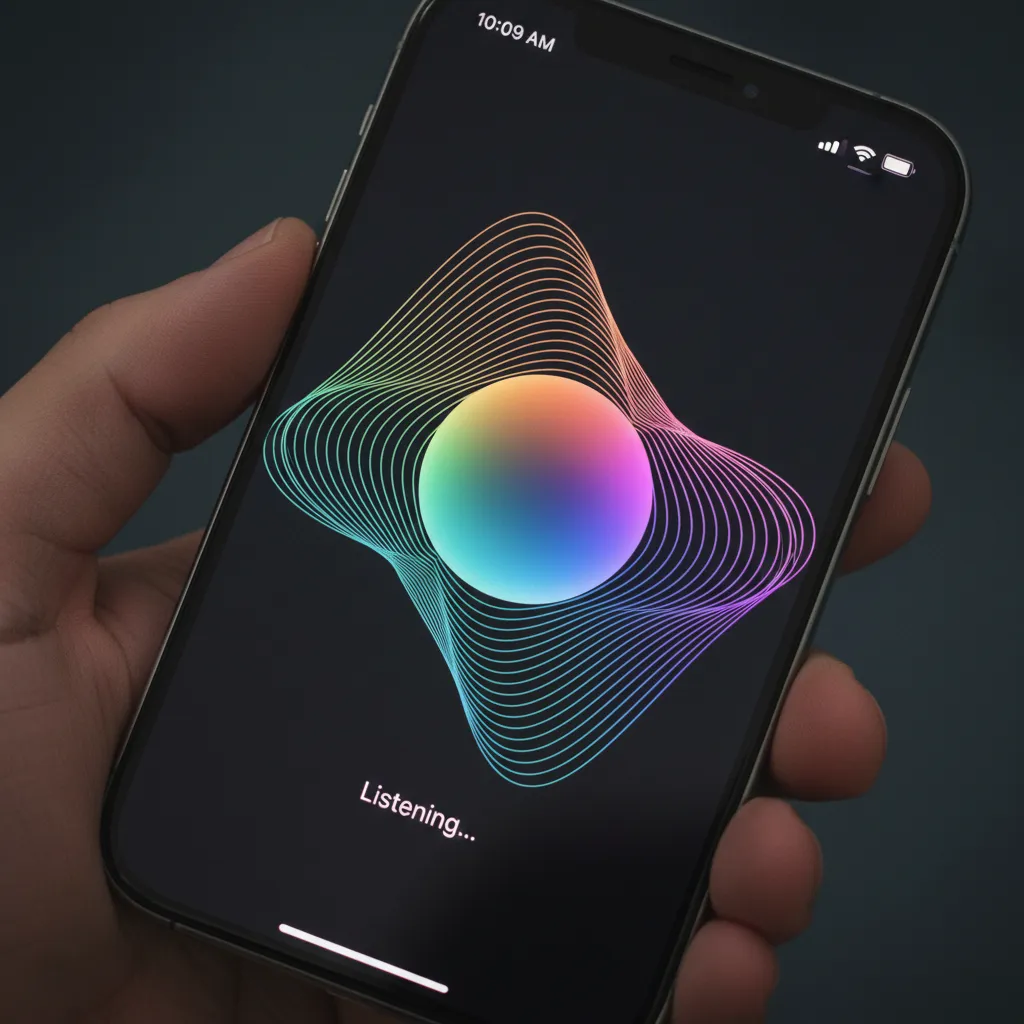
The visual change is immediate: instead of an opaque globe, a soft, pulsating light now wraps around the edge of the screen, indicating Siri is listening.
Conversations, Not Commands (New Siri Update)
The new Siri embraces natural language. Users no longer need to use specific keywords or awkward phrasing. If you mumble or hesitate, Siri will wait and use the context of your previous statement to follow up.
One of the most powerful advancements is Siri’s ability to navigate and perform actions within apps on your behalf. This is a game-changer for speed and efficiency.
Examples of New Siri Functionality:
- System Settings: “Turn on Dark Mode for this app.”
- Photos: “Send the three best photos from my trip to Paris to David.”
- Mail/Messages: “Summarize the key points of the unread emails from my boss.”
This enhanced capability fulfills a long-standing user desire for a truly useful AI on iPhone.
Bringing in the Big Guns: Siri and ChatGPT Integration
For tasks that demand extensive general knowledge, creative brainstorming, or highly specialized expertise, Apple has partnered with OpenAI to seamlessly integrate Siri and ChatGPT.
When Siri determines a request is beyond its personal scope—for example, “Write a complex Python script to analyze stock market trends” or “What are the core arguments of Nietzsche’s Beyond Good and Evil?”—it will ask the user for permission to utilize ChatGPT’s advanced models.
This integration is completely permission-based. Your queries are never sent to ChatGPT without explicit consent for that specific task, ensuring that the core privacy promise of Apple Intelligence remains intact. This feature solves a critical gap in the AI capabilities of competitors, bringing a powerful external engine directly into the iOS ecosystem without sacrificing user control.
[Related: Guardians of the Digital Frontier: AI Revolutionizing Cybersecurity]
System-Wide Intelligence: AI Writing Tools and Productivity
The true measure of Apple Intelligence is its pervasive integration across the operating system. It’s not limited to Siri; it elevates common productivity tasks using powerful writing tools AI Apple.
Writing Tools: Rewrite, Summarize, and Proofread
Available in Mail, Notes, Pages, and third-party apps, the new Writing Tools feature set gives users instant, AI-powered control over their text:
- Rewrite: Users can instantly rephrase sentences or paragraphs in different tones—from formal and professional to friendly or confident. This is invaluable for drafting sensitive emails or polishing essays.
- Summarize: Tap a long email thread or a lengthy document in Notes, and the system can instantly summarize emails AI and documents into key bullet points or a short paragraph.
- Proofread: Beyond simple spellcheck, the AI reviews grammar, syntax, and word choice, suggesting stylistic improvements for clarity and impact.
Priority Notifications and Smart Replies
Dealing with notification overload is a common frustration. iOS 18 tackles this with enhanced prioritization, a key iOS 18 feature.
The system intelligently groups non-urgent notifications into digests, while highlighting messages that are truly urgent (e.g., a delivery confirmation, a family member’s emergency text). Furthermore, Smart Reply suggestions in Messages and Mail are now far more sophisticated, offering complex, multi-sentence responses based on the full context of the conversation thread, leveraging the context-aware AI.
[Related: AI Revolutionizing Mental Wellness]
Creative Expression Unleashed: Genmoji and Image Playground
Generative AI isn’t just about productivity; it’s about creative expression. Apple Intelligence brings intuitive, device-based generative media creation to the masses through Genmoji and Image Playground.
Genmoji: Custom Emoji iPhone Creation
Why settle for standard emojis when you can create a hyper-personalized reaction? Genmoji allows users to describe an emoji they want, and the AI instantly generates it.
Imagine describing “a smiling bagel wearing a tiny detective hat.” The system creates a static or animated custom emoji iPhone graphic that can be inserted directly into Messages or used as a reaction.

This feature is lighthearted, highly personalized, and ensures that the creative fun of generative AI remains private and accessible right on the device.
Image Playground: Instant Image Generation
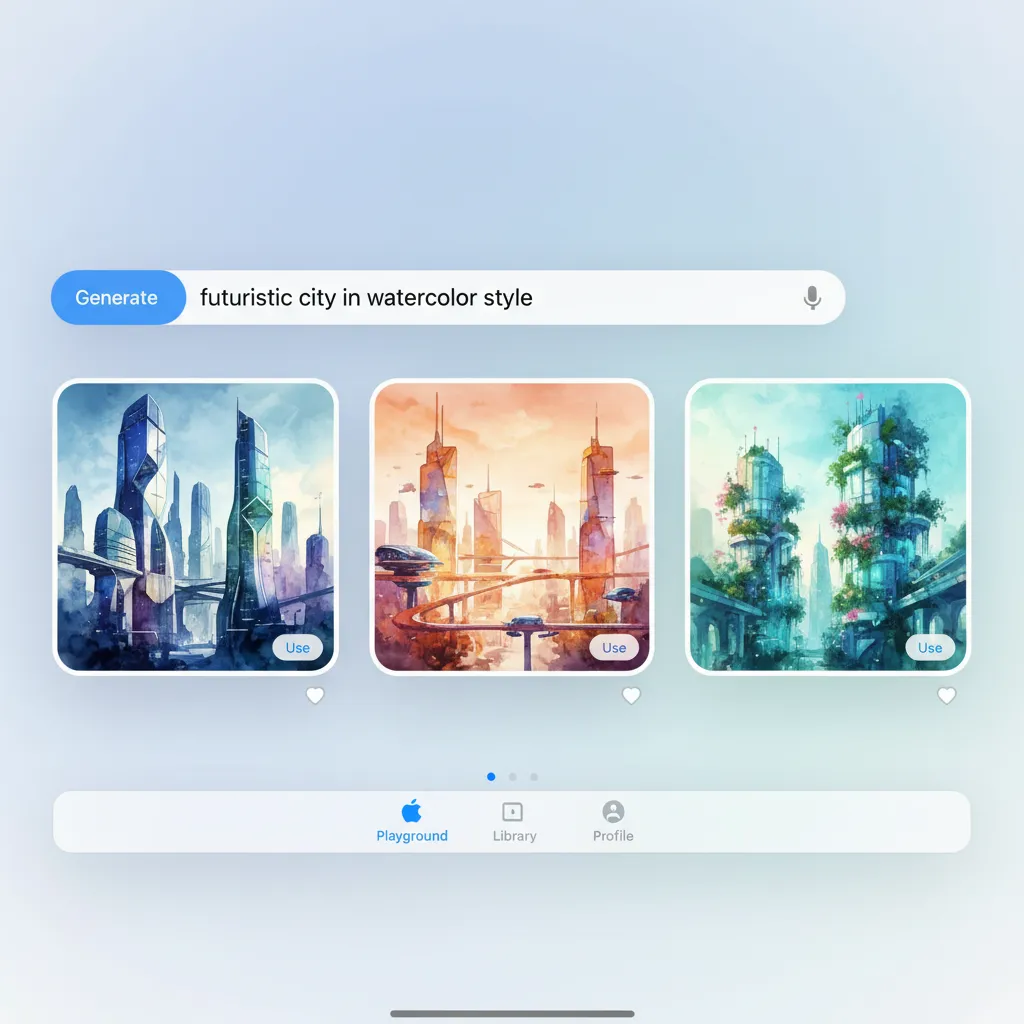
For more complex visual creations, Apple introduced Image Playground. This tool is designed to be fast, fun, and easy, generating images in three primary styles: Animation, Illustration, and Sketch.
Image Playground is deeply integrated into core apps like Messages (for decorating conversations), Notes, and Freeform. It’s perfect for visual brainstorming or adding flair to notes without needing a specialized third-party app.
The intent here is speed and control. Users don’t get lost in complex prompts; they can select subjects, themes, and styles quickly to generate relevant visuals. This stands in contrast to existing image generation tools that often require detailed text prompts, making this feature more accessible to casual users.
AI in the Lens: New Features in Photos App
The Photos app in iOS 18 receives a massive overhaul, making organization smarter and editing more intuitive, all thanks to Apple Intelligence.
Magic Wand: AI Photo Editing iOS 18
The standout feature is “Clean Up,” which functions much like the object-removal tools seen in Google Photos, but integrated natively into the core editing interface. The AI identifies and removes distracting elements (e.g., photobombers, power lines, clutter) from the background of an image.
This AI photo editing iOS 18 capability is processed rapidly on-device, offering non-destructive editing that maintains the original quality of the photograph while delivering professional-grade results instantly.
Redesigned Organization and Collections
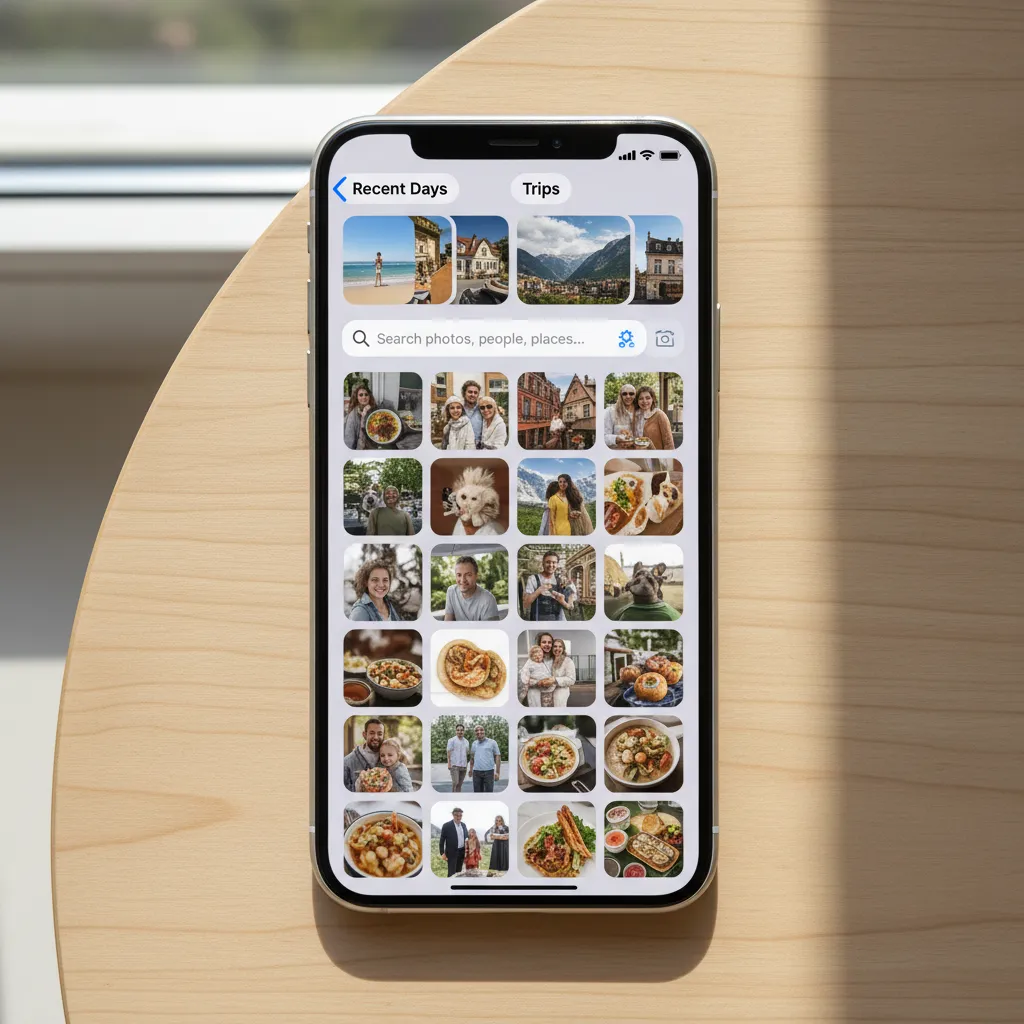
The entire layout of the Photos app has been redesigned to use intelligence for organization. The traditional “All Photos” grid is now supplemented by dynamic, AI-created collections.
The system automatically recognizes and groups related items based on people, themes (e.g., “Hikes” or “Concerts”), and chronological data. These new organizational tools eliminate the manual effort required to manage large photo libraries, making the new features in Photos app feel instantly essential.
The Technical Requirements: iOS 18 Supported Devices and Availability
A key piece of information for all users is eligibility. The deep integration and high computational demands of Apple Intelligence mean that it requires specialized silicon.
Why the Chip Matters: A17 Pro and M-Series Requirement
This is perhaps the most significant restriction for the iOS 18 features. Unlike many previous iOS updates, which supported devices several generations old, Apple Intelligence requires the capability of the Neural Engine in specific chips.
iOS 18 supported devices capable of running Apple Intelligence include:
- iPhone 15 Pro and iPhone 15 Pro Max (A17 Pro chip).
- All iPads and Macs equipped with an M1, M2, M3, or M4 chip (running iPadOS 18 or macOS Sequoia).
If you are running iOS 18 on an older device (like the iPhone 15 or 14 series), you will still receive the standard features of iOS 18 (customizable Home Screen, Control Center redesign), but the core Apple Intelligence features (Siri overhaul, Writing Tools, Genmoji) will not be available. This creates a clear dividing line between older and newer hardware and hints at the capabilities needed for the upcoming iPhone 16 AI capabilities.
Apple Intelligence Release Date (Beta vs. Full Rollout)
Apple Intelligence will follow a phased rollout:
- Developer and Public Betas: The initial features are available via the iOS 18 beta download for developers and public beta testers starting in the summer. These versions are often buggy and primarily for testing and feedback.
- Initial Consumer Launch: A significant portion of the features will launch alongside the full public release of iOS 18, typically in the fall (September/October).
- Full Feature Rollout: Crucially, some of the most advanced features, particularly those relying heavily on Private Cloud Compute and the deepest levels of Siri and ChatGPT integration, will roll out in phases throughout 2025.
Therefore, the Apple Intelligence release date for full capability extends beyond the initial iOS 18 launch. Users should expect continued refinements and new features well into the following year.
Apple vs Google AI: The Privacy and Personalization Showdown
The debut of Apple Intelligence naturally sets up a direct comparison with its biggest competitor in the mobile space. The core difference lies in the approach to data and personalization.
| Feature | Apple Intelligence | Google Gemini (on Android) |
|---|---|---|
| Data Processing Location | Primary: On-device. Secondary: Private Cloud Compute (PCC) with ephemeral, non-stored data. | Primary: Cloud-based (Google servers). |
| Core Value Proposition | Privacy, context-awareness, system deep integration, trust. | Speed, vast general knowledge, multimodal capability. |
| Hardware Requirement | High (A17 Pro or M-series minimum). | Varies, but advanced features require newer Pixels or flagship Androids. |
| Personal Context | Deeply uses semantic indexing across all user apps (Mail, Messages, Notes). | Primarily uses history within Google services (Gmail, Drive, Search). |
| External Model Access | Optional, permission-based integration with ChatGPT. | Native integration with various Gemini models. |
Apple’s bet is that consumers value their privacy enough to choose a system whose intelligence is personal first and cloud-based only when necessary. The Apple vs Google AI competition now focuses not just on capability, but on the trustworthiness of the underlying architecture. Apple is aiming to be the leader in trusted AI, making the future of iOS a hyper-private, intelligent digital cocoon.
[Related: AI-Powered Personalized Travel Planning]
Conclusion: The Future of iOS and the Personalized AI Experience
Apple Intelligence marks a watershed moment for the Apple ecosystem. It delivers on the promise of helpful, powerful AI without compromising the decade-long foundation of user privacy. By marrying on-device AI with the secure architecture of private cloud compute, Apple has crafted a response to the generative AI revolution that is distinctly theirs: personal, proactive, and private.
The system-wide enhancements, from the vastly improved new Siri update and indispensable writing tools AI Apple, to the playful Genmoji and essential AI photo editing iOS 18, collectively redefine the user experience across iPhone, iPad, and Mac.
While the requirements for iOS 18 supported devices are strict—meaning only newer, higher-end hardware can access the full capabilities—the performance gains and the depth of the personalized AI experience are set to reshape consumer expectations. As the Apple Intelligence release date approaches, the digital world is holding its breath for this new era of truly intelligent computing.
Take the leap and explore the public beta (if you dare!) or prepare your iPhone 15 Pro for the dramatic upgrade coming this fall. The future of iOS is here, and it’s smarter and more personal than ever before.
Frequently Asked Questions (FAQs)
Q1. What is Apple Intelligence?
Apple Intelligence is the generative AI system integrated across iOS 18, iPadOS 18, and macOS Sequoia. It focuses on personalized, context-aware assistance and is designed to run major tasks either on-device for privacy or through secure, non-logging private cloud compute servers for heavier tasks.
Q2. Which devices are supported by Apple Intelligence?
Apple Intelligence features are limited to devices containing the A17 Pro chip or any M-series chip. This currently includes the iPhone 15 Pro and iPhone 15 Pro Max, as well as all iPads and Macs with M1, M2, M3, or M4 chips. Older devices receiving iOS 18 will not get the core AI features.
Q3. When is the Apple Intelligence release date?
The core features of Apple Intelligence began rolling out with the developer and public iOS 18 beta download over the summer of WWDC 2024. The initial consumer release will occur with the stable version of iOS 18 in the fall, but some advanced features, particularly those involving deeper integrations, are scheduled for phased release throughout 2025.
Q4. Does Apple Intelligence use ChatGPT?
Yes, Siri has optional, integrated access to ChatGPT on iOS for requests that require extensive world knowledge or complex creative generation. This integration is strictly permission-based; Siri will explicitly ask for your permission before sending a query to OpenAI.
Q5. What are Genmoji and Image Playground?
Genmoji is an AI feature that allows users to instantly generate a custom emoji iPhone graphic based on a text description. Image Playground is a native, fast image generation tool integrated into apps like Messages and Notes, allowing users to create images in various styles for decoration or conceptual illustration.
Q6. How does Apple ensure the privacy of my data with its cloud AI?
Apple uses Private Cloud Compute (PCC). When a complex task is sent to the cloud, it is processed on specialized Apple Silicon servers using cryptography that guarantees the data is never stored, and the server cannot learn your identity. The data is processed and instantly discarded, ensuring end-to-end privacy, distinguishing it from standard cloud AI models.
Q7. What is the benefit of the new Siri update?
The new Siri update is far more conversational and context-aware AI. It can now understand natural language, handle conversational flow, and perform actions directly within applications (like pulling up a specific file or editing a photo based on a command), making it a true personal assistant.
Q8. What are the main new features in the Photos app with iOS 18?
The new features in Photos app include a redesigned organizational structure with AI-created collections and a powerful AI photo editing iOS 18 tool called “Clean Up” that allows users to seamlessly remove unwanted objects and clutter from their images.