Apple Intelligence: A Guide to iOS 18’s New AI Features

Introduction: The Dawn of Personal Intelligence
For years, Apple has strategically positioned itself at the intersection of privacy and performance. While competitors raced to integrate large language models (LLMs) into their ecosystems, Apple meticulously crafted its approach. That long-awaited vision was unveiled at WWDC 2024 with the announcement of Apple Intelligence, the personal intelligence system baked directly into iOS 18, iPadOS 18, and macOS Sequoia.
This is not merely another set of features; it’s a fundamental restructuring of how you interact with your device. Apple Intelligence is designed to be deeply integrated, contextual, and, critically, private. It harnesses the power of advanced generative models, both on-device and via Apple’s secure Private Cloud Compute, to elevate productivity, communication, and creative expression.
In this comprehensive guide, we will unpack everything you need to know about the iOS 18 features driven by Apple Intelligence: from the new Siri features and groundbreaking creative tools like Genmoji creator and Image Playground AI, to the non-negotiable architectural commitment to user privacy. Whether you’re interested in the iOS 18 beta or simply curious about the future of iOS, this is your deep dive into the Apple personal intelligence system.
Why Apple Intelligence Changes Everything
The shift from simple automation to personalized intelligence means your iPhone now understands you—your calendar, your relationships, your ongoing projects, and your communications. This new level of contextual awareness AI is enabled by deep system integration, moving past generic AI responses to provide truly useful, personalized assistance. It aims to make daily digital tasks feel less like managing apps and more like collaborating with a highly competent personal assistant.
The Core Architecture: On-Device AI and Private Cloud Compute
The most significant differentiator of Apple Intelligence from competitors like Google Gemini or Microsoft Copilot lies in its security architecture. Apple had to solve the puzzle of delivering powerful generative AI without compromising user privacy. The answer is a dynamic system that decides whether a task can be processed on the device or requires the scale of the cloud.
1. On-Device AI Processing
For tasks that are highly personal and require immediate, localized context—such as generating a summary of a text message thread or optimizing an image—the processing happens directly on the device.
Key benefits of on-device AI:
- Speed and Responsiveness: Immediate results without latency.
- Ultimate Privacy: The data never leaves your iPhone, preserving confidentiality.
- Deep System Access: Allows the AI to leverage the device’s semantic indexing Apple uses to understand the full context of your data across multiple apps.
This localized processing requires serious computational power, which brings us to the crucial discussion on compatibility.
2. Introducing Private Cloud Compute (PCC)
When a complex query exceeds the capabilities of the device’s neural engine, Apple Intelligence intelligently routes the task to dedicated Apple silicon servers known as Private Cloud Compute.
- Security Guarantee: These servers are designed to be cryptographically verifiable, meaning they can only run the software Apple provides and cannot store data permanently or access user data for any purpose other than fulfilling the specific request.
- Ephemeral Processing: Data sent to PCC is used only for the computation, and the cloud servers do not retain a copy, ensuring your information remains private.
- Transparency: Apple states that external security researchers can inspect the code running on the Private Cloud Compute servers to verify their privacy claims.
This hybrid approach—using powerful on-device AI processing alongside the secure cloud—is the technical backbone enabling the sophisticated Apple AI tools we are about to explore.
Unpacking the Best iOS 18 Features Powered by Apple Intelligence
The new capabilities permeate the entire operating system, from basic communication to high-end creative work.
1. The Next Generation of Siri: Conversational and Contextual
The most visible change is the transformation of Siri. Moving past the often frustrating limitations of the current voice assistant, the next generation Siri is designed to be more natural, capable, and deeply integrated into the app environment.
Redesigned Interface and Interaction
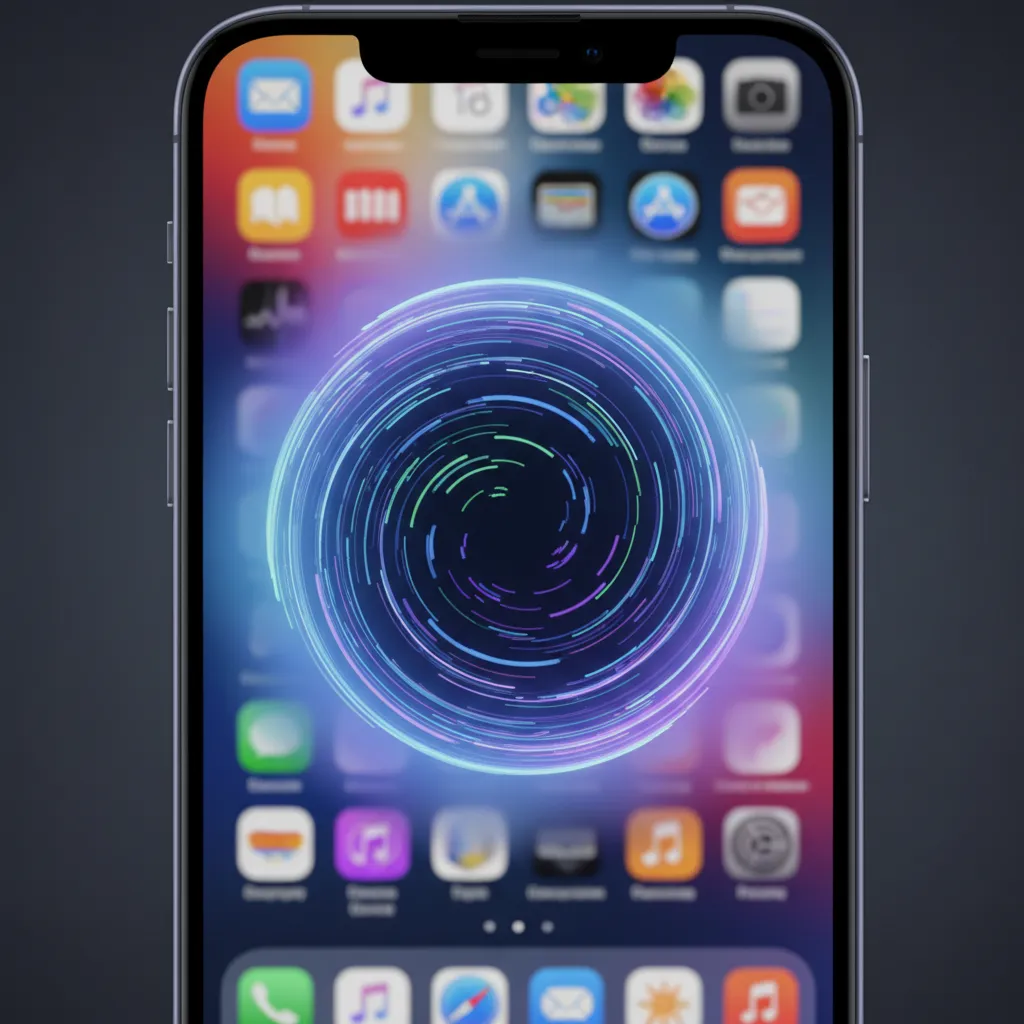
Siri now features a glowing perimeter animation instead of the floating orb, signaling its new intelligence. You can now interact with Siri through text input by double-tapping the home bar, making quick, discreet queries possible.
Deep Contextual Awareness
Siri’s superpower is its enhanced understanding of the on-screen context. This is powered by semantic indexing Apple has implemented across iOS 18.
Examples of Contextual Capabilities:
- “Send my mom the address of the restaurant she asked about last week.” (Siri searches messages and Mail for the context.)
- “Pull up the photo of the blue car that John sent me yesterday.” (Siri searches your photo library and message attachments based on description.)
- “Add the name of this article to my to-do list.” (Siri understands the element currently on screen.)
This level of comprehension moves Siri from a command-driven tool to a collaborative assistant.
/image-topic.webp
Image Placement Cue:
Actionable Intelligence
Siri can now execute multi-step commands within apps without requiring shortcuts or complex setup. For instance, if you receive a text message asking you to send a document, you could say: “Siri, find the PDF I downloaded last month, convert it to a different format, and attach it to this email reply.”
2. AI Writing Tools: Rewrite, Summarize, and Proofread
Across Mail, Notes, Pages, and third-party apps, AI writing tools Apple introduced streamline communication and content creation. These are accessible via the new system-wide Writing Tools menu.
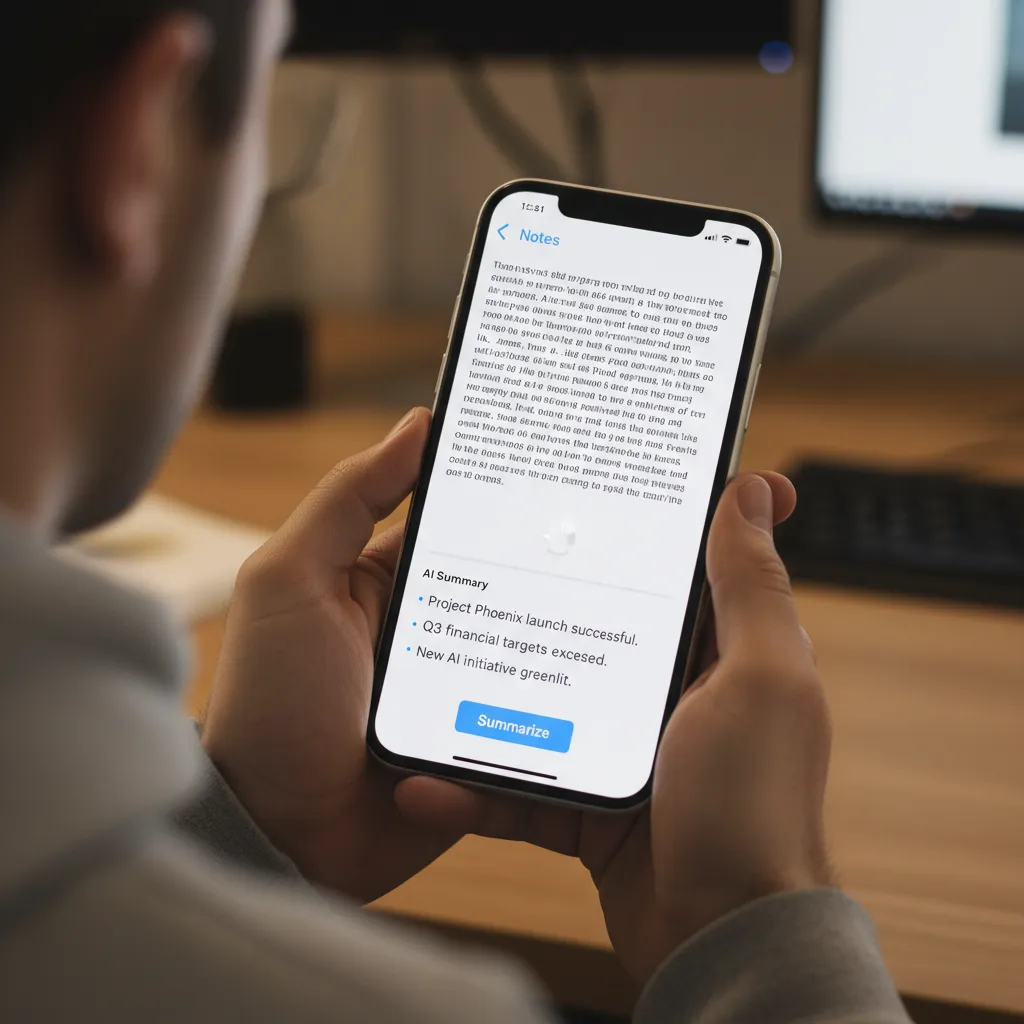
Summarize Feature iOS 18
This tool allows users to instantly condense long emails, articles, or meeting notes into key bullet points, concise paragraphs, or tables.
- Use Case: Quickly grasp the core message of a lengthy email chain before replying.
- Integration: Available in Mail, Notes, Safari, and more.
Rewrite and Tone Adjustment
The Rewrite feature provides different versions of your text, helping you tailor the tone to the audience. Need to turn a casual note into a professional email? Or an academic paragraph into a friendly update? Apple Intelligence handles the linguistic heavy lifting, ensuring your communication is always precise.
- Example: Changing a stern reminder to a diplomatic request, or a simple draft into an eloquent report.
Proofread
More than a simple spell-check, the Proofread tool checks grammar, word choice, and sentence flow, suggesting improvements that go beyond basic corrections to enhance clarity and impact.
3. Generative Creativity: Genmoji and Image Playground
Apple Intelligence puts powerful generative AI into the hands of everyday users, focusing on playful and practical creation.
Genmoji Creator: Custom Emoji iPhone
Tired of the standard emoji library? The Genmoji creator allows you to generate unique, high-resolution emojis simply by typing a description.
- How it works: Type “a smiling dinosaur wearing a graduation cap” and Apple Intelligence creates a custom graphic that integrates seamlessly into iMessage as a sticker or reaction.
- Flexibility: Genmoji can be used in reactions, inline messages, and as custom stickers, making conversations more expressive and personal.
/image-topic.webp
Image Placement Cue:
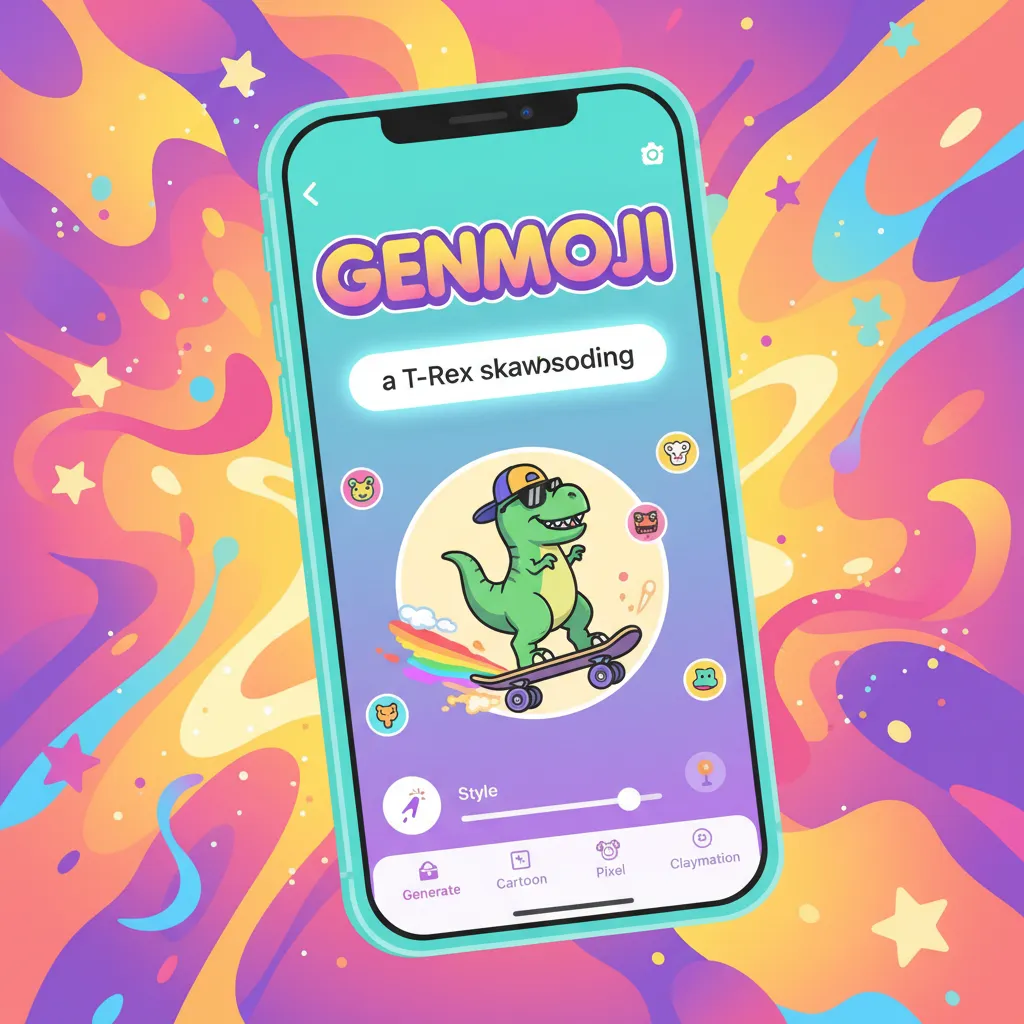
Image Playground AI Generator
This is Apple’s answer to AI image generation, built with ease and speed in mind. Image Playground AI is available directly in apps like Messages, Notes, and Pages.
- Generation Styles: Users can choose from three distinct styles: Animation, Illustration, or Sketch, allowing them to quickly generate relevant visuals for any purpose.
- Focus on Fun: Unlike complex professional image generators, Image Playground is designed for instant communication and visual flair, perfect for adding context to a message or livening up a note.
/image-topic.webp
Image Placement Cue:

4. Photos and Video: Cleaner and Smarter
The Photos app receives a major overhaul focused on organization and AI photo editing iOS 18.
- Intelligent Notifications iOS 18: The new Memories feature uses AI to automatically identify events, trips, and themes in your photos and videos, generating curated stories with suggested music and dynamic layouts.
- Clean Up Tool: A new, Magic Eraser-style tool allows users to intelligently remove distracting objects or people from the background of photos. The on-device model ensures the edits look natural and retain image fidelity.
5. Prioritization and Focus: Intelligent Notifications
To combat notification overload, Apple Intelligence introduces smarter prioritization:
- Priority Notifications: The system identifies truly urgent or time-sensitive notifications (e.g., a delivery alert, a friend’s immediate message, or a critical calendar conflict) and surfaces them prominently.
- Summarization: For apps that send numerous notifications (like group chats or news feeds), the system can group and summarize the alerts, providing the key information in one digestible snippet. This is a game-changer for digital well-being.
The ChatGPT Integration: A Strategic Partnership
One of the most surprising WWDC 2024 announcements was the partnership with OpenAI. Recognizing that some complex, world-knowledge-based tasks still require a massive cloud-based LLM, Apple has integrated ChatGPT directly into the OS.
Siri and ChatGPT Integration: How It Works
When Siri determines a user query requires general world knowledge or a deeper level of expertise than its own models can provide, it will ask the user for permission to consult ChatGPT.
- User Opt-In: The user must explicitly agree to have their query sent to ChatGPT.
- Privacy: According to Apple, IP addresses are obscured, and OpenAI does not store requests when answering Siri’s questions.
- No Account Needed: Users can access the enhanced capabilities of GPT-4o through the system without needing an OpenAI account.
- Writing Tools: ChatGPT integration also enhances the AI writing tools Apple offers, particularly for content generation beyond simple summaries or rewrites.
This integration provides a seamless bridge between Apple’s secure personal intelligence and the vast, real-time knowledge base of one of the world’s leading generative models. The key safeguard remains the user’s explicit consent for the query to leave the Apple ecosystem.
Compatibility and Access: Who Gets Apple Intelligence?
The power required for effective on-device AI processing means Apple Intelligence is limited to newer devices equipped with powerful neural engines. This is perhaps the biggest constraint for users looking forward to iOS 18 beta testing.
Apple Intelligence Compatibility Requirements:
- iPhones: Only iPhone 15 Pro and iPhone 15 Pro Max (devices equipped with the A17 Pro chip) support the full suite of Apple Intelligence features.
- iPads and Macs: Devices must be equipped with the M1 chip or a later generation (M2, M3, M4).
This requirement underscores the difference between basic iOS updates and a foundational intelligence system. The A17 Pro and M-series chips feature significantly faster neural engines necessary for running the highly efficient, personalized foundation models locally.
iOS 18 Supported Devices (General)
While only the latest models get Apple Intelligence, iOS 18 itself is supported on many older devices, generally including the iPhone XS and newer. However, those devices will miss out on the dedicated Apple Intelligence vs Google AI-challenging features.
Security Deep Dive: Privacy in Apple AI
For a company built on the pillar of privacy, the implementation of a pervasive AI system required an unparalleled commitment to user control and data protection.
1. The On-Device Preference
Apple Intelligence prioritizes performing tasks locally. This is a crucial design choice. Your device is already the most knowledgeable entity about you. By keeping personal data (messages, photos, emails, health data) on the device and training the localized models on it, the system can provide personal insights without exposing that sensitive data to the cloud.
2. Private Cloud Compute Verification
As detailed earlier, PCC is not a traditional cloud server. It is a sealed-off environment where code is cryptographically verified to ensure:
- The server only runs the transparency-audited software.
- The server cannot store any user data after the computation is complete.
- The server cannot be accessed by Apple engineers or government agencies in a way that compromises the user’s data.
This architecture is Apple’s core answer to the privacy in Apple AI question, offering enterprise-level security for consumer-level intelligence tasks.
3. Contextual Awareness AI and Data Segregation
The system uses advanced machine learning techniques to separate personal context from the data being queried. For example, if you ask Siri to “Summarize the email my boss sent about the meeting,” the system uses its index to identify the specific email and then sends only the text of that email, stripped of unnecessary identifying metadata, to the cloud if the task requires PCC. This careful segregation ensures maximal data efficiency and minimal exposure.
Practical Applications: How to Use Apple Intelligence Daily
The true value of Apple Intelligence lies in its practical application across the daily digital workflow.
For Communication and Email Overload
The summarize feature iOS 18 and AI writing tools are indispensable for modern communication:
- Scenario: You open your Mail app and see 50 new emails. Instead of reading them all, you can view the summarized list, showing critical topics like “Urgent: Project Deadline Change” and “Request: Expense Report approval.”
- Action: Use the Rewrite feature to quickly craft a professional response to a vendor request, ensuring the tone is appropriate and the points are clear.
- Internal Link: This level of automation significantly boosts productivity. [Related: mastering-ai-workflow-productivity-automation/]
For Creative Expression
The generative features are perfect for instant creative needs:
- Scenario: You’re planning a trip with friends in iMessage and want to suggest a location.
- Action: Use Image Playground to instantly generate a fun illustration of “a group of friends hiking a purple mountain” to motivate them, or use Genmoji to create a custom emoji of a “backpack with wings” as a visual reaction.
For Information Retrieval and Organization
Siri’s new power makes finding data effortless:
-
Scenario: You remember you saw a link to a great podcast in a Safari tab or a screenshot last week but can’t remember where.
-
Action: Simply tell Siri: “Siri, find the screenshot I took of the podcast about decentralized networks.” Siri uses its semantic index to locate the image and identify the content within it.
-
Internal Link: This capability links directly to the concept of prompt mastery. [Related: mastering-prompt-engineering-unlock-ai-potential/]
For Personal Wellness and Focus
The intelligent notifications iOS 18 contribute directly to reducing cognitive load:
-
Scenario: You’ve set a Focus mode for deep work. Instead of blocking all messages, the AI allows through only a critical message from a family member, summarizing its content in the notification banner so you know if it requires immediate attention.
-
Internal Link: AI tools are increasingly important for personal well-being. [Related: boost-your-mind-top-ai-mental-wellness-tools-apps-calmer-you/]
The Future of iOS: What Apple Intelligence Portends
Apple Intelligence is not an endpoint but a starting line. It signals Apple’s firm commitment to becoming a leader in the localized, private AI space.
Apple Intelligence vs Google AI and Other Competitors
The main distinction between Apple Intelligence vs Google AI (Gemini) and others is the philosophical approach:
| Feature | Apple Intelligence | Google AI (Gemini) |
|---|---|---|
| Data Processing Core | Prioritizes on-device processing and Private Cloud Compute (PCC) | Primarily cloud-based processing |
| Privacy Model | Zero-retention, cryptographically auditable (PCC) | Enterprise-level cloud privacy, but data aggregation is a core business model |
| Integration | Deeply integrated system-wide (semantic indexing) | Integrated primarily through Google apps and search ecosystem |
| Hardware Requirement | High (A17 Pro / M1 minimum) | More flexible across a wider range of devices |
Apple’s model forces users onto newer hardware but delivers a level of personalized, private service that competitors, whose models are often built on vast, non-ephemeral data centers, cannot easily match.
The Role of Edge AI and LLMs
The architecture relies heavily on efficient Small Language Models (SLMs) and efficient deployment of neural networks at the edge—right on your device. This technology stack enables the rich, real-time context needed for features like Genmoji creator and instant text summarization.
- Internal Link: Understanding the power behind localized processing is key. [Related: the-rise-of-slms-edge-ais-secret-weapon-for-local-intelligence/]
The implementation of semantic indexing—a sophisticated, personalized index of all your data—allows the system to efficiently pull information without constant, exhaustive searches. It creates a personalized digital knowledge graph unique to every user.
Conclusion: A New Era of Personal Computing
Apple Intelligence represents a pivotal moment for the iPhone and the entire Apple ecosystem. By focusing on on-device AI processing and the revolutionary Private Cloud Compute, Apple has successfully introduced powerful generative AI tools—from the summarize feature iOS 18 to the advanced Image Playground AI—without sacrificing the user privacy that defines the brand.
The transition to a highly contextual, personalized, and proactive assistant transforms the device from a mere tool into a true collaborator. For users on compatible devices, iOS 18 features powered by Apple Intelligence will deliver a more intuitive, efficient, and creatively expressive mobile experience than ever before. This is the future of personal intelligence, and it’s built on the promise that great power doesn’t have to mean relinquishing control of your data.
Start exploring the iOS 18 beta (if you have the supported devices) or wait for the full release to witness the Apple Intelligence revolution firsthand. The way you interact with your technology is about to get profoundly smarter.
FAQs: Your Questions on Apple Intelligence Answered
Q1. What is Apple Intelligence?
Apple Intelligence is the generative AI system integrated across iOS 18, iPadOS 18, and macOS Sequoia. It is a suite of tools designed to enhance writing, communication, creativity, and organization by using highly personalized, on-device data and complex cloud-based models accessed via Apple’s secure Private Cloud Compute.
Q2. How does on-device AI processing enhance privacy for Apple Intelligence?
On-device AI processing ensures that highly personal data—such as contents of messages, photos, or emails—never leaves the device when running complex AI models. This local processing preserves the user’s ultimate privacy while still enabling features like context-aware search and personalized summaries.
Q3. Which devices are compatible with Apple Intelligence features?
Apple Intelligence features are only compatible with devices equipped with the A17 Pro chip or later for iPhones (i.e., iPhone 15 Pro and 15 Pro Max) and devices running M1 chip or later for iPads and Macs. This high hardware requirement is necessary to run the powerful underlying localized foundation models.
Q4. What is Private Cloud Compute (PCC), and is it secure?
Private Cloud Compute (PCC) is Apple’s proprietary server system designed to handle complex generative AI tasks securely. PCC servers run exclusively on Apple Silicon and are cryptographically verified to ensure they only run auditable software, do not store user data permanently, and access data only for the brief duration required to process the request.
Q5. Can I use ChatGPT directly within the iOS 18 system?
Yes, the Siri and ChatGPT integration allows Siri to intelligently detect when a user query requires the broader world knowledge of a large cloud model. Siri will prompt the user for permission to send the query to ChatGPT (GPT-4o), ensuring privacy by obscuring IP addresses and preventing OpenAI from logging the requests.
Q6. How does the Genmoji creator work in iOS 18?
The Genmoji creator uses generative AI to instantly create custom, high-resolution emojis or stickers based on a user’s text description (e.g., “a grumpy house cat wearing sunglasses”). These unique graphics are generated on the fly and can be used in messages and digital communication across the system.
Q7. What are the best new Siri features powered by Apple Intelligence?
The new Siri features include a redesigned conversational interface, deep contextual awareness of on-screen information, and the ability to execute multi-step actions across different apps (e.g., “Find the PDF John sent me last week and add it to my Notes app”). This semantic indexing transforms Siri into a proactive personal assistant.
Q8. What is the difference between the Summarize feature and the Rewrite feature?
The summarize feature iOS 18 takes a long block of text (like an email or article) and condenses it into key points or a brief overview. The Rewrite feature, conversely, takes existing text and modifies its tone, style, or complexity (e.g., changing a casual draft into a formal letter) while retaining the original meaning.
/image-topic.webp
Image Placement Cue: