AI Video Generators: The Complete Guide to Text-to-Video AI
Introduction: The Generative Video Revolution
For decades, video creation was locked behind barriers of expensive equipment, complex software, and specialized expertise. Today, that barrier is dissolving, thanks to the explosive rise of the AI video generator.
This technology is more than a trend; it’s a paradigm shift in digital media. Tools that leverage text-to-video AI now allow anyone—from indie filmmakers and marketers to casual content creators—to instantly visualize concepts that once took teams of people weeks to produce. Simply typing a descriptive prompt can summon complex, high-definition scenes that defy the constraints of physical reality.
The core promise of generative video is speed, accessibility, and boundless imagination. Whether you’re trying to create a detailed short film with AI, develop quick social media content, or prototype complex visual effects (VFX with AI), these tools are rapidly becoming indispensable.
This complete guide will take you deep into the world of AI video creation. We will dissect the underlying technology, compare the best AI video tools on the market (including detailed looks at Sora AI, RunwayML, and Pika Labs), provide a master AI video prompt guide, and explore the profound implications this technology holds for the future of video production.
Deconstructing the Technology: How AI Creates Video
To effectively use an AI video generator, it helps to understand the foundational principles driving the technology. These aren’t just simple filters; they are sophisticated machine learning video synthesis systems built on advanced neural networks.
The Engine Behind the Magic: Video Generation Models
At its heart, the process of creating video from text relies on complex video generation models, primarily based on two types of architecture: Diffusion Models and Large Language Models (LLMs) adapted for spatio-temporal coherence.
1. Diffusion Models
Diffusion models are currently the dominant force in high-quality AI generated content. They work by starting with pure static noise and iteratively “denoising” the image until it aligns with the supplied text prompt.
For video, the model must maintain temporal consistency. It’s not enough to generate 24 coherent still images per second; the model must ensure objects, lighting, and movement flow realistically from one frame to the next.
2. Transformer Architectures (The Sora Approach)
OpenAI’s Sora AI showcased a massive leap forward by using a transformer architecture (similar to those powering GPT models) applied to visual data. Sora treats video segments as “patches” or “visual tokens” across space and time. This allows the model to handle much longer, higher-resolution video sequences while maintaining strong subject permanence, realistic physics, and complex camera movements. This ability to understand and model the 3D world is what sets the latest generation of tools apart.
The Text-to-Video Process Explained
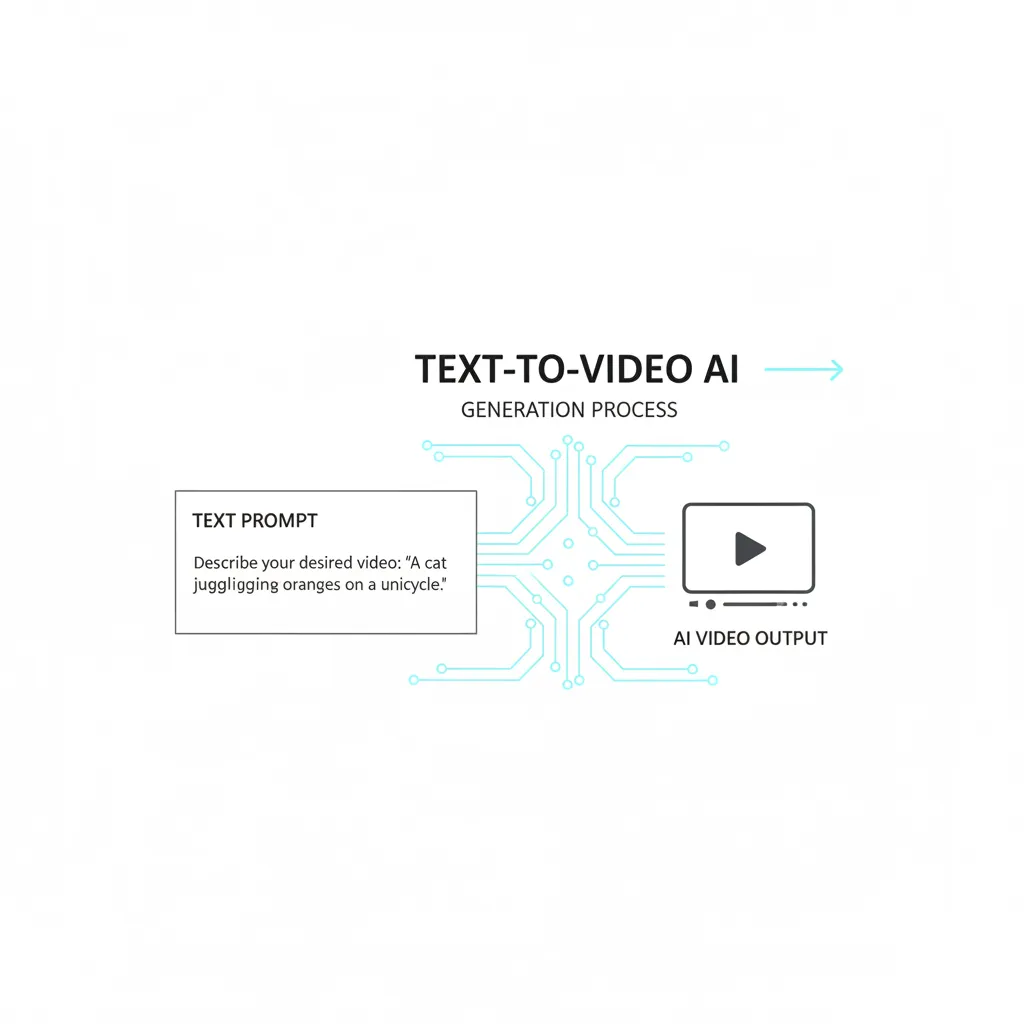
How does an AI video generator interpret “A sleek cybernetic cat walks through a rainy Tokyo street at sunset” and turn it into a moving image?
- Prompt Encoding: The input text prompt is processed and converted into numerical embeddings that the machine learning model can understand.
- Scene Initialization: The model starts with a representation of noise across multiple frames.
- Spatio-Temporal Generation: The diffusion process begins, guided by the text embedding. The model generates not only the content (cybernetic cat, Tokyo street) but also the movement vectors (walking, rain) and visual style (sunset, sleek).
- Refinement and Consistency: The model applies algorithms to ensure that the objects (the cat) remain consistent across the time axis (temporal consistency) and that the scene adheres to the prompt’s implied physics.
The result is synthesized media that is entirely novel, created purely from the mathematical interpretation of the text.
The Titans of Generative Video: A Comparison of Best AI Video Tools
The landscape of AI video tools is evolving at breakneck speed, but a few key players dominate the professional and consumer markets. Understanding their strengths is crucial for anyone looking to create video from text.
1. OpenAI Sora: The Gold Standard in Coherence
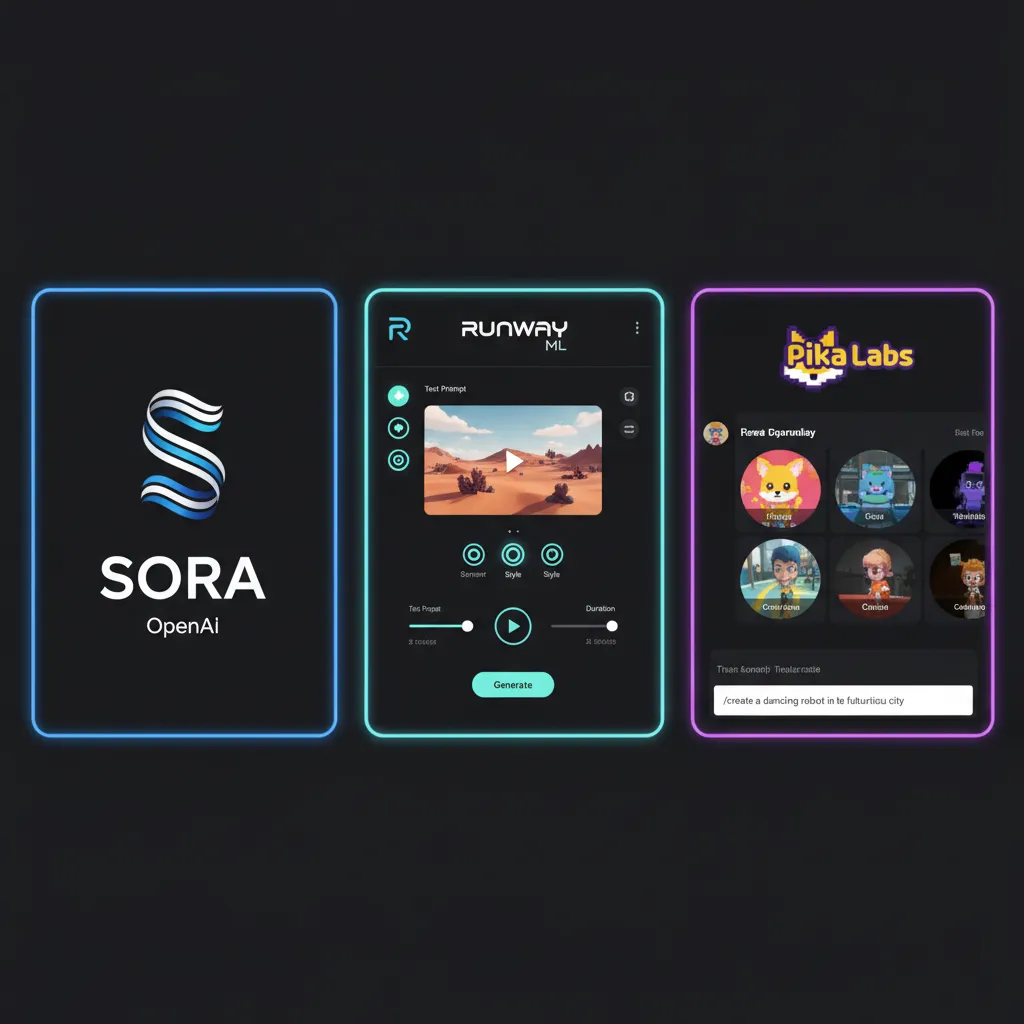
While not yet broadly public, Sora AI has redefined expectations for AI generated content. Its key strength lies in its ability to generate high-definition (up to 1080p) videos up to 60 seconds long with unparalleled realism and physics simulation.
- Key Features (OpenAI Sora guide): Extended duration, exceptional spatio-temporal coherence (objects don’t melt or flicker), complex camera motion (dolly shots, tracking shots), and a deep understanding of human movement and scene complexity.
- The Impact: Sora effectively demonstrated that AI can generate video that is not just aesthetically pleasing, but structurally and physically plausible, posing a significant challenge to traditional VFX with AI workflows.
2. RunwayML: The Pioneer and Filmmaker’s Choice
RunwayML is a veteran in the space, offering a robust suite of tools focused on AI filmmaking. Their flagship model, Runway Gen-2, is a versatile, publicly accessible system that offers both text-to-video and video-to-video capabilities (e.g., transforming existing footage with a text prompt).
- Runway Gen-2 Tutorial Highlights:
- Text-to-Video: Generating scenes from scratch.
- Image-to-Video: Animating still images.
- Stylization: Applying artistic styles to existing footage.
- Motion Brush: A powerful tool allowing users to paint areas of an image and specify motion direction and intensity before generating the video.
- Target User: Professional creators, editors, and studios looking for granular control and integration into existing editing workflows.
3. Pika Labs: Speed and Accessibility
Pika Labs, particularly after the release of Pika 1.0 features, has established itself as a formidable competitor, often praised for its speed and user-friendly interface. Originally gaining traction through Discord, Pika now offers extensive controls, including aspect ratio changes, motion control, and the ability to expand canvas (similar to ‘out-painting’ in image models).
- Pika 1.0 Features: High-quality generation, lip-syncing capabilities, and robust editing features like “re-imagine” (changing the style of an existing video clip).
- Accessibility: Pika often serves as a go-to for many looking for a free AI video generator option, though the best features are typically reserved for paid tiers.
4. The Emerging Contenders: Luma and Kling
The landscape is crowded with new, highly competitive models promising the “Sora experience” to the masses:
- Luma Dream Machine: Luma AI has rapidly gained attention for delivering highly dynamic, cinema-quality clips that often feature dramatic camera movement and excellent lighting coherence. It is focused heavily on visual fidelity and rapid iteration.
- Kling AI model: Developed by Kuaishou, this Chinese model has shown impressive results, particularly in generating complex, realistic human characters and intricate scene details, highlighting the global race in generative technology.
| Tool | Primary Strength | Max Duration (Approx.) | Accessibility | Target Audience |
|---|---|---|---|---|
| Sora AI | Realism, Physics, Coherence | 60 seconds | Limited/Research | High-End VFX, Researchers |
| RunwayML | Professional Features, Control | 18 seconds (extensible) | Public (Freemium) | Filmmakers, Agencies |
| Pika Labs | Speed, Editing, User-Friendly | 3 seconds (extensible) | Public (Freemium) | Content Creators, Social Media |
| Luma Dream Machine | Dynamic Camera, Lighting | Varies | Public (Waitlist/Beta) | Visual Artists, Designers |
| Kling AI | Human Character Realism | Varies | Limited Access | Researchers, Chinese Market |
Mastering the Prompt: Your AI Video Prompt Guide
The quality of the output from any AI video generator is directly proportional to the quality and specificity of the input prompt. Learning how to use AI video generator effectively means mastering the language of text-to-video AI.
1. The Anatomy of a Perfect Prompt
A strong video prompt moves beyond simple description and incorporates cinematic language elements. A highly effective prompt should generally include these four components:
| Component | Description | Example Detail |
|---|---|---|
| Subject & Action | Who or what is the main focus, and what are they doing? | A lone astronaut, wearing a reflective helmet, is planting a small flag on a magenta, alien moon. |
| Environment & Context | Where is the action taking place, including time and weather. | The surface is rocky and dusty, illuminated by the light of two nearby purple gas giants, creating long, dramatic shadows. |
| Camera & Cinematography | Specify lens type, camera movement, and angle. This is crucial for AI filmmaking. | Close-up shot, 35mm lens, slow forward dolly movement, shallow depth of field. |
| Style & Mood | Define the aesthetic, color palette, and quality. | Cinematic lighting, highly detailed, vivid colors, inspired by Ridley Scott. |
2. Practical Prompt Engineering Tips
Tip 1: Be Specific About Movement
Avoid vague terms like “walking.” Instead, use action verbs that define pace and style.
- Weak: “A dog running.”
- Strong: “A golden retriever is gracefully bounding through a field of tall grass in slow motion, kicking up dewdrops.”
Tip 2: Lock Down the Camera
If you do not specify camera movement, the AI may introduce unnecessary zooms or pans. If you want a static shot, explicitly state it: “A fixed shot of a steaming cup of tea on a windowsill.” If you want movement, be deliberate: “A steady crane shot pulling up and away from the protagonist.”
Tip 3: Leverage Cinematic Terminology
Keywords related to filmmaking and visual effects boost the quality and control:
- Lenses: 85mm, wide-angle, macro, anamorphic.
- Lighting: Volumetric light, soft light, neon glow, golden hour.
- Film Styles: Film grain, hyper-realistic CGI, stop-motion animation, 4K, moody atmosphere.
3. Iteration is Key
The best results rarely come from the first prompt. Treat the AI as a collaborator. Generate several short clips, analyze what the AI video generator got right (and wrong), and then refine your prompt based on the specific failing or desired improvement. For example, if the cat’s texture is wrong, add: “photorealistic texture, metallic finish, visible wiring.”
AI in the Production Pipeline: Beyond Text-to-Video
While create video from text is the headline feature, modern AI video editing tools are integrating across the entire production workflow, fundamentally changing how content is made.
1. Automated Video Creation for Marketing
For companies and marketers, automated video creation means rapid iteration on ad campaigns and social content. Instead of filming dozens of variations, AI can generate clips based on different demographics, languages, or emotional tones instantly.
- Use Case: A real estate firm needs 10 versions of a house tour video with different background music and graphical overlays. An AI video editor can handle the segmentation, transitions, and export automatically.
- [Related: AI Trading Bots 2024 Profit Guide] – Demonstrating how AI can automate complex processes in various sectors.
2. AI Video Editing and Post-Production
The role of AI video editing is moving beyond simple cuts. Advanced models are now assisting with core tasks:
- Roto-scoping and Masking: AI can automatically identify subjects and separate them from the background with precise keying, drastically reducing the time spent on complex VFX work.
- Inpainting and Outpainting: Need to remove a microphone from a shot or extend the background scenery? AI can analyze the surrounding pixels and seamlessly fill or extend the image.
- Deepfake and Synthetic Media: While ethically fraught (discussed later), the underlying technology that powers deepfake technology is used benignly for voice dubbing and lip-syncing, allowing filmmakers to easily change dialogue post-production without re-shooting.
3. AI Filmmaking: Concept to Completion
For traditional filmmakers and content creators, AI generators serve as an essential ideation and pre-visualization tool.
- Storyboarding: Instead of drawing static storyboards, directors can generate animated pre-vis clips to test camera angles, blocking, and movement before committing to an expensive shoot.
- Asset Generation: Need a complex 3D model of an impossible structure or a unique creature? AI can generate the texture and animation reference files, saving time on modeling and rendering. This is crucial for indie projects aiming to produce a high-quality short film with AI.
The Economic and Creative Impact on Content Creators
The rapid proliferation of AI for content creators presents both immense opportunities and significant challenges, ushering in a new era of digital creativity.
Opportunity: Lowering the Barrier to Entry
The most immediate impact is democratization. Individuals and small teams can now compete with large studios in terms of visual quality. This is driving a boom in solo entrepreneurship in the creative space. A single content creator can effectively become a writer, director, VFX supervisor, and cinematographer, all from a laptop.
Challenge: The Future of Creative Jobs
As automated video creation becomes standard, certain tasks, particularly entry-level roles in VFX and animation, will face disruption. The demand is shifting from technicians who execute repetitive tasks to prompt engineers, creative directors, and ethical reviewers who guide the AI.
The core skill of the future creator is not manual execution but strategic direction and prompt literacy. Creators must learn to leverage AI tools (like Runway Gen-2 tutorial methods) as powerful extensions of their own vision, not as replacements for creativity itself.
[Related: Future of Work AI Impact Jobs Careers] – Understanding how other industries are adapting to AI integration.
Navigating the Frontier: Ethics, Safety, and the Future
As AI video trends 2024 accelerate, the debate around synthetic media and its societal implications intensifies. The power to create hyper-realistic video content brings with it profound ethical responsibilities.
The Rise of Synthetic Media and Deepfakes
The ability of models like Sora and Kling to generate highly realistic footage raises alarms about the potential misuse of deepfake technology for disinformation, fraud, and non-consensual content.
AdSense and Compliance: For content platforms like AdSense, compliance means ensuring all generated content is clearly labeled, non-misleading, and adheres strictly to originality and safety guidelines. The line between creative expression and harmful manipulation is becoming increasingly blurry, necessitating robust watermarking and detection systems.
Ethical Guidelines for AI Video Creators
Creators must adopt strict ethical principles when using these tools:
- Transparency: Clearly label AI generated content when it could be mistaken for real footage or documentation.
- Consent and Copyright: Ensure the AI is trained on ethically sourced data and that your output respects existing intellectual property. The legal landscape surrounding AI training data is rapidly evolving.
- Responsible Use: Never use AI video generator tools to create harmful, hateful, or defamatory content, especially when it involves likenesses of real individuals without explicit consent.
The Future of Video Production
The trajectory suggests that in the near future, nearly all digital video will be touched by AI in some capacity. We are moving toward:
- Interactive and Dynamic Content: Videos that adapt based on viewer input or environmental factors, creating truly personalized experiences.
- Procedural Content Generation: Entire virtual worlds and long-form narrative sequences generated instantly, focusing the role of human professionals on story architecture and emotional direction rather than manual asset creation.
- The Integration of Physical and Digital: Seamlessly blending AI-generated elements with real-world footage, making complex VFX with AI effortless and accessible.
[Related: AI Healthcare Revolutionizing Diagnostics Patient Care] – Exploring the transformative power of AI across diverse sectors.

Conclusion: Becoming a Master of the AI Video Landscape
The age of the AI video generator has arrived, fundamentally altering the fabric of digital media creation. We’ve seen the power of the technology, from the temporal consistency of Sora AI to the professional controls offered by RunwayML and the accessibility of Pika Labs.
For the modern content creator, filmmaker, or technologist, the message is clear: embracing tools that enable you to create video from text is no longer optional—it is a competitive necessity. Mastering the AI video prompt guide and understanding the nuances of these best AI video tools will define success in the next decade of digital storytelling.
Start experimenting today, prioritize ethical usage, and allow the power of generative video to amplify your imagination. The limits of AI filmmaking are being rewritten every month, and the opportunity to shape this future is now.
Frequently Asked Questions (FAQs)
Q1. What is the difference between an AI animation generator and a video generator?
An AI video generator (like Runway Gen-2) typically aims for photorealism, creating sequences that look like live-action footage from a camera. An AI animation generator usually specializes in stylized content, generating output in various artistic styles such as cartoon, anime, 3D render, or watercolor, often focusing more on exaggerated movement than physics accuracy. However, many modern tools, like Pika Labs, can do both effectively.
Q2. Is Sora AI available to the public and how can I get an OpenAI Sora guide?
As of the latest updates, Sora AI is generally not available to the public. It is currently being tested by a small group of researchers, visual artists, and filmmakers for feedback on safety and capabilities. OpenAI has provided limited documentation; therefore, a formal OpenAI Sora guide for the public does not yet exist. Keep an eye on OpenAI announcements for potential future public release or API access.
Q3. Can I use a free AI video generator for commercial projects?
Many tools offer a free AI video generator tier (including initial credits for tools like RunwayML and Pika Labs), but commercial usage rights often depend on the specific terms of service for that tier. Always review the licensing agreement. For high-resolution, watermark-free output intended for commercial use, a paid subscription is typically required to ensure you retain full ownership and usage rights.
Q4. How long can an AI video generator make a continuous clip?
The maximum continuous clip length varies significantly by model. Early models often topped out at 4 seconds. Leading platforms like RunwayML typically generate clips up to 18 seconds, which can often be chained together. Sora AI generated significant buzz for its ability to create clips up to 60 seconds long while maintaining strong temporal coherence, setting a new benchmark for machine learning video synthesis.
Q5. What is the ‘temporal consistency’ challenge in generative video?
Temporal consistency is the main technical hurdle in generative video. It refers to the model’s ability to ensure that subjects, objects, lighting, and physics remain logically consistent across all frames of a clip. For instance, if a character is wearing a hat in frame 1, the hat must not disappear or change shape in frame 20. Models like Sora and Luma are succeeding by treating video as a 4D space-time construct rather than a sequence of individual 2D images.
Q6. What is the role of the Kling AI model in the global competition?
The Kling AI model, developed by Kuaishou, signifies the massive investment and competitiveness from non-Western tech giants in the AI video generator space. Its demonstrations have showcased high-fidelity human generation, complex multi-second shots, and strong character consistency, proving that the generative video arms race is now a global technological battle for supremacy in synthetic media.