AI PCs: Unleashing On-Device Intelligence for Ultimate Productivity & Privacy
For the past decade, “smart” devices have relied on a distant, invisible brain: the cloud. Every time you asked a voice assistant a question, translated text, or used an AI image filter, your data was bundled up, sent to a massive server farm, processed, and then sent back. It worked, but it was a compromise. We traded our privacy, speed, and a bit of our battery life for a taste of artificial intelligence.
That era is officially ending.
Welcome to the age of the AI PC, the most significant evolution in personal computing since the invention of the laptop itself. This isn’t just about a faster processor or a shinier logo. It’s a fundamental architectural shift that brings the power of artificial intelligence out of the cloud and directly onto your device.
These next-gen laptops and desktops promise a future of computing that is faster, more efficient, intensely personal, and fundamentally more secure. They’re designed to be true partners, anticipating your needs and streamlining your workflow in ways that were previously science fiction. In this guide, we’ll break down exactly what an AI PC is, why on-device AI matters, and how this AI hardware innovation will revolutionize everything from your daily tasks to your most demanding creative projects.
What Exactly Is an AI PC? Moving Beyond the Hype
The term “AI PC” is the hottest buzzword in tech, but what does it actually mean? It’s not just a computer that can run AI software; modern computers have been doing that for years. The key difference lies in specialized, dedicated hardware.
It’s More Than Just a Sticker: The Three Pillars of an AI PC
An AI PC is built on a heterogeneous computing architecture, meaning it uses different types of processors for different jobs to maximize performance and efficiency. Think of it as a specialist team rather than a single generalist.
- CPU (Central Processing Unit): This is the traditional brain of the computer. It’s the versatile, general-purpose workhorse, expertly handling system operations, running applications, and managing tasks that require low latency and quick decision-making.
- GPU (Graphics Processing Unit): Originally designed for rendering graphics in video games, the GPU’s massively parallel structure makes it a powerhouse for training large AI models and handling complex, graphically intensive AI tasks.
- NPU (Neural Processing Unit): This is the magic ingredient and the defining characteristic of a true AI PC. The NPU is a specialized processor designed from the ground up to do one thing exceptionally well: run AI and machine learning workloads with incredible efficiency.
The Magic Ingredient: How the NPU Changes Everything
If the CPU is a master chef who can cook any dish and the GPU is a team of line cooks rapidly chopping vegetables, the NPU is a specialized pastry chef who can create perfect, intricate desserts using minimal energy and time.
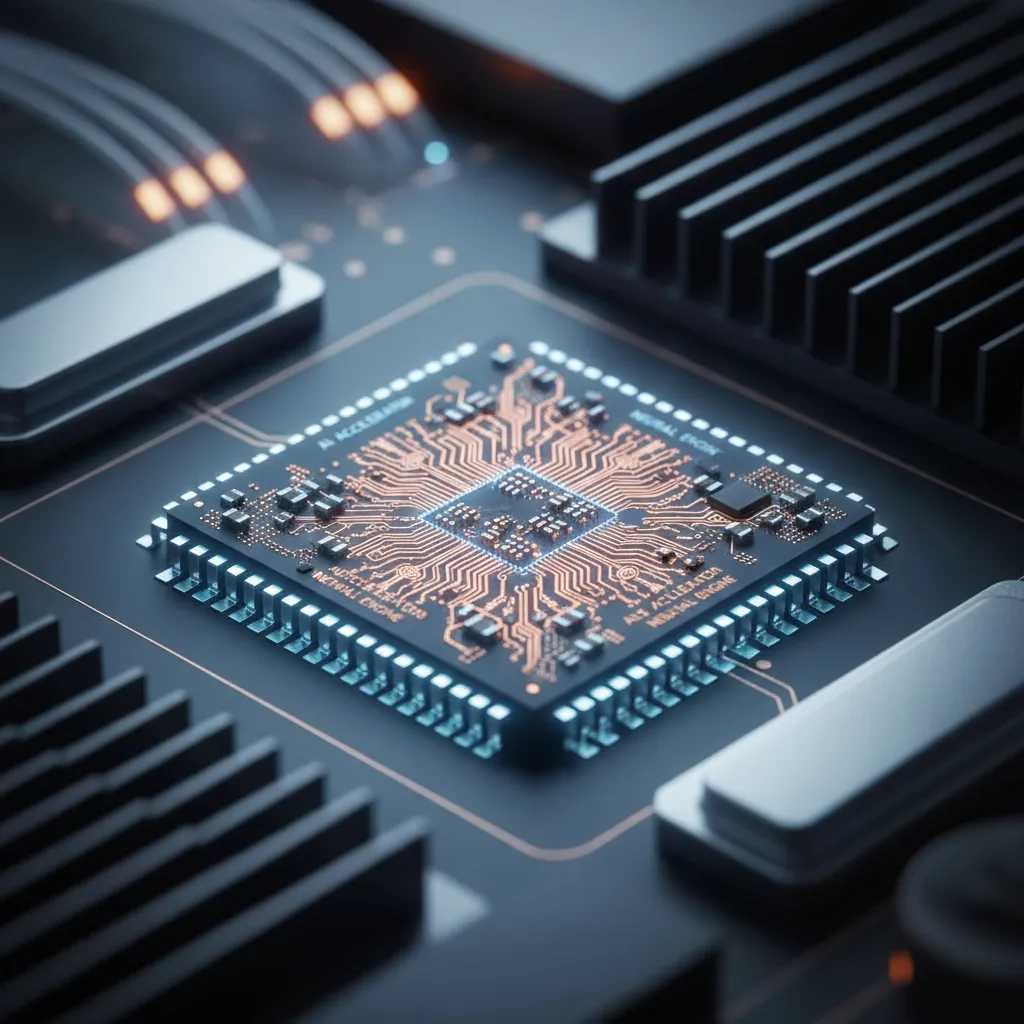
This is the core of NPU technology. Instead of using the powerful but power-hungry CPU or GPU for constant, low-intensity AI tasks—like monitoring your video feed for background blur or waiting for a wake word—the system offloads them to the NPU. This specialized AI chip architecture results in:
- Massive Power Savings: NPUs sip power, leading to significantly better battery life.
- Sustained Performance: They can run AI tasks for extended periods without throttling or draining your battery.
- Freed-Up Resources: The CPU and GPU are free to focus on the tasks they do best, resulting in a smoother, more responsive system overall.
This shift enables the incredible potential of local AI processing, moving intelligence from a centralized server to the device right in front of you.
Related: Wearable Tech Is Revolutionizing Health and Fitness Monitoring
The “Why Now?” Moment: The Shift from Cloud AI to On-Device AI
For years, the most powerful AI experiences have been tethered to the internet. While cloud AI has been transformative, its limitations are becoming increasingly apparent.
The Limitations of Cloud-Based AI
- Latency: There’s always a delay as your request travels to a data center and back. This makes real-time interaction feel sluggish.
- Privacy & Security: Your data—be it a document, a photo, or a voice query—has to leave your device. This creates a potential vulnerability and raises significant AI privacy concerns.
- Cost: Running and maintaining these massive AI servers is incredibly expensive for companies, a cost often passed on to consumers.
- Connectivity Dependence: No internet? No AI features. This limits functionality in many real-world scenarios.
The Promise of On-Device AI (Edge AI Computing)
On-device AI, also known as Edge AI computing, flips the model on its head. By processing information locally, AI PCs unlock a suite of benefits that redefine the user experience.

- Blazing Speed: AI tasks happen almost instantaneously. There’s no lag waiting for a server response.
- Ironclad Privacy: This is perhaps the most crucial advantage. With local AI processing, your personal data stays personal. The AI model runs directly on your hardware, ensuring enhanced data security AI by never sending sensitive information to the cloud. This principle of secure AI computing is a cornerstone of the AI PC movement.
- Deep Personalization: The AI can learn from your unique context—your apps, your files, your habits—to provide truly helpful assistance without compromising your privacy.
- All-Day Efficiency: By leveraging the low-power NPU, AI laptops can perform background AI tasks without destroying battery life.
- True Mobility: Offline AI capabilities mean your most important AI features work on a plane, in a remote location, or anywhere with unreliable internet.
This transition to AI device intelligence marks a pivotal moment in the future of computing, putting the user, and their data, back in control.
Related: GPT-4o Hears, Sees, and Speaks: The Dawn of the Omnidirectional AI Model
A New Era of Software: What Can You Actually Do with an AI PC?
Hardware is only half the story. The real excitement comes from the new wave of AI-powered software designed to leverage this on-device power.
Microsoft’s Vision: The Copilot+ PC
Microsoft has set a new standard with its Copilot+ PC designation. These are not just any AI PCs; they must meet a stringent requirement of having an NPU capable of over 40 Trillion Operations Per Second (TOPS), along with at least 16GB of RAM and a 256GB SSD. This power enables a revolutionary suite of Windows AI features:
- Recall: Imagine having a photographic memory for everything you’ve ever seen or done on your PC. Recall continuously takes snapshots of your screen, allowing you to search for anything—a website, a document, a chat conversation—using natural language. While it sparked a privacy debate, Microsoft has since made it an opt-in feature with encrypted, on-device storage, showcasing the power and responsibility of on-device AI.
- Cocreator in Paint & Photos: Generate and refine images using text prompts and sketches directly within native Windows apps, moving AI creation from the browser to the desktop.
- Live Captions with Translation: Get real-time captions and translations for any audio coming from your PC—a video call, a podcast, or a movie—in over 40 languages, all processed locally.
- Windows Studio Effects: Your NPU takes over to deliver superior camera effects like background blur, creative filters, and an ingenious eye-contact feature that makes you appear to be looking at the camera, all with minimal impact on performance or battery.
Apple’s Counterpart: Weaving Apple Intelligence into the Ecosystem
Apple is taking a similarly privacy-first, deeply integrated approach with Apple Intelligence. Leveraging the powerful Neural Engine in its M-series chips, Apple is infusing its operating systems with on-device intelligence.
Key Apple Intelligence features include:
- System-Wide Writing Tools: Rewrite, proofread, and summarize text anywhere you can type, from Mail and Notes to third-party apps.
- Image Playground & Genmoji: Create whimsical images on the fly and generate unique emoji based on your text descriptions, making communication more expressive.
- A Smarter, More Capable Siri: Apple’s assistant gets a major upgrade, understanding context across apps and performing actions for you, like “pull up the photos from my trip to Paris last summer and email them to Sarah.”
- Private Cloud Compute: For more complex requests that need server-side power, Apple has created a unique hybrid model that sends only the necessary data to secure servers running on Apple silicon, ensuring it’s never stored or used for training.
Related: The Ultimate Guide to Apple Intelligence: A Deep Dive into the Future of AI
Beyond the Operating System: AI Productivity Tools for Everyone
The revolution extends to the applications you use every day. Software developers are racing to offload AI features to the NPU, leading to a massive boost in performance and functionality.

- AI for Creatives: Apps like Adobe Photoshop, DaVinci Resolve, and Blender are using the NPU for features like generative fill, object removal, AI-powered rotoscoping (Magic Mask), and denoising. This dramatically speeds up AI workflow optimization, turning hours of tedious work into seconds.
- AI for Productivity: Imagine real-time transcription and summarization in your video calls, intelligent email sorting and response suggestions, and advanced data analysis in spreadsheets, all happening instantly and privately.
- AI for Everyday Tasks: From smarter notifications that only show you what’s important to proactive system optimization that enhances battery life based on your usage patterns, the AI PC is designed to make your entire experience smoother.
Related: Supercharge Your Workflow: How AI Can Automate Tasks and Boost Productivity
The Hardware Revolution: Meet the Key Players
This new era is being driven by intense competition and innovation from the world’s leading chipmakers. The primary metric for comparing AI performance is TOPS, or Trillion Operations Per Second, which measures the raw power of the NPU.
Qualcomm’s Bold Move: The Snapdragon X Elite
Qualcomm is at the forefront of the initial Copilot+ PC wave with its Snapdragon X Elite and X Plus chips. Built on an ARM architecture (similar to Apple’s M-series), these chips deliver a powerful NPU (rated at 45 TOPS) combined with phenomenal performance-per-watt, promising multi-day battery life alongside top-tier AI capabilities.
Intel and AMD: The Titans Respond
The traditional PC chip makers are not standing still.
- Intel’s Core Ultra processors were among the first to include an integrated NPU, kicking off the “AI PC” trend. Their next-generation “Lunar Lake” chips are poised to compete directly in the Copilot+ PC space.
- AMD’s Ryzen AI platform, featuring its XDNA architecture, is also delivering powerful on-device AI processing, ensuring strong competition across the entire Windows ecosystem.
Apple Silicon: The Masters of Integration
It’s worth noting that Apple has been a pioneer in this space. Its M-series chips have included a powerful Neural Engine since their inception, laying the groundwork for the rich features found in Apple Intelligence. The tight integration between Apple’s hardware and software gives them a unique advantage in delivering a seamless on-device AI experience.
Here’s a simplified look at how the top chips stack up in the NPU power race:
| Chip Family | Claimed NPU Performance (TOPS) | Platform |
|---|---|---|
| Qualcomm Snapdragon X | 45 TOPS | Windows on Arm |
| Apple M4 | 38 TOPS | macOS / iPadOS |
| Intel Lunar Lake | 40-45 TOPS (Projected) | Windows x86 |
| AMD Strix Point | 50 TOPS (Projected) | Windows x86 |
This fierce competition in AI hardware innovation is fantastic news for consumers, as it will drive rapid advancements and make powerful AI in personal computers more accessible than ever.
The Privacy & Security Imperative of On-Device AI
In an age of constant data breaches and privacy erosion, the shift to local AI processing is more than a convenience—it’s a necessity. By keeping your data on your device, AI PCs fundamentally reduce the “attack surface” for your most sensitive information.
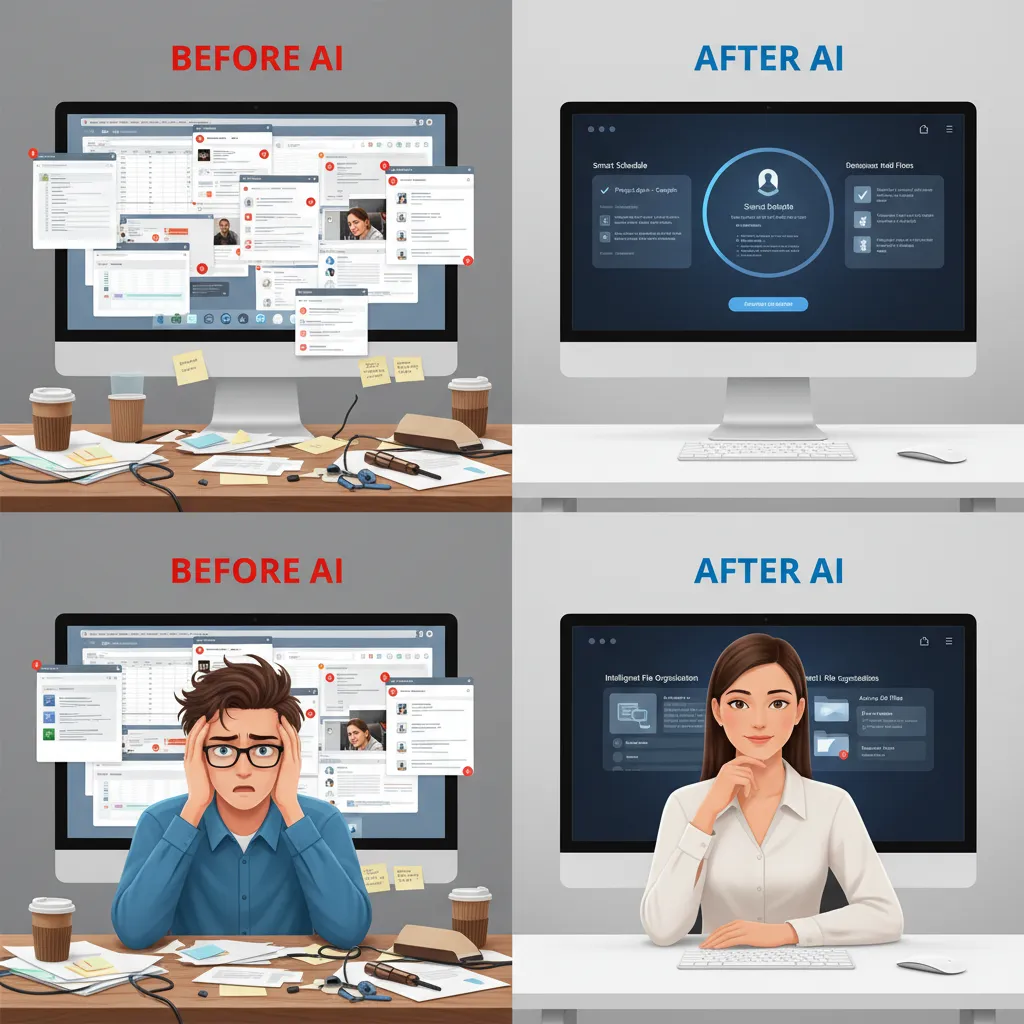
Your personal documents, emails, photos, and behavioral patterns are used to train a personal AI assistant on your PC that works for you, not a corporation’s cloud. This model of secure AI computing builds user trust and provides a level of AI privacy that cloud-based services simply cannot match. It’s a return to the original promise of personal computing: a device that empowers the individual, securely and privately.
Related: Ethical AI in Content Creation: Navigating Bias and Building Trust
Is It Time to Upgrade? Who Needs an AI PC Today?
The question on everyone’s mind is whether it’s worth investing in an AI PC right now. The answer depends on your needs.
- For Creatives, Developers, and Professionals: Absolutely. The performance gains in AI-accelerated applications for video editing, 3D rendering, and software development offer an immediate and tangible return on investment. The AI PC benefits in workflow optimization are undeniable.
- For Early Adopters and Tech Enthusiasts: If you want to be on the cutting edge and experience the future of computing firsthand, the new wave of Copilot+ PCs and Apple MacBooks with Apple Intelligence are incredibly compelling.
- For the Everyday User: If you’re in the market for a new laptop in 2024, choosing one of the best AI laptops is a smart, future-proof decision. While you may not use every advanced AI feature on day one, the underlying improvements in performance, battery life, and core OS functions provide a superior experience right out of the box.
The AI PC isn’t a fleeting trend; it’s the new baseline. It represents a more intelligent, responsive, and secure relationship with the technology we rely on every day.
Conclusion: Your New Digital Partner
The personal computer is no longer just a passive tool for executing commands. It’s becoming a proactive, intelligent partner. The AI PC, powered by dedicated NPUs and sophisticated on-device AI, is the vessel for this transformation.
By bringing AI out of the cloud and into our homes and offices, this new category of devices delivers a powerful trifecta of benefits: unparalleled performance for demanding tasks, a quantum leap in everyday productivity, and a robust commitment to user privacy and data security.
Whether you’re a creative professional pushing the boundaries of digital art, a student looking for a smarter way to learn, or simply someone who wants a faster, more efficient, and longer-lasting laptop, the AI PC is built for you. This is more than an upgrade; it’s the dawn of a new, more intelligent era in personal computing.
Frequently Asked Questions (FAQs)
Q1. What is an AI PC in simple terms?
In simple terms, an AI PC is a computer with a dedicated processor called an NPU (Neural Processing Unit) designed specifically to run AI tasks efficiently. This allows it to perform AI-powered features quickly, with better battery life, and without needing to send your data to the cloud.
Q2. What is the main benefit of an AI PC?
The main benefit is a combination of enhanced productivity and privacy. AI tasks run much faster directly on the device, and because your personal data isn’t sent to the internet for processing, it remains more secure. This results in a faster, smarter, and safer computing experience.
Q3. How is an AI PC different from a regular PC?
The key difference is the inclusion of an NPU (Neural Processing Unit). While a regular PC uses its main processor (CPU) and graphics card (GPU) for everything, an AI PC offloads AI-specific tasks to the highly efficient NPU. This frees up the CPU and GPU, improving overall system performance and battery life.
Q4. What is an NPU and why is it important?
An NPU, or Neural Processing Unit, is a specialized microchip built for the unique mathematical calculations required by artificial intelligence. It’s important because it can perform these tasks much faster and using far less power than a general-purpose CPU or GPU, making on-device AI practical and efficient.
Q5. Are Copilot+ PCs the only type of AI PC?
No. “Copilot+ PC” is a marketing and certification standard from Microsoft for Windows PCs that meet a high performance threshold (40+ TOPS from the NPU). Other computers, like Apple’s MacBooks with M-series chips and their Neural Engine, are also powerful AI PCs, even if they don’t carry the “Copilot+” name.
Q6. Do I need to be connected to the internet for an AI PC to work?
No, and that’s a major advantage. Many core AI features, such as real-time translation, enhanced camera effects, and on-device search, are part of the offline AI capabilities of an AI PC. While some features may still require the internet, the goal is to make the device as functional as possible without a connection.
Q7. Is it worth buying one of the best AI laptops in 2024?
If you are already in the market for a new premium laptop, it is absolutely worth buying an AI PC in 2024. You’ll be getting a device that is not only powerful today but is also equipped for the next wave of AI software and features. For those whose current laptops work fine, the software ecosystem is still growing, but the performance and efficiency benefits alone make it a compelling upgrade to consider.