AI PCs for Creatives: Boost Your Workflow & Unleash Innovation
Introduction
The creative landscape is in the midst of a seismic shift. For years, artificial intelligence felt like a distant, abstract concept. Today, it’s a tangible, powerful collaborator embedded directly into our tools. If you’re a video editor, graphic designer, musician, or any creative professional, you’ve likely felt the ground move. Render times are shrinking, tedious tasks are automating, and entirely new avenues of creation are opening up. At the heart of this revolution is a new class of hardware: the AI PC.
But what exactly is an AI PC, and how is it different from the high-performance workstation you already own? It’s more than just a marketing buzzword. These machines are engineered from the ground up with dedicated processors for artificial intelligence tasks, promising to supercharge your software and fundamentally reshape your creative workflow.
This comprehensive guide dives deep into the world of AI PCs for creatives. We’ll demystify the hardware, explore the game-changing software integrations, and provide a clear roadmap for how this technology can dramatically boost your productivity and unlock unprecedented levels of innovation. Get ready to explore the new frontier of AI enhanced creativity.
What Exactly Defines an “AI PC”? Beyond the Buzzword
The term “AI PC” has flooded the tech scene, but its definition is specific. An AI PC isn’t just a computer with a fast processor; it’s a system equipped with a specialized component designed to handle AI and machine learning tasks with incredible efficiency. This is where the new hardware trifecta comes into play.
The New Power Trio: CPU, GPU, and the NPU
For decades, the CPU (Central Processing Unit) and GPU (Graphics Processing Unit) have been the workhorses of computing. The AI PC introduces a third, crucial player: the NPU (Neural Processing Unit).
- CPU (The Generalist): The brain of your computer, the CPU is designed for low-latency, single-threaded performance. It juggles your operating system, application logic, and a million other background tasks. It’s a versatile jack-of-all-trades.
- GPU (The Powerhouse): With thousands of cores, the GPU is a master of parallel processing. Originally designed for rendering pixels in video games, its architecture is perfectly suited for the massive calculations required to train and run complex AI models. This is the engine behind most high-intensity generative AI hardware and is crucial for tasks like graphics card AI art.
- NPU (The Specialist): This is the game-changer. An NPU for artists and other creatives is a highly efficient, low-power processor built specifically for sustained AI workloads. Think of it as an AI accelerator. Instead of your CPU or GPU burning energy on tasks like real-time noise cancellation, background blur on a video call, or running smaller local AI models, the NPU handles them effortlessly. This frees up the CPU and GPU to focus on what they do best, leading to a faster, cooler, and more responsive system with longer battery life on laptops.
This distribution of labor is the core AI PC benefit creative professionals will notice most—a smoother, more efficient multitasking experience, even when running demanding AI powered creative suites.
On-Device vs. Cloud AI: Why Local Processing Matters
Much of the generative AI we use today, like ChatGPT or Midjourney, runs in the cloud on massive server farms. AI PCs, with their powerful NPUs, are championing a shift towards on-device AI creative apps. Why is this so important?
- Speed & Latency: Processing data locally eliminates the round-trip to a server, resulting in near-instantaneous responses. This is critical for real-time effects in photo editing or live feedback in design software.
- Privacy & Security: Your sensitive project files and creative data stay on your machine, never uploaded to a third-party server.
- Cost-Effectiveness: Running AI on-device means no subscription fees or per-use charges for cloud-based AI processing.
- Offline Capability: You can continue using powerful AI features even without an internet connection, a massive advantage for creatives working on the go.
How AI PCs Revolutionize the Creative Workflow
The true magic of an AI PC lies in how its specialized hardware supercharges the software you use every day. Here’s a breakdown of how different creative disciplines benefit from this technological leap.
For the Visual Storyteller: AI PCs in Video Editing & Motion Graphics
For video editors, time is money, and render bars are the enemy. AI PCs video editing capabilities directly attack these pain points, turning hours of tedious work into minutes of automated magic.
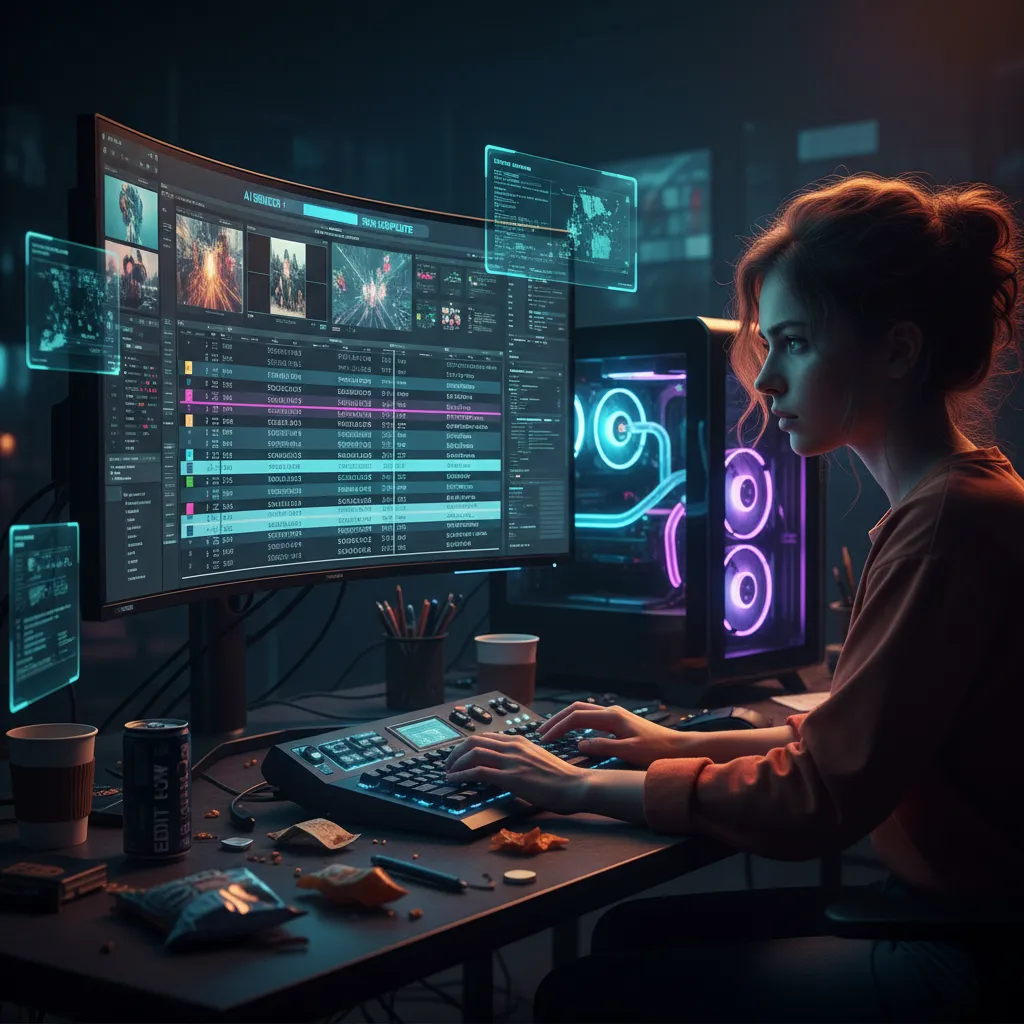
Software like Adobe Premiere Pro and DaVinci Resolve are increasingly leveraging AI. With an AI PC, these features run faster and more smoothly than ever before.
- Text-Based Editing: Automatically transcribe your entire video timeline, then edit your video simply by deleting words or phrases in the transcript.
- Auto Reframe: Instantly resize and reframe a 16:9 video for vertical platforms like TikTok or Instagram Reels, with AI intelligently keeping the subject in the frame.
- AI Scene Detection: Automatically chop a long video file into individual clips, saving immense amounts of time in the initial editing stages.
- Accelerated Exports: The combined power of the GPU and NPU can significantly reduce rendering and export times for complex timelines and effects.
[Related: AI Health Revolution: Smart Tracking & Proactive Wellness Insights]
For the Digital Artist: Graphic Design & Photo Editing Reimagined
The world of AI in digital art and graphic design is exploding with generative capabilities. Features like Adobe Firefly’s Generative Fill, once purely cloud-based, are now being accelerated on-device by AI PCs, making the creative process more fluid and interactive.
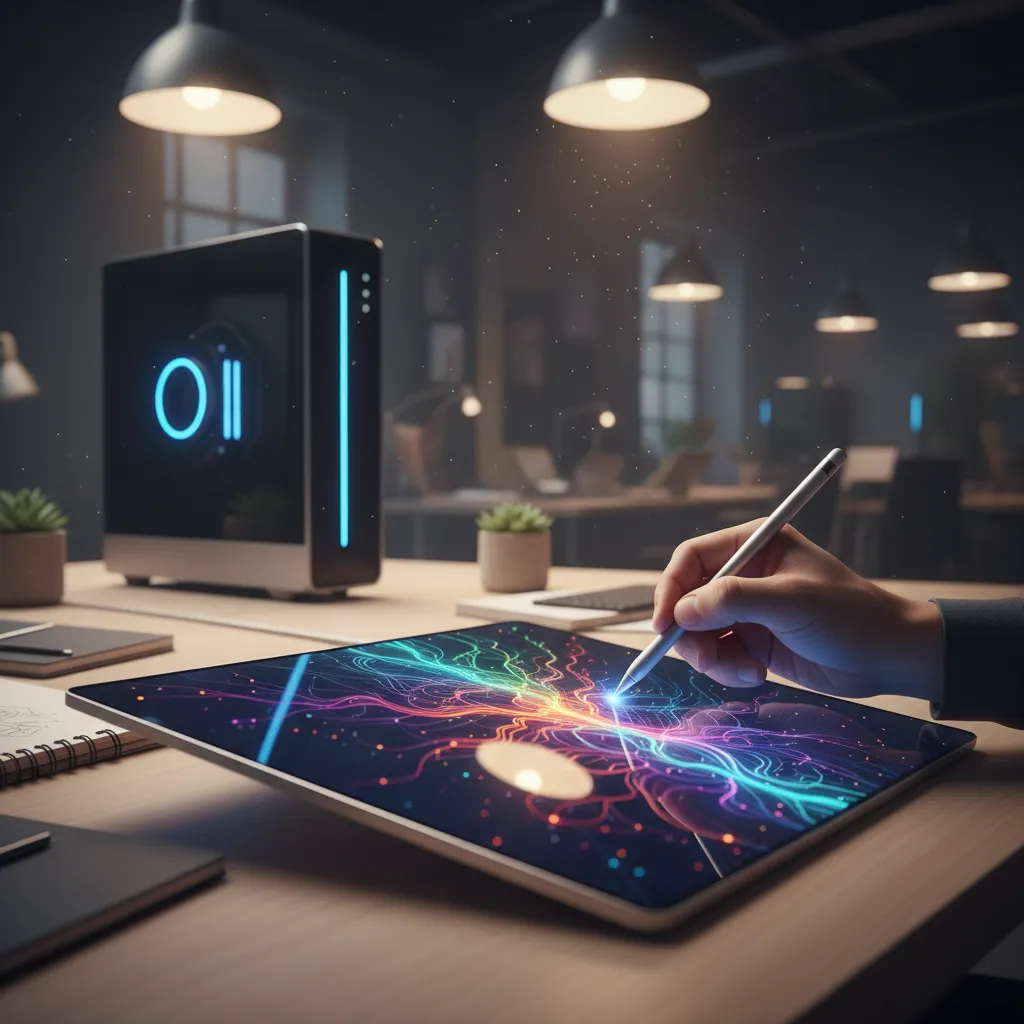
A dedicated photo editing AI PC transforms the experience:
- Real-Time Generative Fill: Select an area of an image and type a prompt to add, remove, or change elements instantly without lagging your system.
- Neural Filters: Apply complex, AI-powered stylistic changes and restorations in Photoshop with lightning speed.
- Intelligent Upscaling: Enlarge low-resolution images for print without losing quality, with AI intelligently recreating missing details.
- AI-Powered Masking: Automatically select complex subjects like hair or trees with a single click, a task that once took meticulous manual effort. This AI accelerated design makes design with AI PCs an intuitive and rapid process.
For the Sonic Architect: AI-Enhanced Music Production
AI music production computers are changing how artists compose, produce, and master their tracks. The NPU can handle real-time audio analysis and processing, leaving the CPU free to manage the Digital Audio Workstation (DAW) and its plugins.
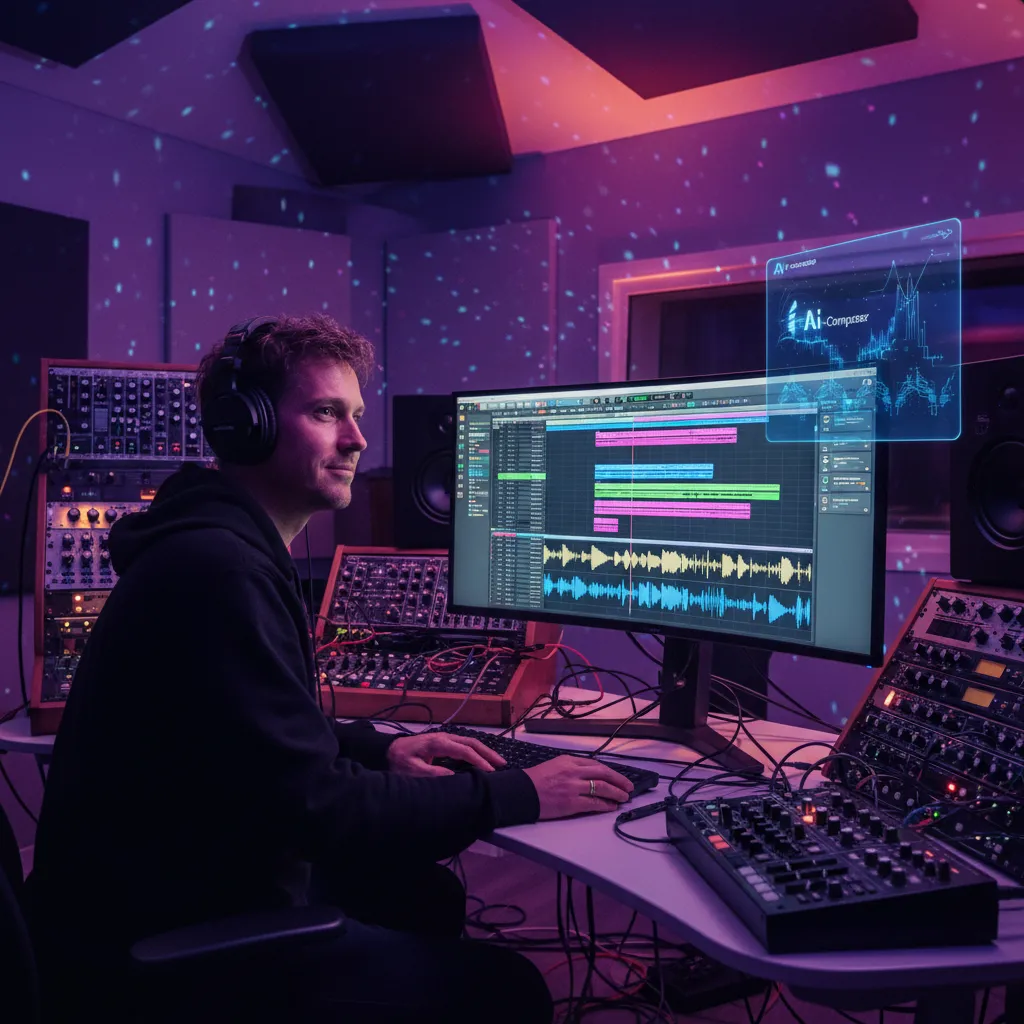
- AI Stem Separation: Isolate vocals, drums, bass, and other instruments from a single audio track with astonishing clarity.
- Smart EQs and Compressors: AI-powered plugins can listen to your track and suggest optimal settings to fix mix issues or enhance sonic character.
- AI Mastering: Get your track release-ready in minutes with AI mastering tools that analyze your genre and deliver a professional, polished sound.
- Generative Music Tools: Experiment with AI tools that can generate new chord progressions, drum patterns, or melodic ideas to overcome creative blocks.
For the World Builder: 3D Modeling, Animation, and Architecture
3D workflows are notoriously demanding on hardware. AI PCs and the best AI workstations offer a significant performance uplift, especially in rendering and simulation.
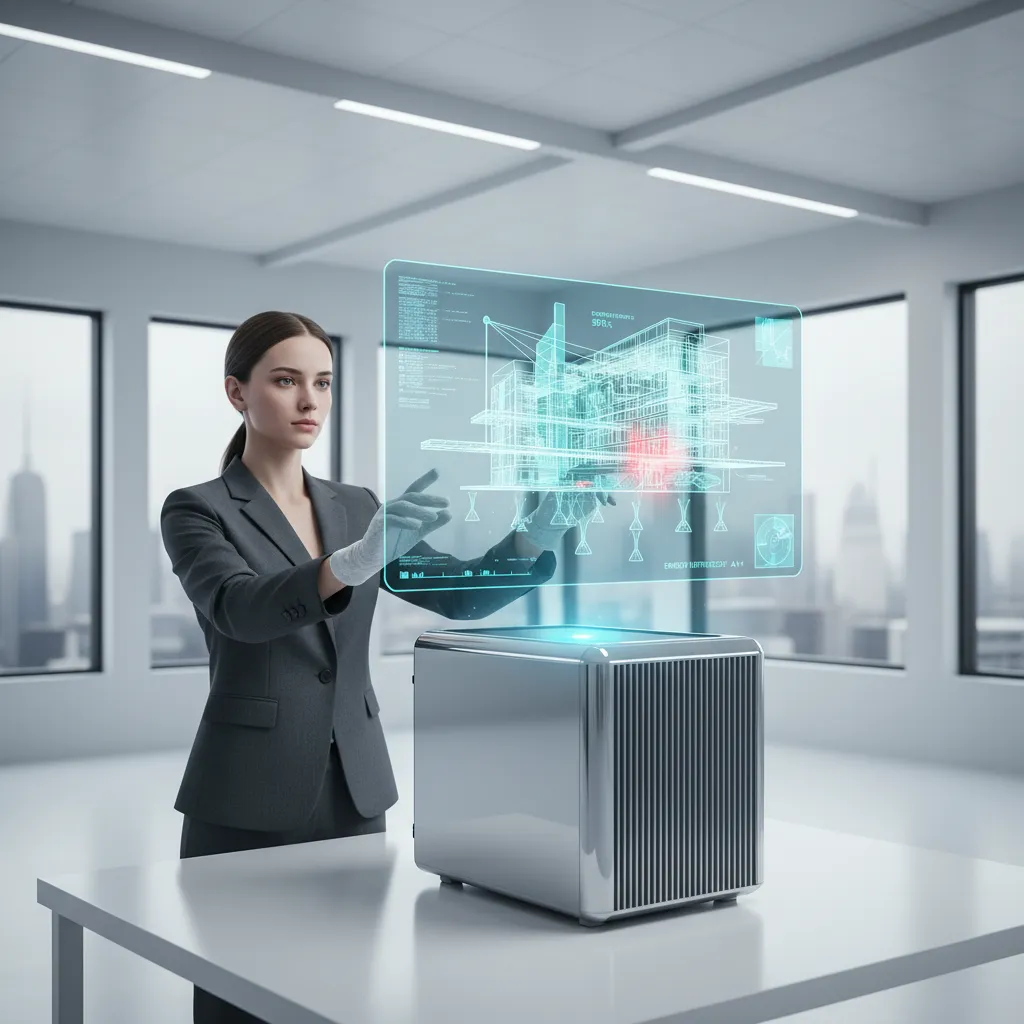
- AI Denoising: Clean up grainy, noisy renders in real-time, allowing you to see a near-final image instantly instead of waiting for hours.
- Generative Design: In architecture and product design, AI can generate thousands of optimized design variations based on a set of constraints (e.g., material strength, cost, weight).
- Physics Simulations: AI can accelerate complex simulations for cloth, fluids, and particles, providing faster feedback for animators and VFX artists.
The Creative AI Hardware Guide: What Specs Actually Matter?
When choosing an AI PC, it’s crucial to look beyond the sticker and understand which components deliver the most value for your specific workflow. This is your creative AI hardware guide.
The Processor (CPU & NPU): The Brains of the Operation
This is the heart of any AI PC. The market is currently dominated by three key players:
- Intel Core Ultra: These chips were among the first to heavily market the integrated NPU, focusing on power efficiency and AI acceleration for Windows-based laptops.
- AMD Ryzen AI: AMD’s solution combines their powerful Zen CPU cores with a dedicated XDNA-based NPU, offering competitive performance in both general computing and AI tasks.
- Apple Silicon (M-Series): Apple was ahead of the curve, integrating their “Neural Engine” (their version of an NPU) since the A11 chip. The M-series chips in modern MacBooks and Macs are formidable AI laptops for creatives.
When comparing NPUs, a key metric is TOPS (Trillions of Operations Per Second). A higher TOPS number generally indicates a more powerful NPU capable of handling more complex AI tasks.
The Graphics Card (GPU): The Unsung AI Hero
While the NPU is the new star, a powerful discrete GPU remains non-negotiable for serious creative work. For tasks like 3D rendering, high-resolution video editing, and training or running large local AI art models, the GPU does the heavy lifting.
Look for NVIDIA’s RTX series graphics cards. Their Tensor Cores are specifically designed for AI calculations, and their CUDA platform is the industry standard for most creative AI software. Pay close attention to VRAM (video memory)—12GB is a good starting point, but 16GB or more is highly recommended for 4K+ video and complex 3D scenes.
RAM and Storage: Don’t Skimp on the Essentials
- RAM: AI models and creative applications are memory-hungry. 32GB of RAM should be considered the baseline for a smooth creative workflow AI PC. If you’re a professional video editor or 3D artist, investing in 64GB or even more will pay dividends in performance.
- Storage: A fast NVMe SSD is essential. It dramatically reduces project load times and makes the entire system feel snappier. Aim for at least 1TB, but 2TB or more is ideal for storing large video files and project assets.
[Related: Copilot+ PCs: The Future of AI-Powered Laptops]
The Software Ecosystem: Unlocking Your Hardware’s Potential
Hardware is only half the story. The true power of an AI PC for content creators is unlocked through AI software optimization.
The Adobe Creative Cloud Advantage
Adobe is all-in on AI. Their Adobe Sensei framework is the intelligence behind hundreds of features across their suite. With the rise of AI PCs, they are optimizing these tools to run locally. This means that features relying on Adobe AI features hardware acceleration will perform significantly better on a system with a dedicated NPU and a powerful GPU.
Beyond Adobe: The Growing World of AI Creative Apps
The ecosystem of machine learning art tools and creative apps is expanding rapidly.
- DaVinci Resolve: A powerhouse in video editing, its AI-powered features for color grading, audio cleanup, and editing are industry-leading.
- Topaz Labs: Their suite of photo and video enhancement tools (Gigapixel AI, Photo AI, Video AI) uses AI to upscale, sharpen, and denoise media with incredible results.
- Luminar Neo: An AI-driven photo editor that makes complex edits like sky replacement or portrait retouching accessible in a few clicks.
- Descript: A video and audio editor that revolves around an AI-generated transcript, fundamentally changing the editing paradigm.
The Future of Creative Computing: What’s Next?
We are at the very beginning of this transformation. The integration of powerful, on-device AI will continue to deepen, moving from helpful tools to indispensable creative partners. The future of creative computing points towards a world where your computer doesn’t just execute commands—it anticipates your needs, suggests creative options, and handles the mundane, leaving you free to focus on the one thing it can’t replicate: your unique vision. This is the ultimate goal of AI PC productivity for artists: to augment, not replace, human ingenuity.
[Related: AI and the Cognitive Boost: Enhancing Our Decision-Making Potential]
Conclusion
The era of the AI PC is not a distant promise; it’s a present-day reality for creative professionals AI tech. By integrating a specialized Neural Processing Unit (NPU) alongside the traditional CPU and GPU, these machines offer a smarter, faster, and more efficient foundation for the next generation of creative software.
Whether you’re a video editor tired of waiting on exports, a designer exploring the boundless possibilities of generative art, or a musician seeking new sonic textures, an AI PC is a strategic investment in your creative future. It’s about more than just incremental speed bumps; it’s about fundamentally changing the human-computer relationship into a truly collaborative partnership. It’s time to boost creativity with AI PC hardware and unleash your full innovative potential.
Frequently Asked Questions (FAQs)
Q1. What is the main benefit of an AI PC for creatives?
The primary benefit is workflow efficiency. AI PCs use a dedicated Neural Processing Unit (NPU) to handle AI-specific tasks, which frees up the CPU and GPU. This results in faster performance in AI-powered software features, smoother multitasking, and better battery life on laptops, allowing creatives to work faster and with fewer interruptions.
Q2. Do I need an NPU for creative work?
While you can run AI software on older PCs, having a dedicated NPU is rapidly becoming essential. It not only accelerates current AI features but also future-proofs your system for the next wave of on-device AI creative apps. It’s a key component for maximizing the performance of modern creative suites from Adobe, Blackmagic Design, and others.
Q3. Is a MacBook with an M-series chip considered an AI PC?
Yes, absolutely. Apple was a pioneer in this space by integrating its “Neural Engine”—which is functionally an NPU—into its chips long before the “AI PC” term became mainstream. MacBooks with M1, M2, M3, or M4 chips are powerful AI machines highly optimized for creative workflows.
Q4. Which is more important for AI art: GPU or NPU?
It depends on the task. For heavy-duty generative AI tasks like training models or running large text-to-image models locally (e.g., Stable Diffusion), a powerful GPU with lots of VRAM is more important. For running smaller, optimized AI filters and features within applications like Photoshop, the NPU provides a more power-efficient solution. The best AI workstations have both.
Q5. What’s the difference between an AI PC and a gaming PC?
There’s significant overlap, as both require powerful GPUs and CPUs. The key differentiator is that an AI PC must have a dedicated NPU (like those in Intel Core Ultra or AMD Ryzen AI chips). While a high-end gaming PC is excellent for many AI tasks due to its GPU, the NPU in an AI PC provides specialized efficiency for sustained, low-power AI workloads and is becoming the new standard for modern productivity.
Q6. Can my current PC run AI software?
Yes, most modern PCs can run software that has AI features. However, without a dedicated NPU, those AI tasks will run on the CPU or GPU, which can slow down your system, consume more power, and create more heat. An AI PC is specifically optimized to run these tasks more efficiently, leading to a noticeably better user experience.