AI Digital Declutter: Conquer Information Overload & Boost Focus

Between overflowing email inboxes, thousands of unread browser bookmarks, scattered desktop files, and endless smartphone notifications, modern knowledge workers are suffocating under digital clutter.
This constant sensory barrage fractures working memory and drains executive focus. AI-powered digital declutter systems act as an intelligent cognitive filter—turning digital chaos into an organized, distraction-free sanctuary.
[!NOTE] What is AI Digital Decluttering? AI digital decluttering is the use of automated semantic classifiers, natural language summarizers, and local file-organization agents to sort, archive, filter, and synthesize digital noise into structured, actionable knowledge.
⚖️ Digital Chaos vs. AI-Optimized Digital Decluttering
| Digital Environment | Disorganized Digital Workspace | AI-Decluttered Sanctuary | Cognitive Benefit |
|---|---|---|---|
| Email Processing | 200+ unread emails demanding constant triage | Daily synthesized 1-page executive summary | Saves 90 minutes daily |
| File Management | Hundreds of unnamed files in “Downloads” | Automatic semantic tagging & folder routing | Instant file retrieval |
| Notification Flow | Constant dings fracturing deep-work flow | Intelligent batching & VIP-only priority alerts | Sustained uninterrupted focus |
| Bookmark & Research Hoarding | 50+ open tabs slowing down your browser | Automated vector knowledge base clustering | Zero lost research insights |
| Mental State | High chronic stress & decision fatigue | Calm, focused clarity throughout the workday | Peak creative flow state |
🧹 The 4 Pillars of an Autonomous Digital Declutter System
Digital Declutter Architecture:
Notification Interceptor ──► Semantic File Sorting ──► Executive Inbox Digest ──► Mindful Focus Defense
1. The Cognitive Attention Gatekeeper
Machine learning filters intercept non-essential notifications, holding news alerts and promotional emails until your designated afternoon review window.
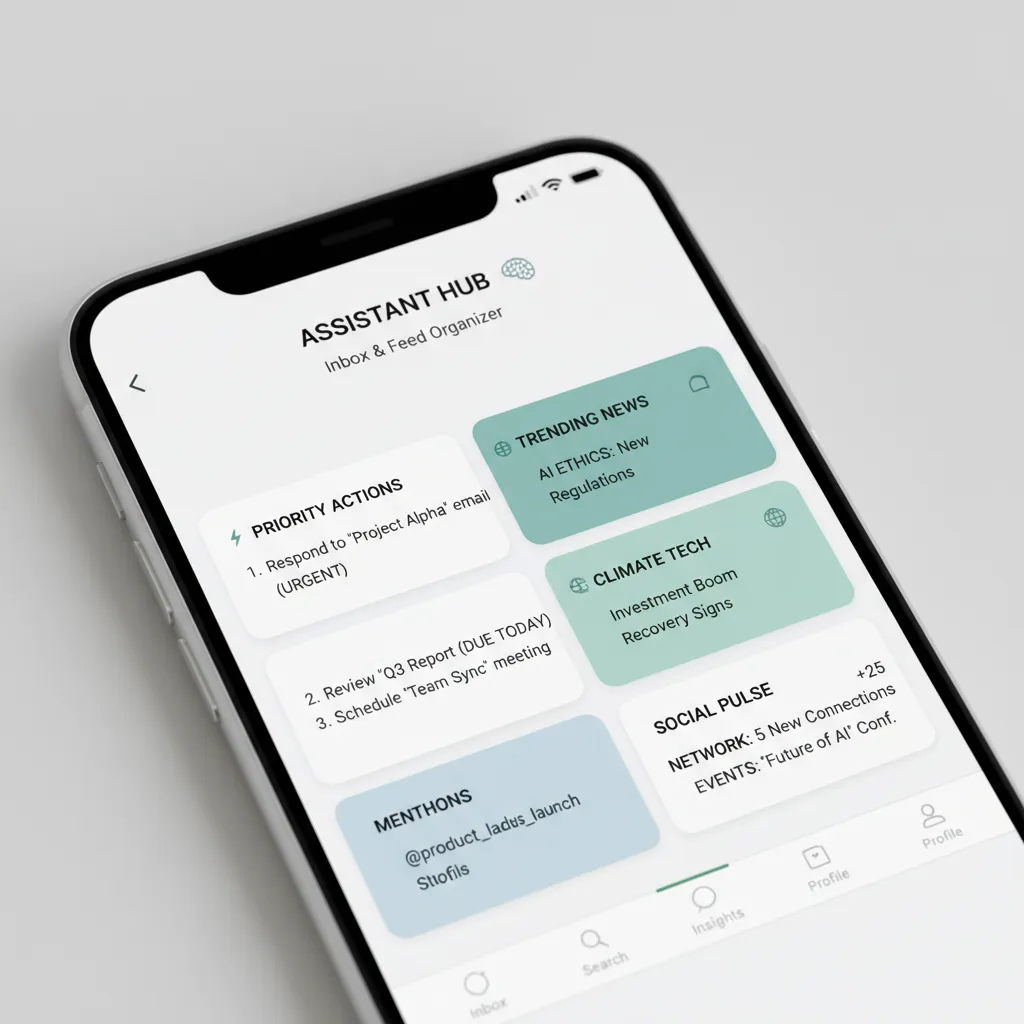
2. Autonomous Inbox Zero & Knowledge Digests
Instead of spending your morning scrolling through newsletter updates, AI digest agents generate a bulleted 3-minute morning briefing containing the core takeaways.
For broader personal workflow automation strategies, check out our guide on AI Agents for Personal Productivity.
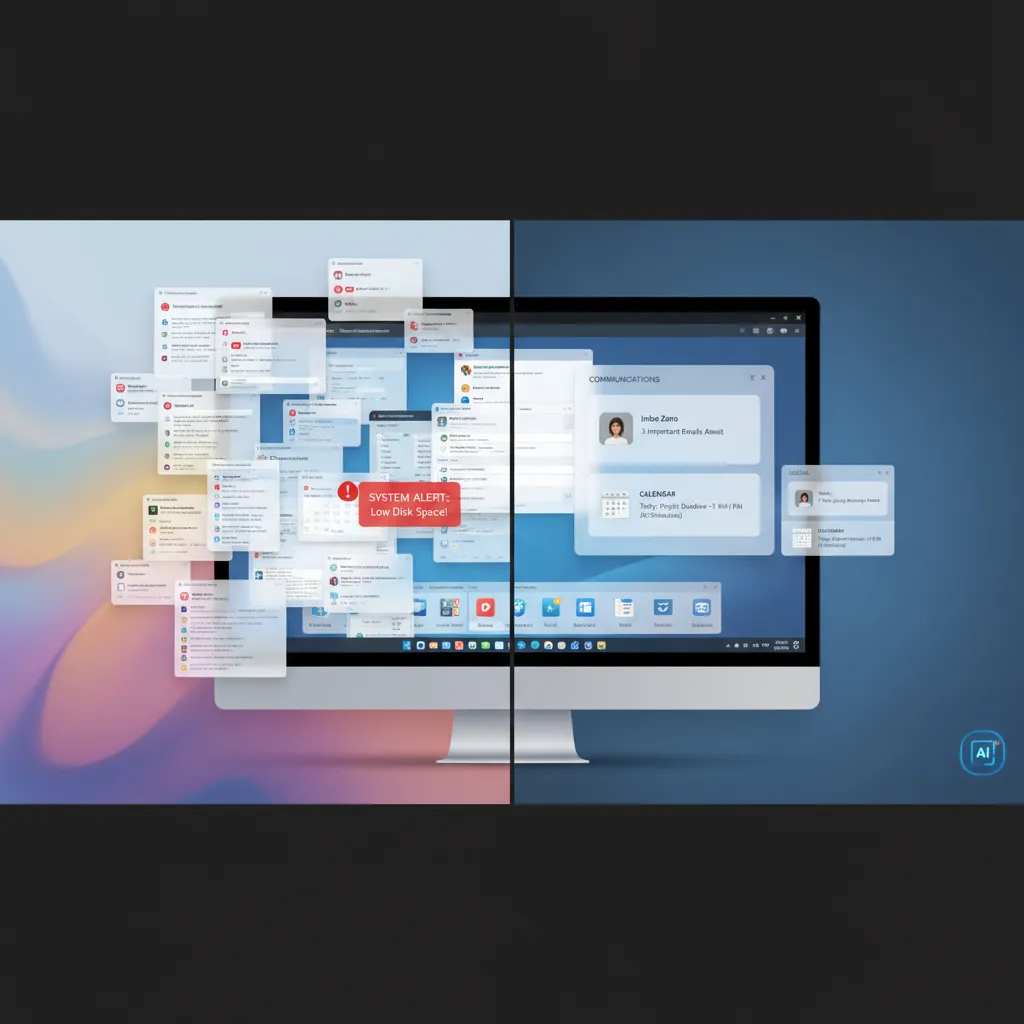
3. Automated Desktop & Cloud File Organization
Semantic background agents monitor your Downloads folder, analyzing document contents and automatically naming and filing PDFs, receipts, and invoices into structured cloud folders.

4. Continuous Mental Clarity & Data Flow Optimization
By maintaining an organized external digital brain, you eliminate the anxiety of misplaced files and reclaim deep focus for high-value strategic tasks.
For mental wellness practices that complement digital minimalism, explore our guide on AI for a Calmer Mind.
🚀 3 Quick Steps to Declutter Your Digital Life Today
- Activate Intelligent Inbox Summaries: Configure email clients like Shortwave or Spark to batch newsletters into a single daily digest.
- Deploy an Automated File Cleaner: Use Hazel (Mac) or FileJuggler (Windows) paired with local AI scripts to route files into categorized folders automatically.
- Establish a VIP Notification Rule: Silence all notifications by default, allowing only urgent calls from direct family and key team members.