AI Coding Copilots for Developers: Supercharge Your Software Workflow

Software engineering has historically been constrained by tedious boilerplate, complex API documentation lookups, and hours spent debugging obscure error stack traces.
Modern AI coding copilots are transforming the developer landscape—turning standard IDEs into collaborative pair-programming environments that write tests, refactor legacy architectures, and debug issues at unprecedented speed.
[!NOTE] What is an AI Coding Copilot? An AI coding copilot is an intelligent software assistant integrated into developer editors and terminal environments that uses large language models, repository-level AST indexing, and code execution capabilities to generate, debug, refactor, and test software in real time.
⚖️ Traditional Coding Workflows vs. AI Copilot-Augmented Development
| Engineering Task | Traditional Manual Development | AI Copilot-Augmented Workflow | Velocity Increase |
|---|---|---|---|
| Boilerplate & Schema Setup | 2 hours writing CRUD endpoints & types | 2 minutes via natural-language prompt | 95% faster |
| Unit Test Generation | Often skipped due to time constraints | Instant comprehensive edge-case test suites | 100% test coverage |
| Debugging & Stack Traces | Hours searching StackOverflow & docs | Instant root-cause diagnosis & 1-click diff fix | 80% faster debugging |
| Cross-File Refactoring | Manual find-and-replace across 20 files | Semantic multi-file dependency updates | Zero syntax breaks |
| Documentation & PR Reviews | Tedious manual drafting | Automated PR summaries & code walkthroughs | Instant team alignment |
💻 The 4 Pillars of Next-Gen Developer Environments
AI Developer Architecture:
Repository AST Indexing ──► Context Retrieval ──► Code Gen & Refactor ──► Automated Test Verification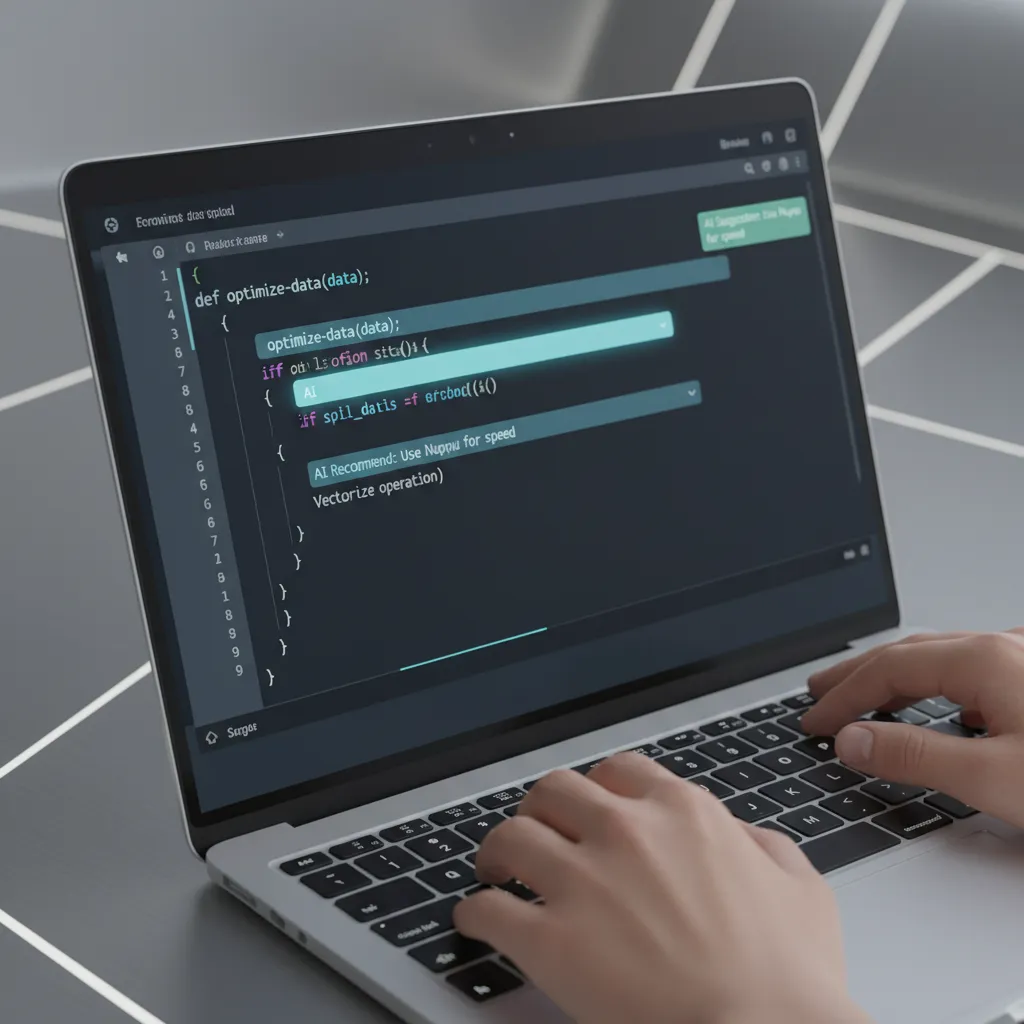
1. Whole-Repository Semantic Indexing
Leading editors like Cursor and Claude Code index your entire codebase, understanding architectural dependencies across hundreds of files rather than just the active tab.

2. Autonomous Debugging & Test-Driven Development
When a unit test fails or an exception is thrown, copilots analyze runtime memory state and trace the error back to the exact offending line, proposing verified one-click diff fixes.
For broader applications of autonomous agents in daily workflows, read our guide on AI Agents for Digital Life Automation.

3. Natural Language Terminal & Shell Copilots
Developers can execute complex git rebases, Docker container orchestrations, and cloud deployments using plain English terminal commands.

4. Continuous Security & Code Quality Audits
AI review agents automatically scan pull requests for SQL injection vulnerabilities, memory leaks, and hardcoded API secrets before merging to production.
For career strategies on positioning yourself as an AI-empowered developer, explore our guide on AI Career Growth & Job Market Success.
🚀 3 Best Practices for Developers in 2026
- Write Descriptive Specification Prompts: Treat AI as a brilliant junior engineer—provide explicit types, expected inputs/outputs, and edge cases.
- Always Run Automated Tests: Use the copilot to write unit tests first, then let it implement the code to pass those tests.
- Protect Sensitive Credentials: Use environment variables and zero-retention enterprise keys to safeguard your proprietary intellectual property.